
Tidy
Rename files automatically to tidy your mac
About Tidy
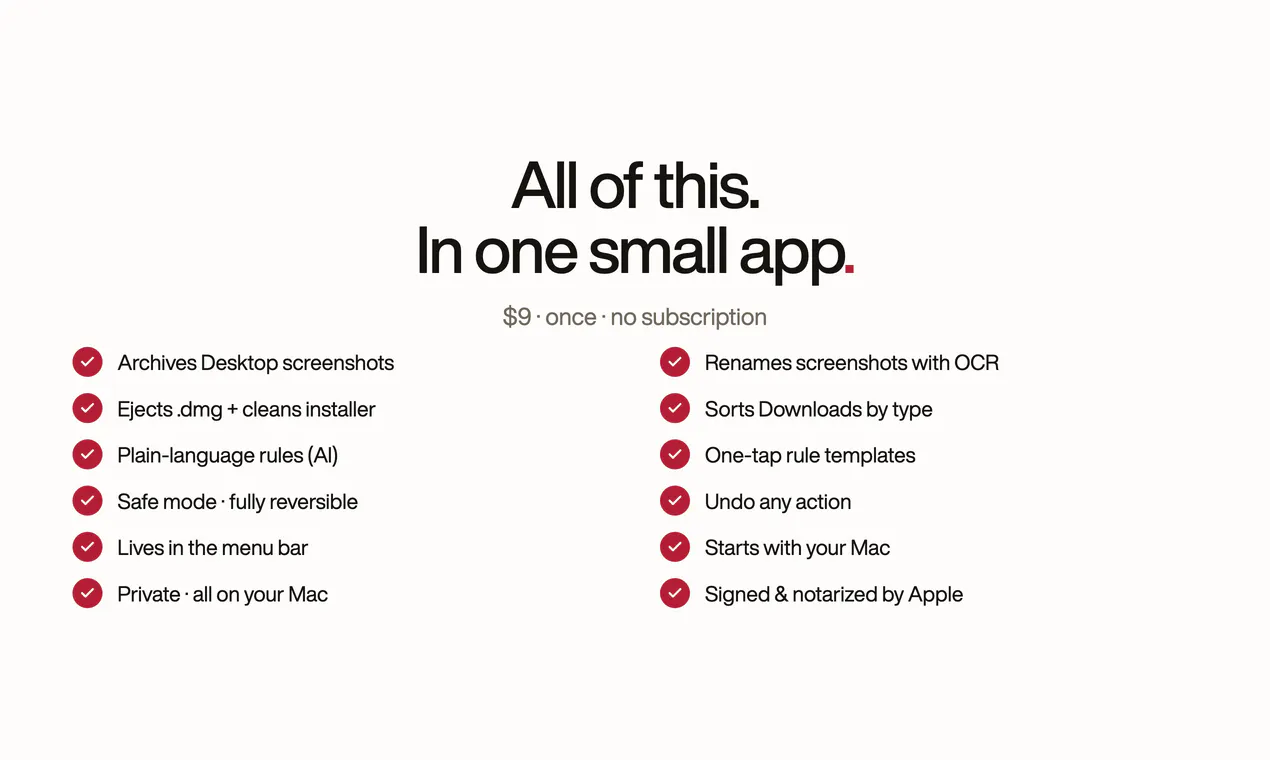
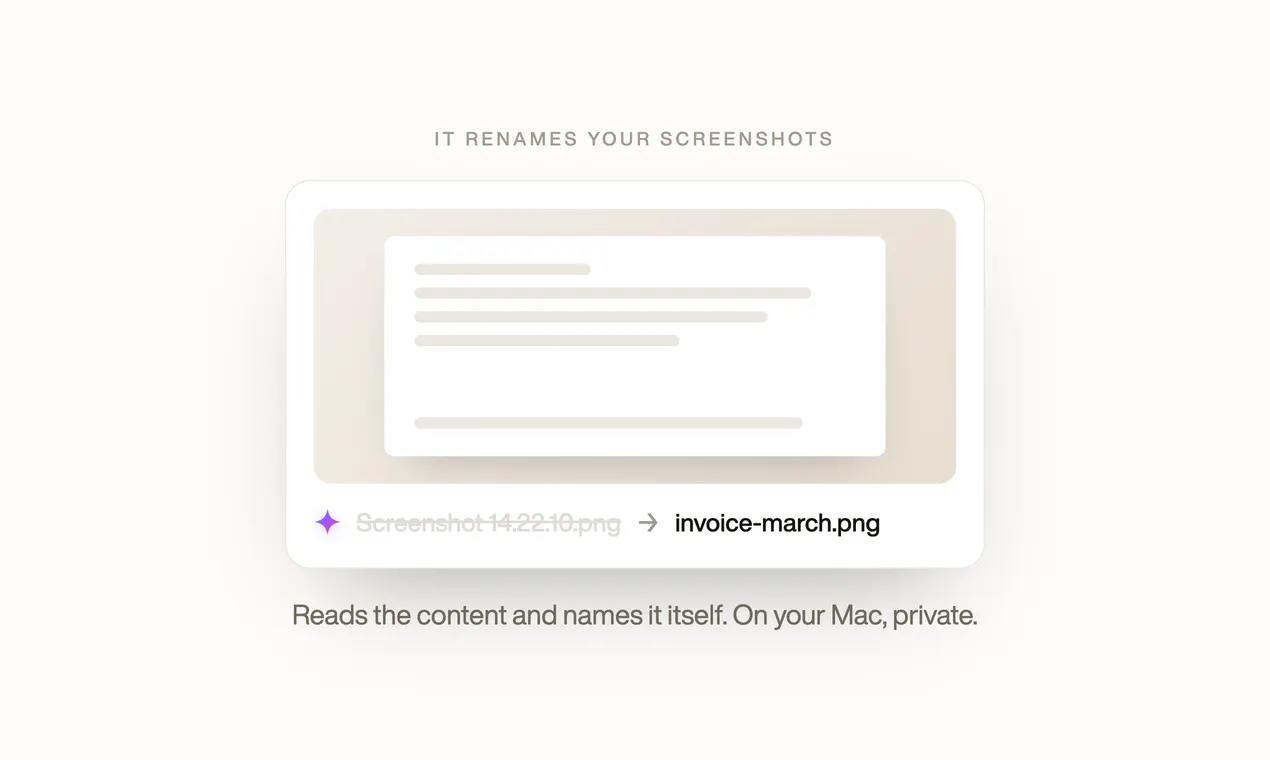
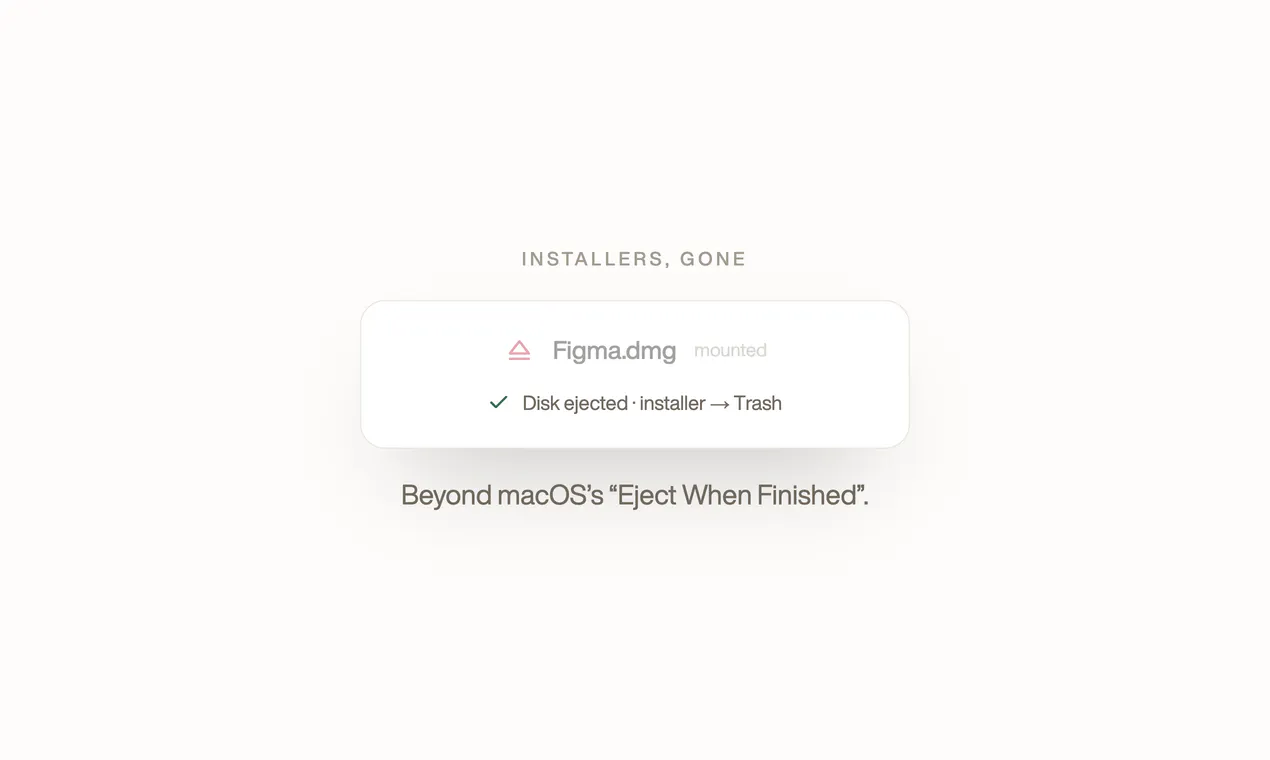
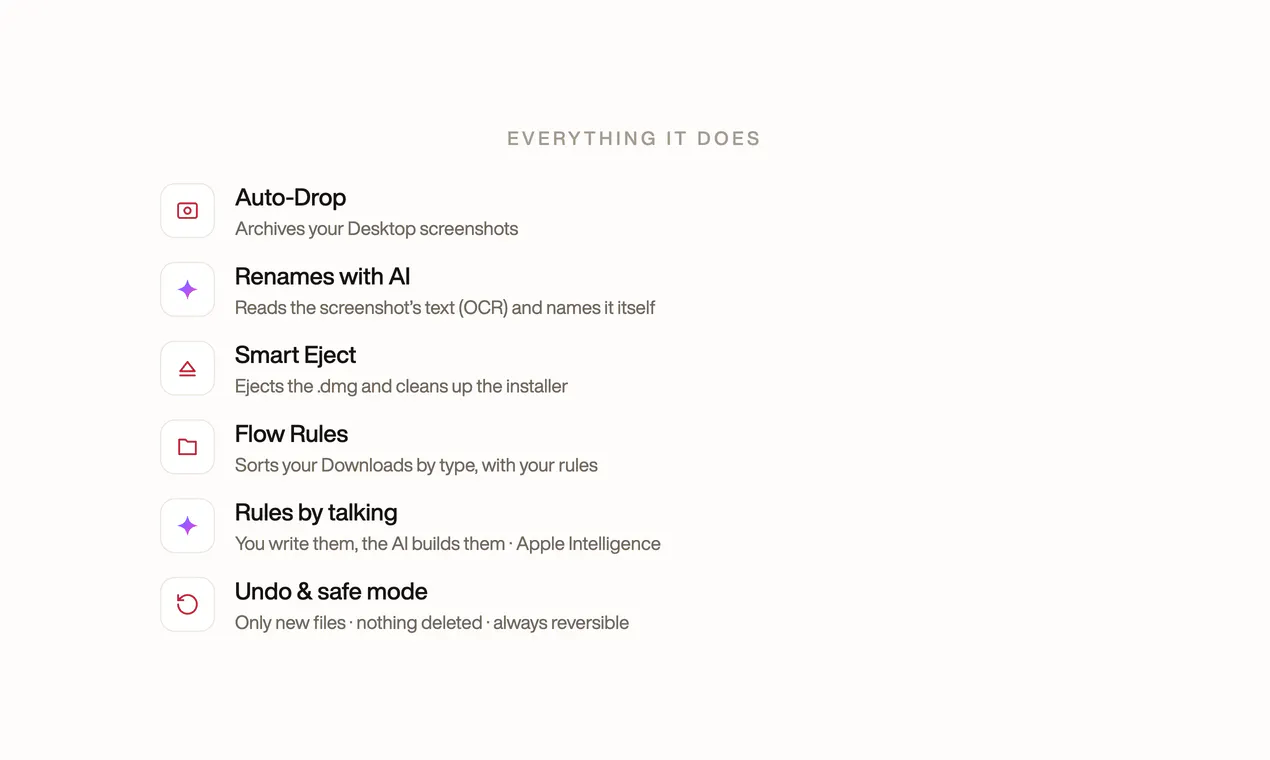
Tidy is a handy macOS utility designed to streamline file management tasks directly from the menu bar. It automates three common chores: archiving and renaming desktop screenshots using on-device OCR, ejecting mounted DMG files, and sorting new downloads based on user-defined rules written in plain English. Its on-device AI ensures privacy by processing everything locally, making it a secure solution for users who frequently handle numerous files. Tidy is ideal for busy professionals, students, and anyone seeking to reduce clutter and save time on repetitive file organization tasks. Its one-time purchase model at $9 makes it accessible without ongoing subscriptions, providing long-term value for users who want a simple yet effective file tidying tool.
Screenshots

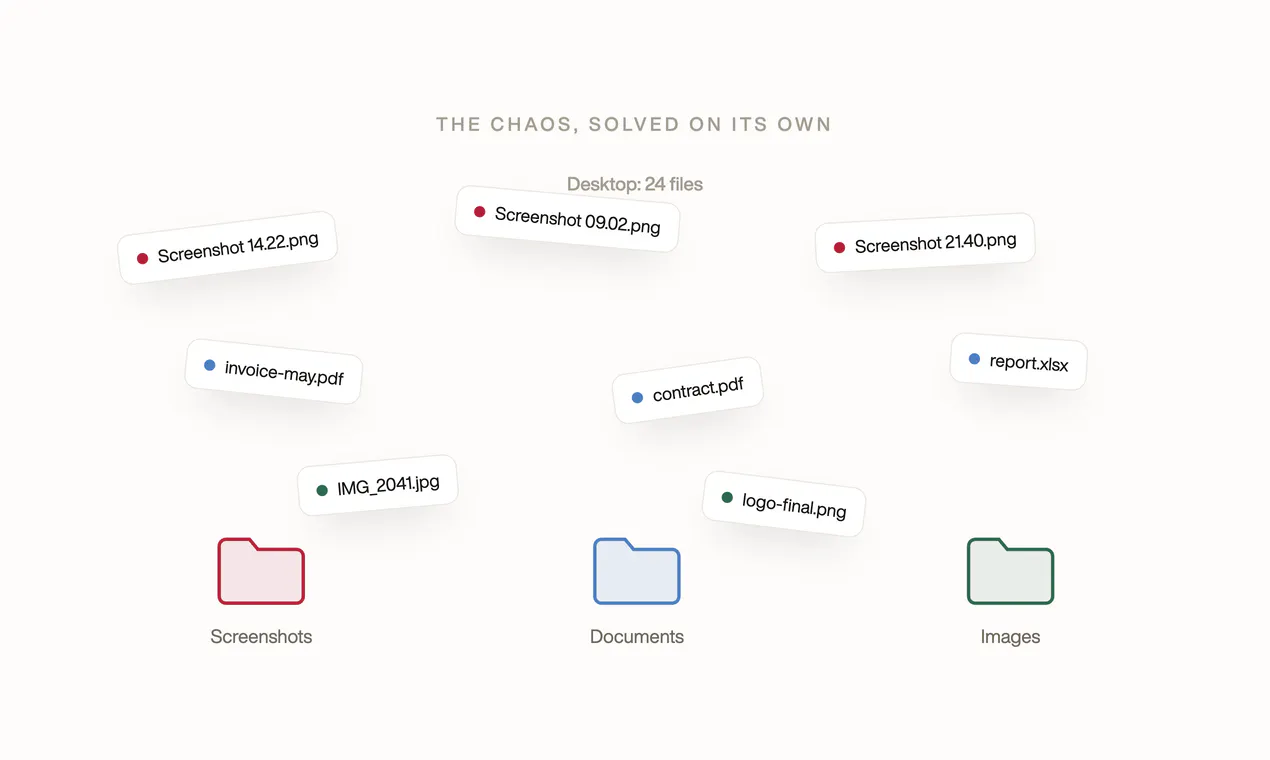
+1 more screenshots
Pros
- ✓Automates repetitive file management tasks
- ✓On-device OCR for privacy and security
- ✓Easy to set up and customize rules in plain English
- ✓One-time purchase with no subscription fees
- ✓Integrates seamlessly into the macOS menu bar
Cons
- ✗Limited to specific tasks, may not replace comprehensive file management tools
- ✗Requires macOS, so not cross-platform
- ✗Depends on on-device AI, which may have limitations in accuracy for complex naming
Use Cases
Pricing
Tidy is available for a one-time purchase of $9, with no subscription fees, making it an affordable and straightforward solution for Mac users seeking automation tools.
Quick Info
Topics
Makers

Sebastián Díaz Thomas
Alternatives
Similar Tools in Finance & Payments




Embed Badge
Add this badge to your website to show that Tidy is featured on Visalytica.
<a href="https://www.visalytica.com/tool/tidy-1198450" target="_blank" rel="noopener noreferrer" style="display:inline-flex;align-items:center;gap:6px;padding:6px 14px;background:#7c3aed;color:#fff;border-radius:8px;font-family:-apple-system,system-ui,sans-serif;font-size:13px;font-weight:600;text-decoration:none;transition:background .2s" onmouseover="this.style.background='#6d28d9'" onmouseout="this.style.background='#7c3aed'"><svg width="14" height="14" viewBox="0 0 24 24" fill="none" stroke="currentColor" stroke-width="2.5" stroke-linecap="round" stroke-linejoin="round"><path d="M12 20V10"/><path d="M18 20V4"/><path d="M6 20v-4"/></svg>Featured on Visalytica</a>