
Throttlr
Per-app bandwidth control for your Mac
About Throttlr
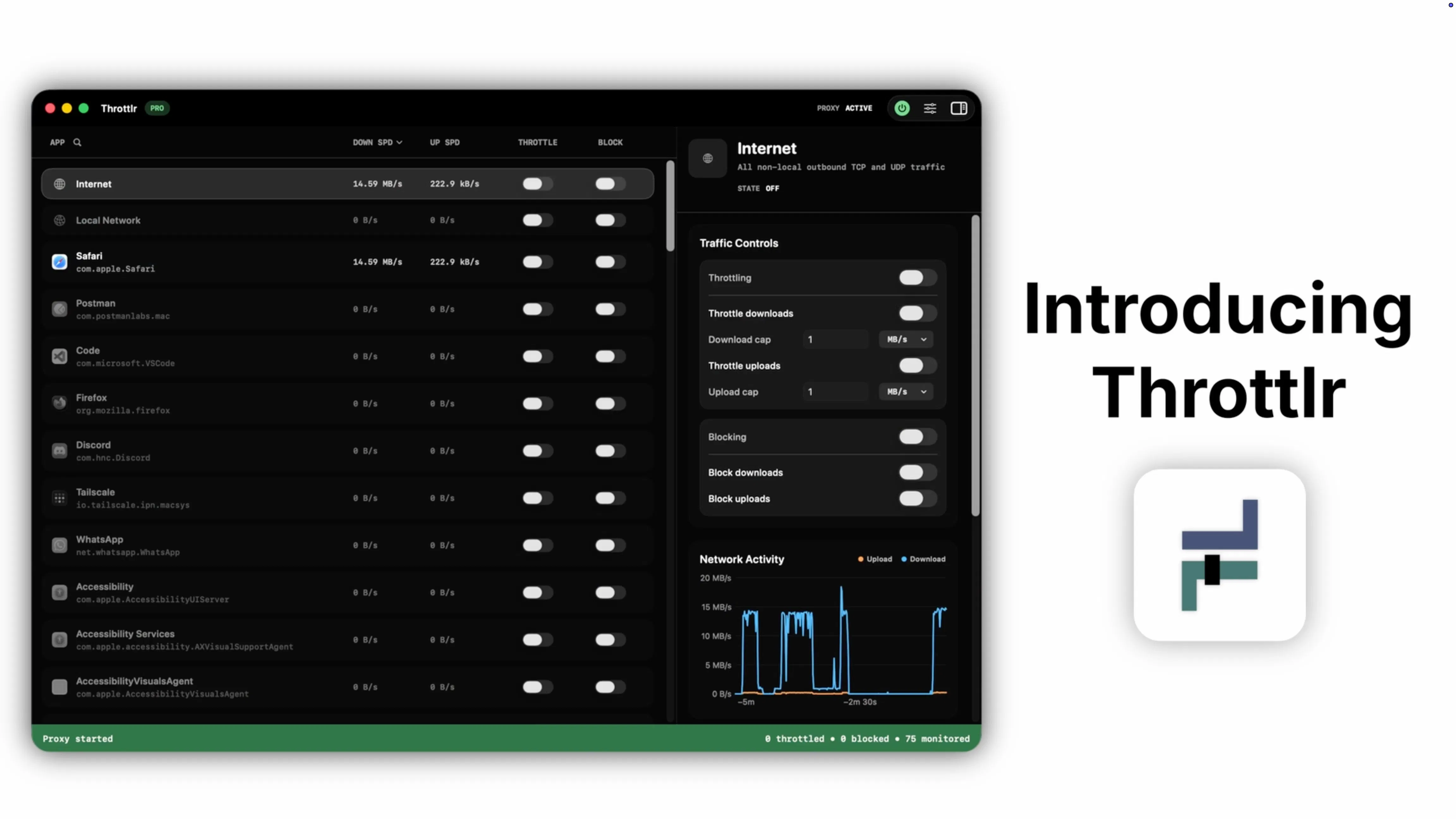
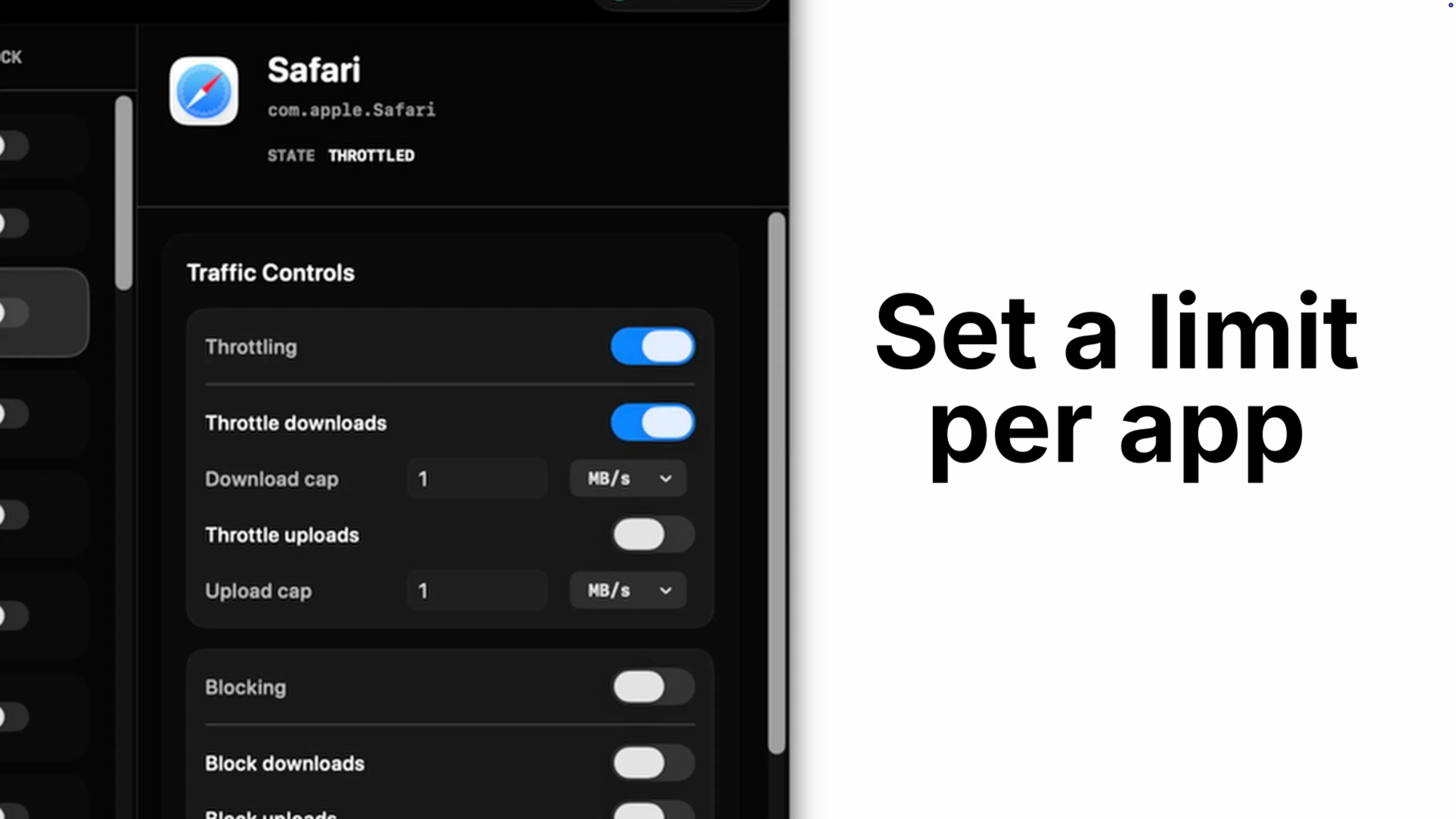
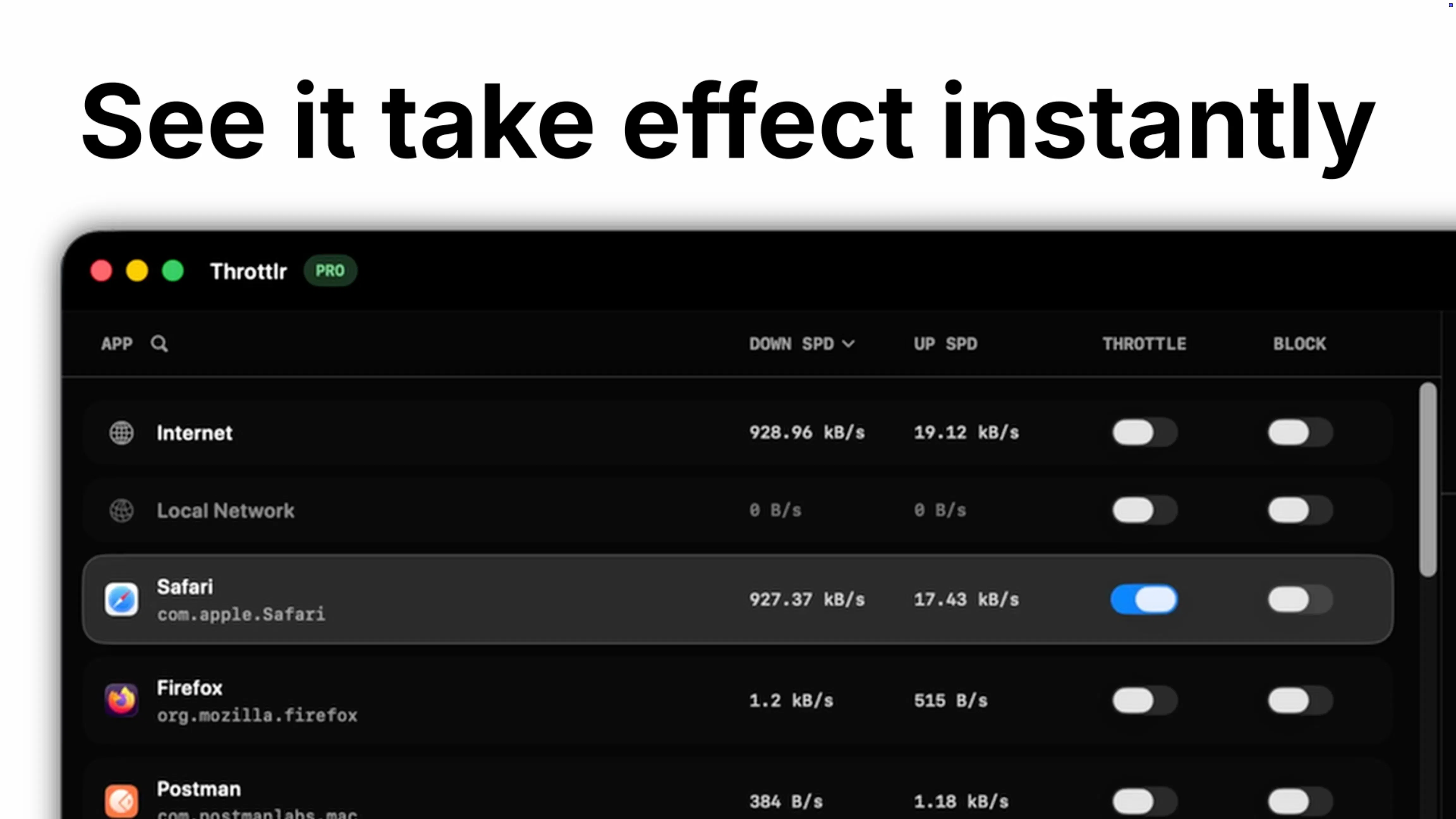
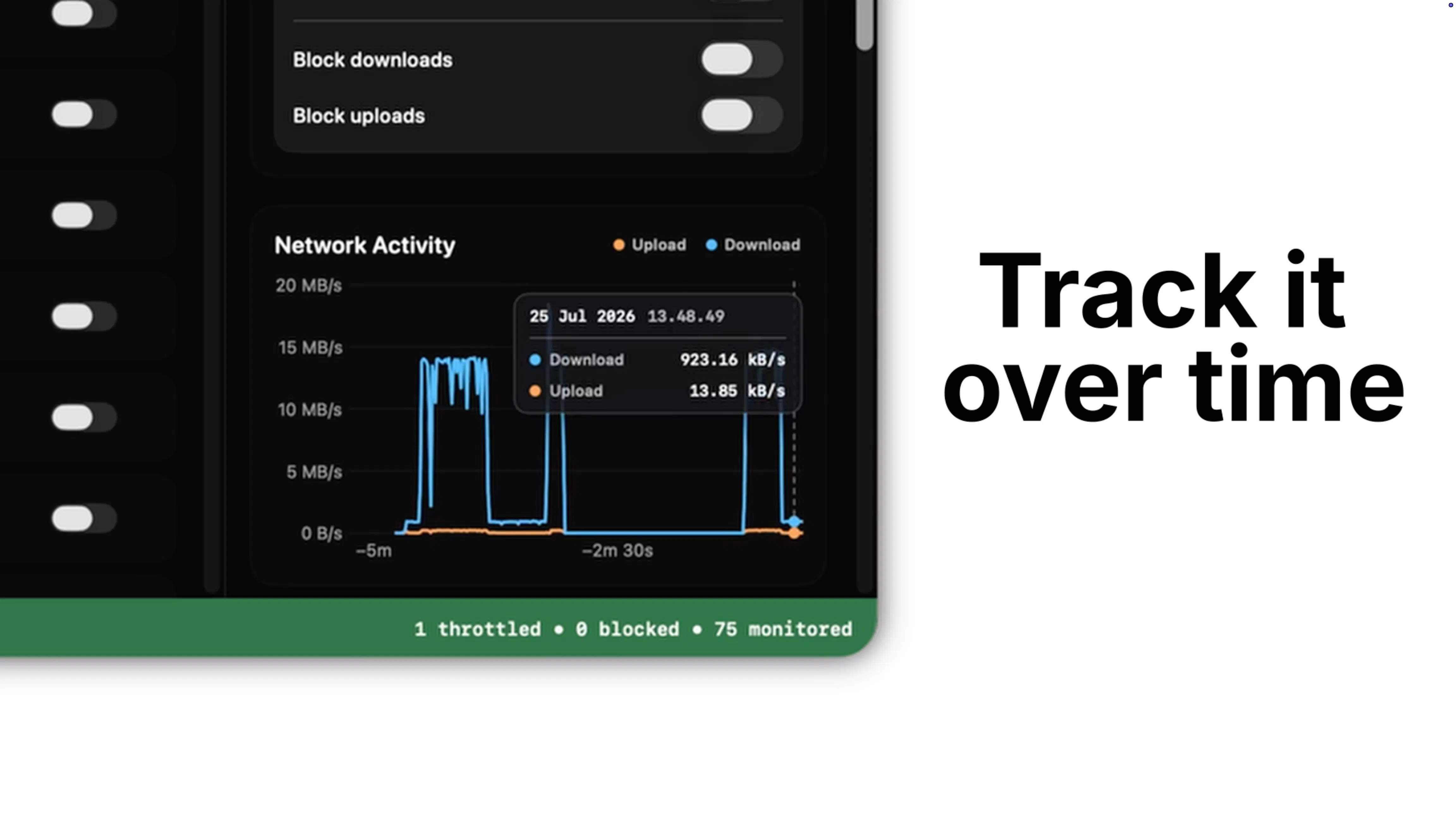
Throttlr is a powerful native macOS utility designed for users who need granular control over their internet bandwidth on a per-application basis. Unlike traditional network monitors, Throttlr actively manages and limits upload and download speeds for individual apps, helping users optimize their connection and prevent bandwidth hogging. Its real-time traffic visualization and history features provide valuable insights, making it ideal for professionals, gamers, or anyone who relies heavily on stable and efficient internet usage. The app processes all data locally on the Mac, ensuring privacy and low latency. With a straightforward setup, Throttlr offers a 14-day free Pro trial that requires no account or credit card, making it accessible for those eager to test its capabilities.
Screenshots
Pros
- ✓Real-time per-app bandwidth control and limiting
- ✓Traffic history and detailed usage insights
- ✓Privacy-focused with local processing
- ✓User-friendly interface designed for Mac users
- ✓No account or credit card needed for trial
Cons
- ✗Limited to macOS, not available cross-platform
- ✗Features may be basic compared to enterprise-level tools
- ✗Requires some technical understanding for optimal use
Use Cases
Pricing
Likely follows a freemium model, offering a free trial period with core features, and paid plans starting around $10-$20/month for full access and advanced controls.
Quick Info
Topics
Makers

Justin Jap
Alternatives
Similar Tools in HR & Recruiting




Embed Badge
Add this badge to your website to show that Throttlr is featured on Visalytica.
<a href="https://www.visalytica.com/tool/throttlr" target="_blank" rel="noopener noreferrer" style="display:inline-flex;align-items:center;gap:6px;padding:6px 14px;background:#7c3aed;color:#fff;border-radius:8px;font-family:-apple-system,system-ui,sans-serif;font-size:13px;font-weight:600;text-decoration:none;transition:background .2s" onmouseover="this.style.background='#6d28d9'" onmouseout="this.style.background='#7c3aed'"><svg width="14" height="14" viewBox="0 0 24 24" fill="none" stroke="currentColor" stroke-width="2.5" stroke-linecap="round" stroke-linejoin="round"><path d="M12 20V10"/><path d="M18 20V4"/><path d="M6 20v-4"/></svg>Featured on Visalytica</a>