The Virtual OS Museum
Relive vintage operating systems right on your desktop
About The Virtual OS Museum
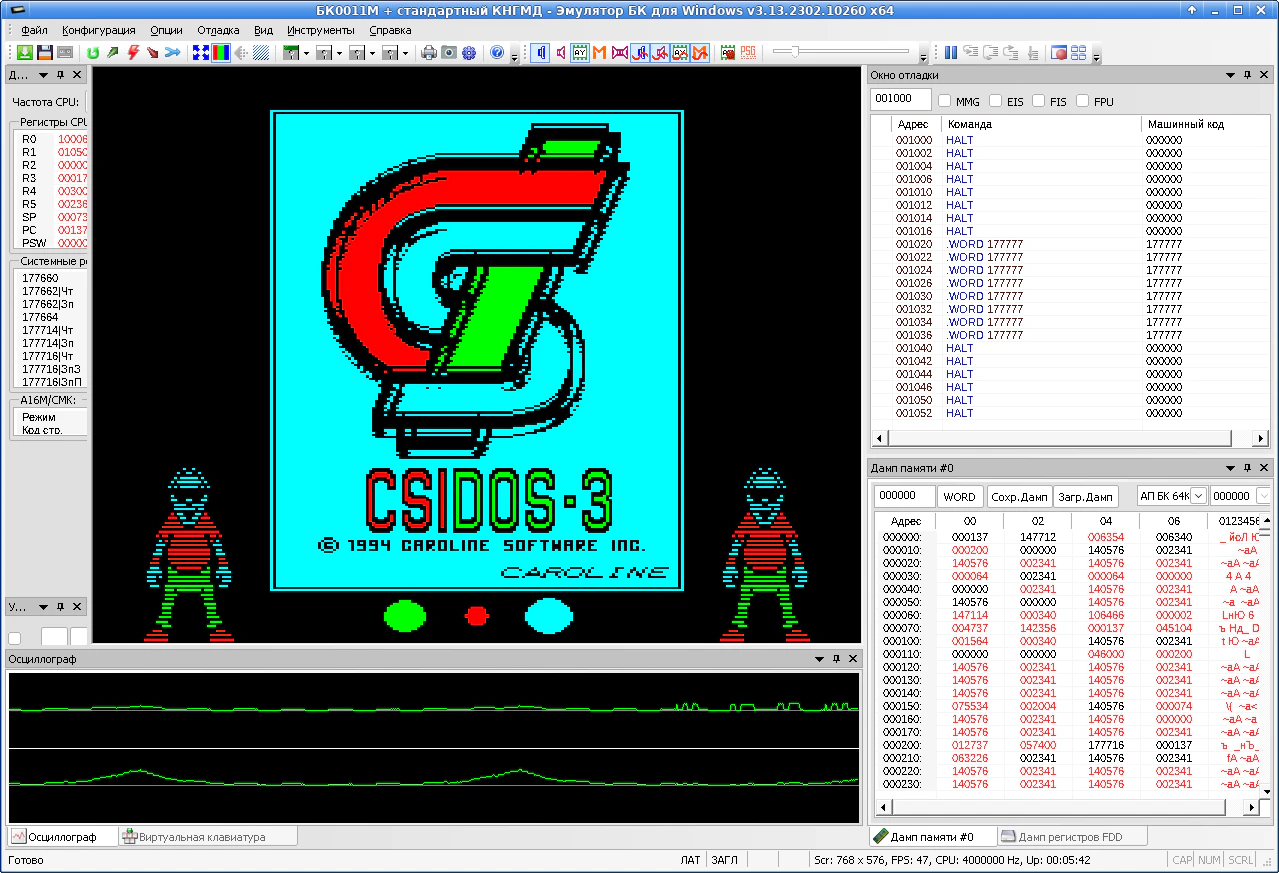
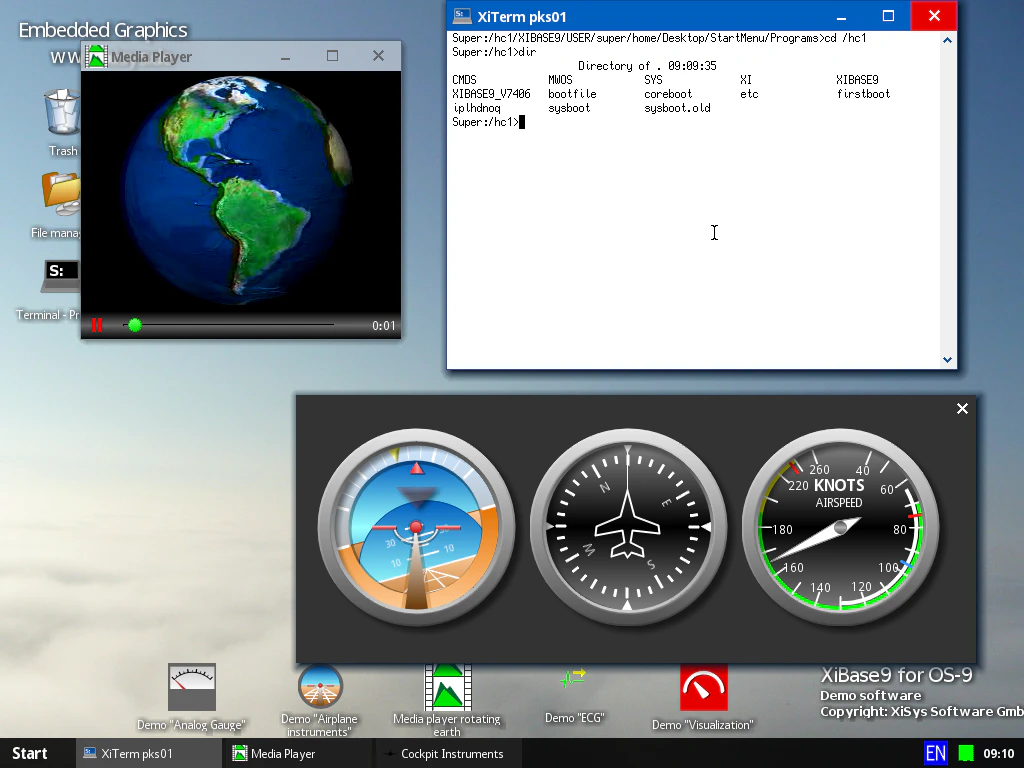
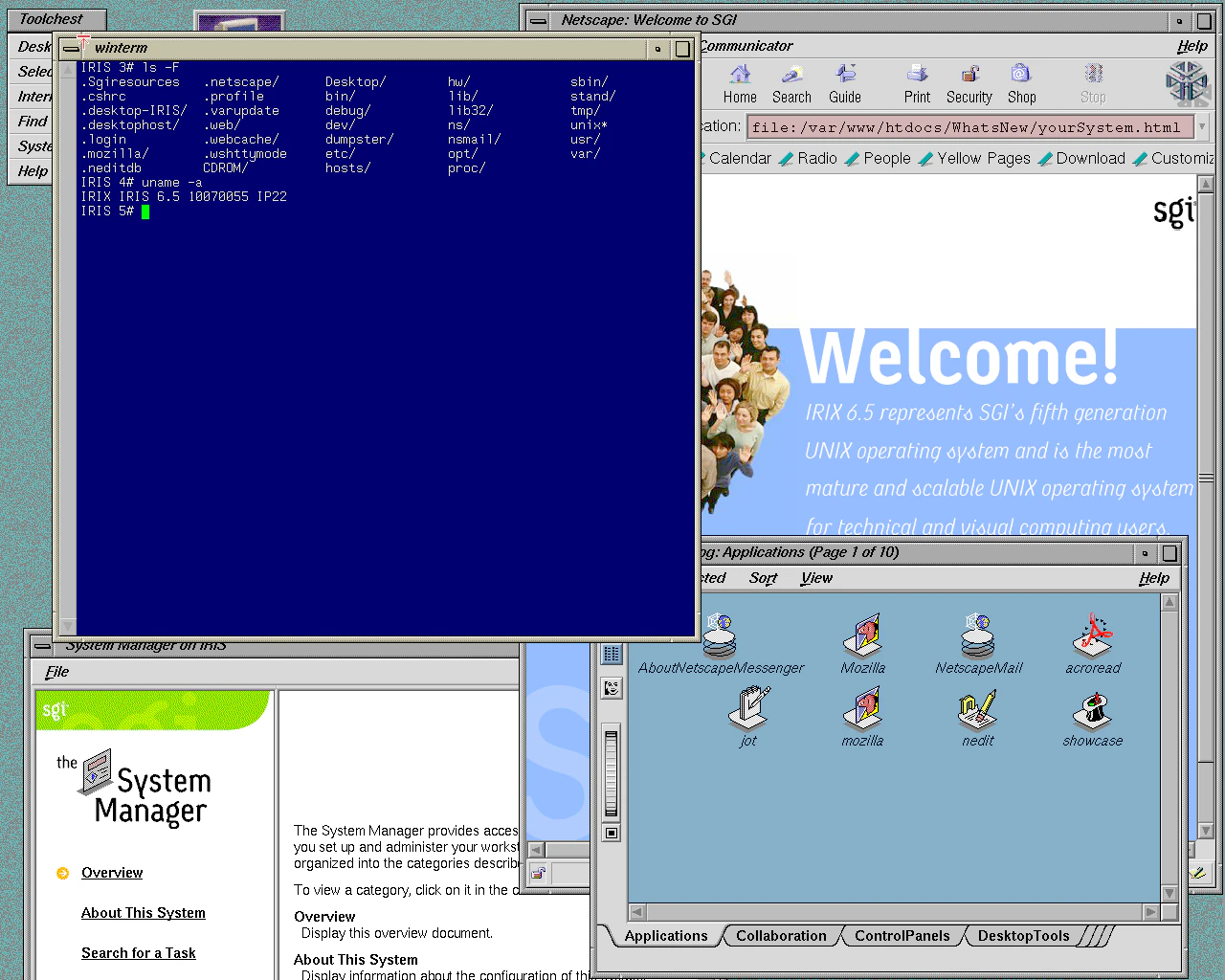
The Virtual OS Museum offers a unique and comprehensive platform for enthusiasts, developers, and educators to explore and relive the history of computing through over 1,700 pre-installed vintage operating systems, dating from 1948 to the present day. Delivered within a single Linux virtual machine, this tool simplifies the process of accessing and running a wide array of OS environments without the need for complex setup or multiple installations. Its bundled support for popular virtualization tools like QEMU, VirtualBox, and UTM, along with one-click launchers for Windows and Linux, makes it accessible and user-friendly for both novices and experienced users. This expansive collection is perfect for historical exploration, software testing, educational demonstrations, and nostalgia trips, providing a rare chance to interact with decades of computing evolution in one convenient platform.
Screenshots
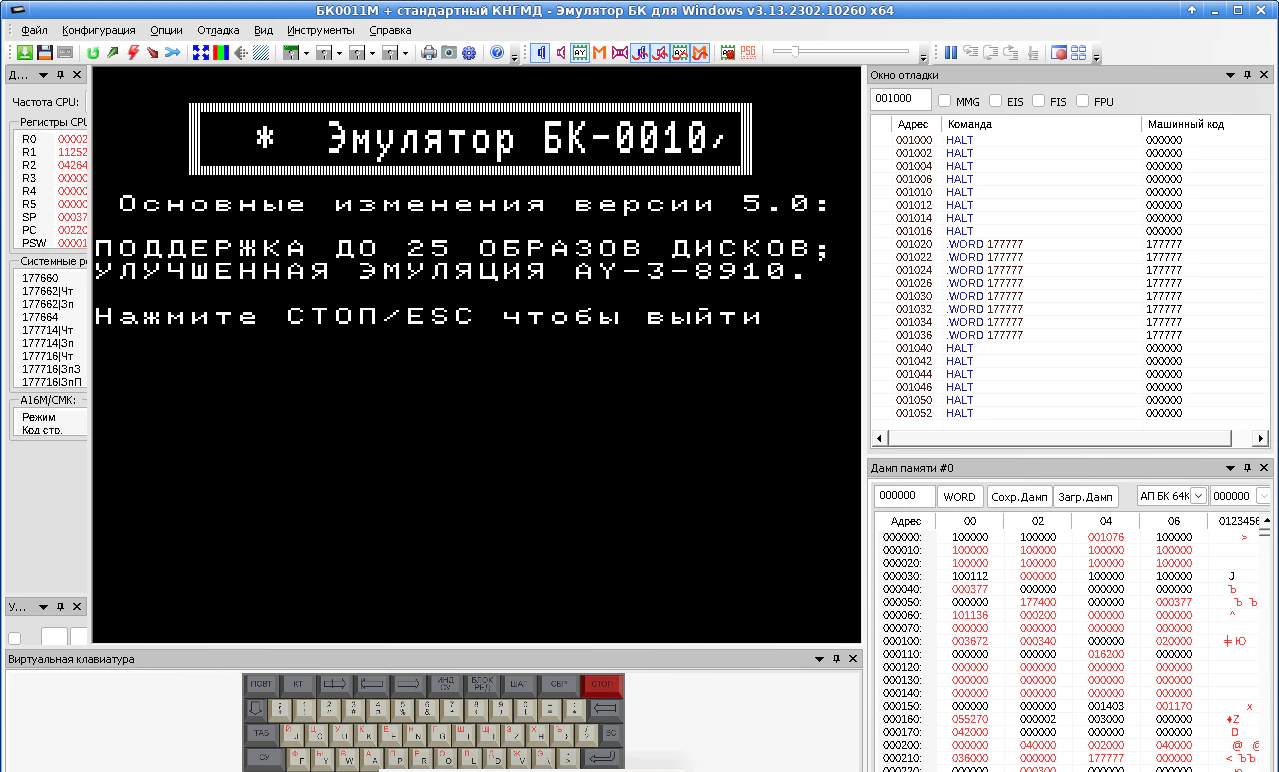
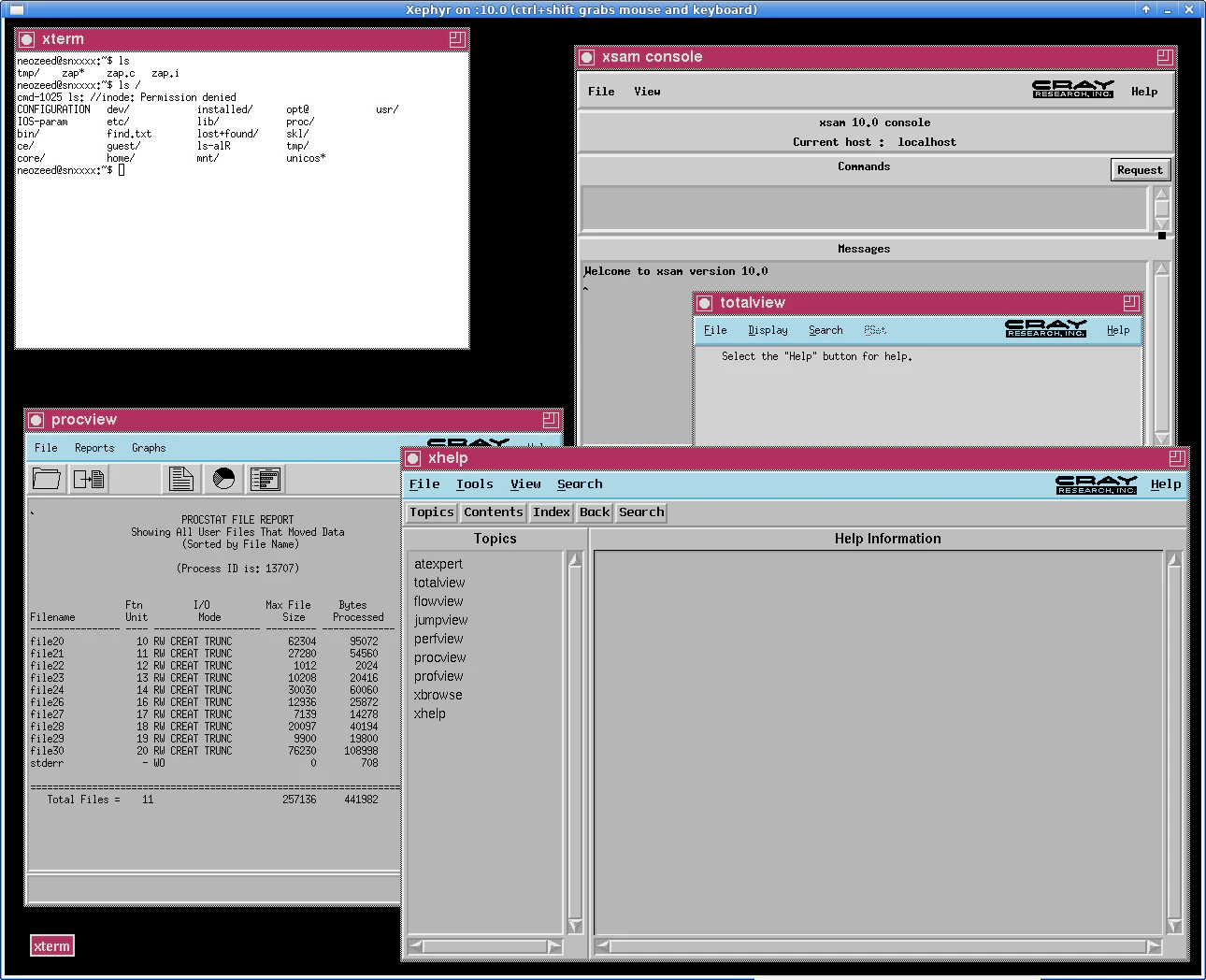
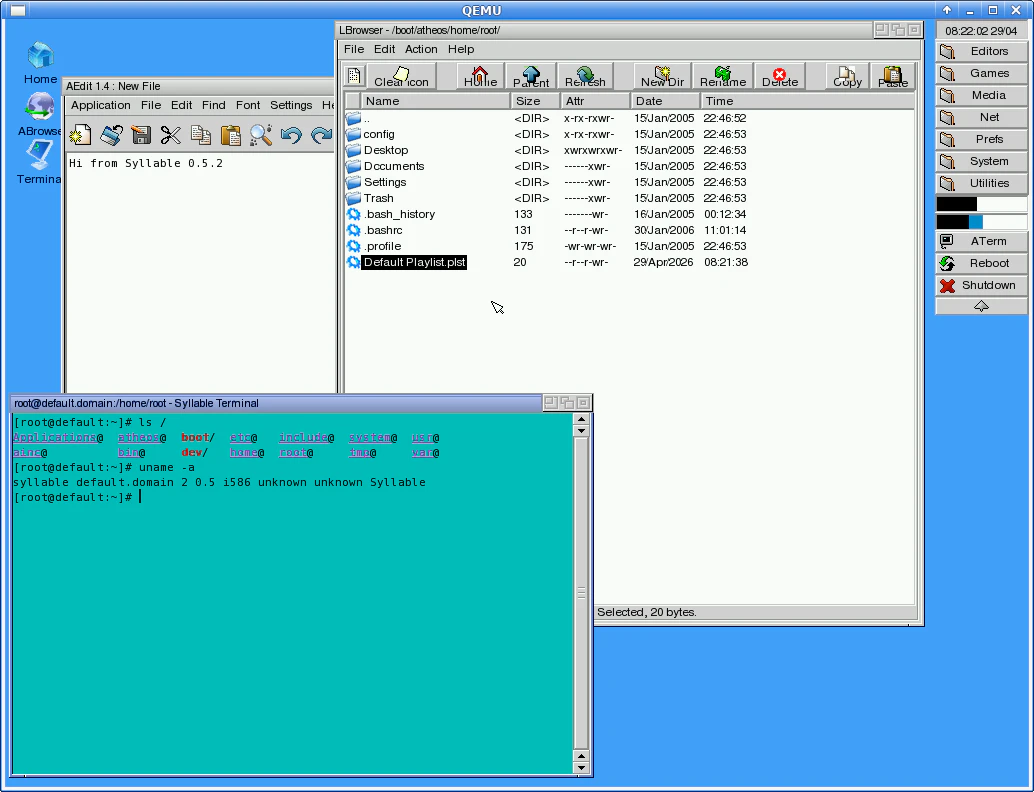
+15 more screenshots
Pros
- ✓Extensive collection of vintage operating systems spanning over 70 years
- ✓Simplified one-click launching via integrated tools and support for multiple virtualization platforms
- ✓All-in-one solution within a single Linux VM, reducing setup complexity
- ✓Ideal for educational purposes, software preservation, and historical research
- ✓Open source nature allows for customization and community contributions
Cons
- ✗Requires some familiarity with virtualization environments for optimal use
- ✗Potentially resource-intensive due to the large number of OS images
- ✗No clear information on ongoing updates or support from the developers
Use Cases
Pricing
Likely free and open source, given its open source category and the nature of virtual machine distributions; however, specific licensing details are not explicitly provided.
Quick Info
Topics
Alternatives
Similar Tools in Developer Tools




Embed Badge
Add this badge to your website to show that The Virtual OS Museum is featured on Visalytica.
<a href="https://www.visalytica.com/tool/the-virtual-os-museum" target="_blank" rel="noopener noreferrer" style="display:inline-flex;align-items:center;gap:6px;padding:6px 14px;background:#7c3aed;color:#fff;border-radius:8px;font-family:-apple-system,system-ui,sans-serif;font-size:13px;font-weight:600;text-decoration:none;transition:background .2s" onmouseover="this.style.background='#6d28d9'" onmouseout="this.style.background='#7c3aed'"><svg width="14" height="14" viewBox="0 0 24 24" fill="none" stroke="currentColor" stroke-width="2.5" stroke-linecap="round" stroke-linejoin="round"><path d="M12 20V10"/><path d="M18 20V4"/><path d="M6 20v-4"/></svg>Featured on Visalytica</a>