
The Planet Thinks
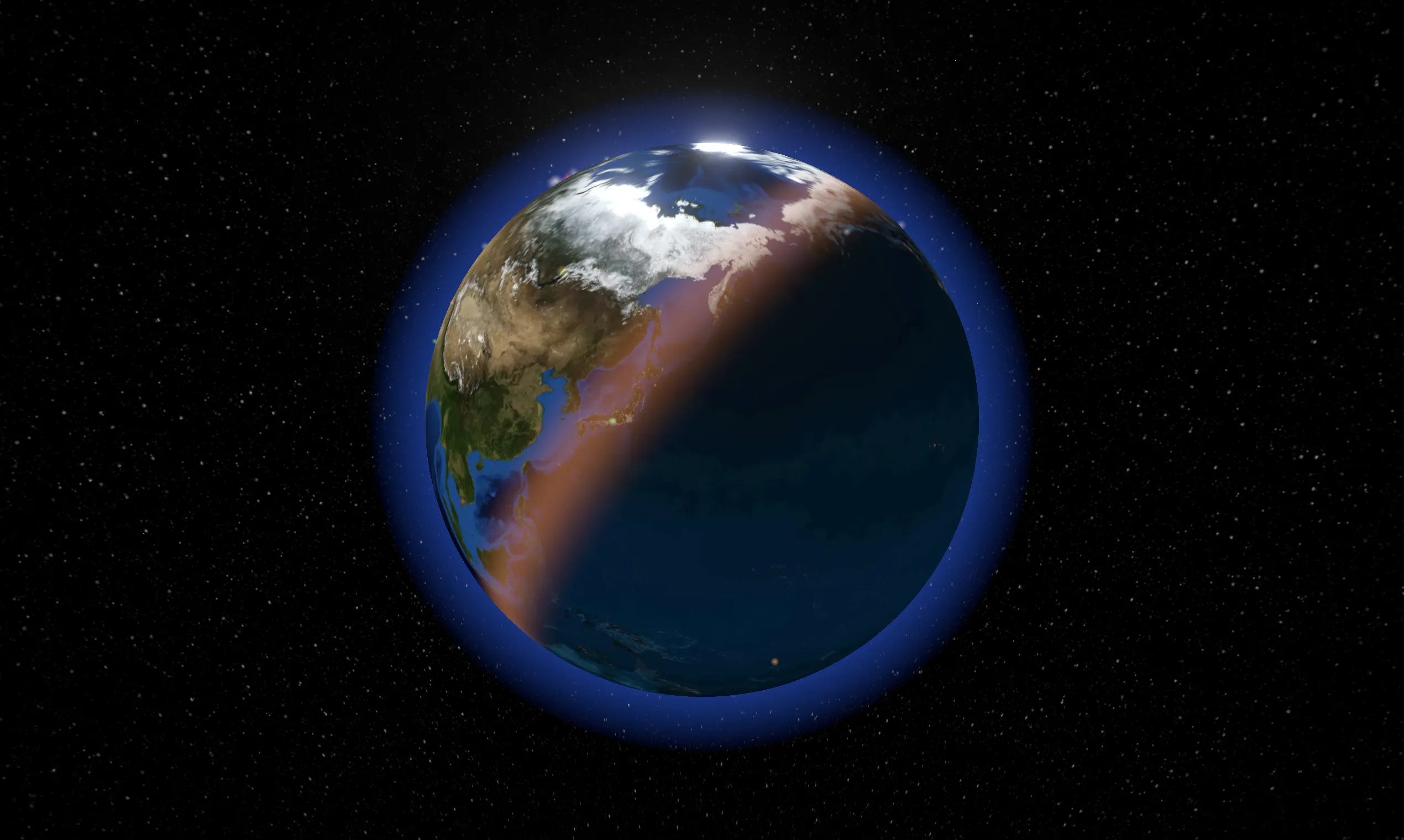
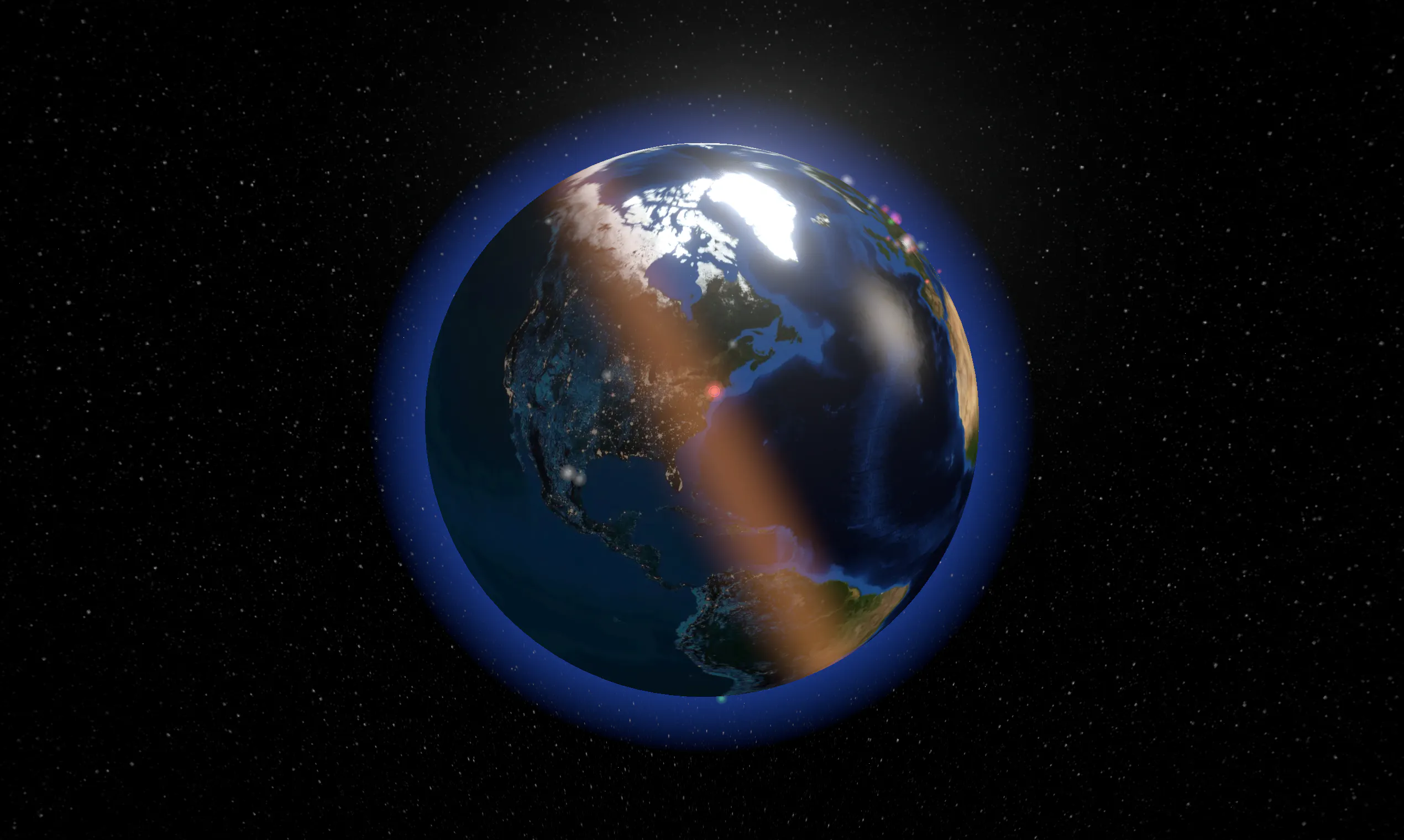
Watch Wikipedia being edited, live, on a 3D globe
About The Planet Thinks
The Planet Thinks offers a captivating way to observe live updates of human attention and activity across the globe. By visualizing real-time edits made to Wikipedia articles, the tool creates a dynamic 3D globe that lights up where activity is happening, with color indicating the language of the edits. This innovative visualization provides insights into global curiosity, cultural focus, and information flow, making it ideal for educators, data enthusiasts, and researchers interested in understanding collective human engagement. Its no-sign-up, browser-based interface makes it accessible for anyone eager to explore the planet's current informational pulse. The combination of real-time data, geographic visualization, and open-source potential makes The Planet Thinks a unique tool for both casual viewers and data professionals.
Screenshots
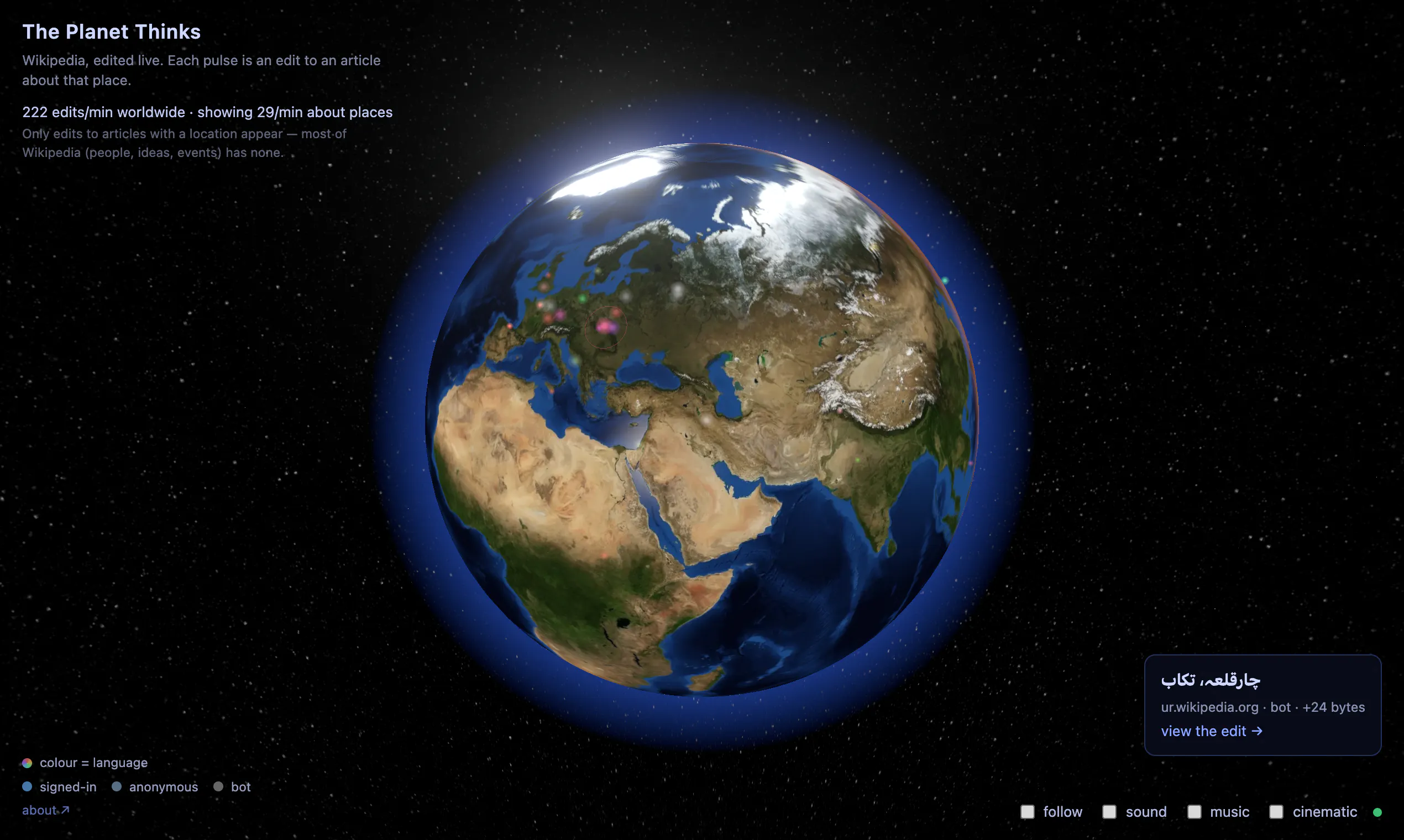
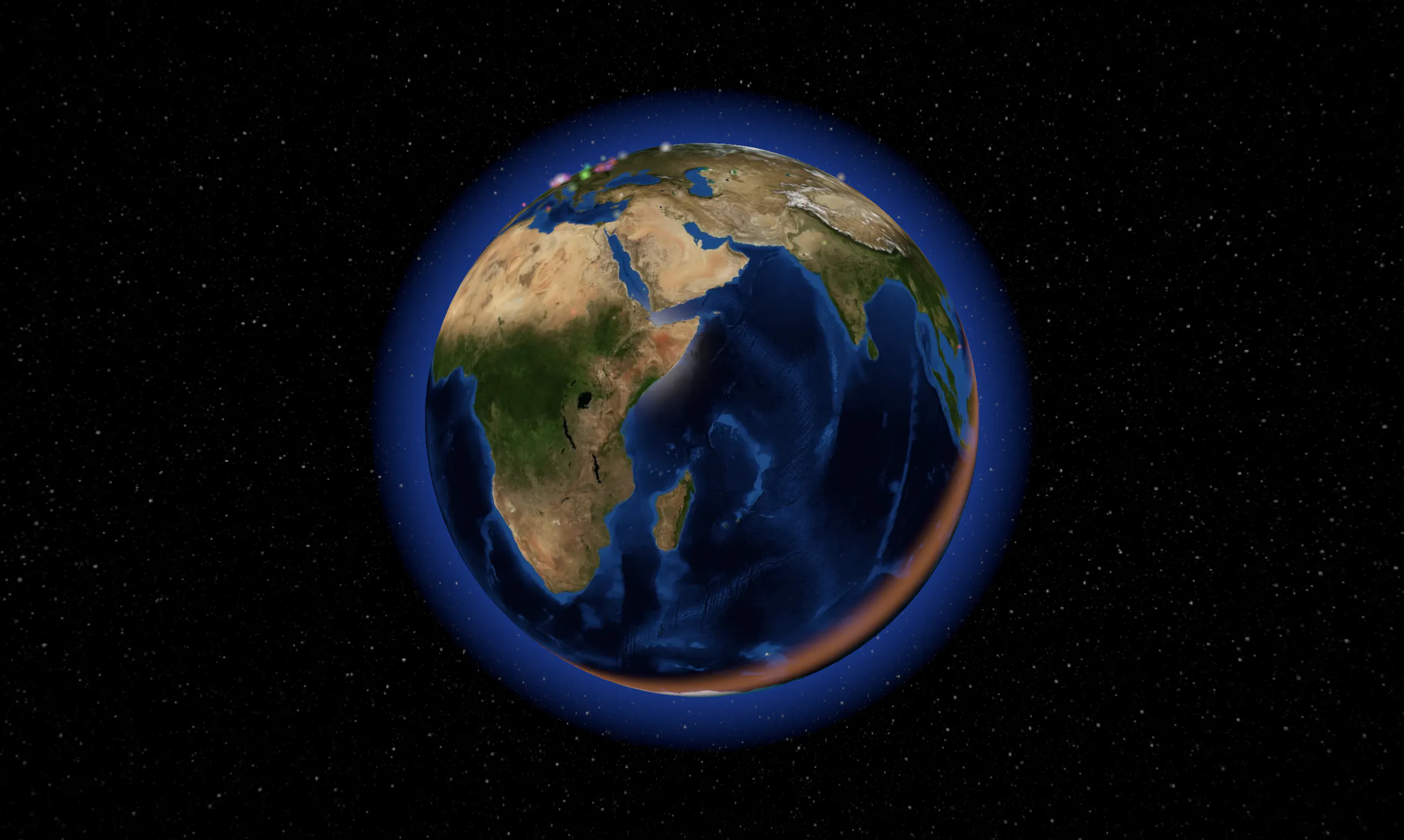
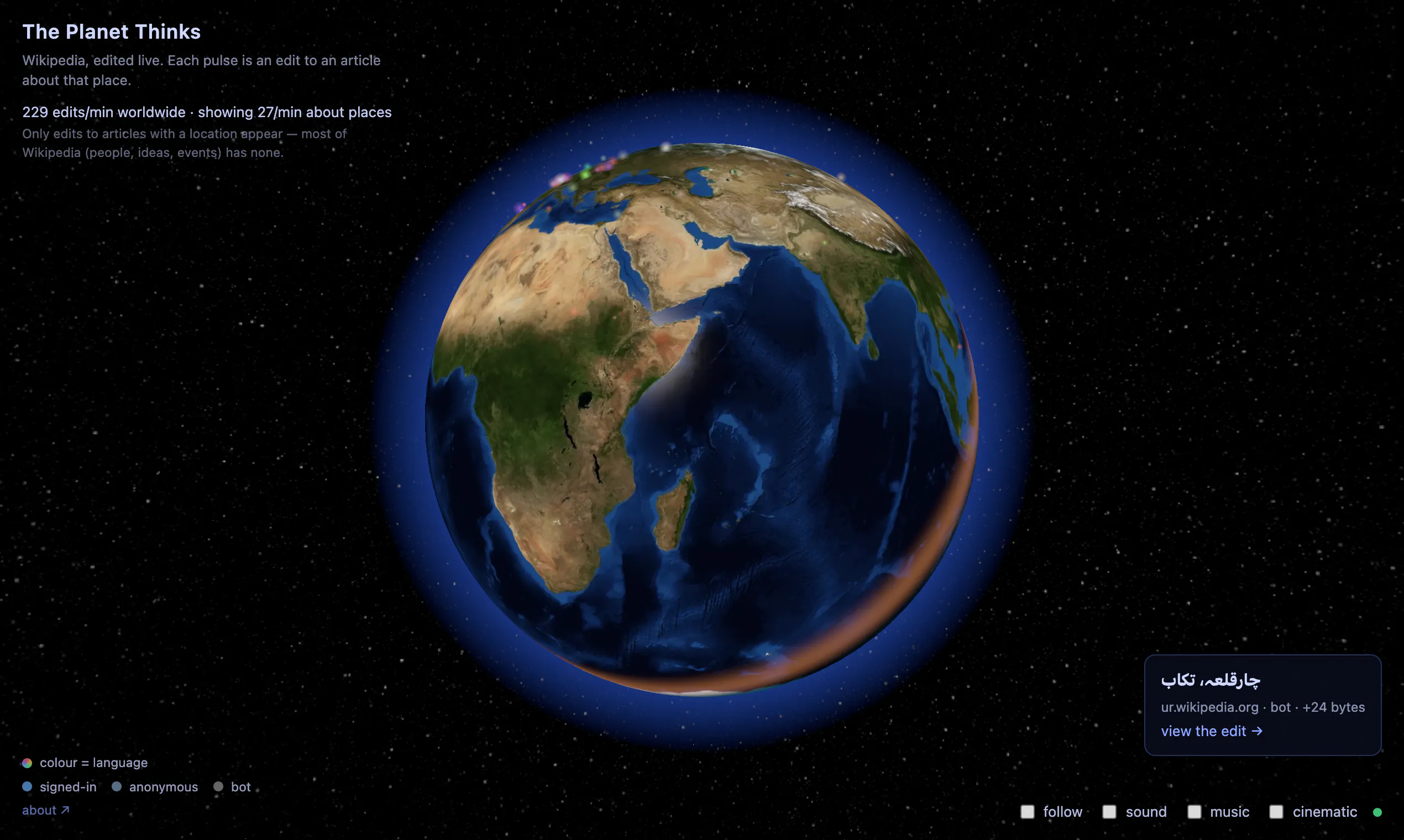
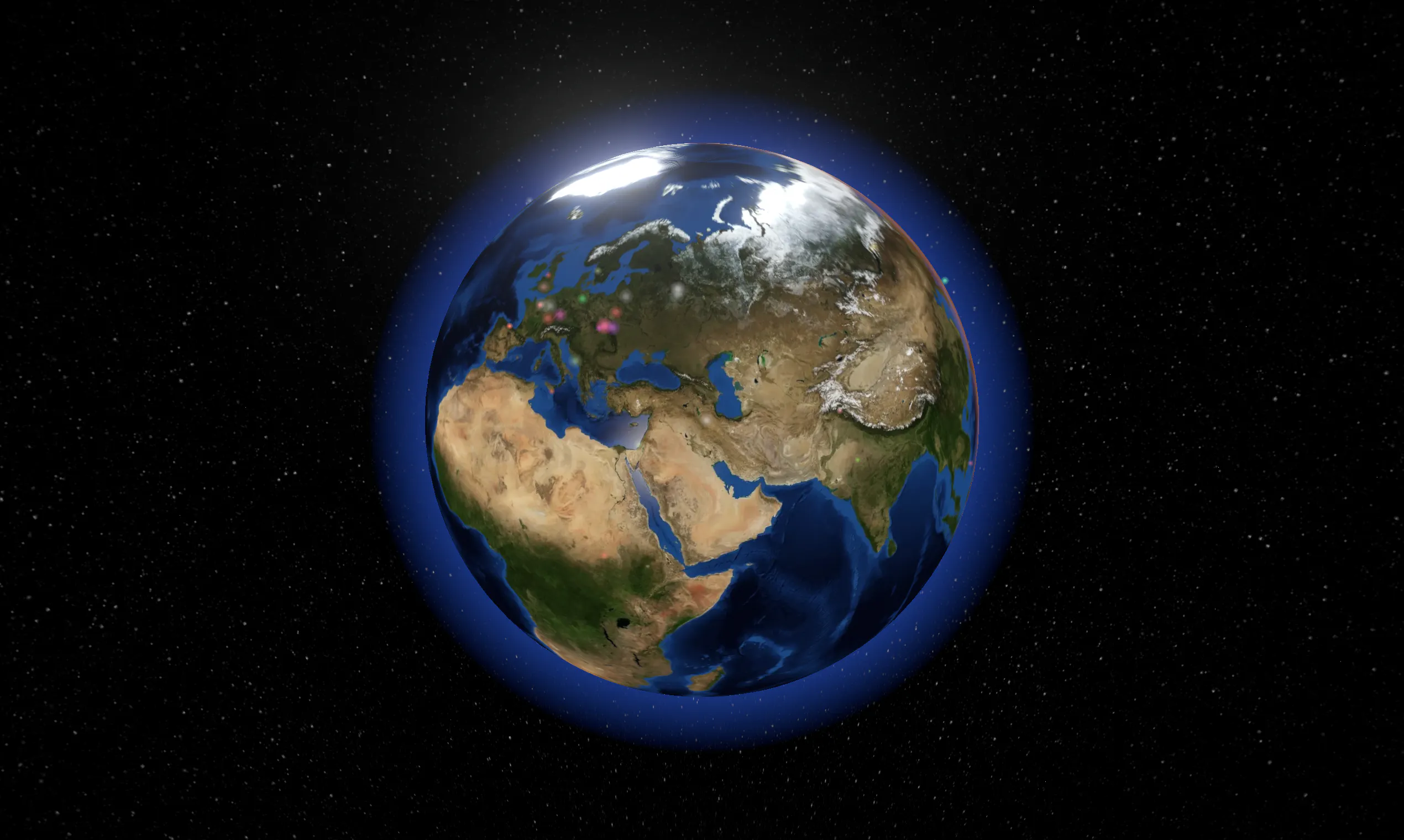
Pros
- ✓Real-time visualization of global activity on a 3D globe
- ✓Easy to access with no sign-up required
- ✓Color-coded by language for quick insight
- ✓Open source potential for customization and development
- ✓Engages users with interactive, live data
Cons
- ✗Limited to Wikipedia edit data, which may not cover all interests
- ✗No advanced filtering or customization options available yet
- ✗Lacks detailed analytics or historical data capabilities
Use Cases
Pricing
Likely free to use, as it is a web app focused on visualization. Being open source, it may have optional paid features or hosting options, but the core tool appears accessible without cost.
Quick Info
Topics
Makers

Alexander Shishkov
Alternatives
Similar Tools in AI Image & Design




Embed Badge
Add this badge to your website to show that The Planet Thinks is featured on Visalytica.
<a href="https://www.visalytica.com/tool/the-planet-thinks" target="_blank" rel="noopener noreferrer" style="display:inline-flex;align-items:center;gap:6px;padding:6px 14px;background:#7c3aed;color:#fff;border-radius:8px;font-family:-apple-system,system-ui,sans-serif;font-size:13px;font-weight:600;text-decoration:none;transition:background .2s" onmouseover="this.style.background='#6d28d9'" onmouseout="this.style.background='#7c3aed'"><svg width="14" height="14" viewBox="0 0 24 24" fill="none" stroke="currentColor" stroke-width="2.5" stroke-linecap="round" stroke-linejoin="round"><path d="M12 20V10"/><path d="M18 20V4"/><path d="M6 20v-4"/></svg>Featured on Visalytica</a>