
Textquill
Turn any image into text — private, on-device OCR
About Textquill
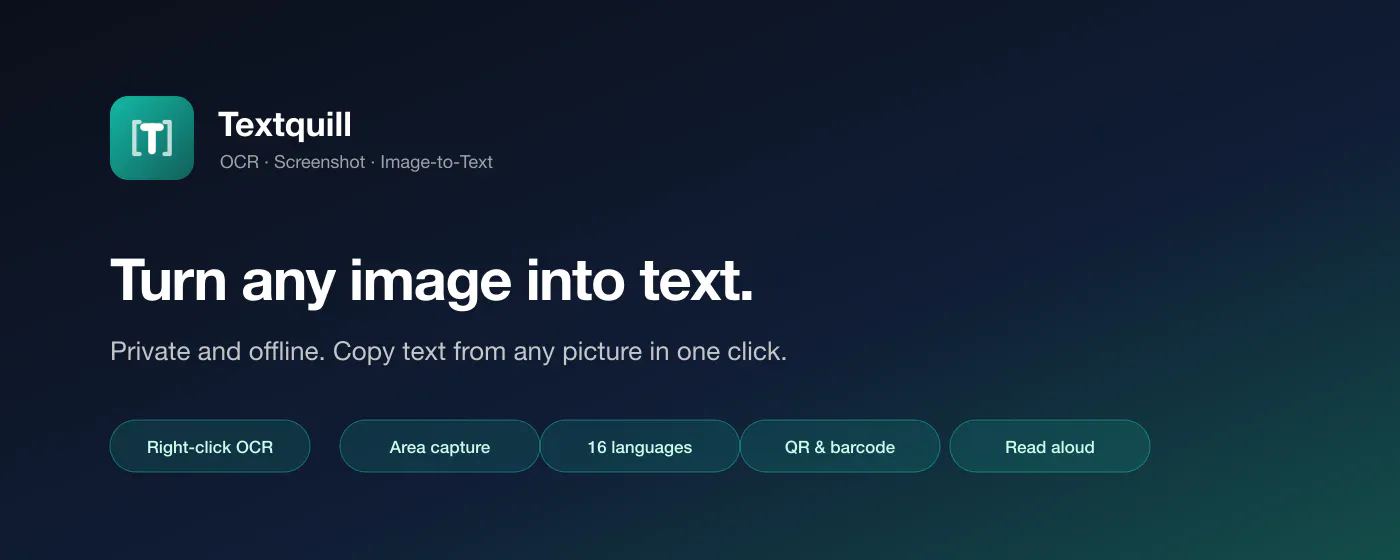
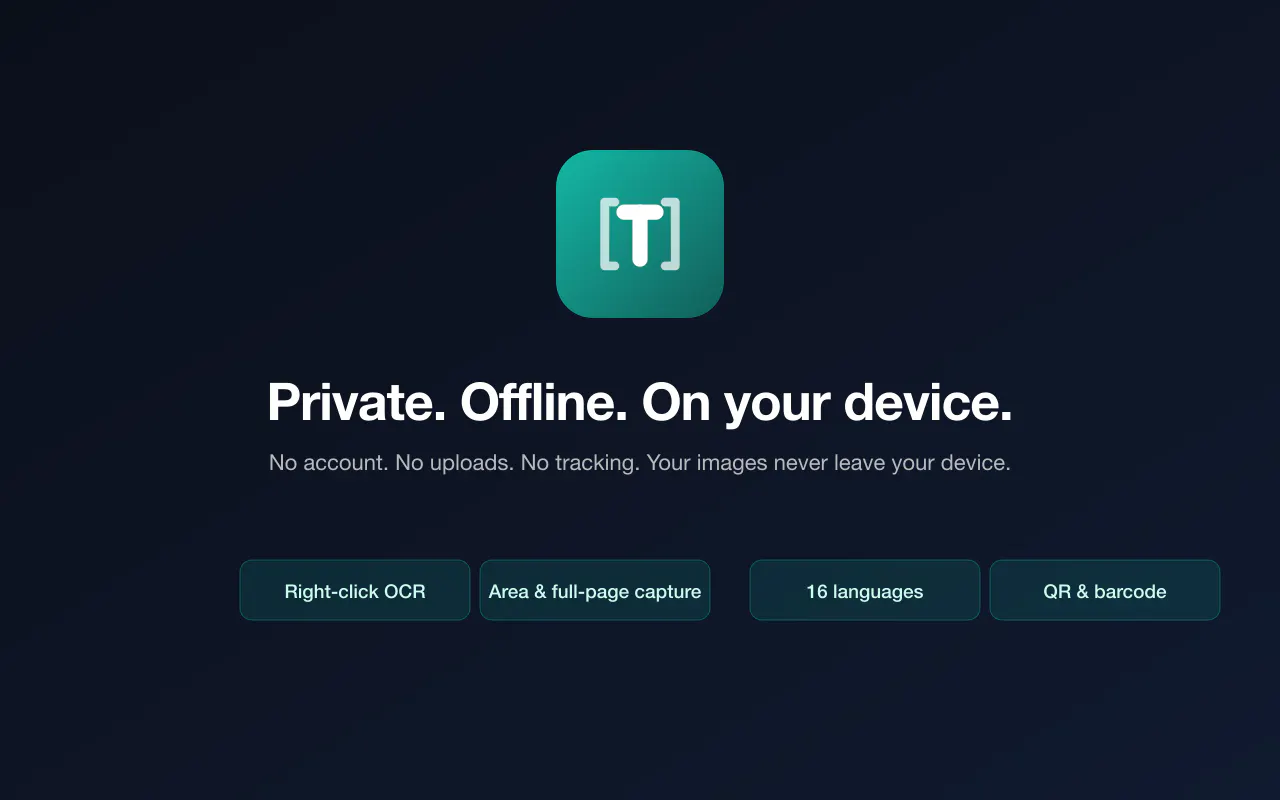
Textquill is a privacy-focused, on-device OCR tool designed for extracting text from images, screenshots, and web pages without uploading any data to external servers. Ideal for users who prioritize security and privacy, it enables quick and accurate text extraction directly on their device, supporting 16 languages, QR code reading, and read-aloud features. Its simple right-click or selection interface makes it accessible for both casual users and professionals needing rapid text conversion without the hassle of accounts or cloud uploads. Whether for extracting text from design mockups, research images, or online content, Textquill offers a seamless experience that emphasizes privacy and convenience. Its offline operation ensures sensitive data remains on the user's device, making it particularly appealing for privacy-conscious individuals and teams working with confidential information.
Screenshots




Pros
- ✓Private and offline operation, ensuring data never leaves the device
- ✓Supports multiple languages and QR code reading
- ✓Fast, easy-to-use interface with right-click or selection options
- ✓No account, no tracking, and no uploads required
- ✓Exports to editable formats like TXT and Markdown
Cons
- ✗Limited to on-device processing, which may impact performance on lower-spec devices
- ✗Currently no mention of advanced editing or formatting features
- ✗No integration with cloud services or collaborative tools
Use Cases
Pricing
Likely offers a free, standalone version with core OCR features, potentially with premium options for additional functionalities or languages, though specifics are uncertain based on available info.
Quick Info
Topics
Makers

Sundar Shahi Thakuri
Alternatives
Similar Tools in AI Image & Design




Embed Badge
Add this badge to your website to show that Textquill is featured on Visalytica.
<a href="https://www.visalytica.com/tool/textquill" target="_blank" rel="noopener noreferrer" style="display:inline-flex;align-items:center;gap:6px;padding:6px 14px;background:#7c3aed;color:#fff;border-radius:8px;font-family:-apple-system,system-ui,sans-serif;font-size:13px;font-weight:600;text-decoration:none;transition:background .2s" onmouseover="this.style.background='#6d28d9'" onmouseout="this.style.background='#7c3aed'"><svg width="14" height="14" viewBox="0 0 24 24" fill="none" stroke="currentColor" stroke-width="2.5" stroke-linecap="round" stroke-linejoin="round"><path d="M12 20V10"/><path d="M18 20V4"/><path d="M6 20v-4"/></svg>Featured on Visalytica</a>