
TexTab
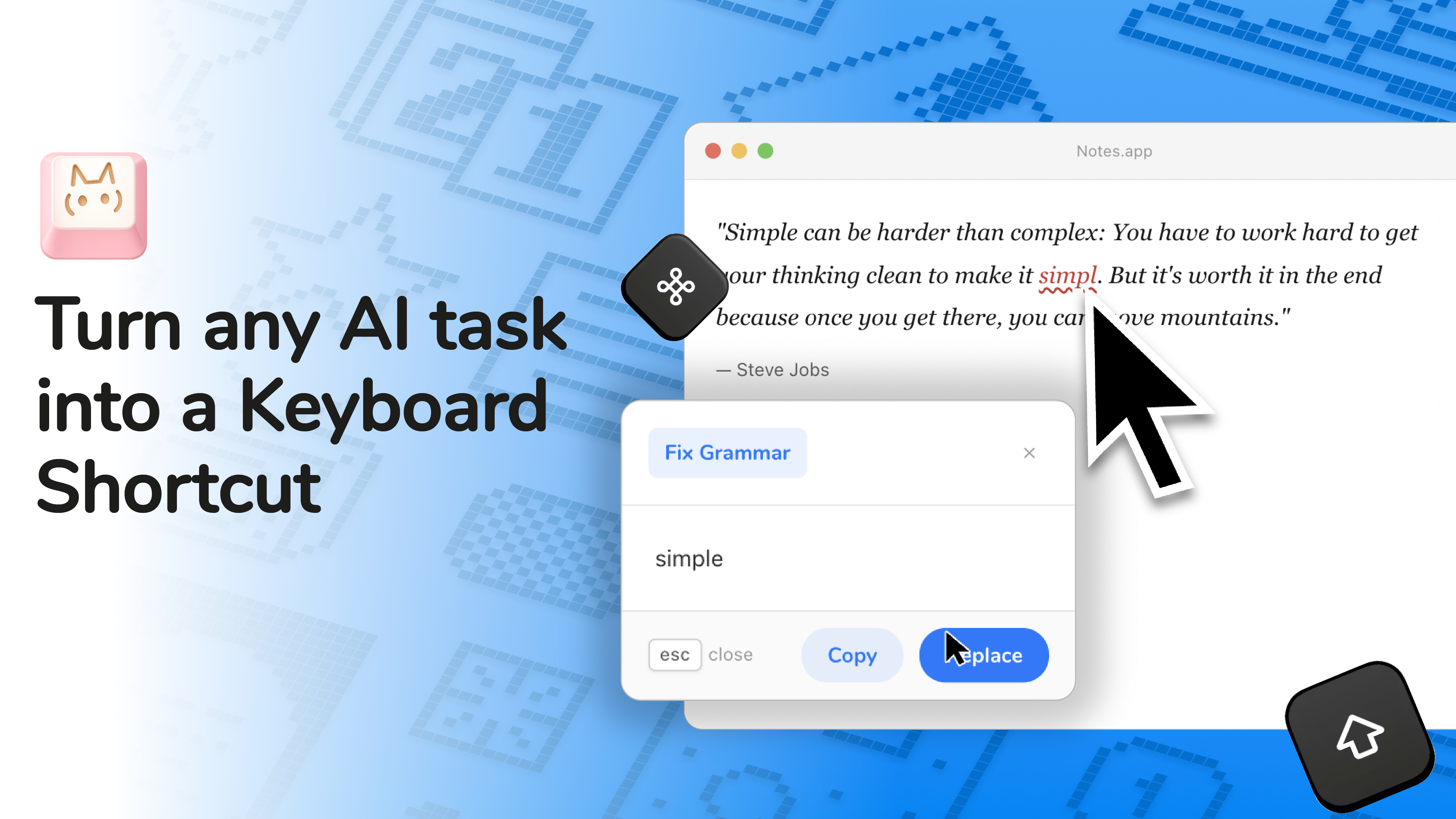
Turn any AI task into a Keyboard Shortcut
About TexTab
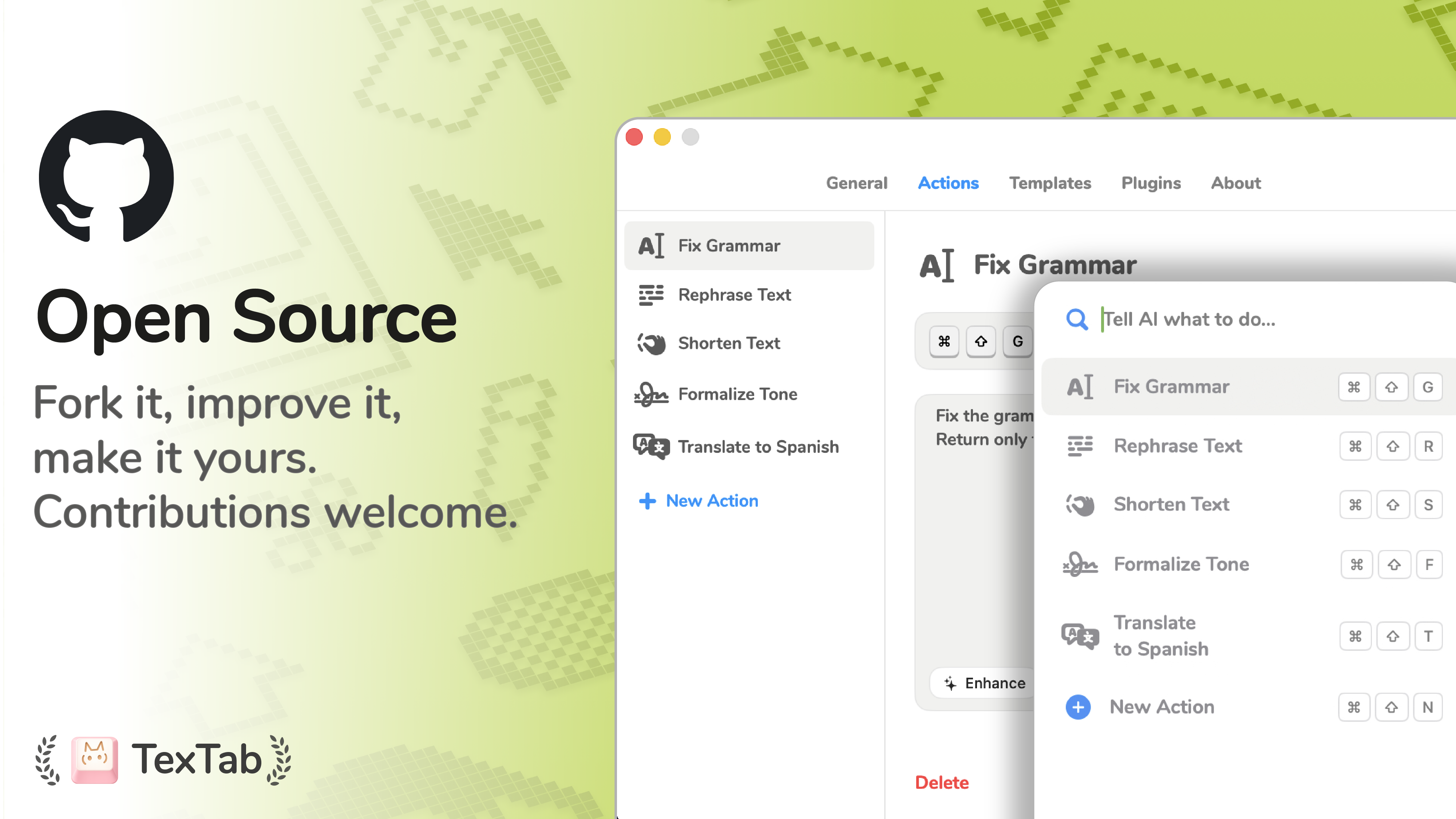
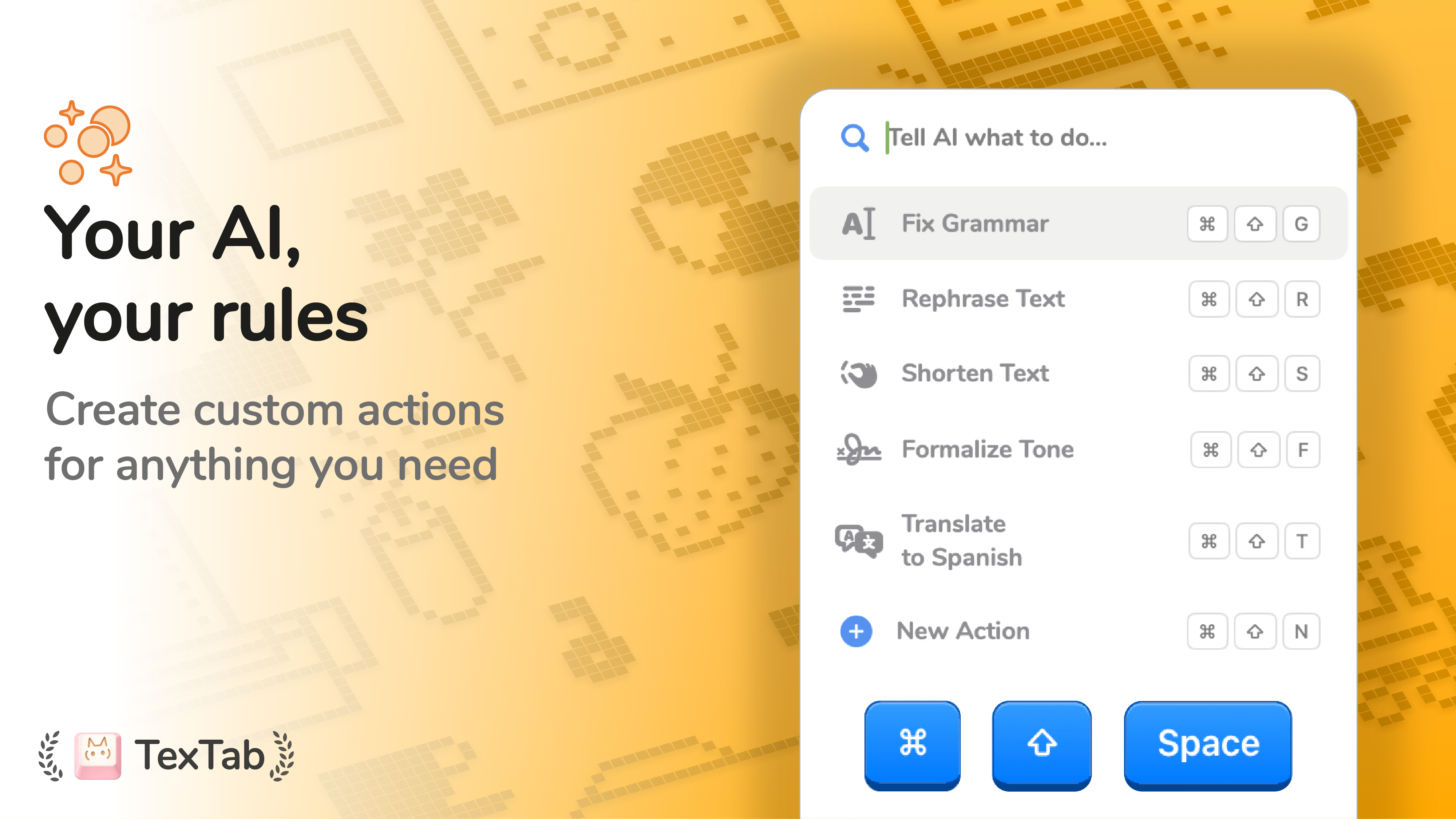
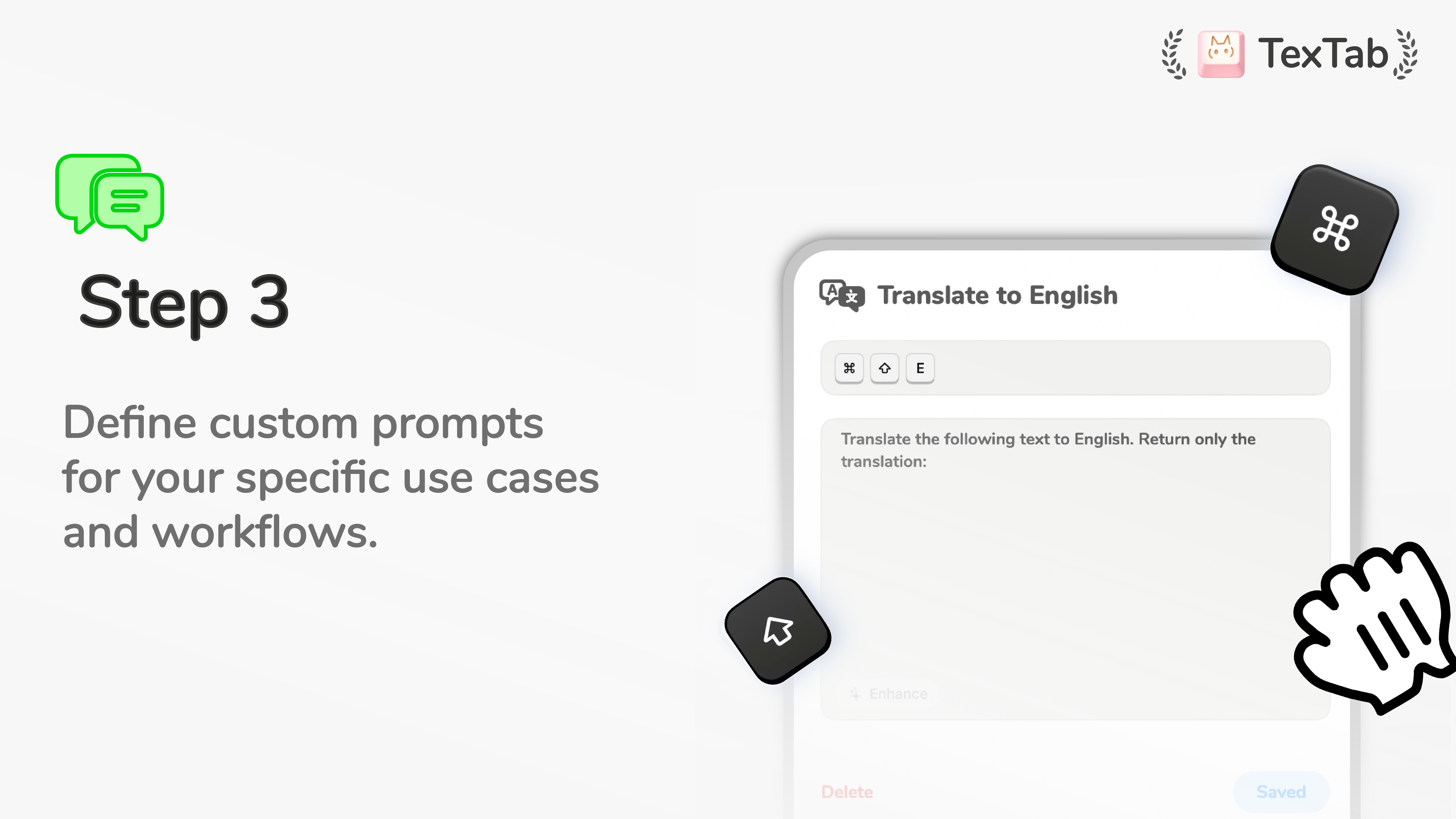
TexTab is a innovative productivity tool designed for users who frequently work with AI-powered text tasks. It allows users to create custom AI actions—such as translation, summarization, rewriting, and more—and trigger these actions instantly via keyboard shortcuts. This seamless integration streamlines workflows, reduces context switching, and enhances efficiency, making complex AI tasks accessible at the tap of a key. Ideal for writers, researchers, developers, and content creators, TexTab transforms how users interact with AI by embedding powerful commands directly into their keyboard workflow. Its unique approach of converting AI functions into customizable shortcuts sets it apart from traditional AI tools, offering a highly personalized and rapid way to leverage AI capabilities in everyday tasks.
Screenshots

Pros
- ✓Enables quick access to multiple AI functions via keyboard shortcuts
- ✓Highly customizable to suit individual workflows
- ✓Supports a wide range of tasks such as translation, summarization, and rewriting
- ✓Enhances productivity by reducing task switching
- ✓User-friendly interface that integrates smoothly with existing setups
Cons
- ✗Limited information on supported platforms and integrations
- ✗Potential learning curve for creating complex shortcuts
- ✗Pricing details are not explicitly provided, which may affect budget planning
Use Cases
Pricing
Based on its features, TexTab likely operates on a freemium model with a free tier and premium plans starting around $10-$20/month, offering additional shortcuts, integrations, or advanced AI capabilities.
Quick Info
Topics
Alternatives
Similar Tools in AI Writing




Embed Badge
Add this badge to your website to show that TexTab is featured on Visalytica.
<a href="https://www.visalytica.com/tool/textab" target="_blank" rel="noopener noreferrer" style="display:inline-flex;align-items:center;gap:6px;padding:6px 14px;background:#7c3aed;color:#fff;border-radius:8px;font-family:-apple-system,system-ui,sans-serif;font-size:13px;font-weight:600;text-decoration:none;transition:background .2s" onmouseover="this.style.background='#6d28d9'" onmouseout="this.style.background='#7c3aed'"><svg width="14" height="14" viewBox="0 0 24 24" fill="none" stroke="currentColor" stroke-width="2.5" stroke-linecap="round" stroke-linejoin="round"><path d="M12 20V10"/><path d="M18 20V4"/><path d="M6 20v-4"/></svg>Featured on Visalytica</a>