
Termsy
Scans terms and conditions for you
About Termsy
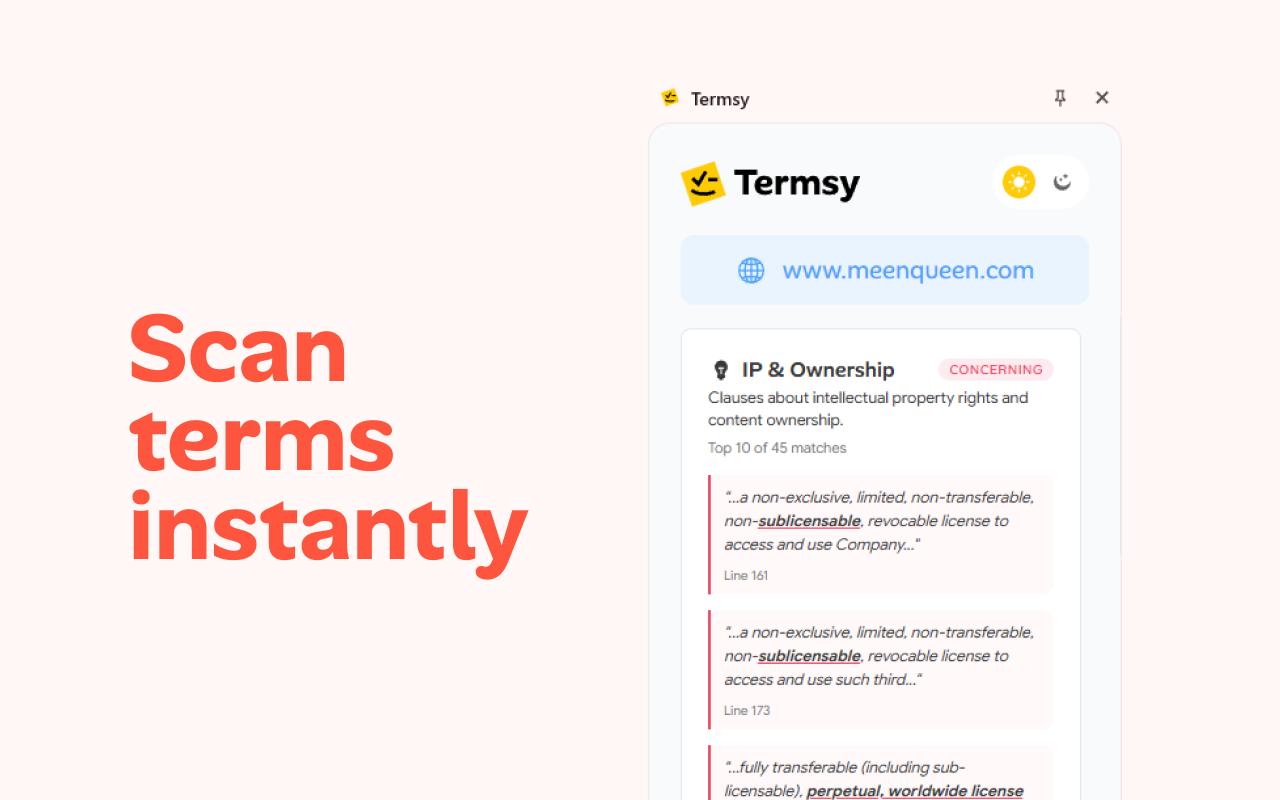
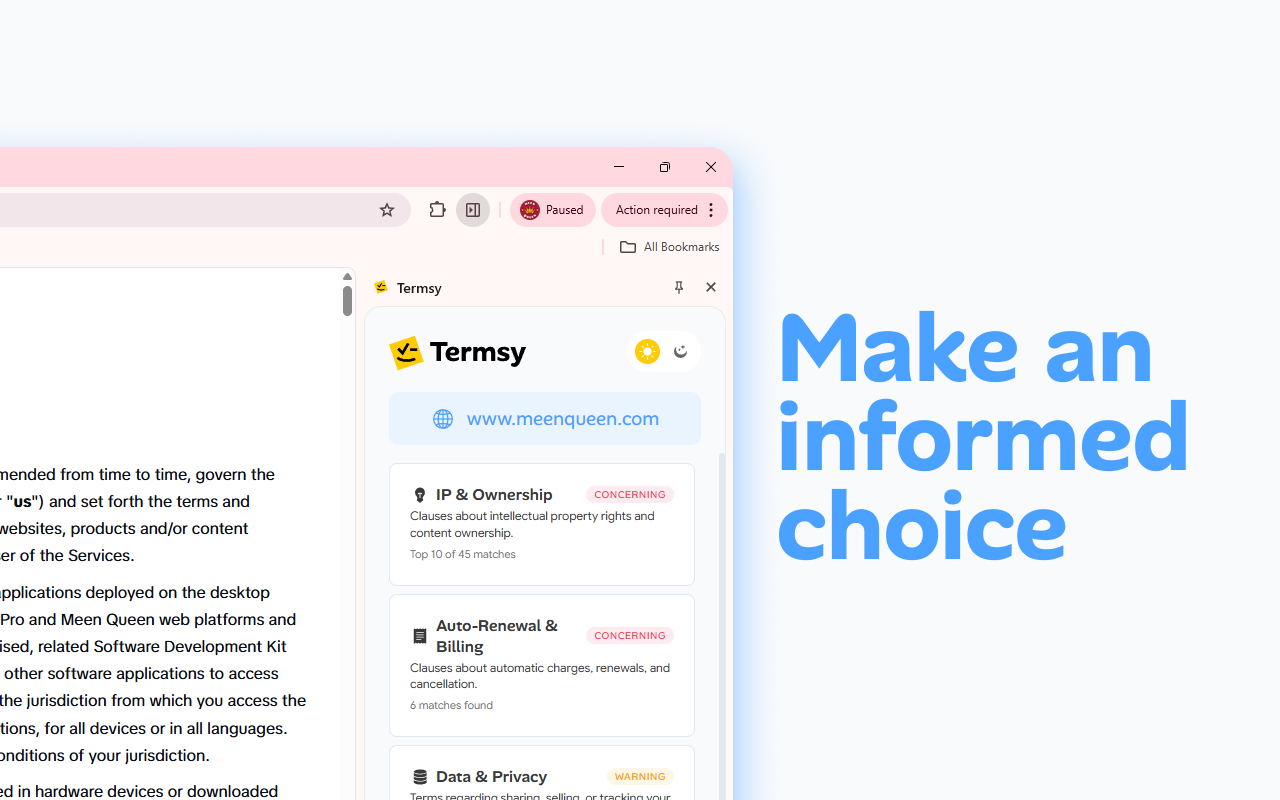
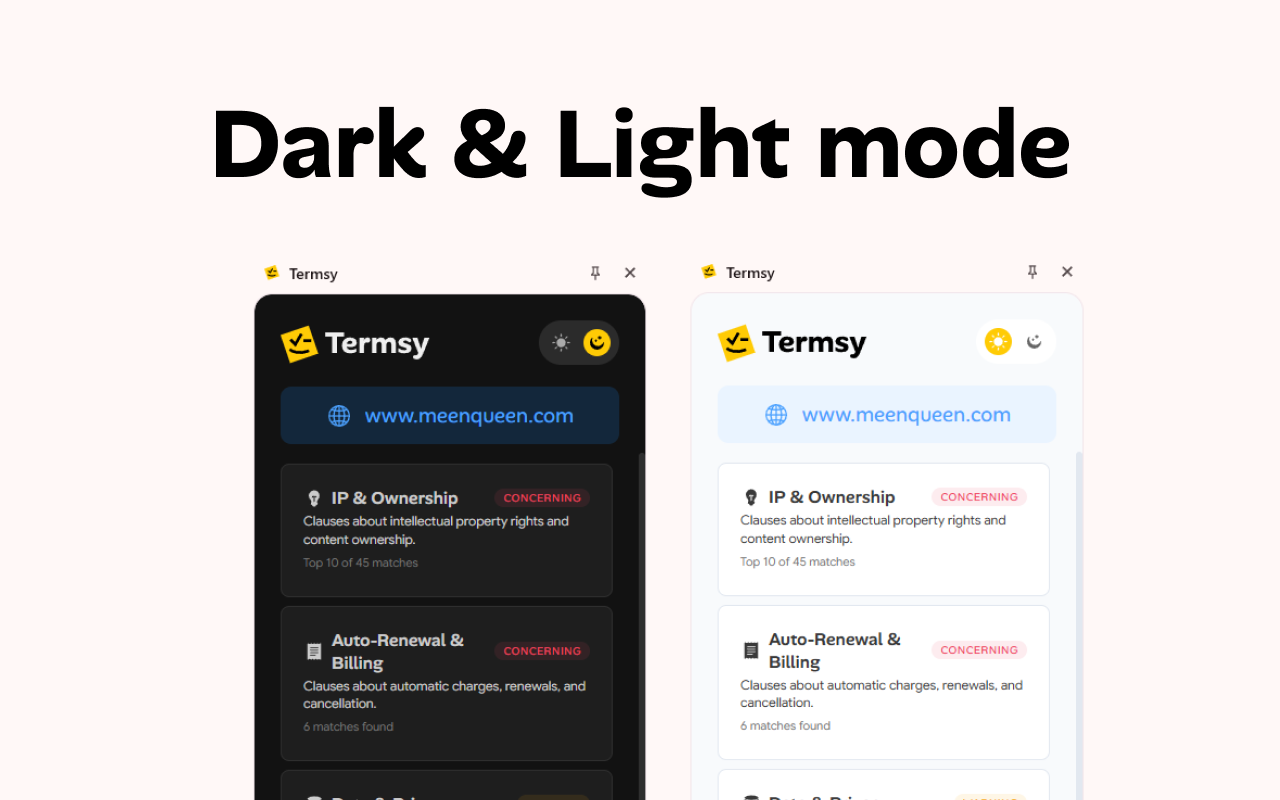
Termsy is a handy Chrome extension designed to simplify the often overwhelming process of understanding legal documents like Terms of Service and Privacy Policies. By automatically scanning these pages, it highlights critical clauses and presents them in a clean, easily accessible sidebar, allowing users to quickly grasp the key points before making a decision. Its lightweight and fast performance, combined with user-friendly dark and light mode options, make it suitable for both casual users and professionals who frequently review legal documents. Whether you're a privacy-conscious individual or a business owner vetting third-party services, Termsy helps facilitate informed choices effortlessly.
Screenshots
Pros
- ✓Automatically highlights critical clauses for quick understanding
- ✓User-friendly interface with customizable light/dark modes
- ✓Lightweight and fast, minimally impacting browsing experience
- ✓Helps improve transparency and informed decision-making
Cons
- ✗Limited to scanning only Terms of Service and Privacy Policies, not other legal documents
- ✗Accuracy of clause highlighting may vary depending on document complexity
- ✗Lacks advanced features like detailed legal interpretation or comparison
Use Cases
Pricing
Likely operates on a freemium model, offering basic features for free with optional paid plans for advanced functionalities or integrations. Specific pricing details are not publicly available, but this is typical for browser extension tools.
Quick Info
Topics
Alternatives
Similar Tools in Developer Tools




Embed Badge
Add this badge to your website to show that Termsy is featured on Visalytica.
<a href="https://www.visalytica.com/tool/termsy" target="_blank" rel="noopener noreferrer" style="display:inline-flex;align-items:center;gap:6px;padding:6px 14px;background:#7c3aed;color:#fff;border-radius:8px;font-family:-apple-system,system-ui,sans-serif;font-size:13px;font-weight:600;text-decoration:none;transition:background .2s" onmouseover="this.style.background='#6d28d9'" onmouseout="this.style.background='#7c3aed'"><svg width="14" height="14" viewBox="0 0 24 24" fill="none" stroke="currentColor" stroke-width="2.5" stroke-linecap="round" stroke-linejoin="round"><path d="M12 20V10"/><path d="M18 20V4"/><path d="M6 20v-4"/></svg>Featured on Visalytica</a>