
TerminalWidget
Put script output in your Desktop/Home screen widgets.
About TerminalWidget
TerminalWidget is a versatile utility designed for macOS, iOS, and iPadOS users who want to enhance their productivity by visualizing command-line outputs directly on their device screens. It allows users to embed script outputs, progress indicators, sparklines, and images into customizable home screen or desktop widgets, providing real-time insights at a glance. Ideal for developers, system administrators, or tech enthusiasts, TerminalWidget transforms complex terminal data into accessible visual formats, making routine monitoring tasks more intuitive and streamlined. Its universal app nature and one-time purchase model make it an attractive option for those seeking a persistent, customizable, and easy-to-use tool that bridges the gap between command-line interfaces and modern graphical widgets.
Screenshots
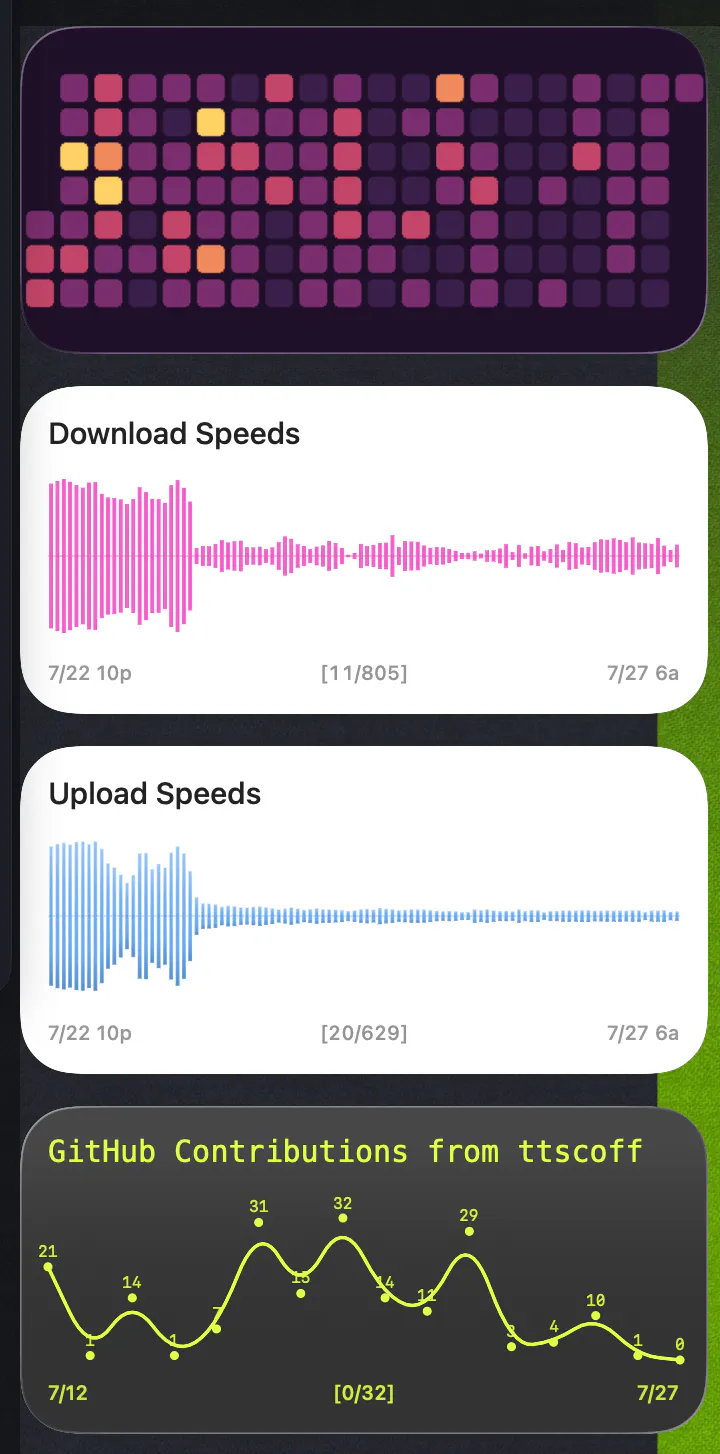
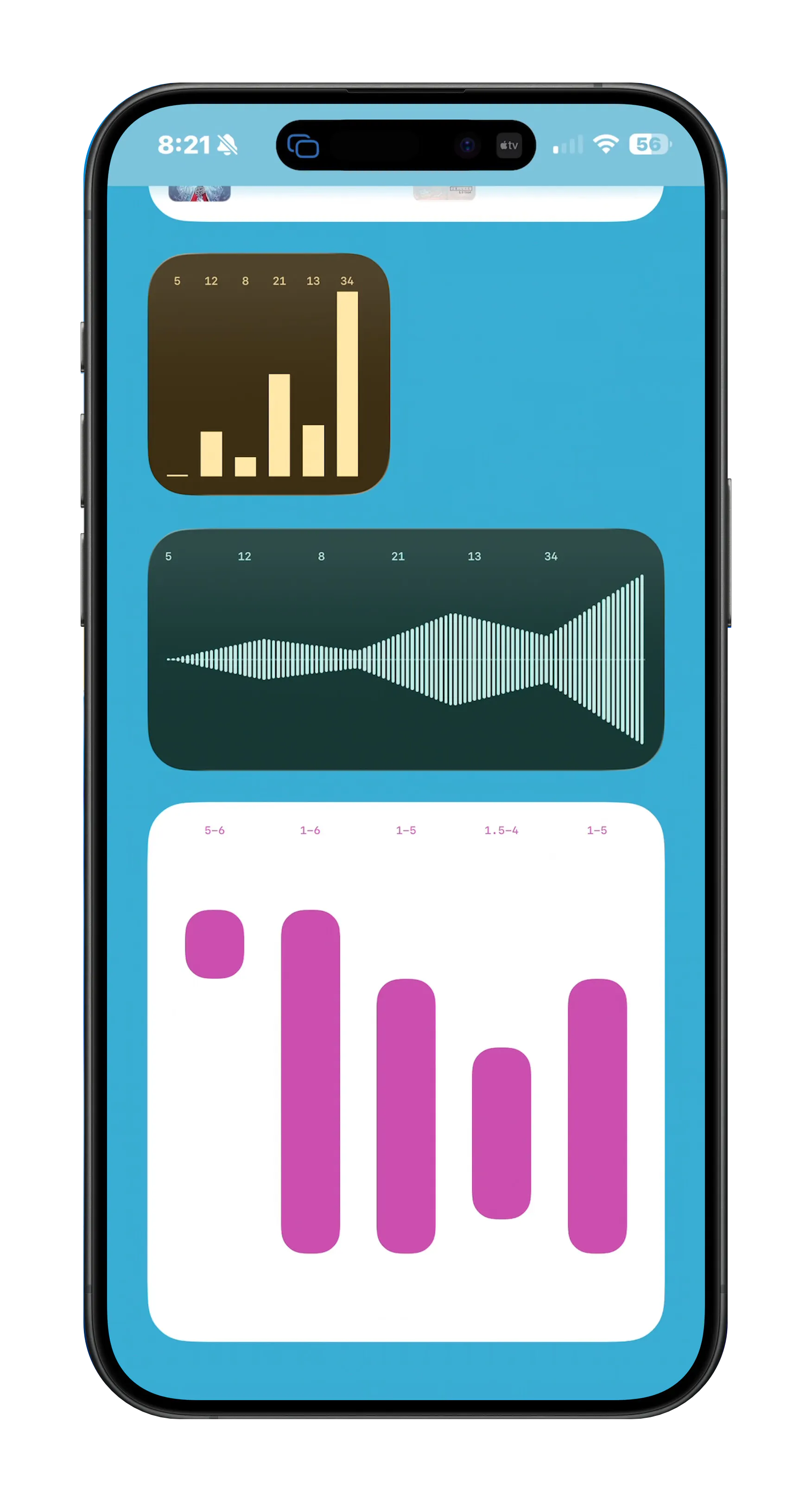
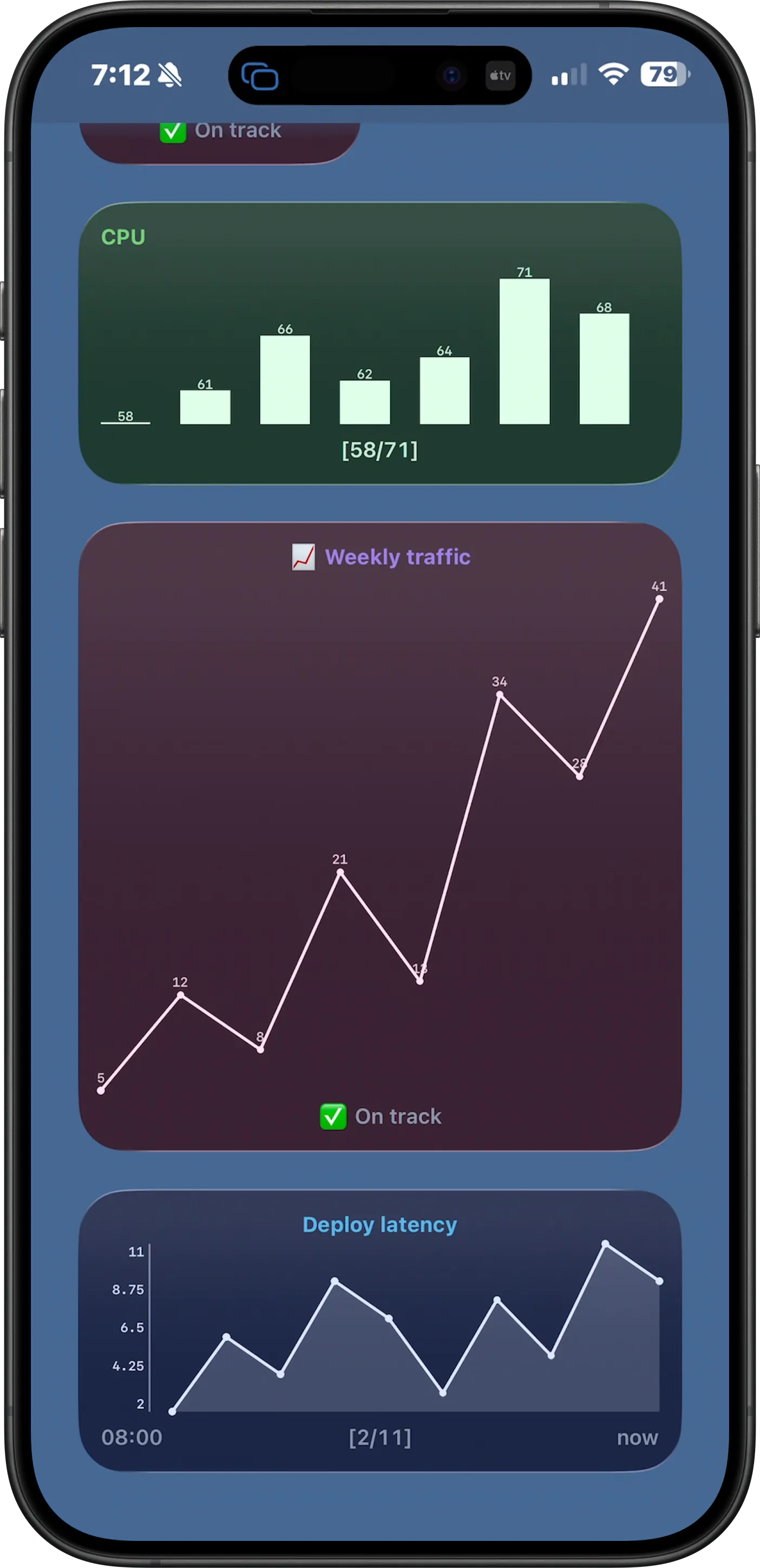
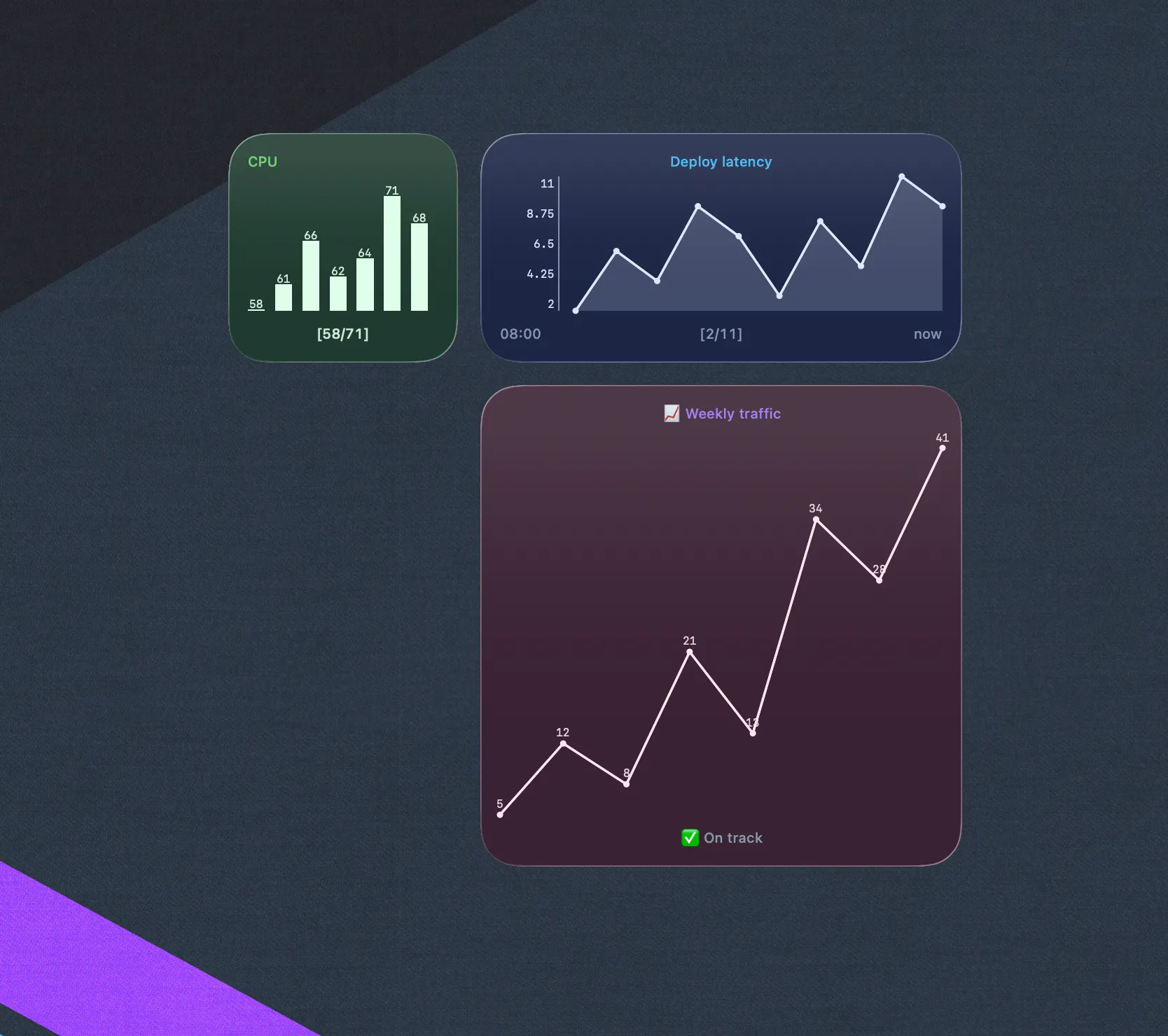
Pros
- ✓Supports multiple data types including text, images, progress, and sparklines
- ✓Universal app compatible with macOS, iOS, and iPadOS
- ✓Highly customizable widgets for personal workflows
- ✓One-time purchase eliminates subscription dependency
- ✓Real-time updates for command output visualization
Cons
- ✗Limited to Apple ecosystem devices
- ✗Requires familiarity with command-line scripting
- ✗Potentially steep learning curve for beginners
Use Cases
Pricing
Likely a one-time purchase model, providing users with a cost-effective alternative to subscription-based widget tools; exact pricing details are not specified but it is marketed as a one-time buy.
Quick Info
Topics
Makers

Brett Terpstra
@ttscoffAlternatives
Similar Tools in Productivity




Embed Badge
Add this badge to your website to show that TerminalWidget is featured on Visalytica.
<a href="https://www.visalytica.com/tool/terminalwidget" target="_blank" rel="noopener noreferrer" style="display:inline-flex;align-items:center;gap:6px;padding:6px 14px;background:#7c3aed;color:#fff;border-radius:8px;font-family:-apple-system,system-ui,sans-serif;font-size:13px;font-weight:600;text-decoration:none;transition:background .2s" onmouseover="this.style.background='#6d28d9'" onmouseout="this.style.background='#7c3aed'"><svg width="14" height="14" viewBox="0 0 24 24" fill="none" stroke="currentColor" stroke-width="2.5" stroke-linecap="round" stroke-linejoin="round"><path d="M12 20V10"/><path d="M18 20V4"/><path d="M6 20v-4"/></svg>Featured on Visalytica</a>