
Tend
Personal AI for businesses and entrepreneurs.
About Tend
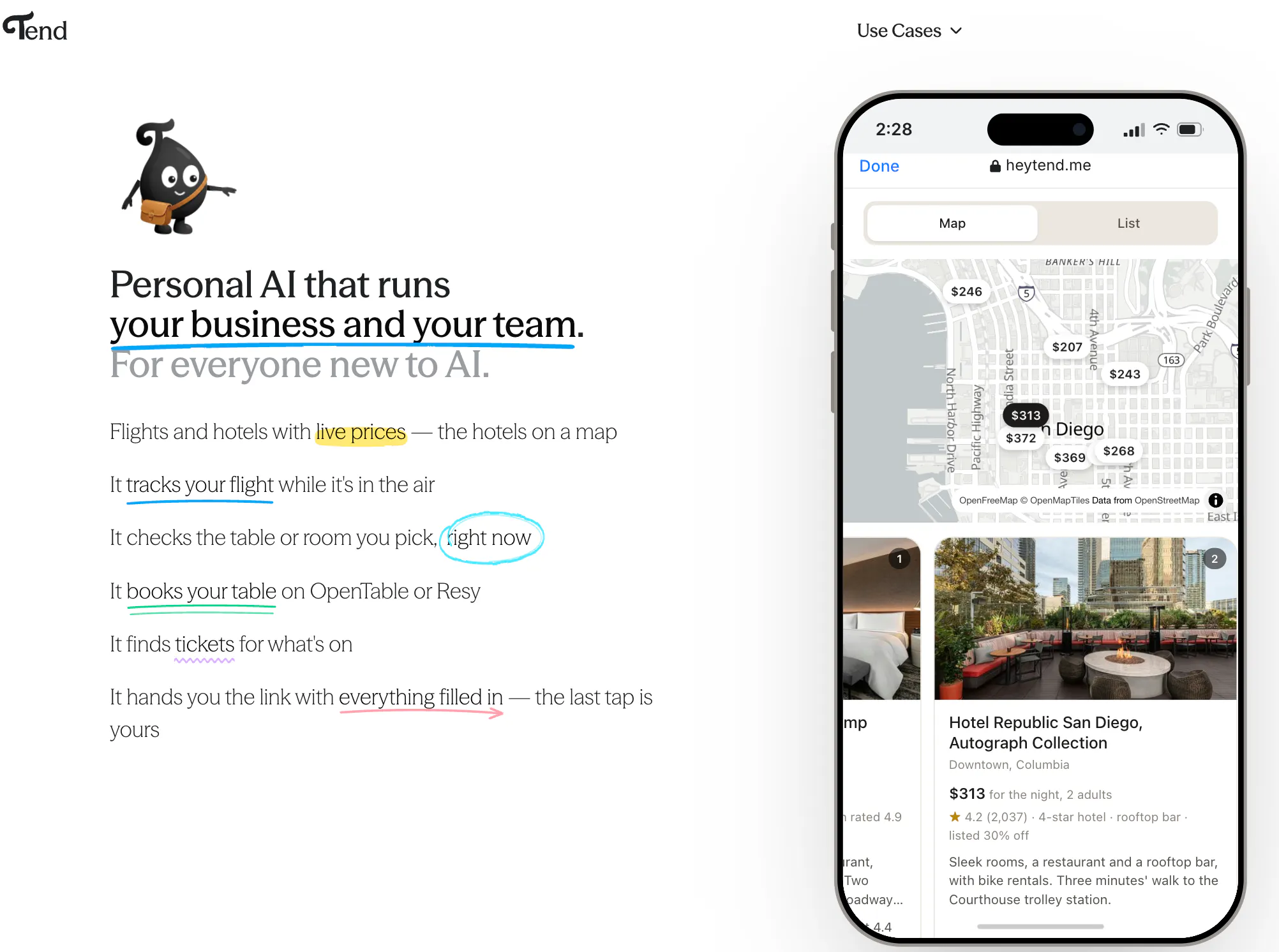
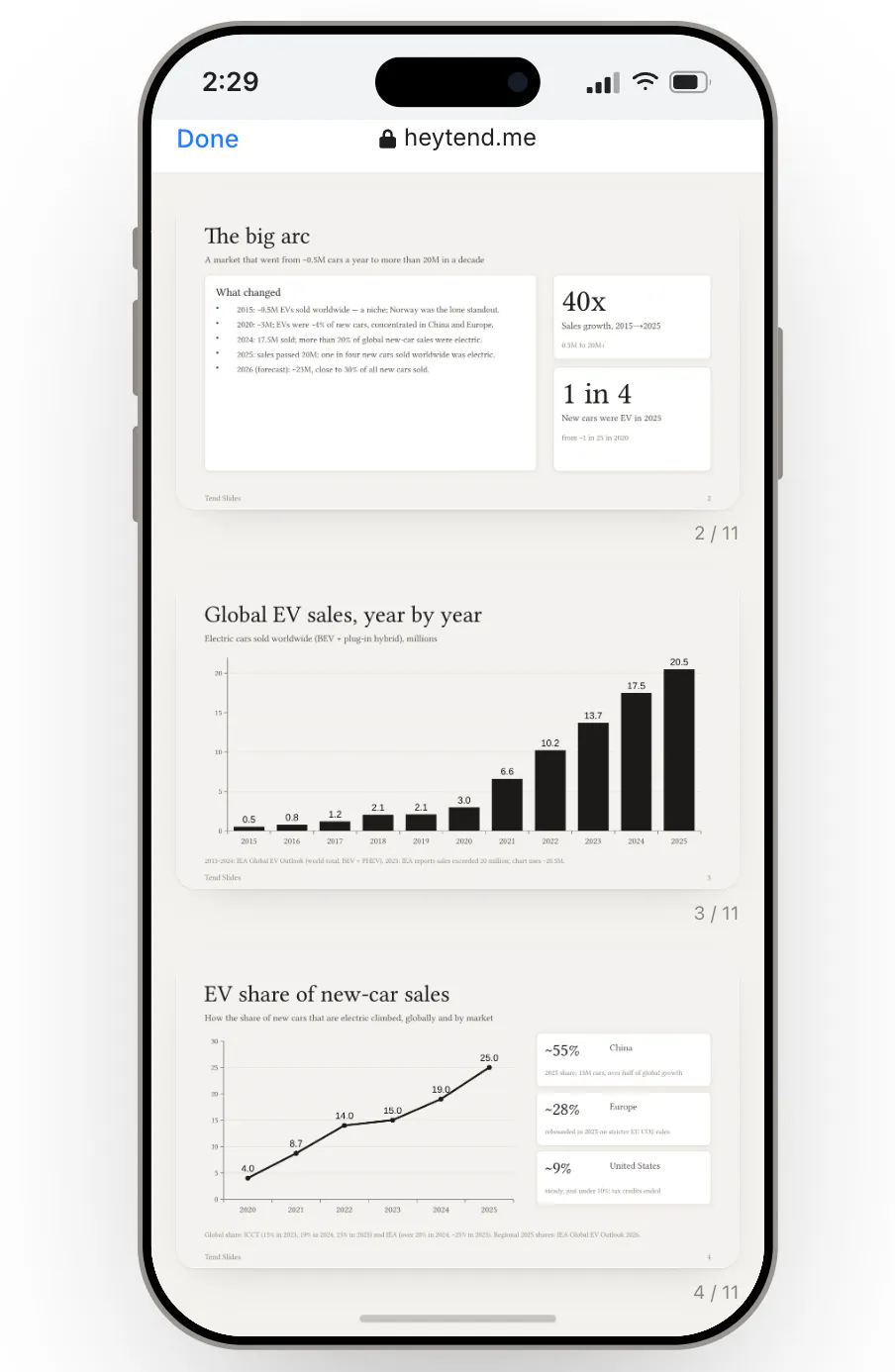
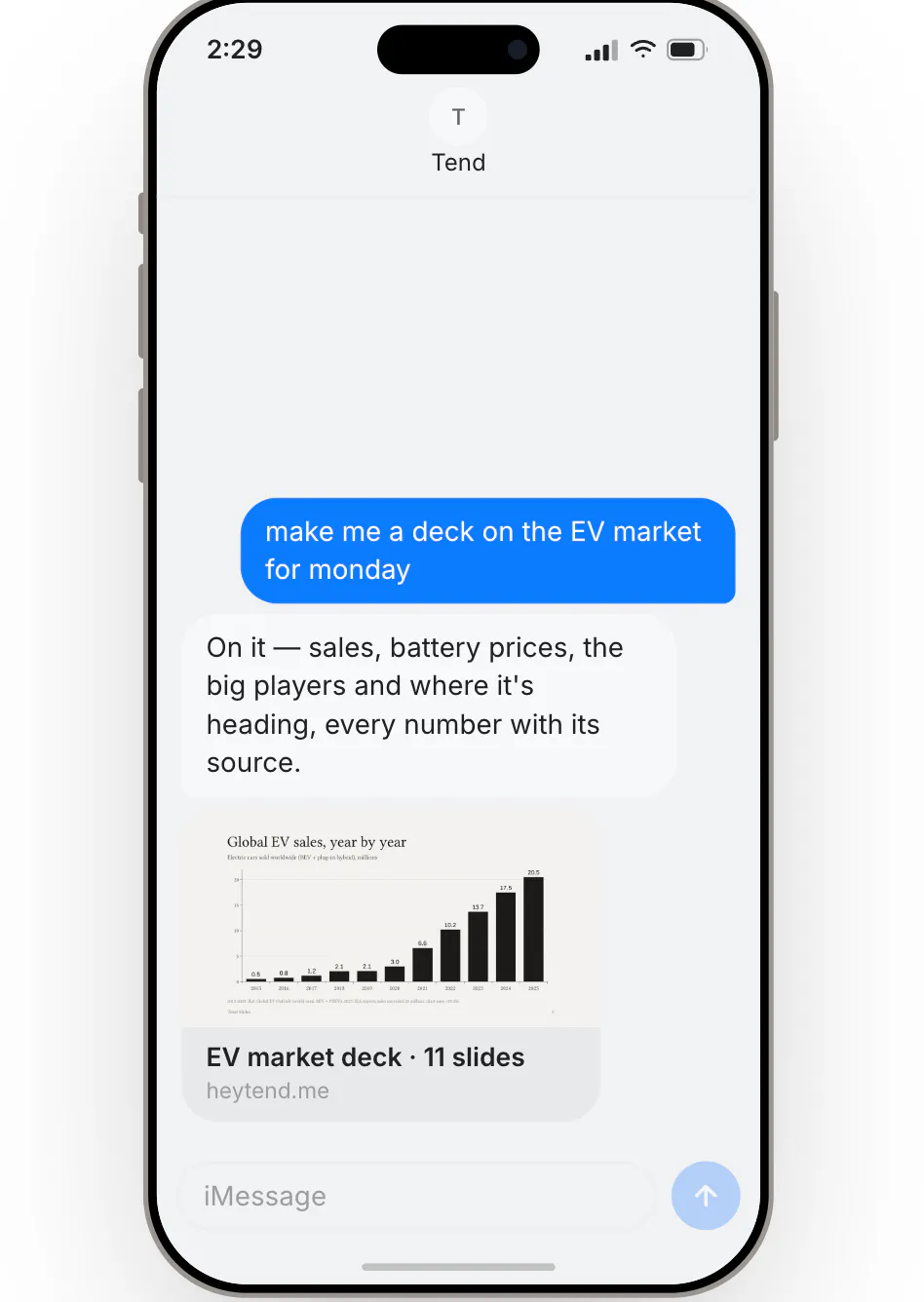
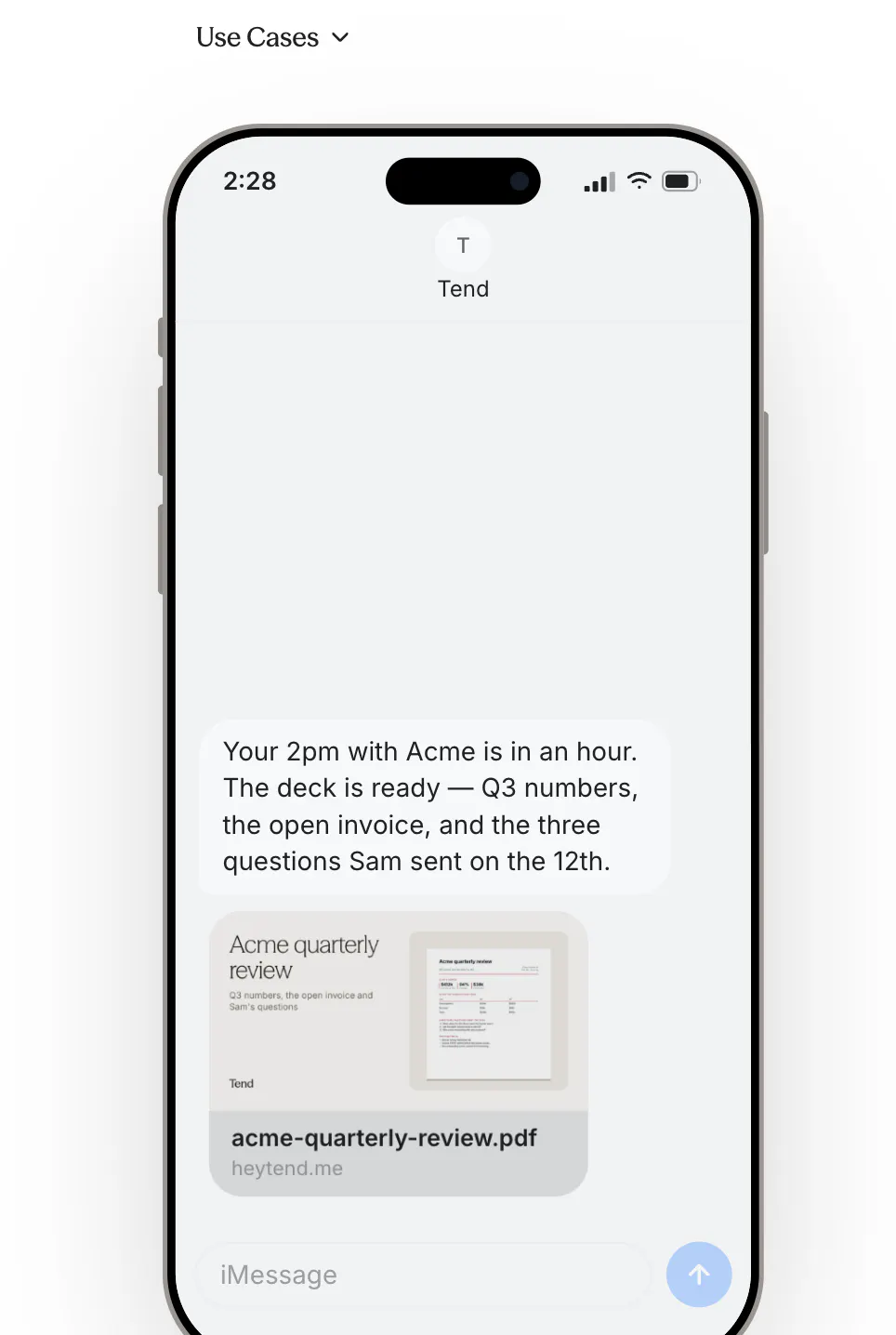
Tend is an innovative personal AI assistant designed for entrepreneurs and business professionals who want to streamline their daily operations without switching apps. Accessible via familiar messaging platforms like iMessage and SMS, Tend integrates seamlessly with your existing accounts such as Gmail, calendar, Shopify, QuickBooks, and HubSpot. It handles a variety of tasks including replying to emails in your voice, booking tables, managing shopping carts, making calls, finding leads, and even building websites. What sets Tend apart is its commitment to user control; nothing is sent, purchased, or altered without explicit approval, and users can review and correct what the AI has learned about them in a dedicated Brain. Additionally, Tend proactively communicates via text to remind users of important updates like price watches, flight alerts, and reminders, making it a truly personal and proactive digital assistant.
Screenshots

Pros
- ✓Seamless integration with popular business tools and accounts
- ✓Operates within existing messaging apps, no new app to learn
- ✓User control over AI actions and data with a dedicated Brain
- ✓Proactive communication for reminders and updates
- ✓Versatile task handling from emails to website building
Cons
- ✗Limited information on pricing and subscription plans
- ✗Potential privacy concerns with data sharing and storage
- ✗Functionality may depend on account integrations and permissions
Use Cases
Pricing
Pricing not verified
Quick Info
Topics
Makers

hritvik Gupta
Alternatives
Similar Tools in AI Assistants




Embed Badge
Add this badge to your website to show that Tend is featured on Visalytica.
<a href="https://www.visalytica.com/tool/tend-1286998" target="_blank" rel="noopener noreferrer" style="display:inline-flex;align-items:center;gap:6px;padding:6px 14px;background:#7c3aed;color:#fff;border-radius:8px;font-family:-apple-system,system-ui,sans-serif;font-size:13px;font-weight:600;text-decoration:none;transition:background .2s" onmouseover="this.style.background='#6d28d9'" onmouseout="this.style.background='#7c3aed'"><svg width="14" height="14" viewBox="0 0 24 24" fill="none" stroke="currentColor" stroke-width="2.5" stroke-linecap="round" stroke-linejoin="round"><path d="M12 20V10"/><path d="M18 20V4"/><path d="M6 20v-4"/></svg>Featured on Visalytica</a>