
Tejora
Give every Mac app its own brightness.
About Tejora
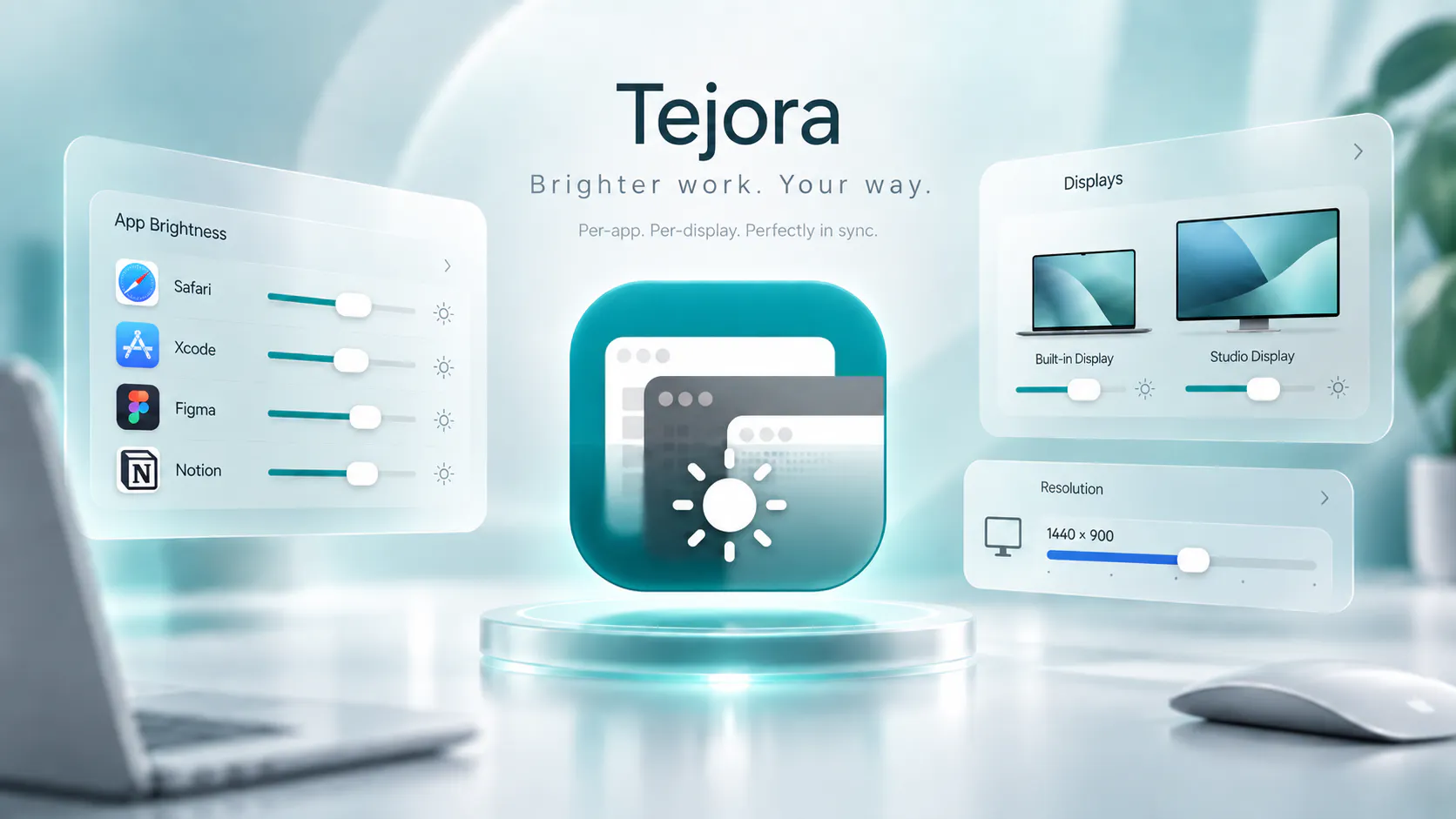
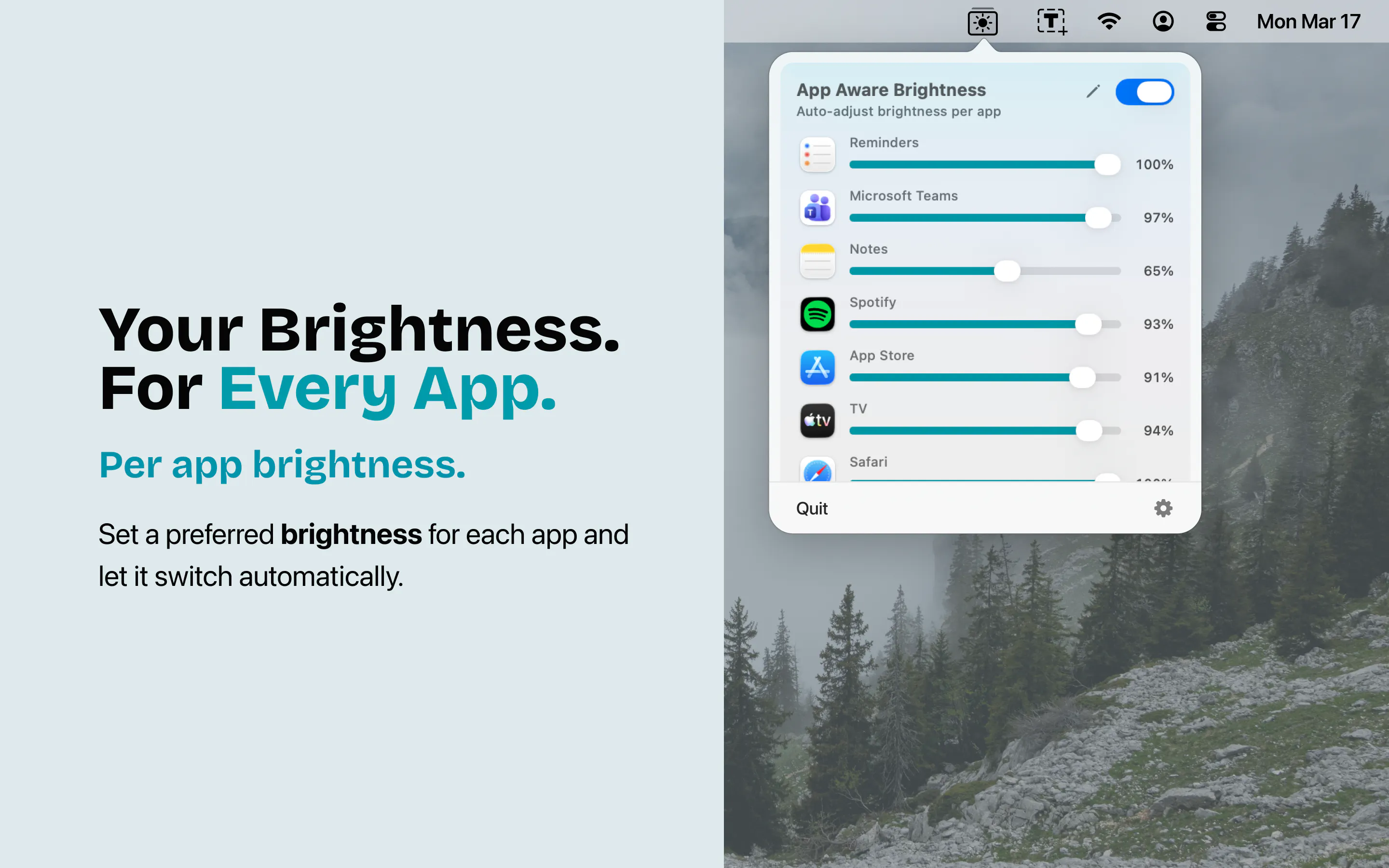
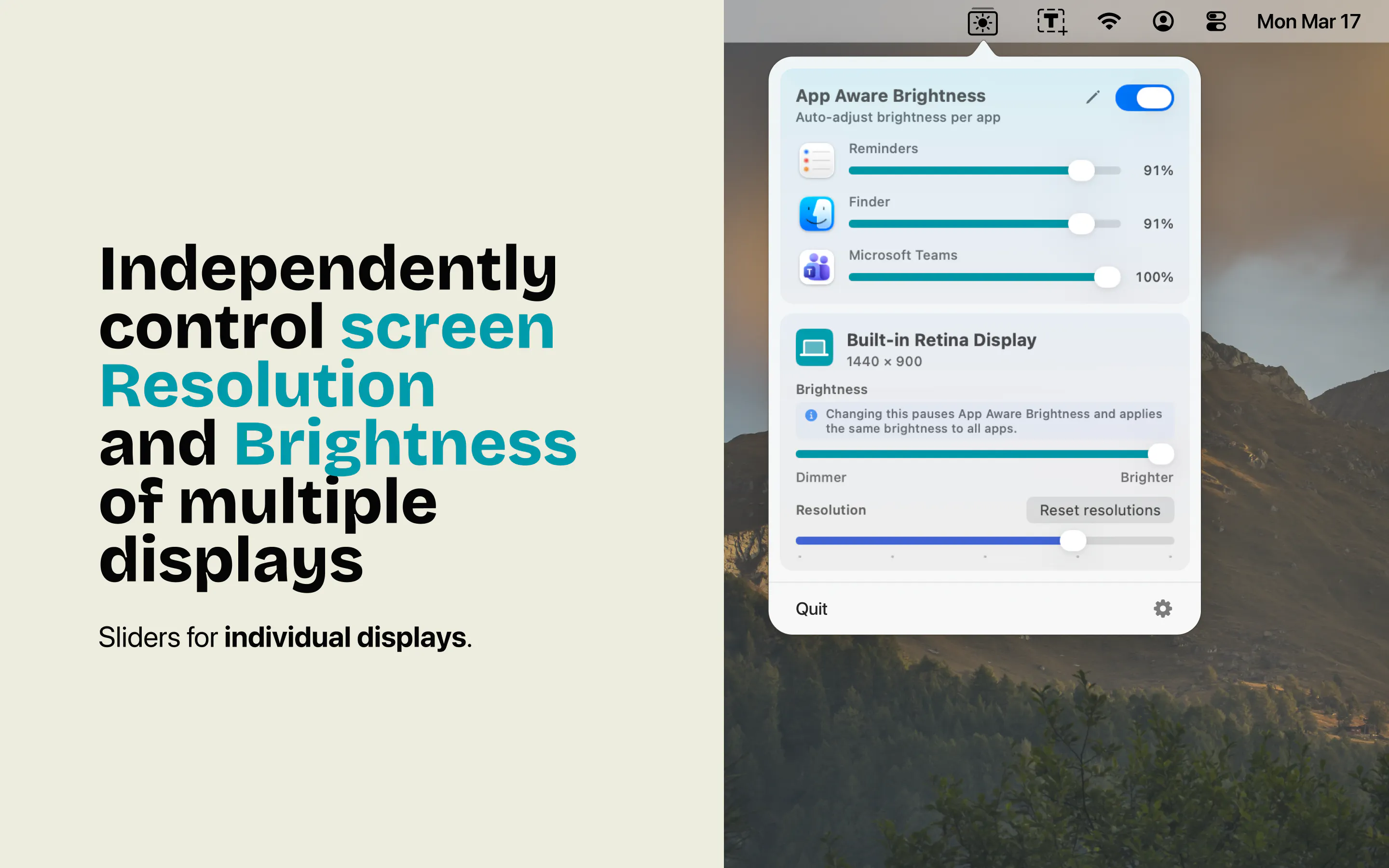
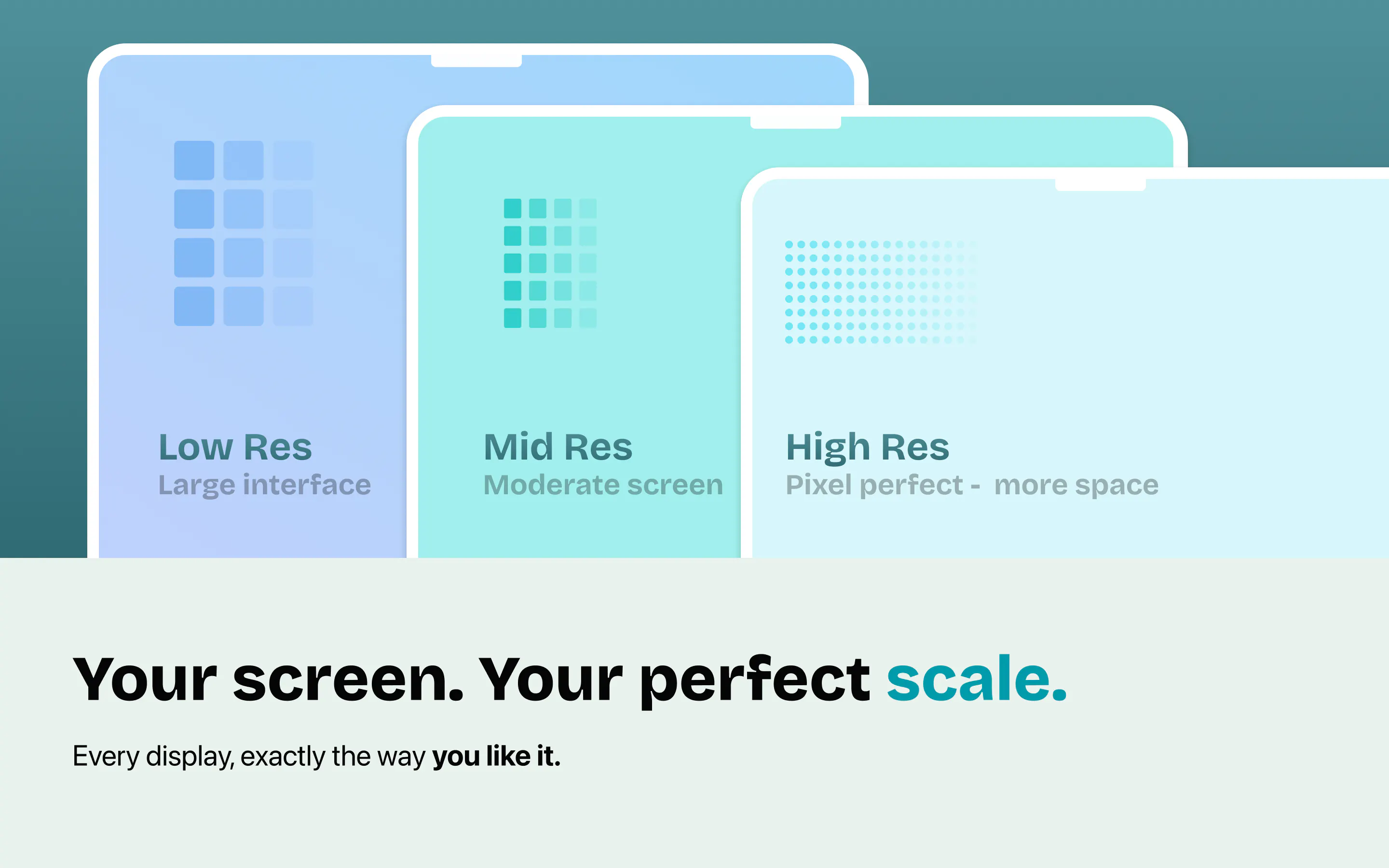
Tejora is a innovative Mac utility that personalizes display brightness on an app-by-app basis, enhancing user comfort and productivity. Designed for Mac users who switch frequently between different applications, Tejora automatically adjusts your display brightness to optimal levels depending on the active app. This feature ensures that each app gets the ideal brightness setting without manual adjustments, making it especially useful for creative professionals, developers, and multitaskers. Additionally, Tejora offers convenient control over system brightness and display resolution directly from the menu bar, including external displays, streamlining workflow and reducing the need to navigate through system settings. Its automation and intuitive interface make managing display settings seamless and efficient, allowing users to set their preferences once and enjoy a smarter, more adaptable Mac experience.
Screenshots
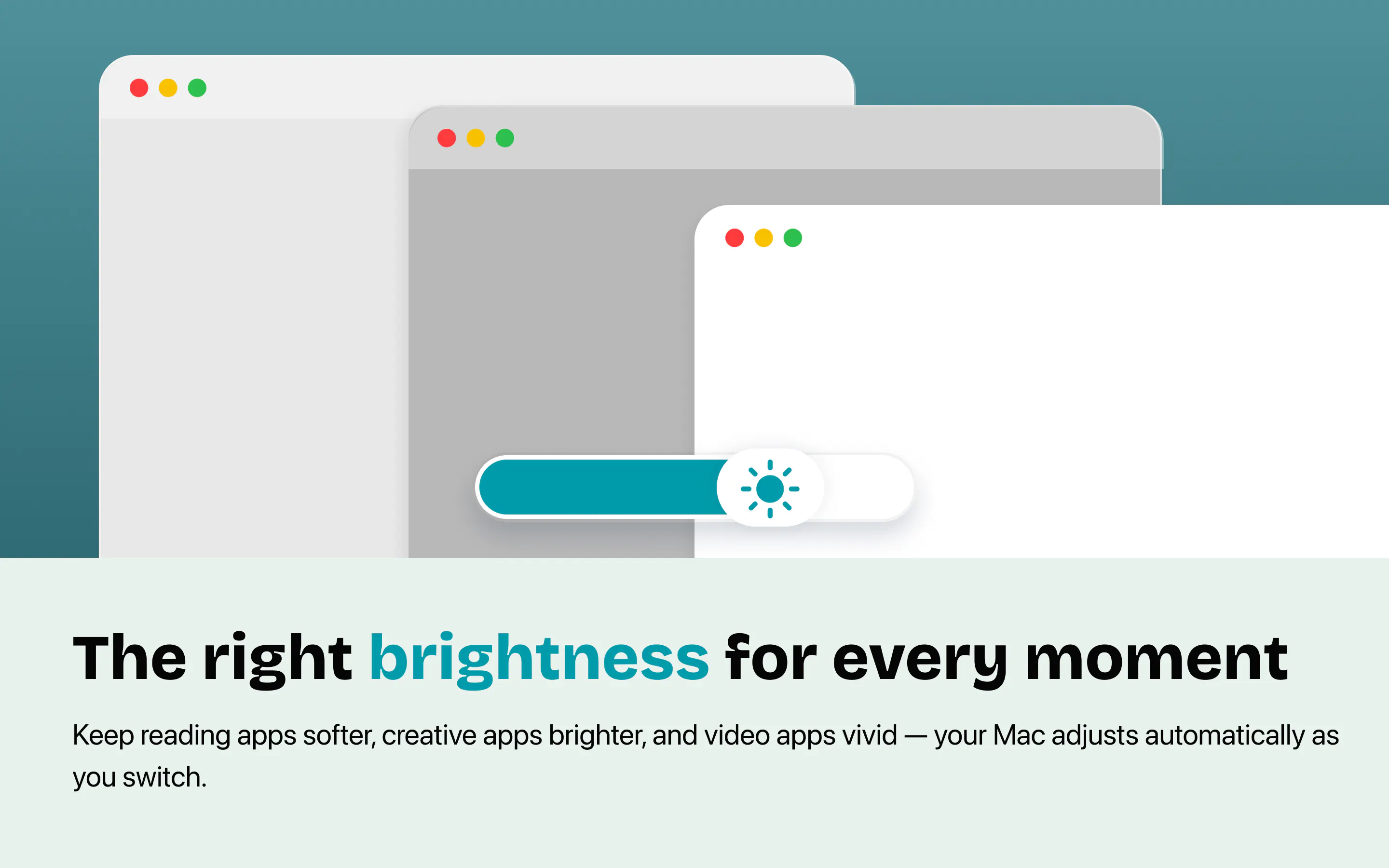
Pros
- ✓App-aware brightness adjustments for personalized display settings
- ✓Quick access to system brightness and resolution controls via menu bar
- ✓Supports external displays for a comprehensive display management solution
- ✓Automates display adjustments, saving time and effort
- ✓User-friendly interface with easy setup
Cons
- ✗Limited information on advanced customization options
- ✗No details on pricing or free trial availability
- ✗User votes on ProductHunt are currently low
Use Cases
Pricing
Pricing not verified
Quick Info
Topics
Makers

Suresh Shetty
Alternatives
Similar Tools in Productivity




Embed Badge
Add this badge to your website to show that Tejora is featured on Visalytica.
<a href="https://www.visalytica.com/tool/tejora" target="_blank" rel="noopener noreferrer" style="display:inline-flex;align-items:center;gap:6px;padding:6px 14px;background:#7c3aed;color:#fff;border-radius:8px;font-family:-apple-system,system-ui,sans-serif;font-size:13px;font-weight:600;text-decoration:none;transition:background .2s" onmouseover="this.style.background='#6d28d9'" onmouseout="this.style.background='#7c3aed'"><svg width="14" height="14" viewBox="0 0 24 24" fill="none" stroke="currentColor" stroke-width="2.5" stroke-linecap="round" stroke-linejoin="round"><path d="M12 20V10"/><path d="M18 20V4"/><path d="M6 20v-4"/></svg>Featured on Visalytica</a>