
TapTalk
Free, on-device dictation for Mac
About TapTalk
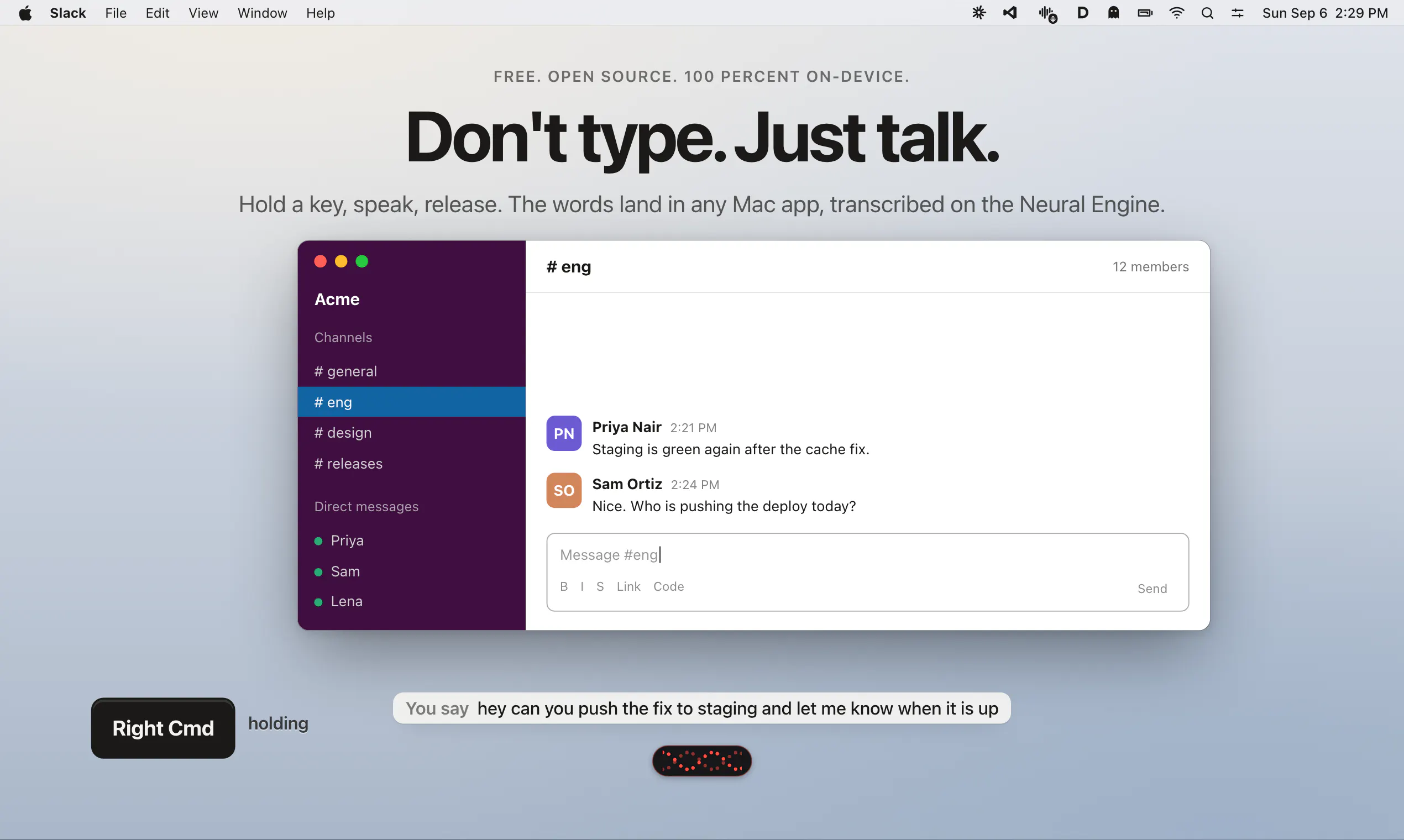
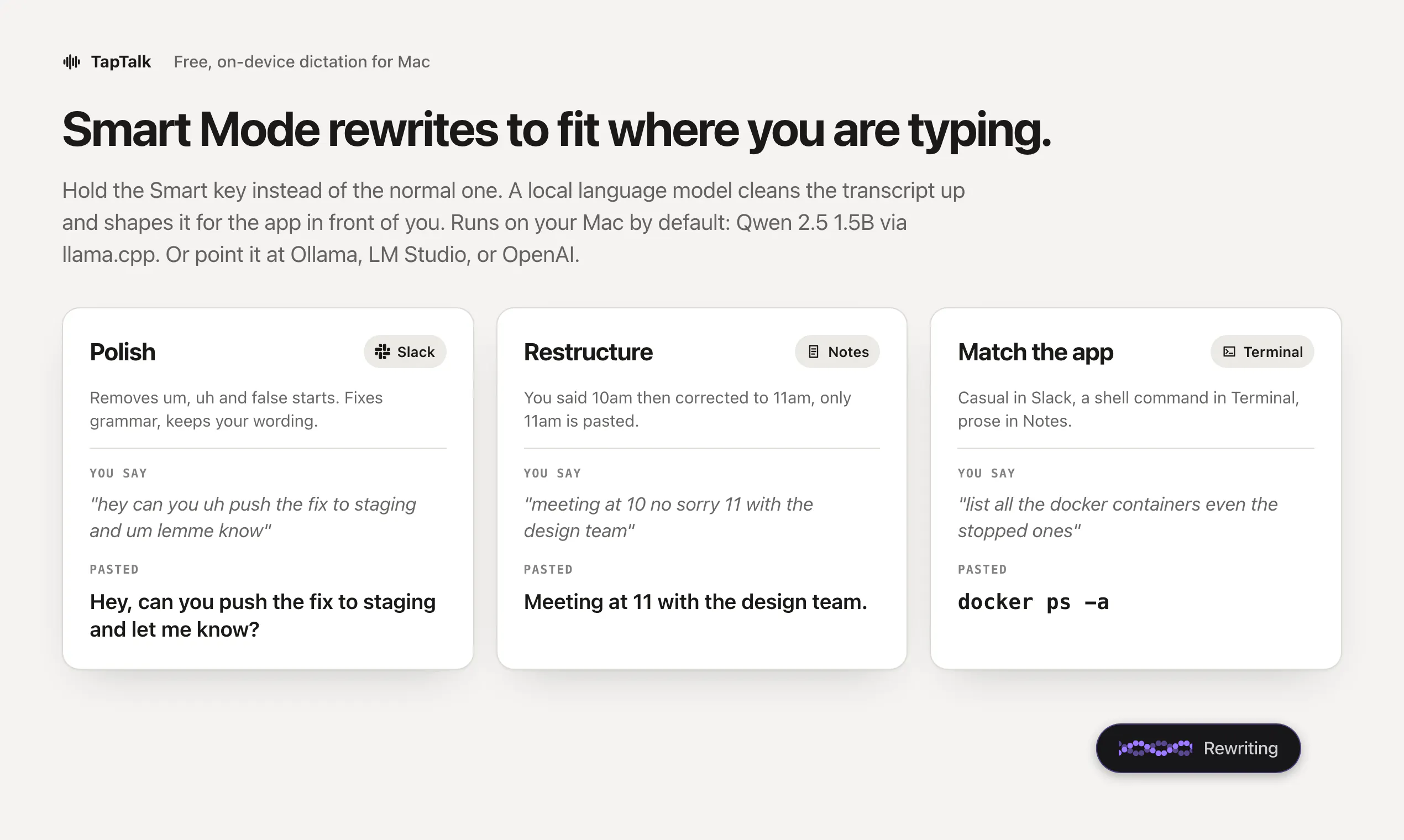
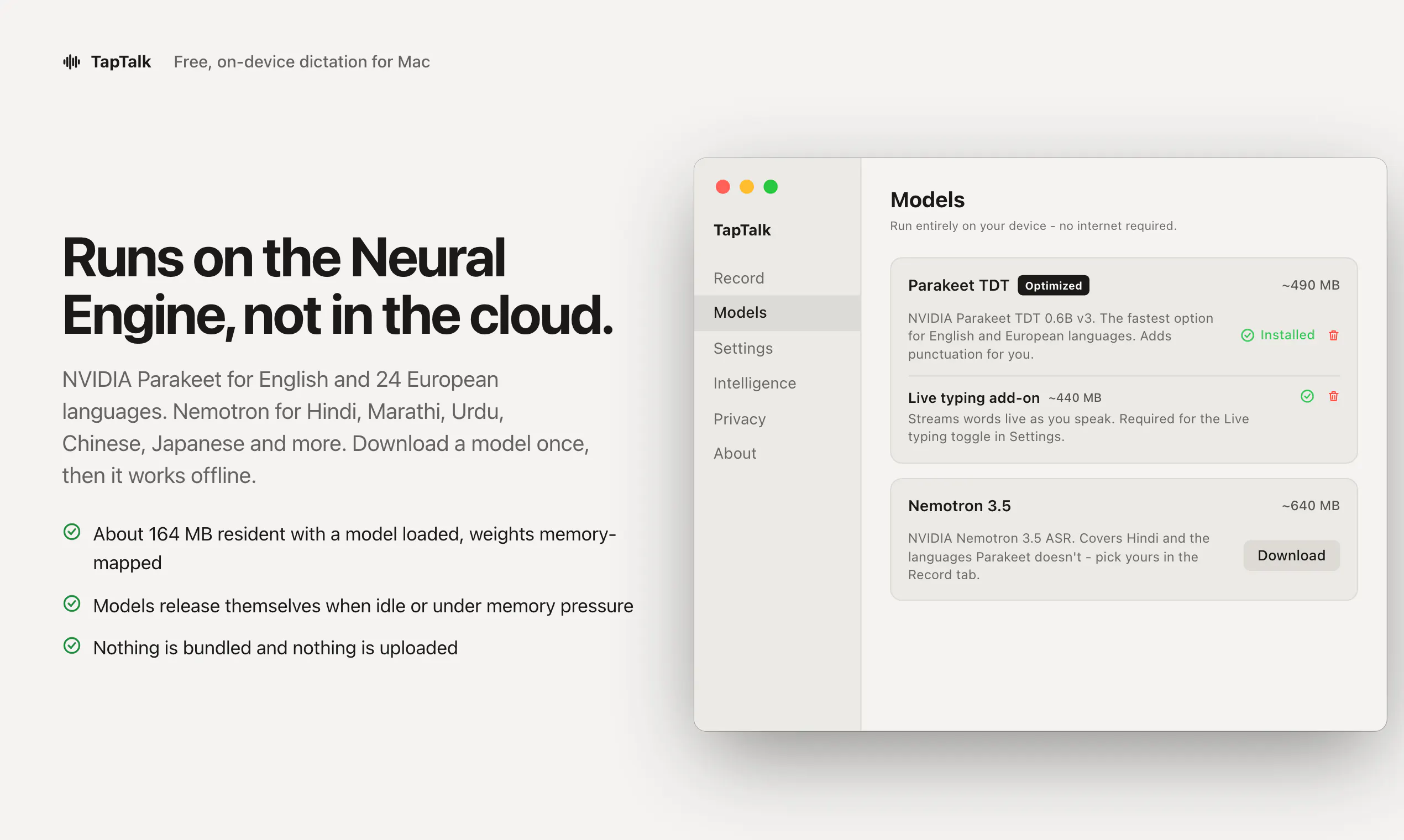
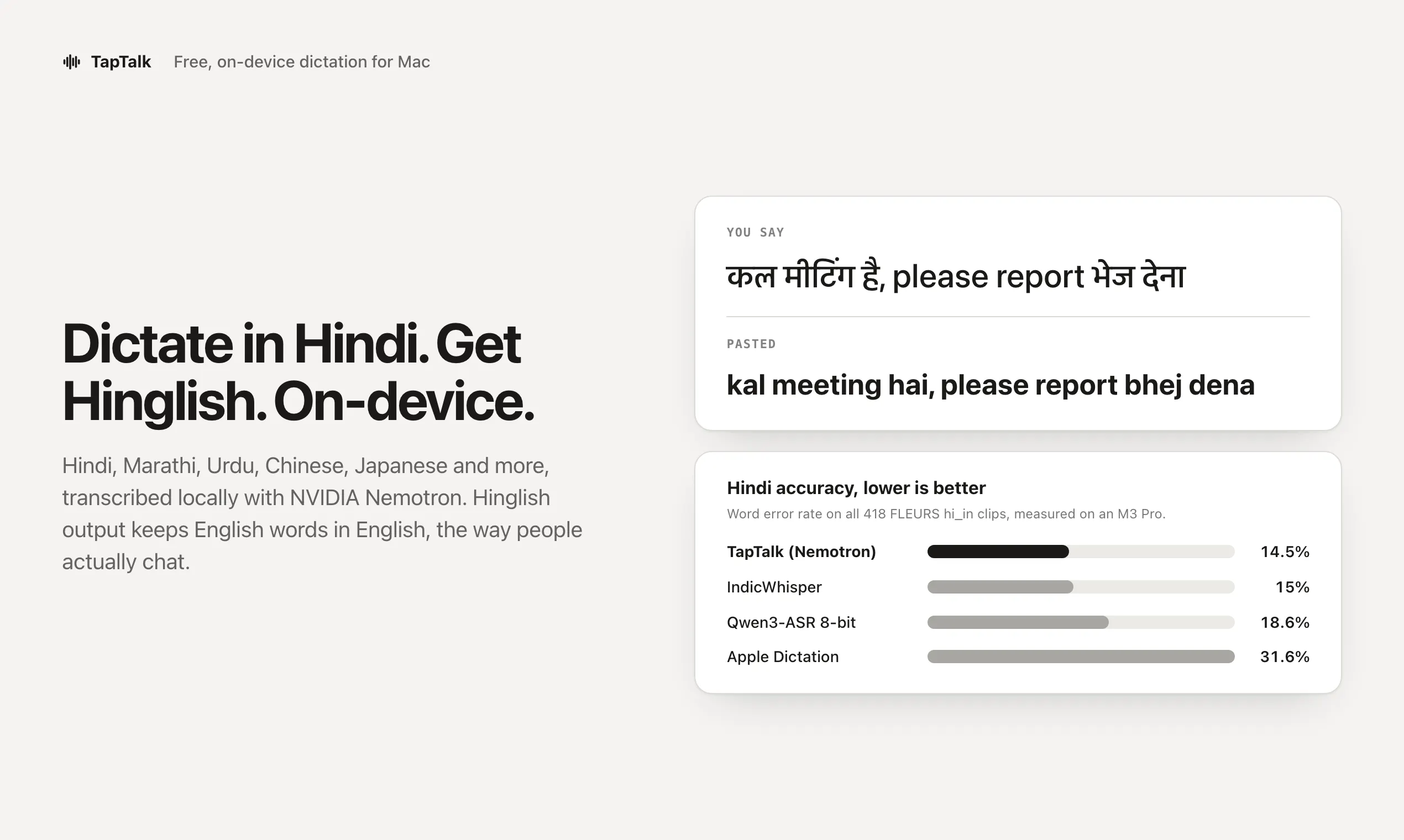
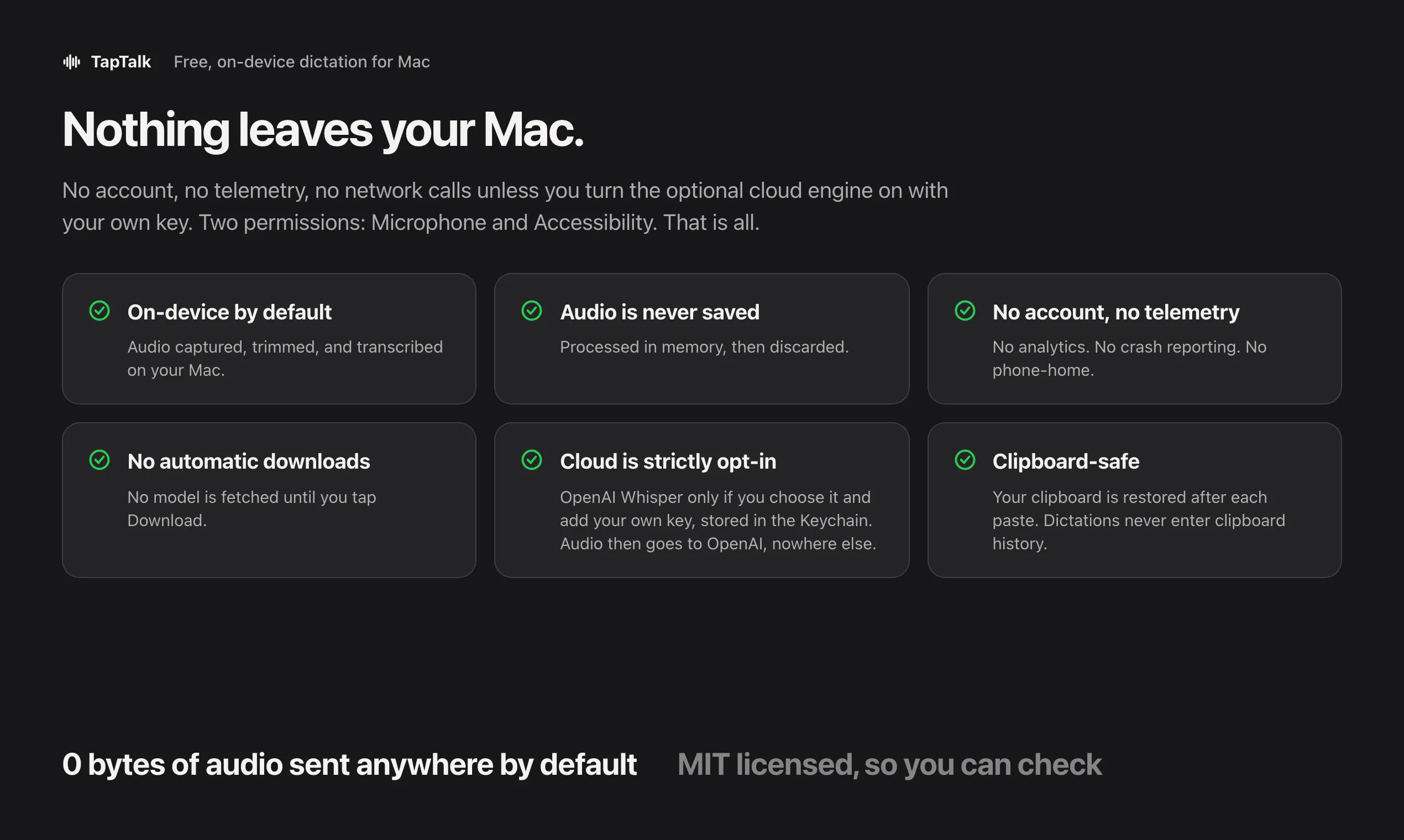
TapTalk is a free, open-source dictation tool designed specifically for Mac users seeking a seamless speech-to-text experience. Utilizing the power of the Neural Engine, it converts spoken words into text directly within any Mac application, eliminating the need for cloud-based services and ensuring user privacy. Users simply hold a key, speak, and release—your spoken words are instantly pasted at the cursor's location. Its on-device operation not only guarantees data security but also offers quick, reliable performance without internet dependency. Additionally, TapTalk provides an optional local AI rewrite feature, allowing users to refine their transcriptions with privacy-conscious AI processing. Perfect for writers, students, professionals, or anyone looking to boost productivity, TapTalk combines simplicity with powerful on-device AI to enhance the dictation experience while maintaining full control over data.
Screenshots
+2 more screenshots
Pros
- ✓Runs entirely on-device, ensuring privacy and security
- ✓No account or cloud required, simplifying setup and use
- ✓Open-source and free, accessible to all users
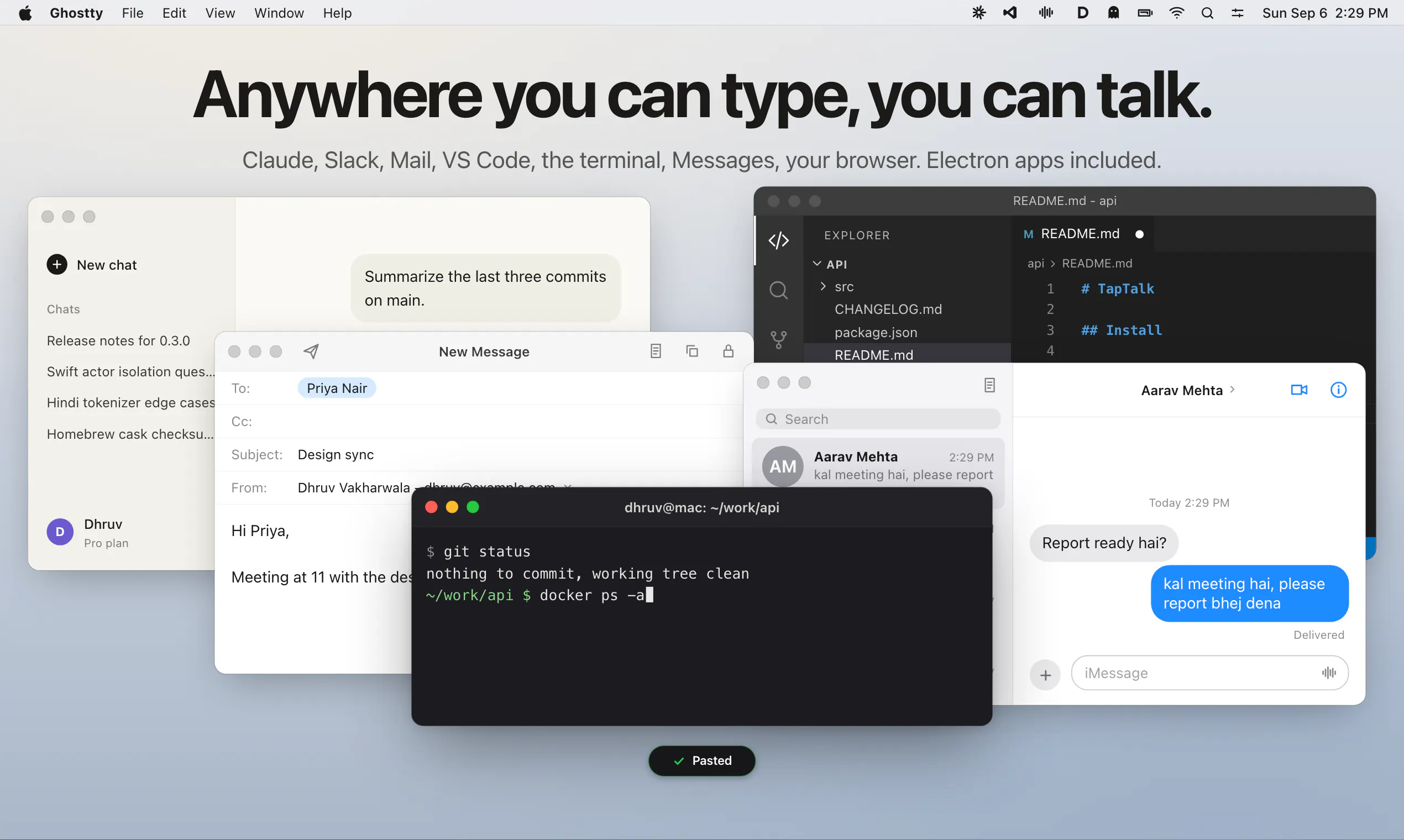
- ✓Supports any Mac app, offering versatile integration
- ✓Optional local AI rewrite for improved accuracy
Cons
- ✗Limited to Mac, not available on other platforms
- ✗Features may be basic compared to cloud-based dictation solutions
- ✗Performance depends on the Mac's Neural Engine capabilities
Use Cases
Pricing
Pricing not verified
Quick Info
Topics
Makers

Dhruv Vakharwala
Similar Tools in AI Assistants




Embed Badge
Add this badge to your website to show that TapTalk is featured on Visalytica.
<a href="https://www.visalytica.com/tool/taptalk" target="_blank" rel="noopener noreferrer" style="display:inline-flex;align-items:center;gap:6px;padding:6px 14px;background:#7c3aed;color:#fff;border-radius:8px;font-family:-apple-system,system-ui,sans-serif;font-size:13px;font-weight:600;text-decoration:none;transition:background .2s" onmouseover="this.style.background='#6d28d9'" onmouseout="this.style.background='#7c3aed'"><svg width="14" height="14" viewBox="0 0 24 24" fill="none" stroke="currentColor" stroke-width="2.5" stroke-linecap="round" stroke-linejoin="round"><path d="M12 20V10"/><path d="M18 20V4"/><path d="M6 20v-4"/></svg>Featured on Visalytica</a>