
Tapfree for Chrome
Voice dictation that adapts to what’s on your screen
About Tapfree for Chrome
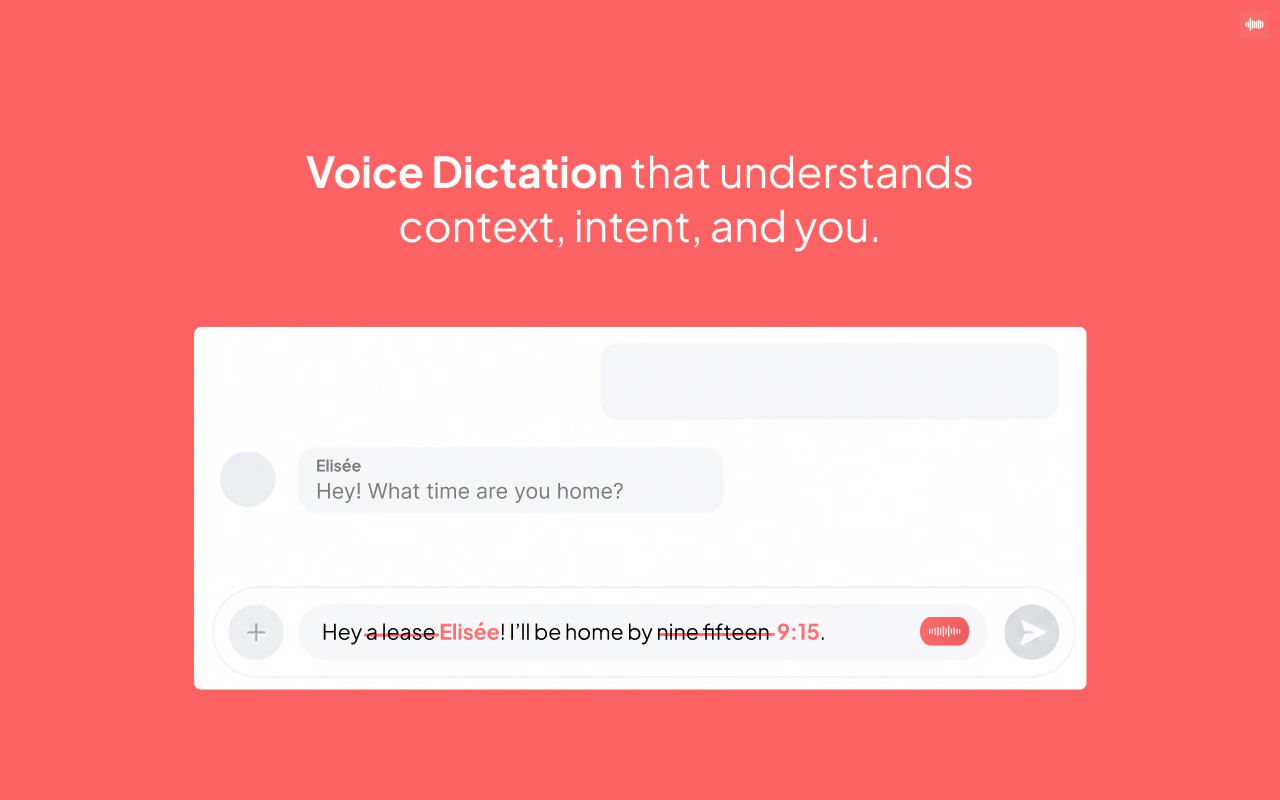
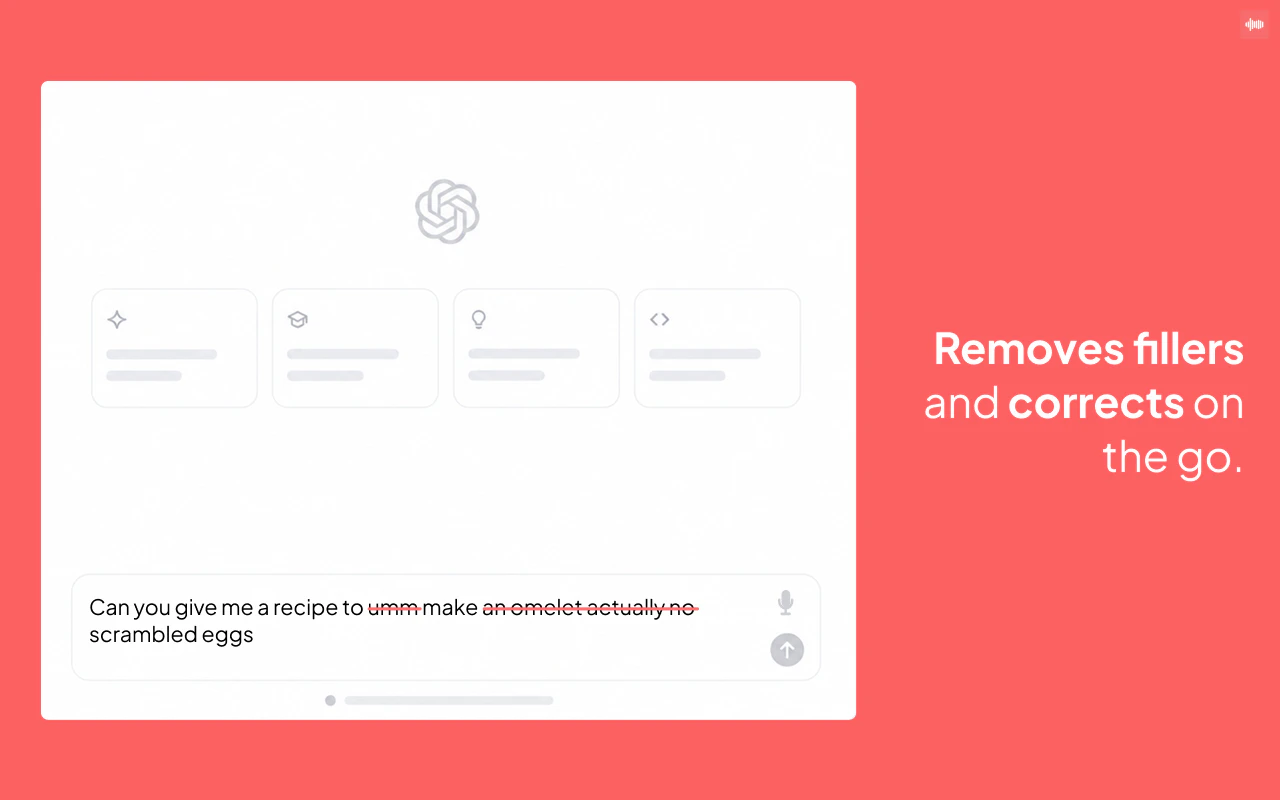
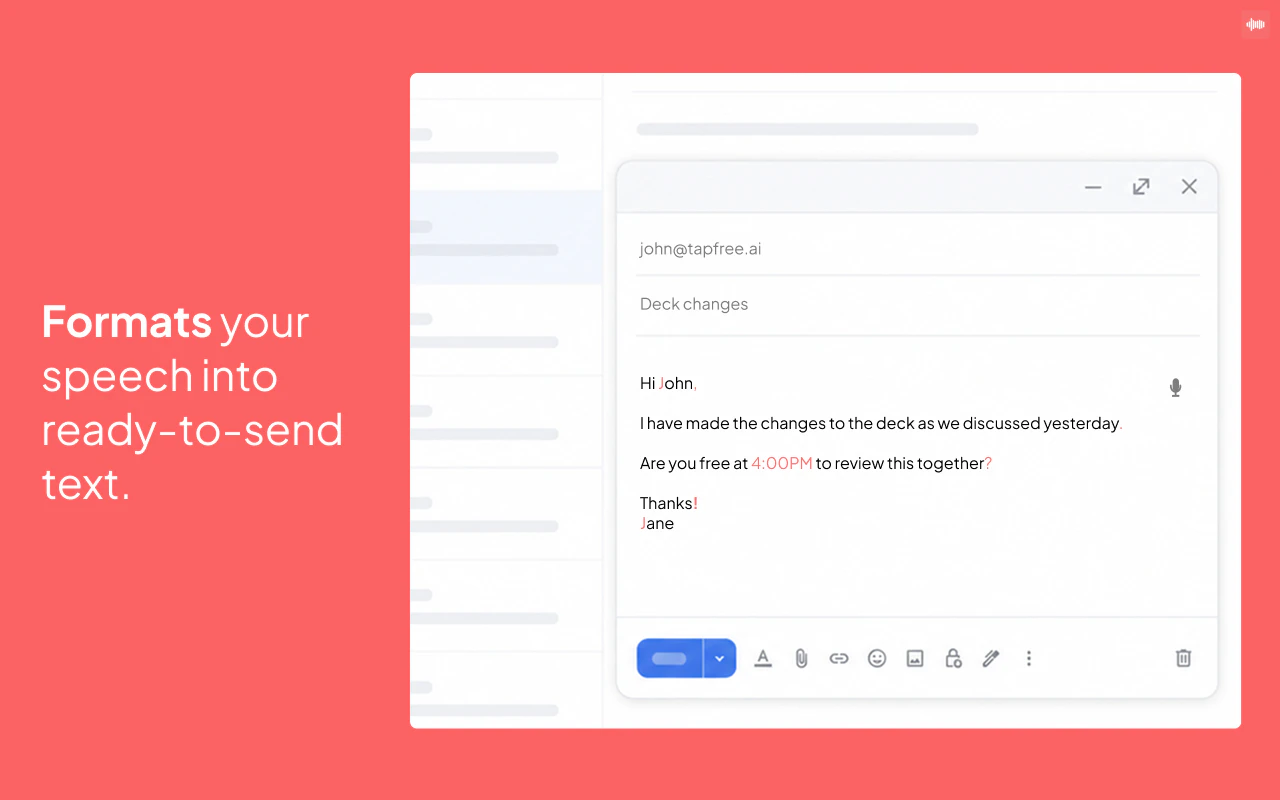
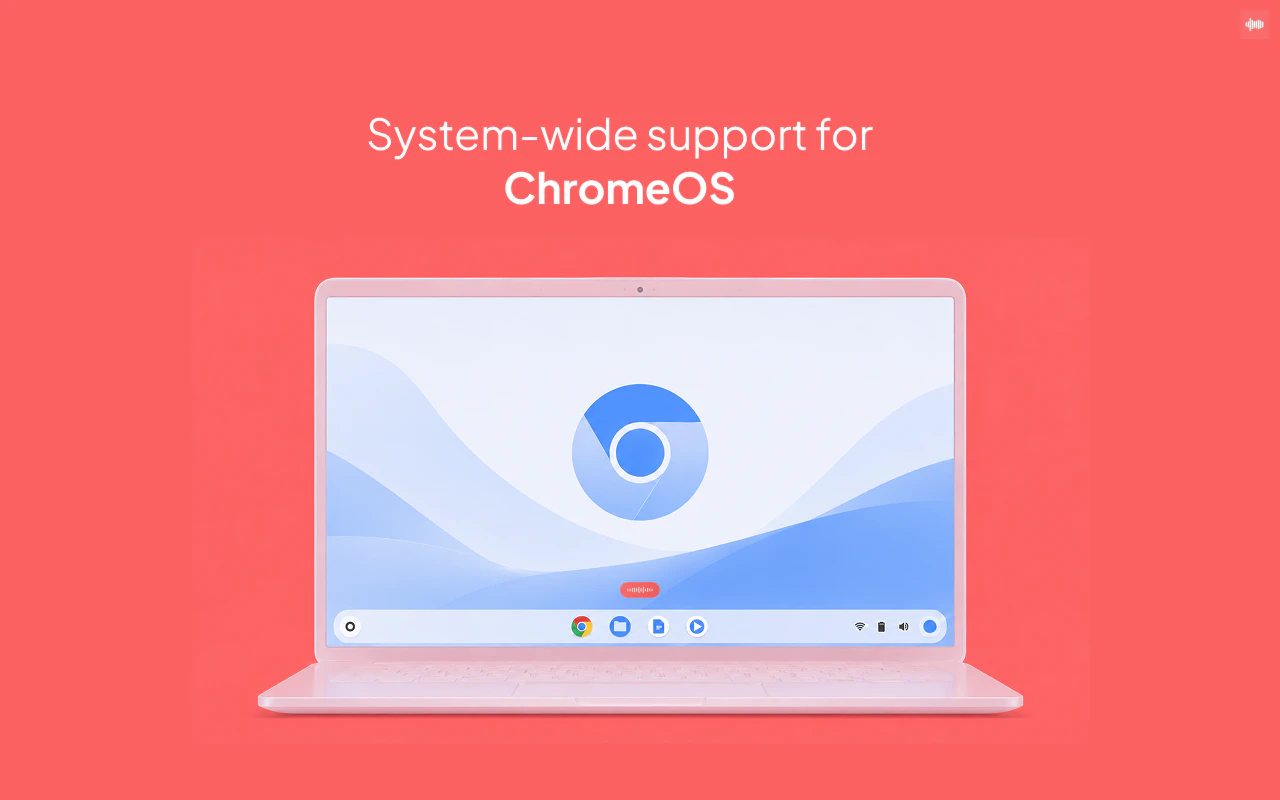
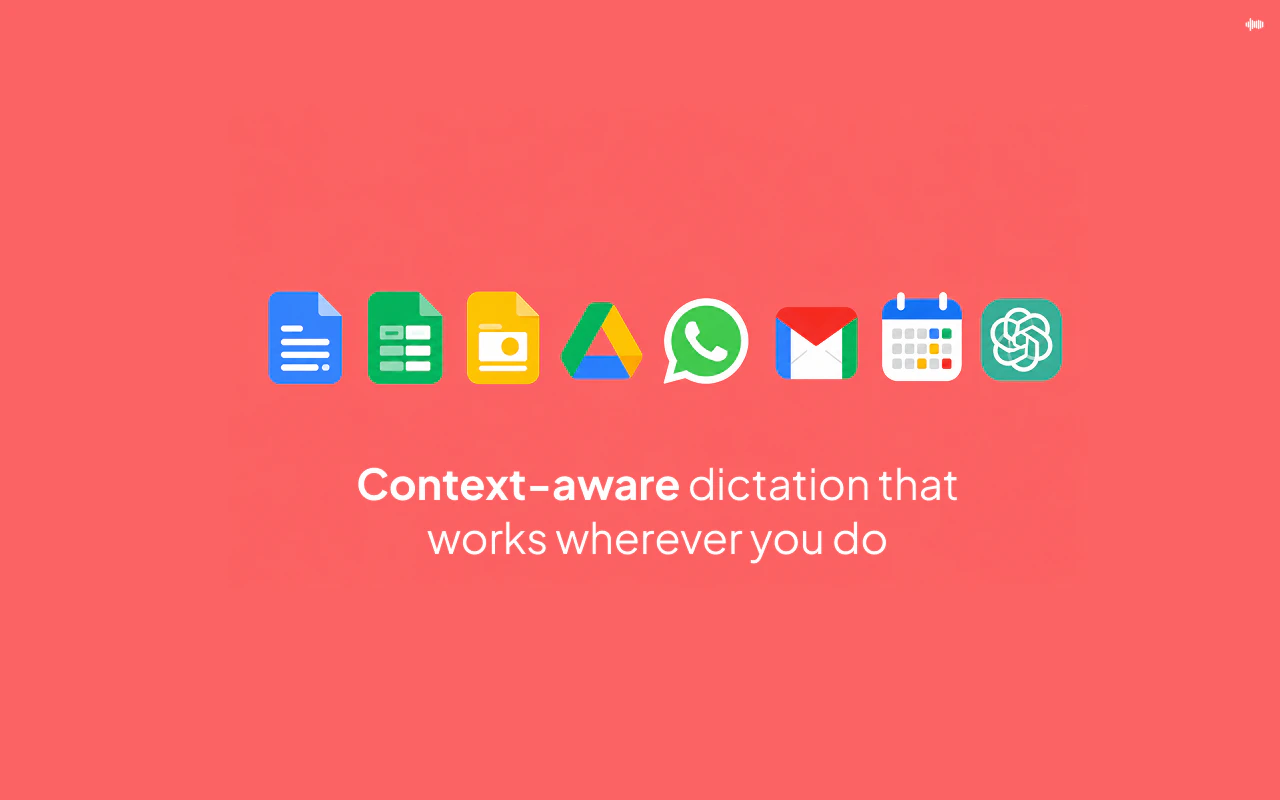
Tapfree for Chrome is an innovative voice dictation tool designed to enhance productivity for users who frequently compose text on the web. It functions as a voice-first keyboard extension for Chrome and ChromeOS, allowing users to speak naturally and have their words transcribed accurately into messages, emails, notes, or documents. What sets Tapfree apart is its ability to understand context beyond simple word recognition, resulting in more accurate and contextually relevant transcriptions. This makes it particularly useful for professionals, students, and anyone looking to streamline their typing process without sacrificing accuracy or formatting. By eliminating common dictation errors and awkward formatting issues, Tapfree helps users save time and reduce frustration during text input tasks.
Screenshots
Pros
- ✓Context-aware transcription improves accuracy and relevance
- ✓Seamless integration with Chrome and ChromeOS enhances accessibility
- ✓Reduces typing time and minimizes errors
- ✓Supports natural speech patterns for easier dictation
- ✓Improves productivity for writing messages, emails, and notes
Cons
- ✗Limited to Chrome and ChromeOS environments, restricting wider device compatibility
- ✗Features and accuracy may vary depending on speech clarity and background noise
- ✗Potential learning curve for new users unfamiliar with voice dictation tools
Use Cases
Pricing
Likely operates on a freemium model, offering basic features for free and premium plans with additional capabilities or integrations starting around $5-$10 per month. Exact pricing details are not specified, but common for Chrome extensions with AI-driven features.
Quick Info
Topics
Makers

Mansehej Singh
Alternatives
Similar Tools in AI Audio & Voice


Embed Badge
Add this badge to your website to show that Tapfree for Chrome is featured on Visalytica.
<a href="https://www.visalytica.com/tool/tapfree-for-chrome" target="_blank" rel="noopener noreferrer" style="display:inline-flex;align-items:center;gap:6px;padding:6px 14px;background:#7c3aed;color:#fff;border-radius:8px;font-family:-apple-system,system-ui,sans-serif;font-size:13px;font-weight:600;text-decoration:none;transition:background .2s" onmouseover="this.style.background='#6d28d9'" onmouseout="this.style.background='#7c3aed'"><svg width="14" height="14" viewBox="0 0 24 24" fill="none" stroke="currentColor" stroke-width="2.5" stroke-linecap="round" stroke-linejoin="round"><path d="M12 20V10"/><path d="M18 20V4"/><path d="M6 20v-4"/></svg>Featured on Visalytica</a>