
Tangerine
Offline file modifier for Mac
About Tangerine
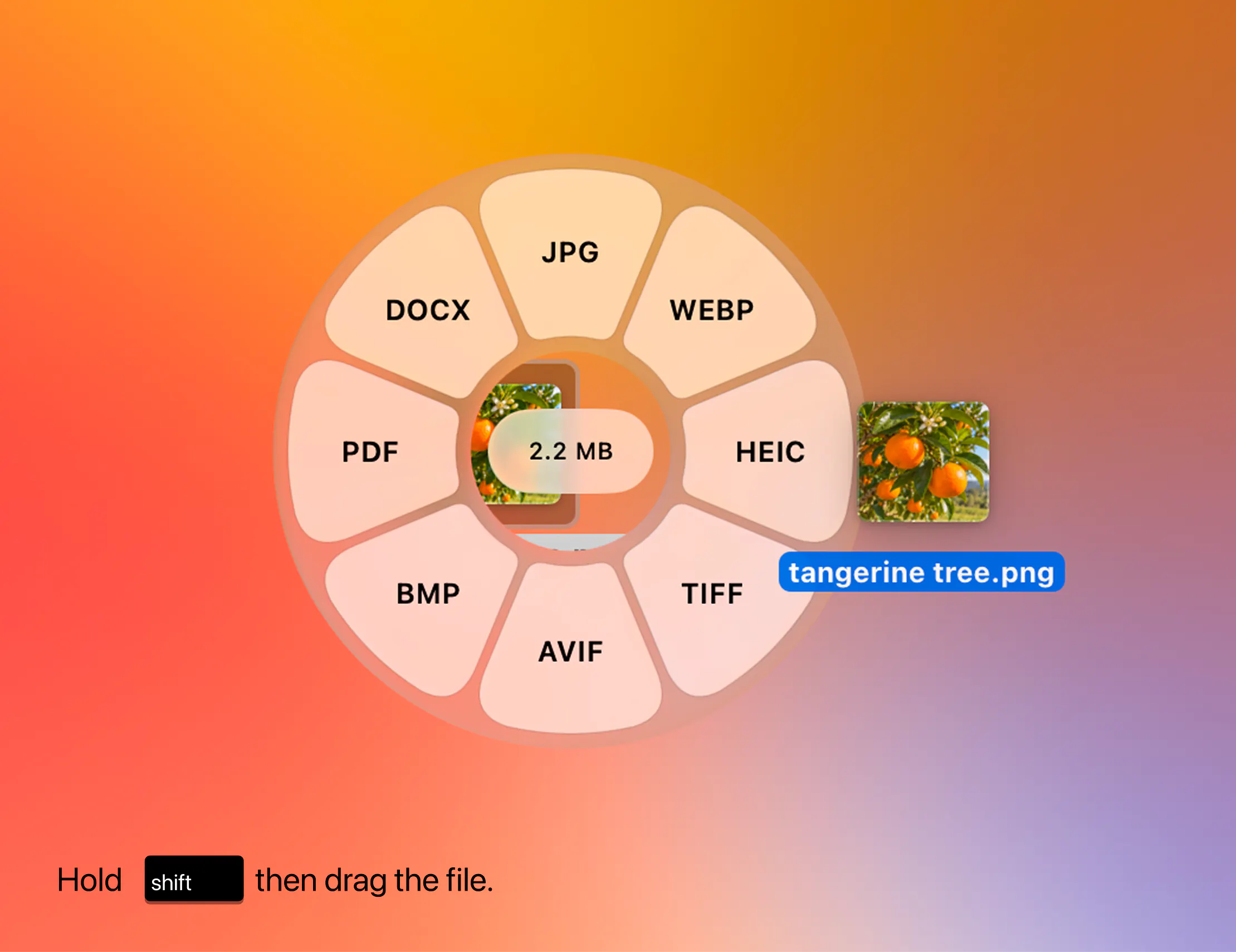
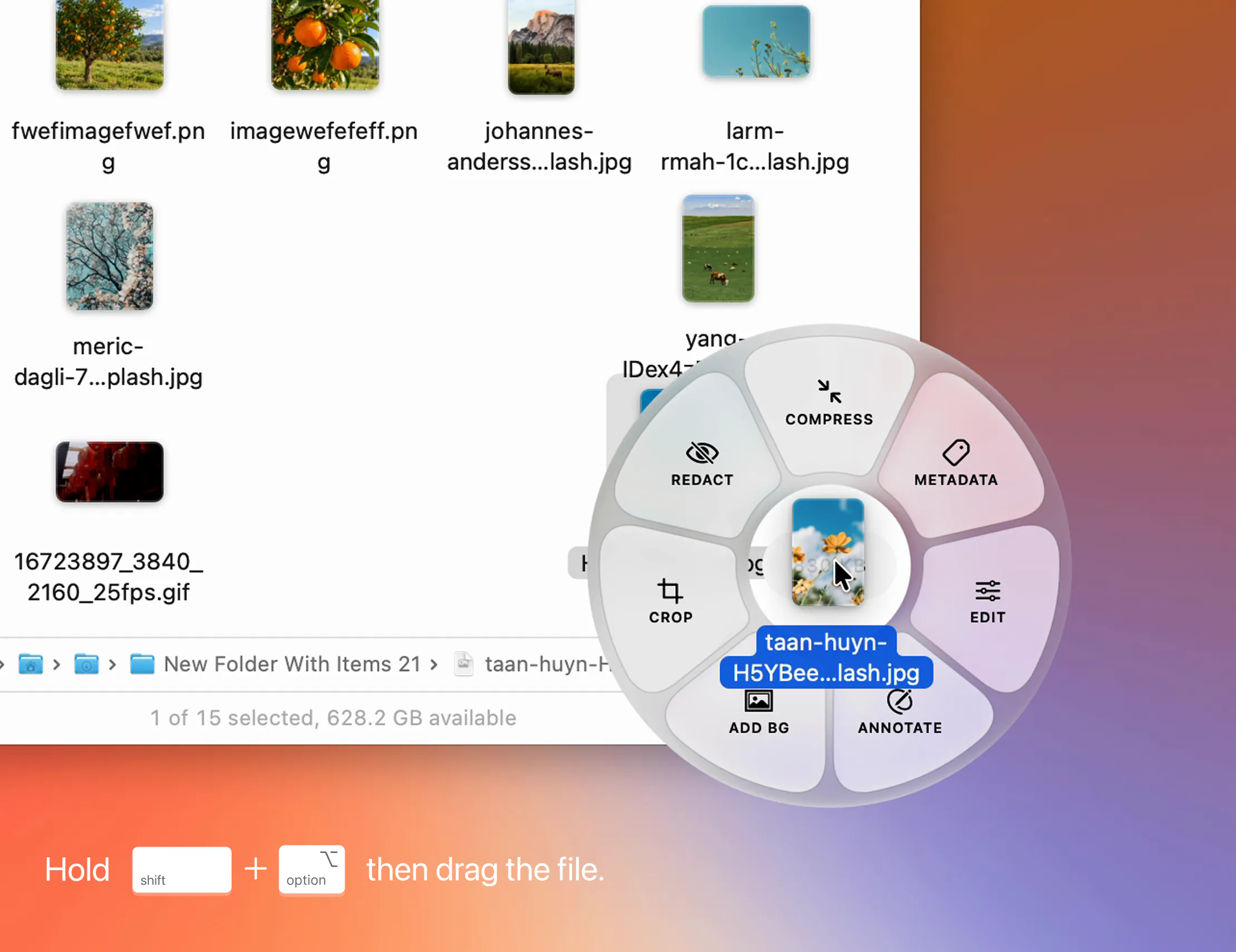
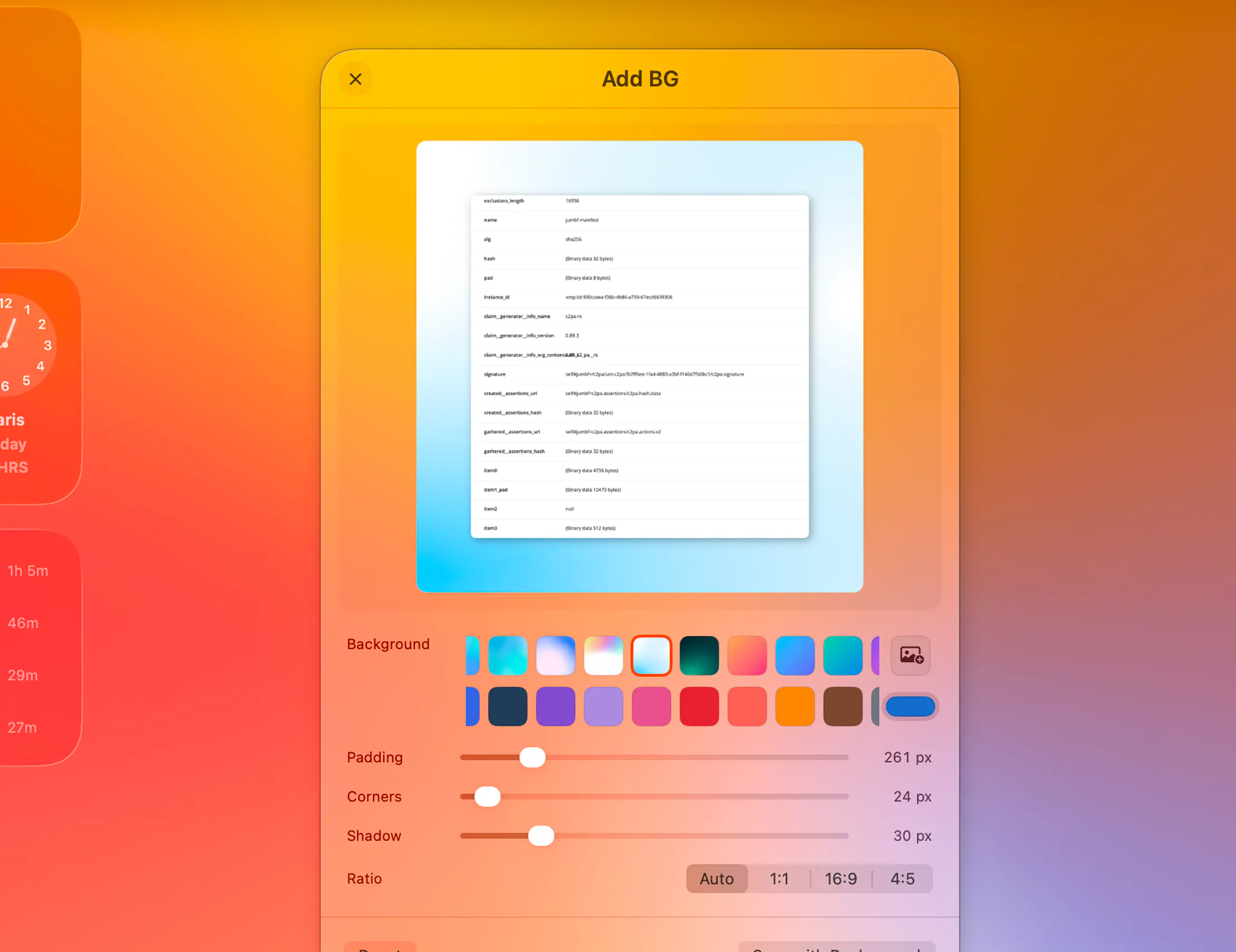
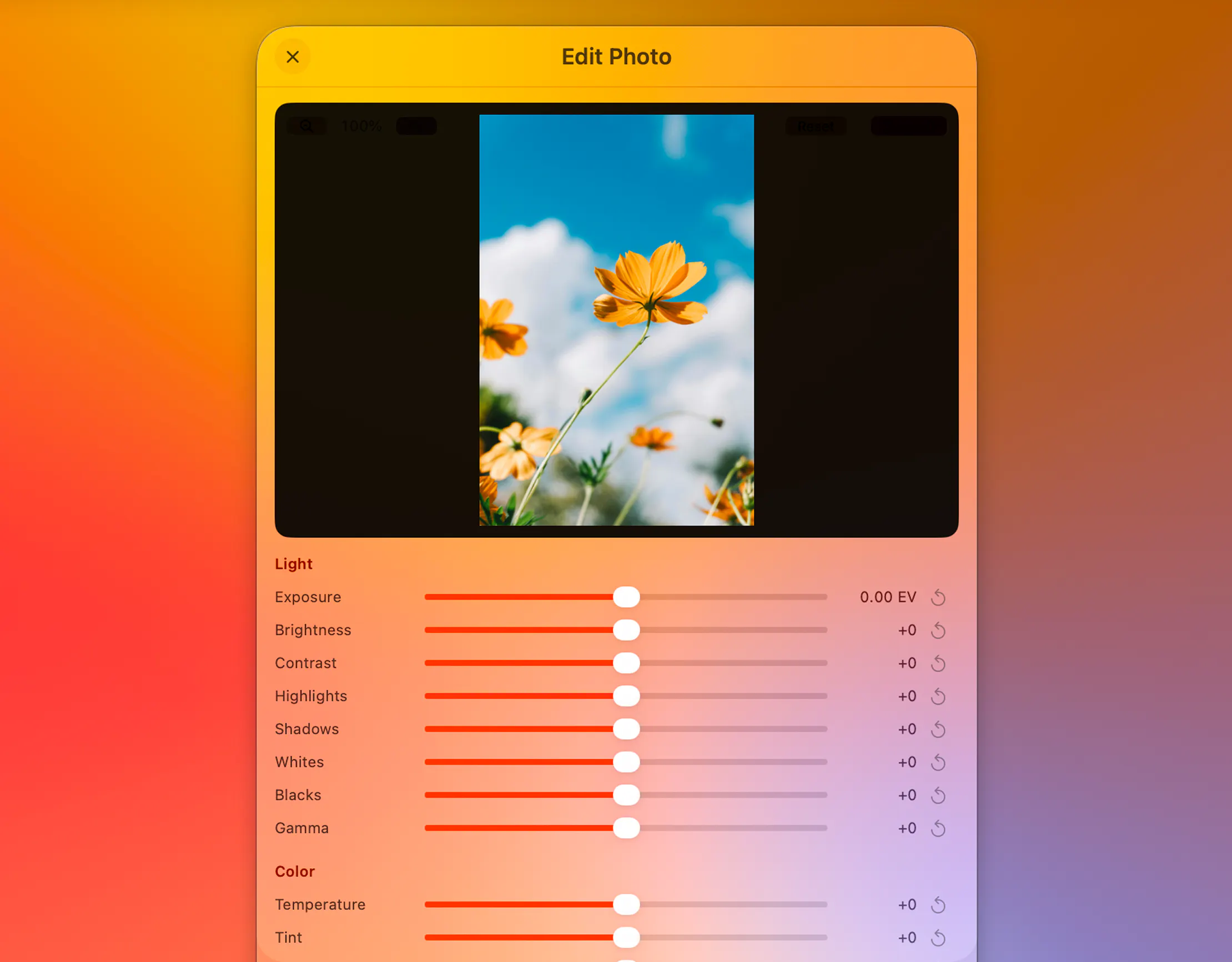
Tangerine is a versatile Mac application designed for quick and secure file conversions directly from the desktop. Its intuitive interface allows users to perform common modifications—such as converting images, videos, audio files, PDFs, and archives—simply by Shift-dragging files into the app. Holding the Option key unlocks advanced tools for tasks like compression, metadata removal, redaction, and annotation, making complex editing straightforward and accessible. What sets Tangerine apart is its focus on privacy and convenience: all operations are performed locally on the user’s Mac, eliminating concerns about uploading sensitive data to external servers. This makes it ideal for professionals and power users who prioritize security without sacrificing ease of use. Whether for quick file adjustments or more detailed editing tasks, Tangerine offers a seamless, efficient experience tailored for productivity-minded Mac users.
Screenshots
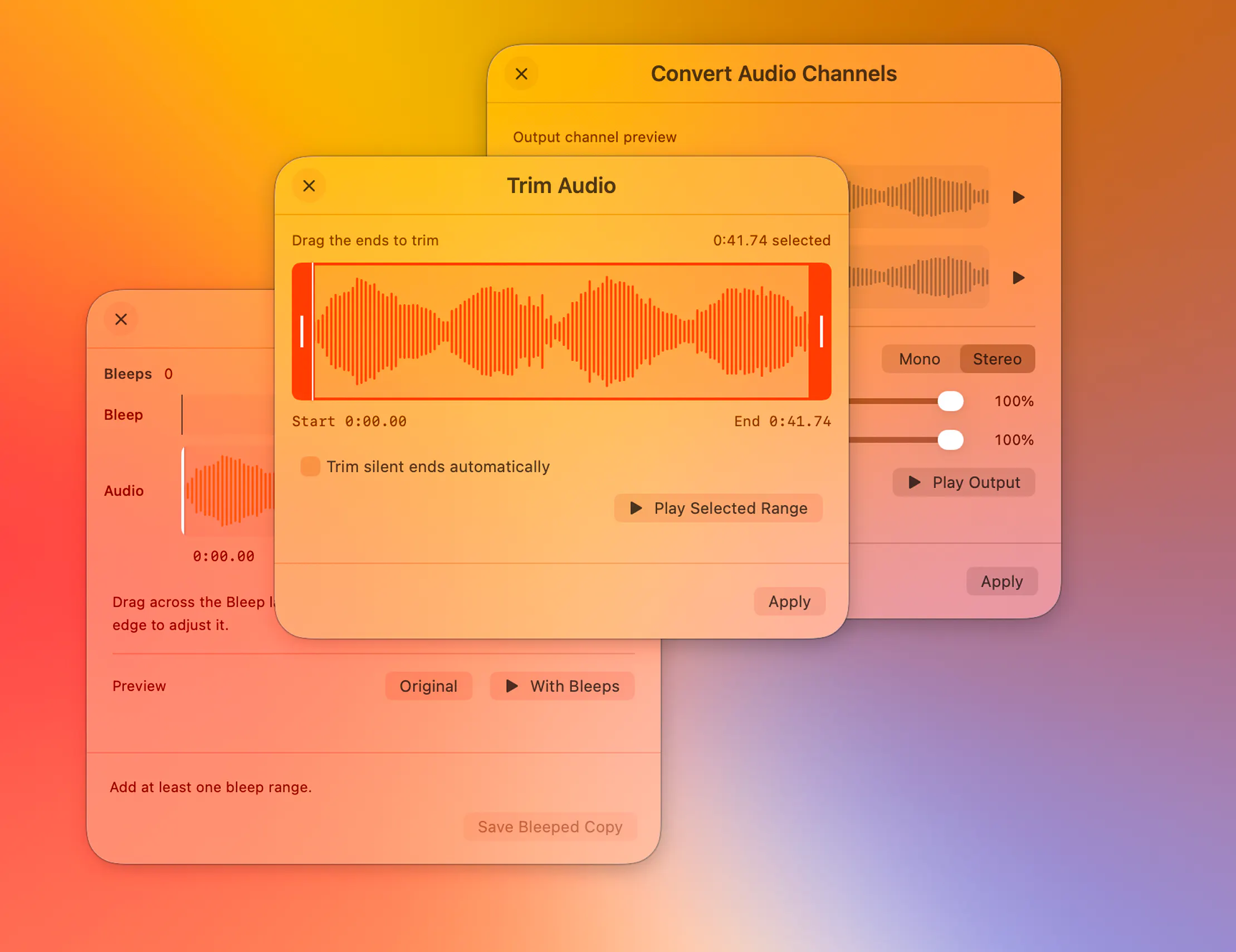
Pros
- ✓Local processing ensures data privacy and security
- ✓Simple Shift-drag interface for quick conversions
- ✓Advanced tools accessible via Hold Option for in-depth editing
- ✓Supports a wide range of file formats including images, videos, PDFs, and archives
- ✓Reduces reliance on multiple separate apps by combining features
Cons
- ✗Currently has no user reviews or ratings on Product Hunt
- ✗Limited information on pricing and subscription models
- ✗May require familiarity with keyboard shortcuts for advanced features
Use Cases
Pricing
Pricing not verified
Quick Info
Topics
Makers

thameem
@th2049Alternatives
Similar Tools in AI Image & Design




Embed Badge
Add this badge to your website to show that Tangerine is featured on Visalytica.
<a href="https://www.visalytica.com/tool/tangerine" target="_blank" rel="noopener noreferrer" style="display:inline-flex;align-items:center;gap:6px;padding:6px 14px;background:#7c3aed;color:#fff;border-radius:8px;font-family:-apple-system,system-ui,sans-serif;font-size:13px;font-weight:600;text-decoration:none;transition:background .2s" onmouseover="this.style.background='#6d28d9'" onmouseout="this.style.background='#7c3aed'"><svg width="14" height="14" viewBox="0 0 24 24" fill="none" stroke="currentColor" stroke-width="2.5" stroke-linecap="round" stroke-linejoin="round"><path d="M12 20V10"/><path d="M18 20V4"/><path d="M6 20v-4"/></svg>Featured on Visalytica</a>