
Taku AI
Borrow the best AI setups and make them yours.
About Taku AI
Taku AI is an innovative platform designed to simplify the deployment and customization of powerful AI setups. It caters to entrepreneurs, developers, and AI enthusiasts who want to leverage top-tier AI workflows without the complexity of manual coding or extensive setup processes. By allowing users to borrow, remix, and customize pre-built AI agents, Taku makes advanced AI capabilities accessible and user-friendly. Its core strength lies in transforming intricate AI stacks into easily executable desktop applications, enabling users to bypass traditional technical barriers. The platform also features a learning component, adapting to user preferences over time and proactively suggesting relevant tools and workflows. This combination of ease-of-use, flexibility, and intelligent automation makes Taku a compelling choice for those seeking to harness AI's potential without deep technical expertise.
Screenshots
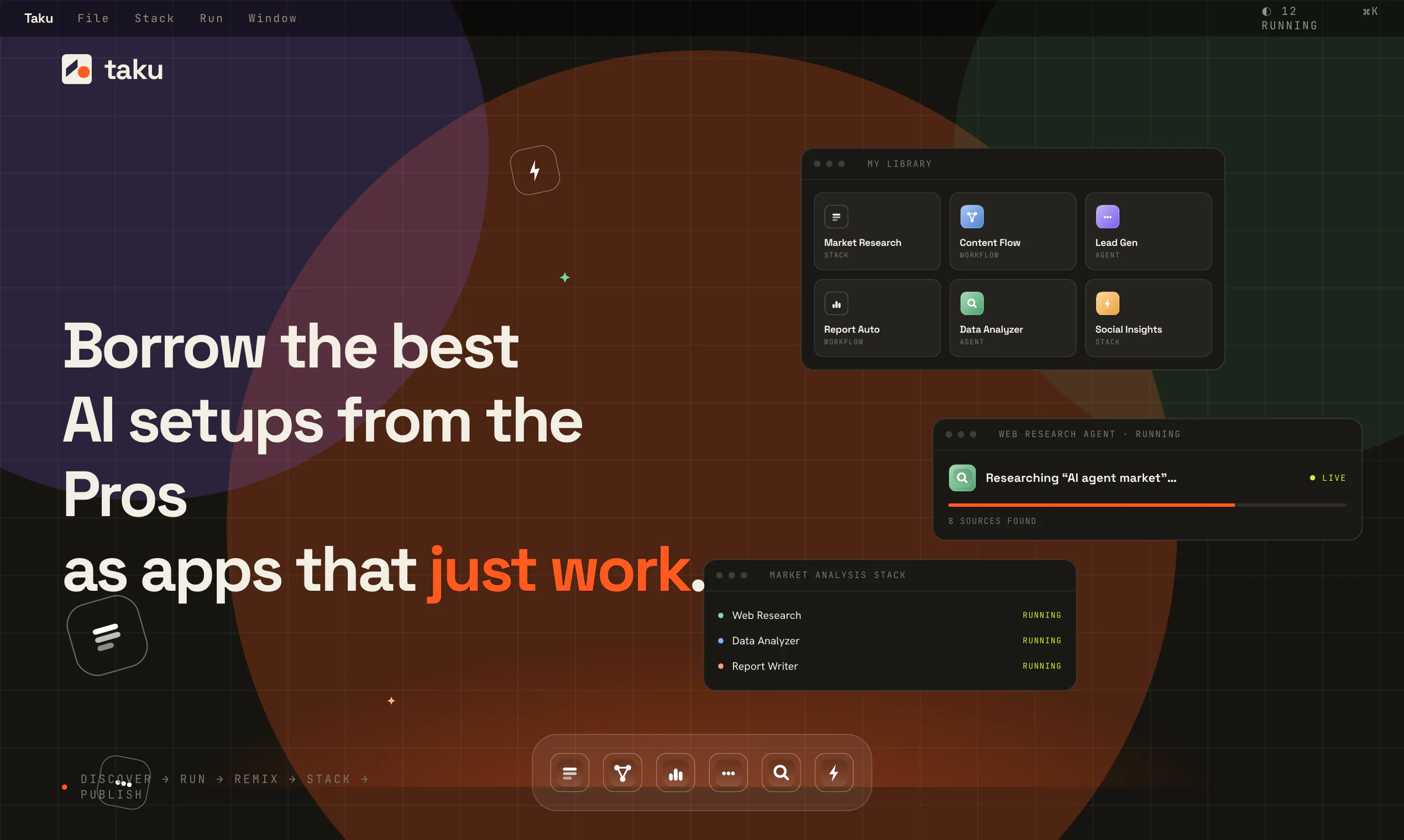

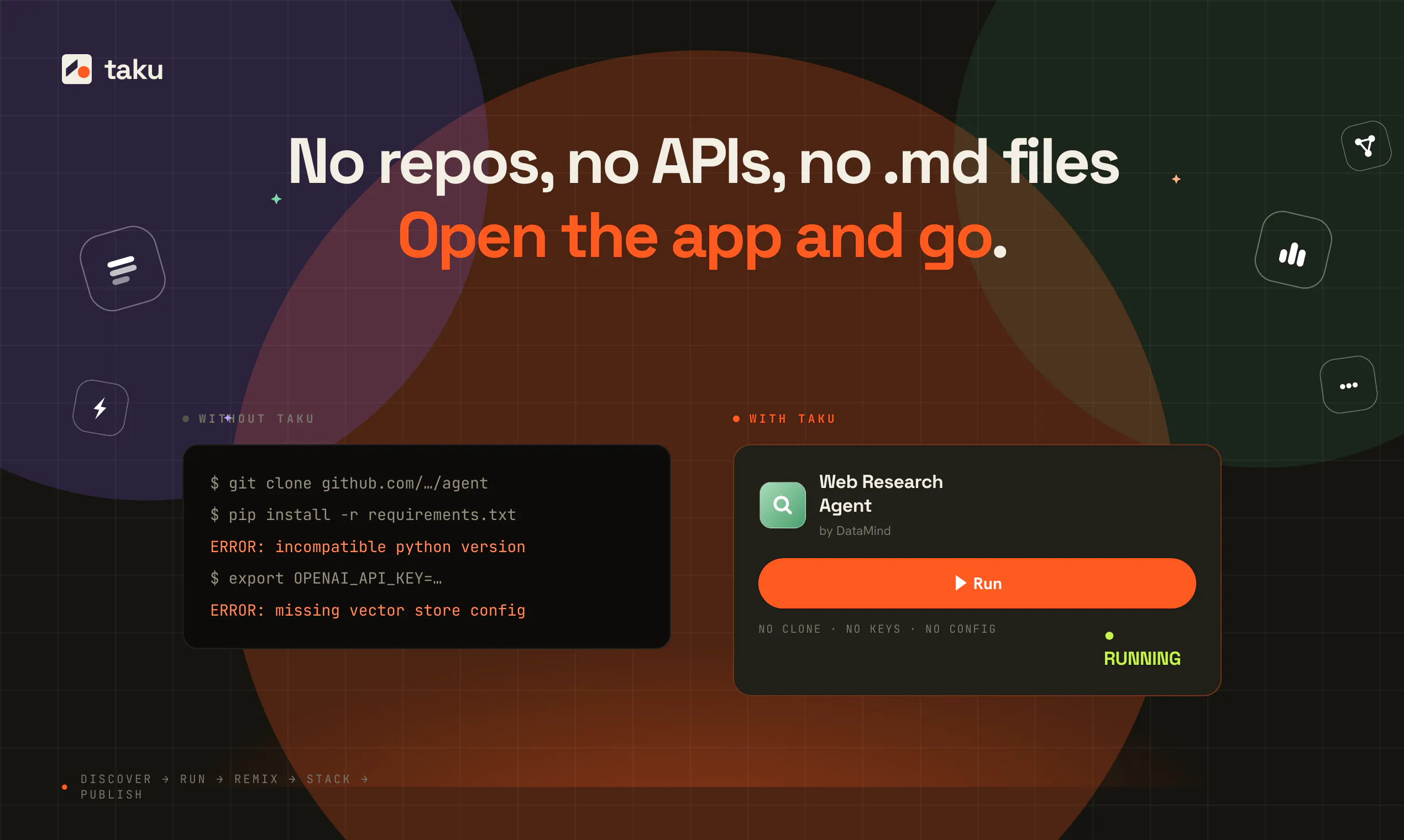


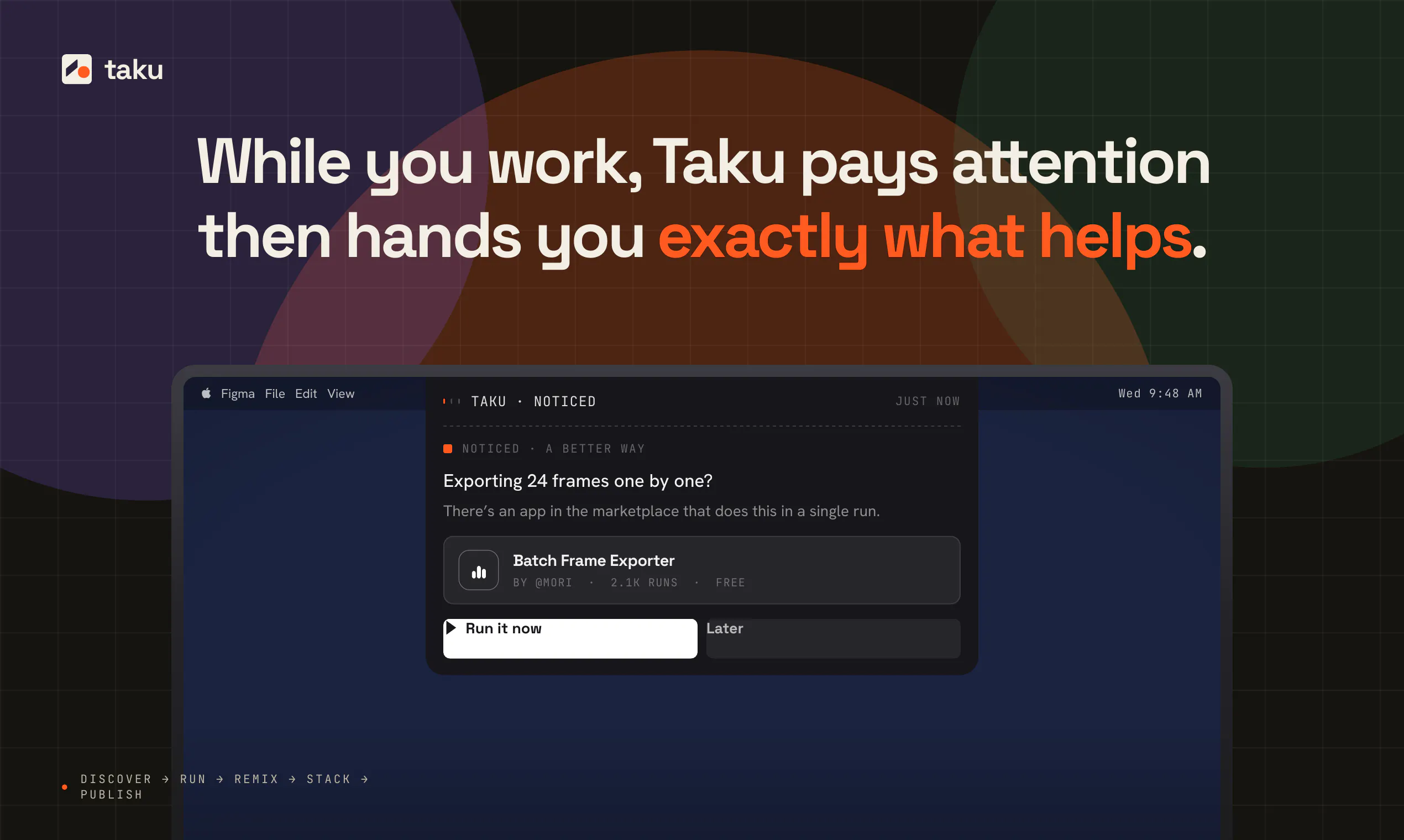
+2 more screenshots
Pros
- ✓Simplifies complex AI setups into user-friendly desktop apps
- ✓Allows borrowing and remixing of professional AI workflows
- ✓Learns user preferences for personalized tool recommendations
- ✓No need for coding or GitHub setup
- ✓Facilitates quick prototyping and deployment of AI solutions
Cons
- ✗Relatively new, with limited user reviews and community feedback
- ✗May have limitations on customization compared to fully open-source solutions
- ✗Uncertain pricing structure, likely subscription-based
Use Cases
Pricing
Likely operates on a freemium model, offering basic features for free with premium plans for advanced customization and integrations, starting around a moderate monthly fee. Precise pricing details are not publicly confirmed.
Quick Info
Topics
Makers

Austin Z

Emily L
Alternatives
Similar Tools in AI Assistants




Embed Badge
Add this badge to your website to show that Taku AI is featured on Visalytica.
<a href="https://www.visalytica.com/tool/taku-ai" target="_blank" rel="noopener noreferrer" style="display:inline-flex;align-items:center;gap:6px;padding:6px 14px;background:#7c3aed;color:#fff;border-radius:8px;font-family:-apple-system,system-ui,sans-serif;font-size:13px;font-weight:600;text-decoration:none;transition:background .2s" onmouseover="this.style.background='#6d28d9'" onmouseout="this.style.background='#7c3aed'"><svg width="14" height="14" viewBox="0 0 24 24" fill="none" stroke="currentColor" stroke-width="2.5" stroke-linecap="round" stroke-linejoin="round"><path d="M12 20V10"/><path d="M18 20V4"/><path d="M6 20v-4"/></svg>Featured on Visalytica</a>