
Takes for Mac
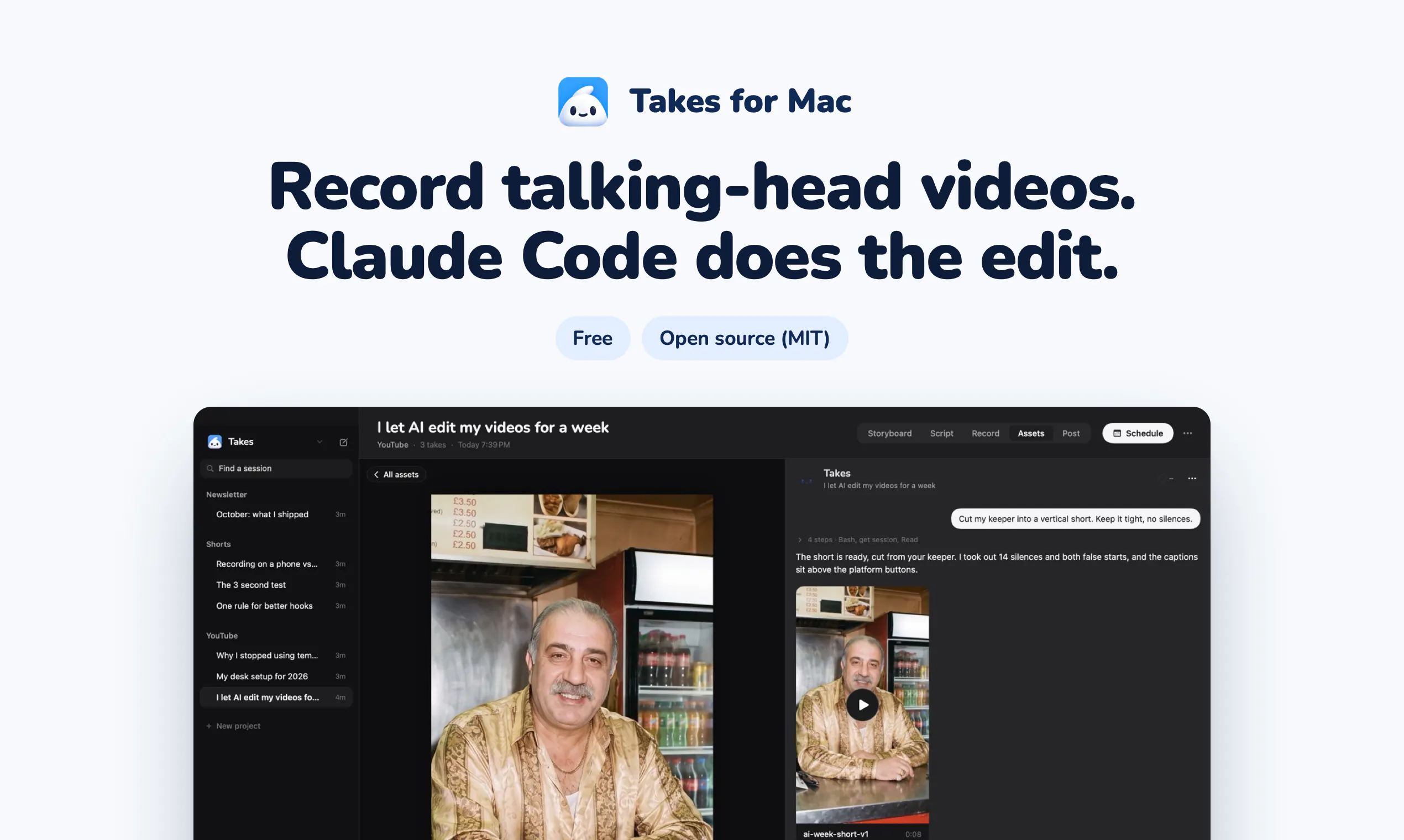
Record talking-head videos. Claude Code does the edit.
About Takes for Mac
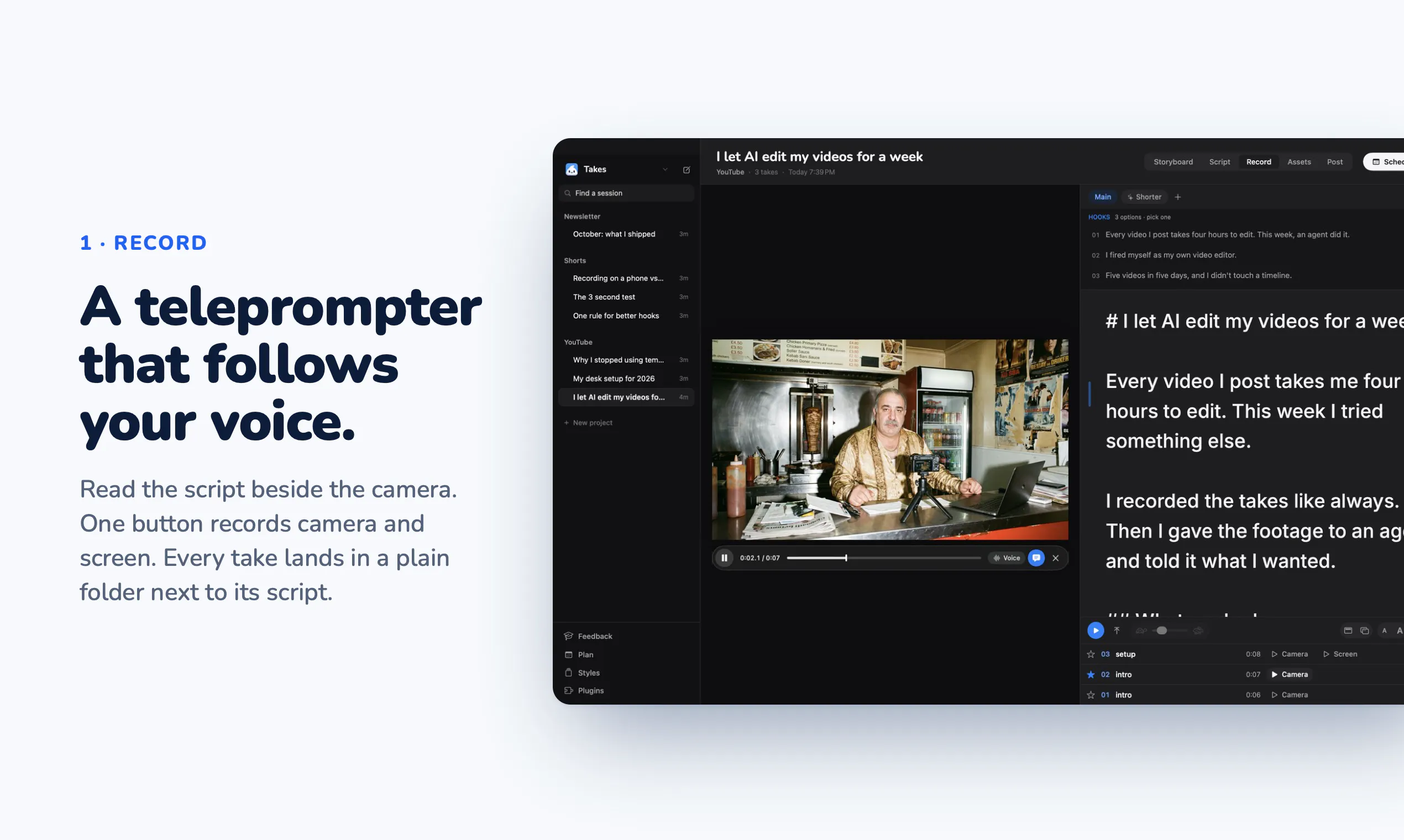
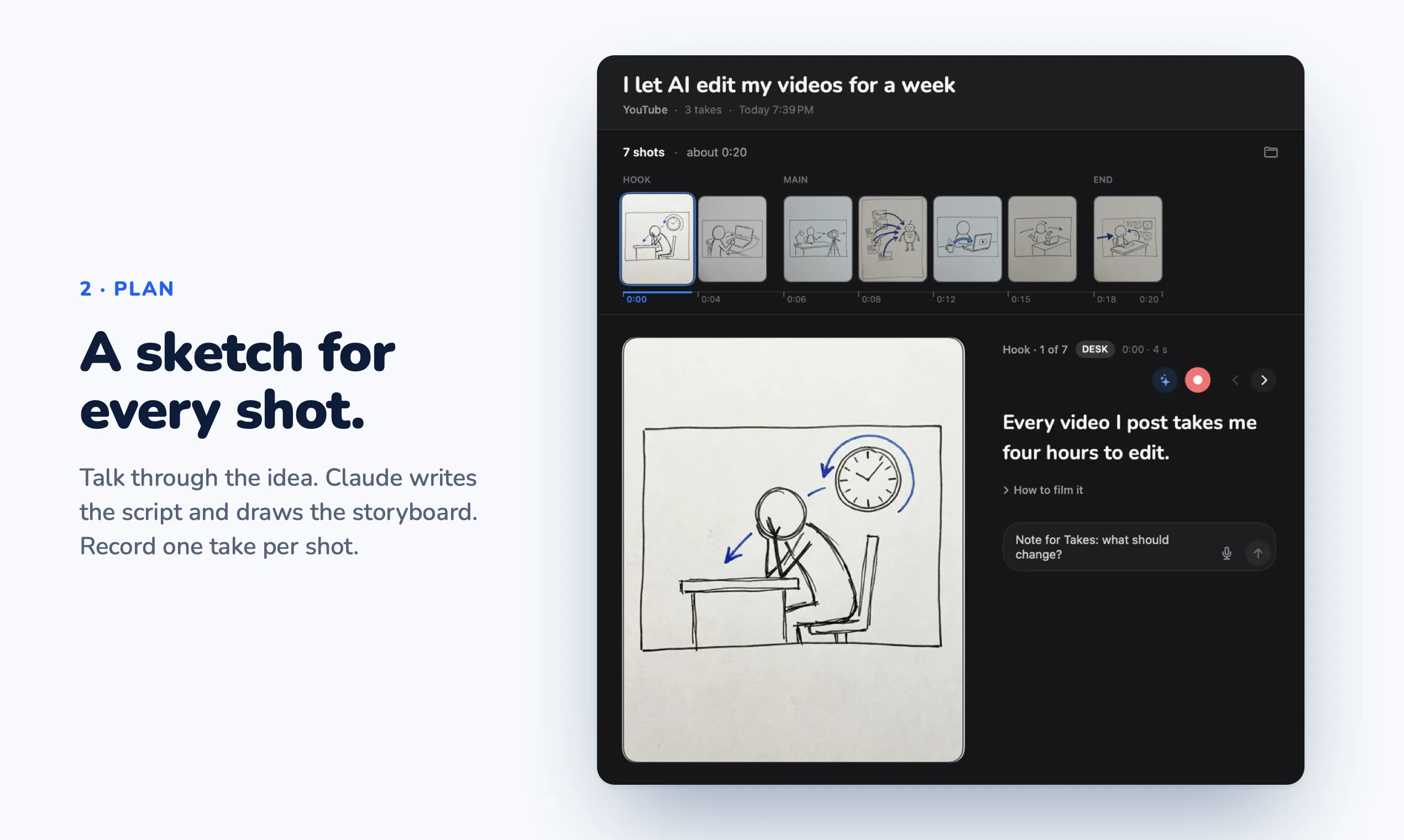
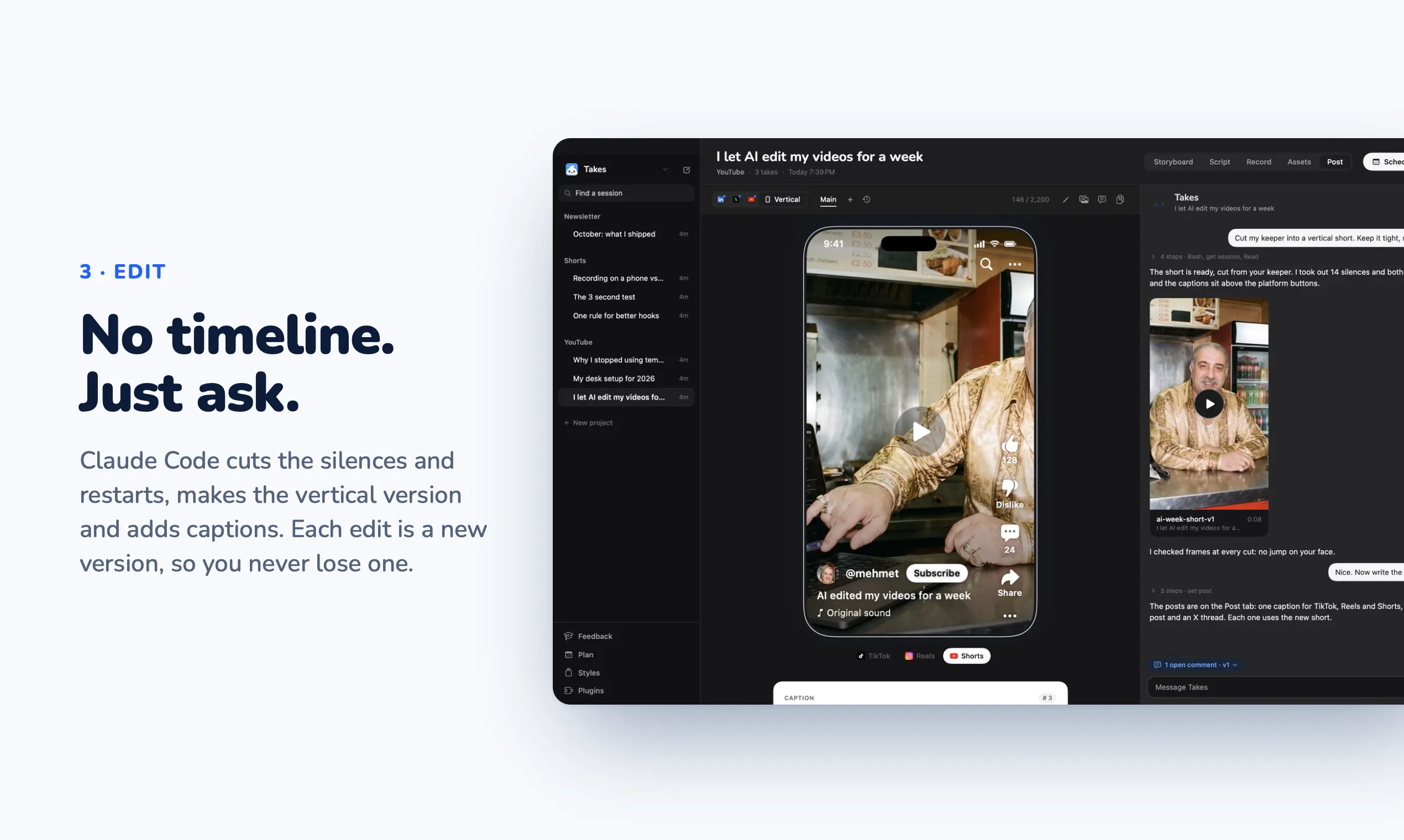
Takes for Mac is a free, open-source application designed for creators who want to produce high-quality talking-head videos effortlessly. It offers a suite of tools including a voice-following teleprompter, one-button recording for both camera and screen, and organized folders for managing multiple takes. Unique to Takes for Mac is its integration with Claude Code, which automates editing tasks—such as cutting, creating vertical versions, and drafting social media posts—on your own Claude plan. The platform also features a note-taking system that transforms user annotations into editing rules, enabling a more personalized and efficient editing process. This combination of recording, editing, and content management makes it particularly appealing for solo creators, educators, and marketers seeking a streamlined video production workflow.
Screenshots
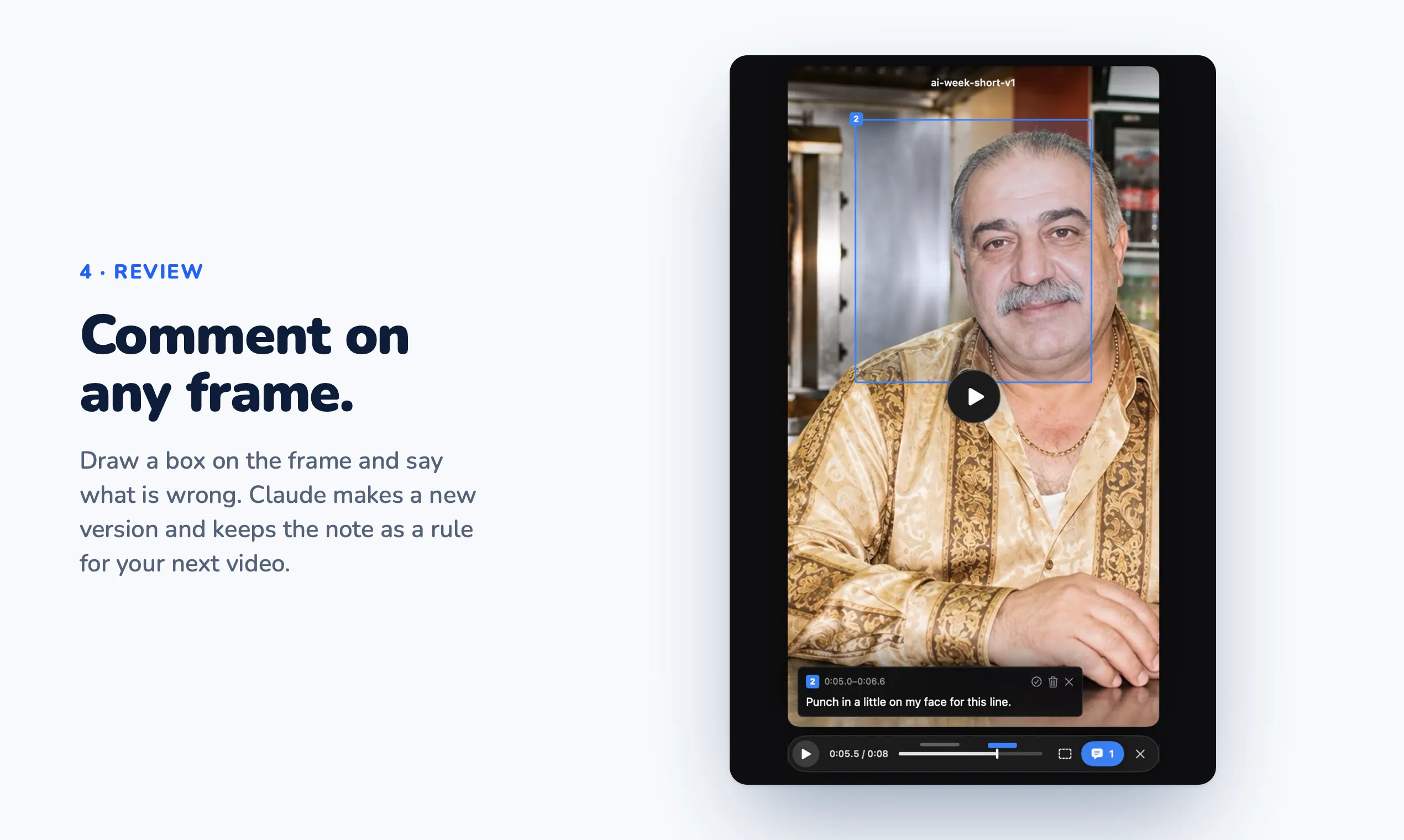
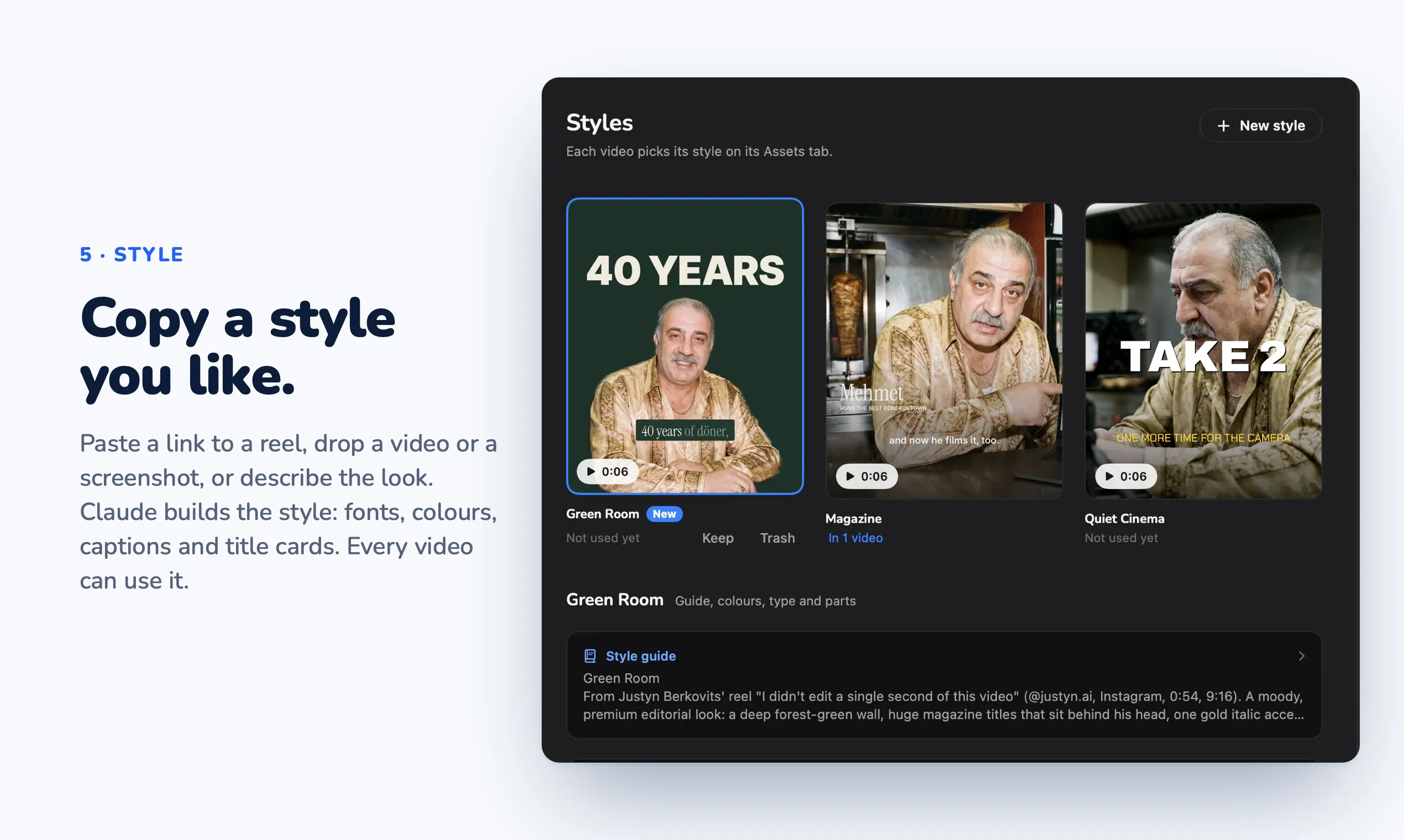
+4 more screenshots
Pros
- ✓Open-source and free to use, lowering entry barriers
- ✓Automated editing with Claude Code simplifies post-production
- ✓Voice-following teleprompter enhances on-camera presentation
- ✓Organized folder system for managing multiple takes
- ✓Ability to leave notes that are converted into editing rules
Cons
- ✗Dependent on Claude Plan for advanced editing features
- ✗Learning curve for new users unfamiliar with automation tools
- ✗Limited information on advanced customization options
Use Cases
Pricing
Pricing not verified
Quick Info
Topics
Makers

Marvin Aziz
Similar Tools in Developer Tools




Embed Badge
Add this badge to your website to show that Takes for Mac is featured on Visalytica.
<a href="https://www.visalytica.com/tool/takes-for-mac" target="_blank" rel="noopener noreferrer" style="display:inline-flex;align-items:center;gap:6px;padding:6px 14px;background:#7c3aed;color:#fff;border-radius:8px;font-family:-apple-system,system-ui,sans-serif;font-size:13px;font-weight:600;text-decoration:none;transition:background .2s" onmouseover="this.style.background='#6d28d9'" onmouseout="this.style.background='#7c3aed'"><svg width="14" height="14" viewBox="0 0 24 24" fill="none" stroke="currentColor" stroke-width="2.5" stroke-linecap="round" stroke-linejoin="round"><path d="M12 20V10"/><path d="M18 20V4"/><path d="M6 20v-4"/></svg>Featured on Visalytica</a>