
tablo
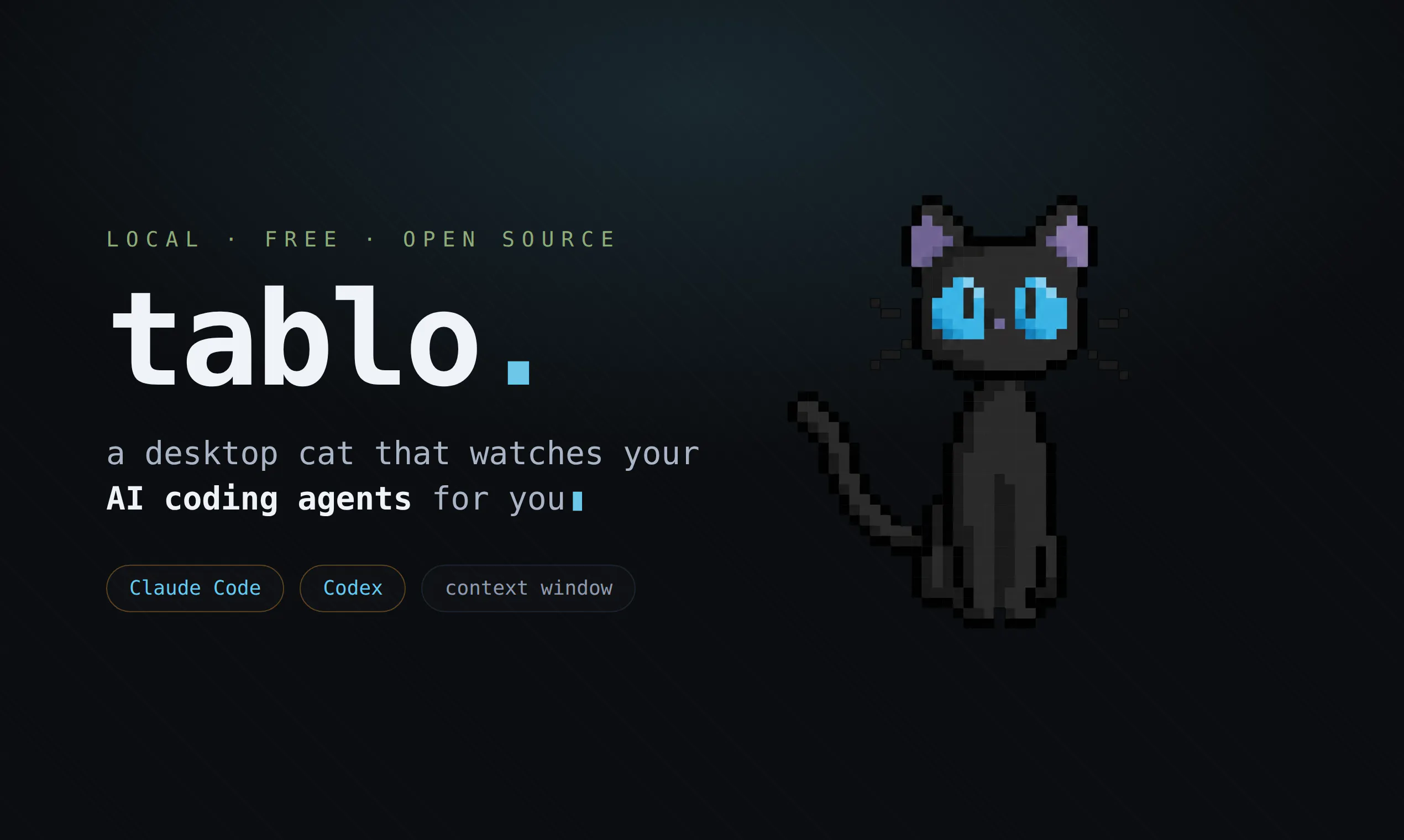
A tiny cat that watches your AI coding agents for you
About tablo
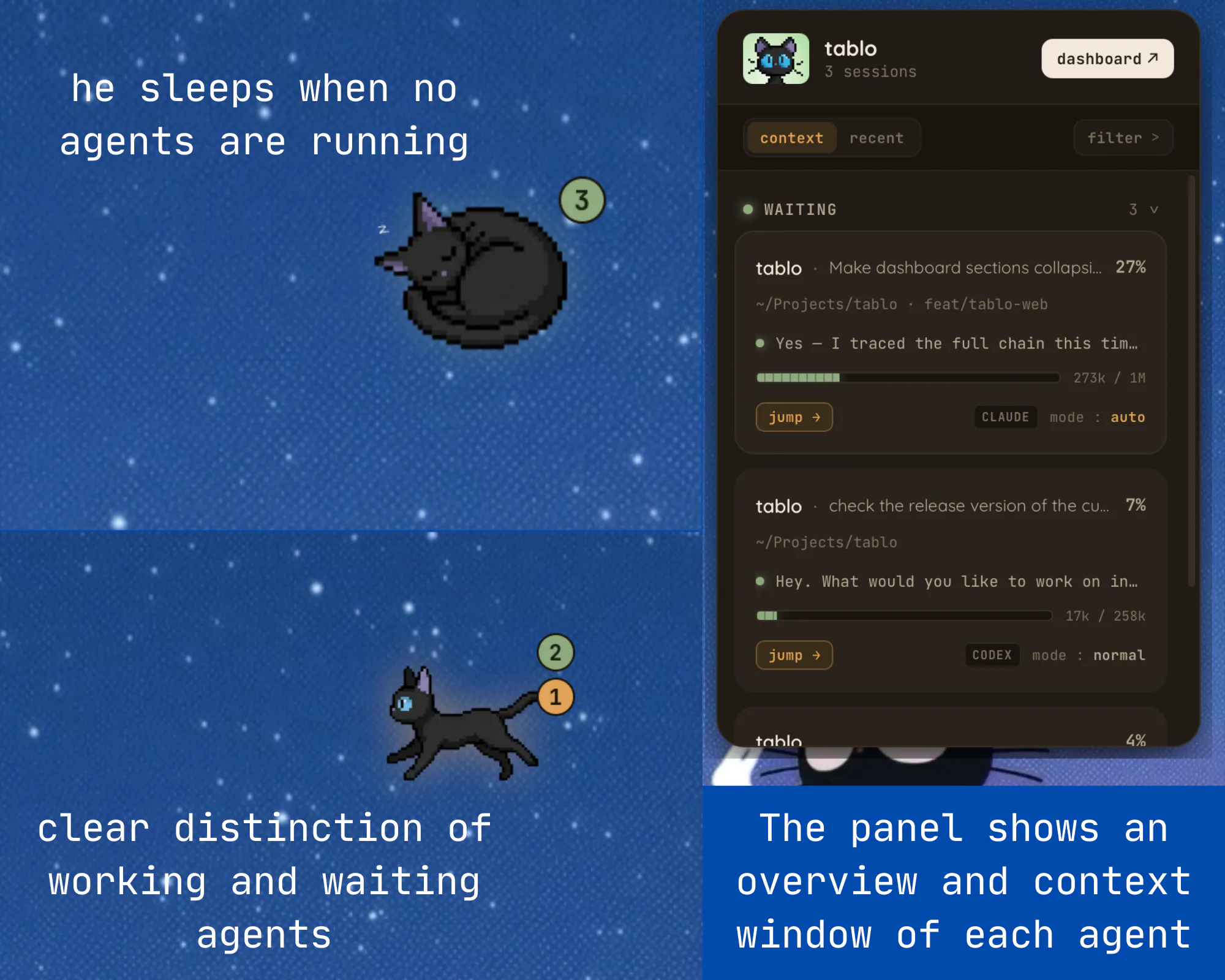

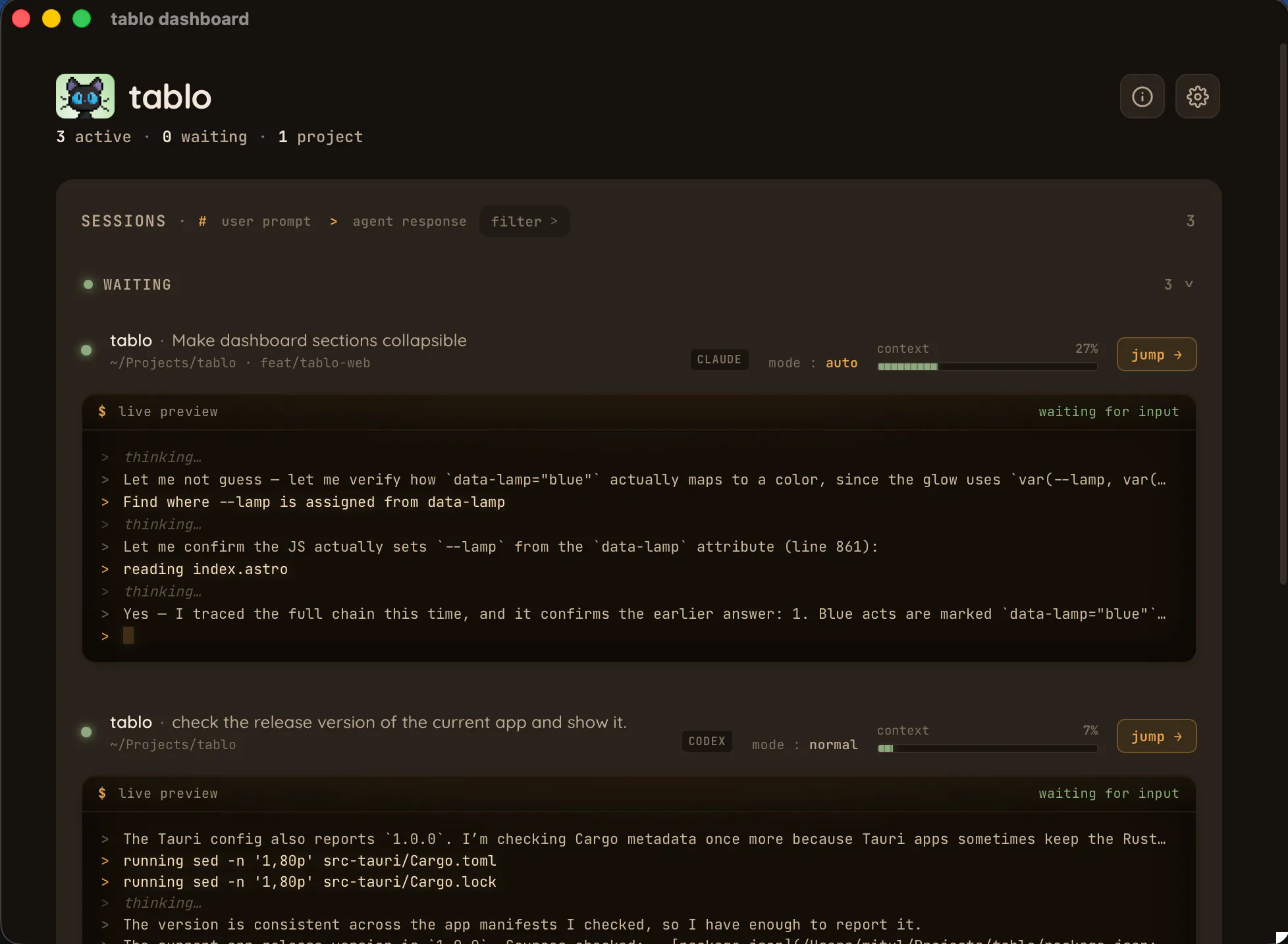
Tablo is a clever and unobtrusive monitoring tool designed for AI developers and productivity enthusiasts working with code generation agents like Claude Code and OpenAI's Codex. By placing a tiny, friendly cat widget in the corner of the screen, it provides real-time insights into the context fill level, session status, and tool approvals during AI coding sessions. This helps users stay aware of their agents' progress and avoid losing valuable context, especially during long interactions or when switching between tabs. Its lightweight, cozy interface ensures it remains out of the way while offering crucial information at a glance, making it ideal for developers who want to optimize their AI-assisted workflows without clutter or distractions. Overall, tablo enhances productivity by providing continuous, live feedback on conversation context, helping users manage complex AI sessions more effectively and confidently.
Screenshots
Pros
- ✓Real-time context monitoring across multiple AI tools
- ✓Non-intrusive, user-friendly widget design
- ✓Helps prevent context loss and session disruptions
- ✓Easy to set up and integrates seamlessly into existing workflows
- ✓Enhances productivity for AI developers
Cons
- ✗Limited to specific AI coding tools like Claude Code and Codex
- ✗Features may be basic for advanced users needing detailed analytics
- ✗No detailed historical data or long-term session tracking
Use Cases
Pricing
Likely follows a freemium model with a free tier offering basic monitoring features and paid plans providing additional insights or integrations, though specifics are not publicly detailed.
Quick Info
Topics
Makers

Mitul Sheth
Alternatives
Similar Tools in AI Assistants




Embed Badge
Add this badge to your website to show that tablo is featured on Visalytica.
<a href="https://www.visalytica.com/tool/tablo" target="_blank" rel="noopener noreferrer" style="display:inline-flex;align-items:center;gap:6px;padding:6px 14px;background:#7c3aed;color:#fff;border-radius:8px;font-family:-apple-system,system-ui,sans-serif;font-size:13px;font-weight:600;text-decoration:none;transition:background .2s" onmouseover="this.style.background='#6d28d9'" onmouseout="this.style.background='#7c3aed'"><svg width="14" height="14" viewBox="0 0 24 24" fill="none" stroke="currentColor" stroke-width="2.5" stroke-linecap="round" stroke-linejoin="round"><path d="M12 20V10"/><path d="M18 20V4"/><path d="M6 20v-4"/></svg>Featured on Visalytica</a>