
TabCmdr
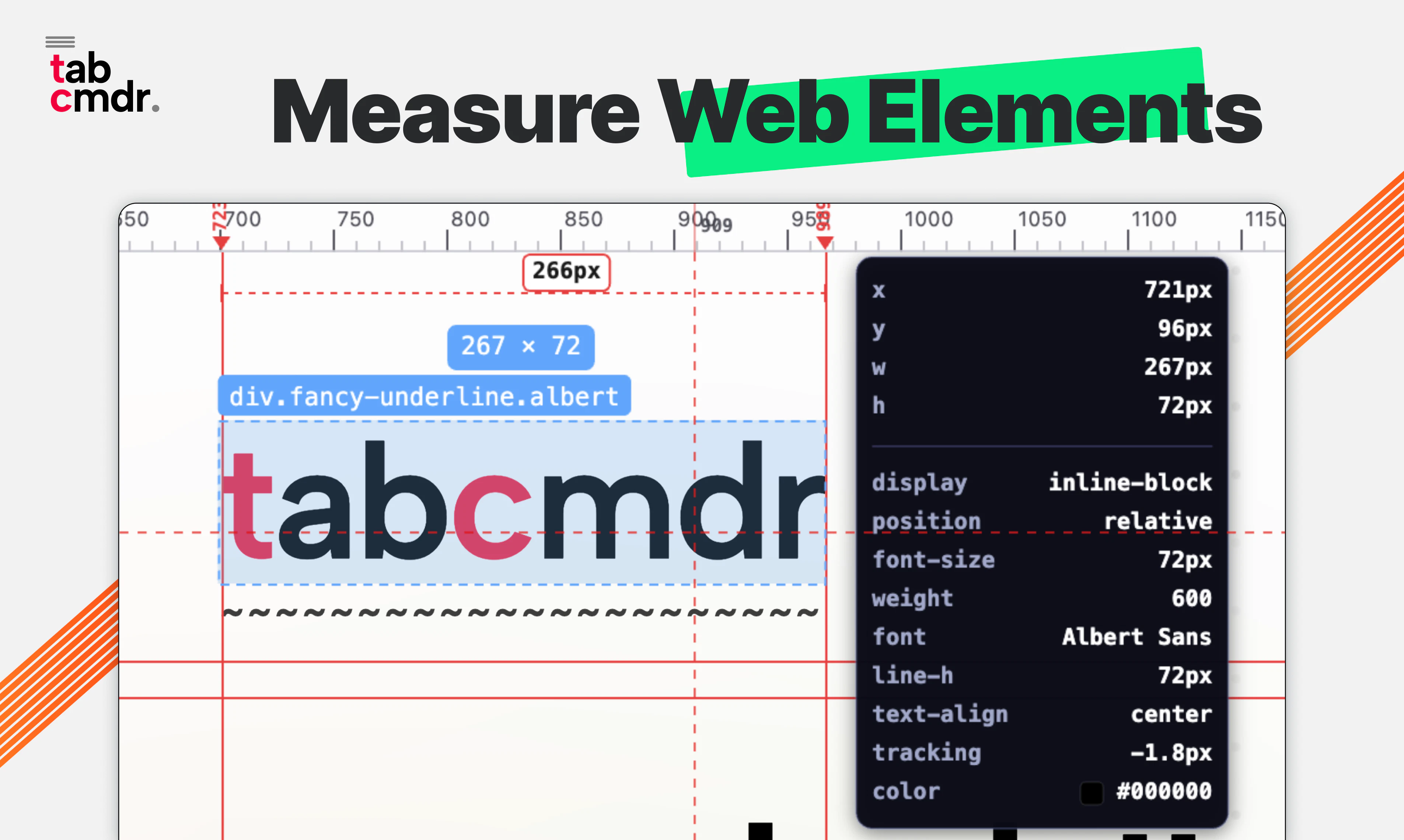
Tabs, Bookmarks, History, Ruler, AI chat & 50+ commands
About TabCmdr
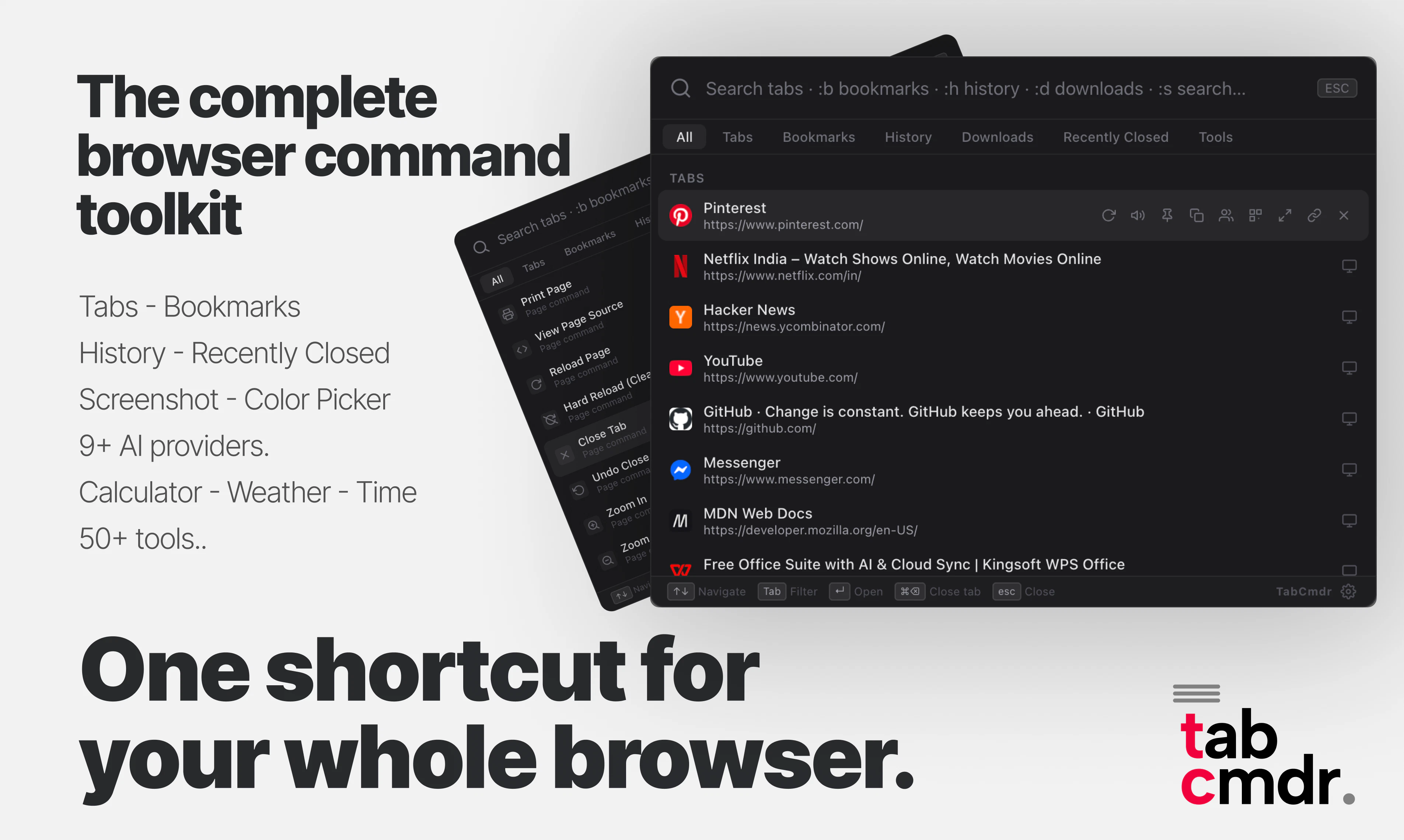
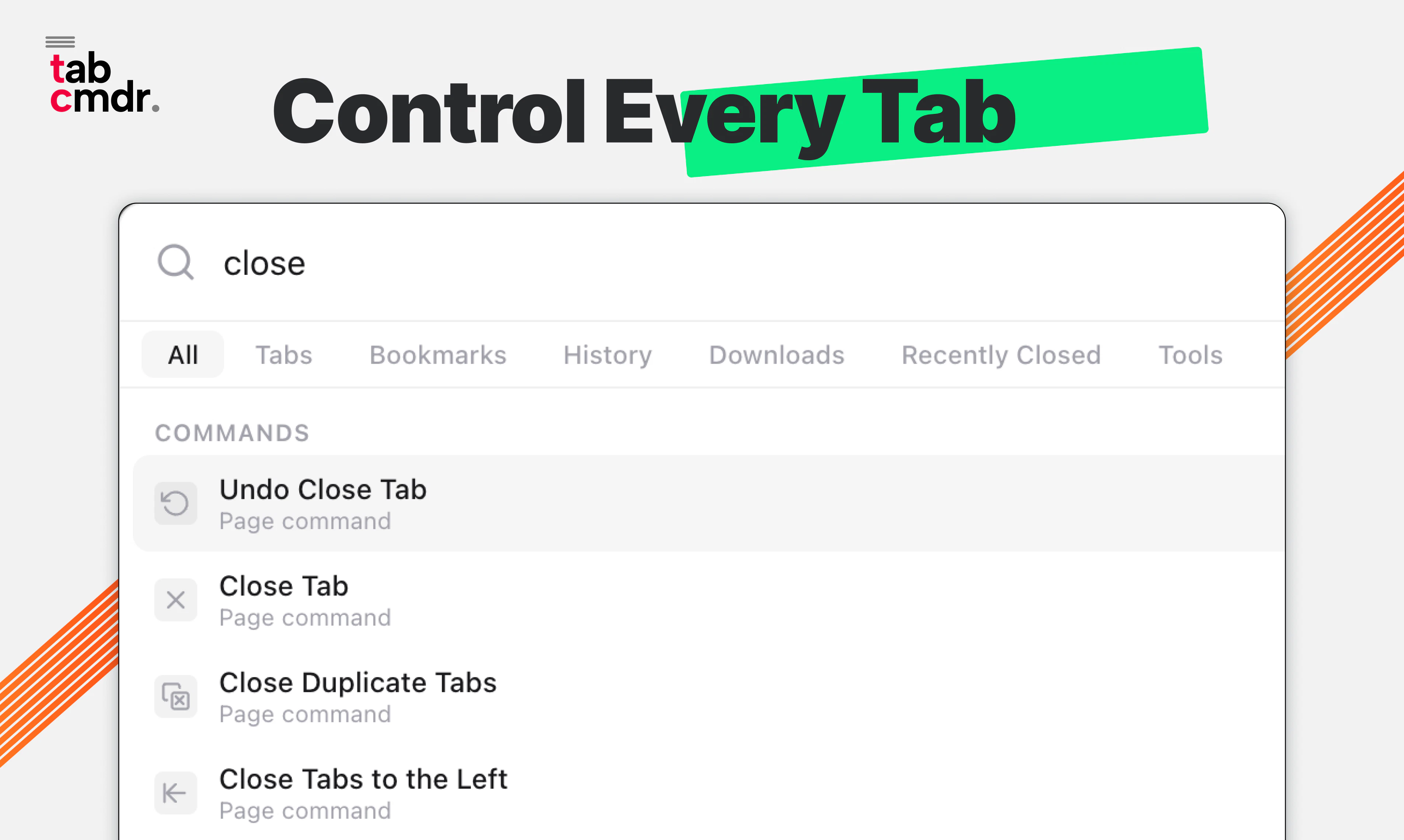
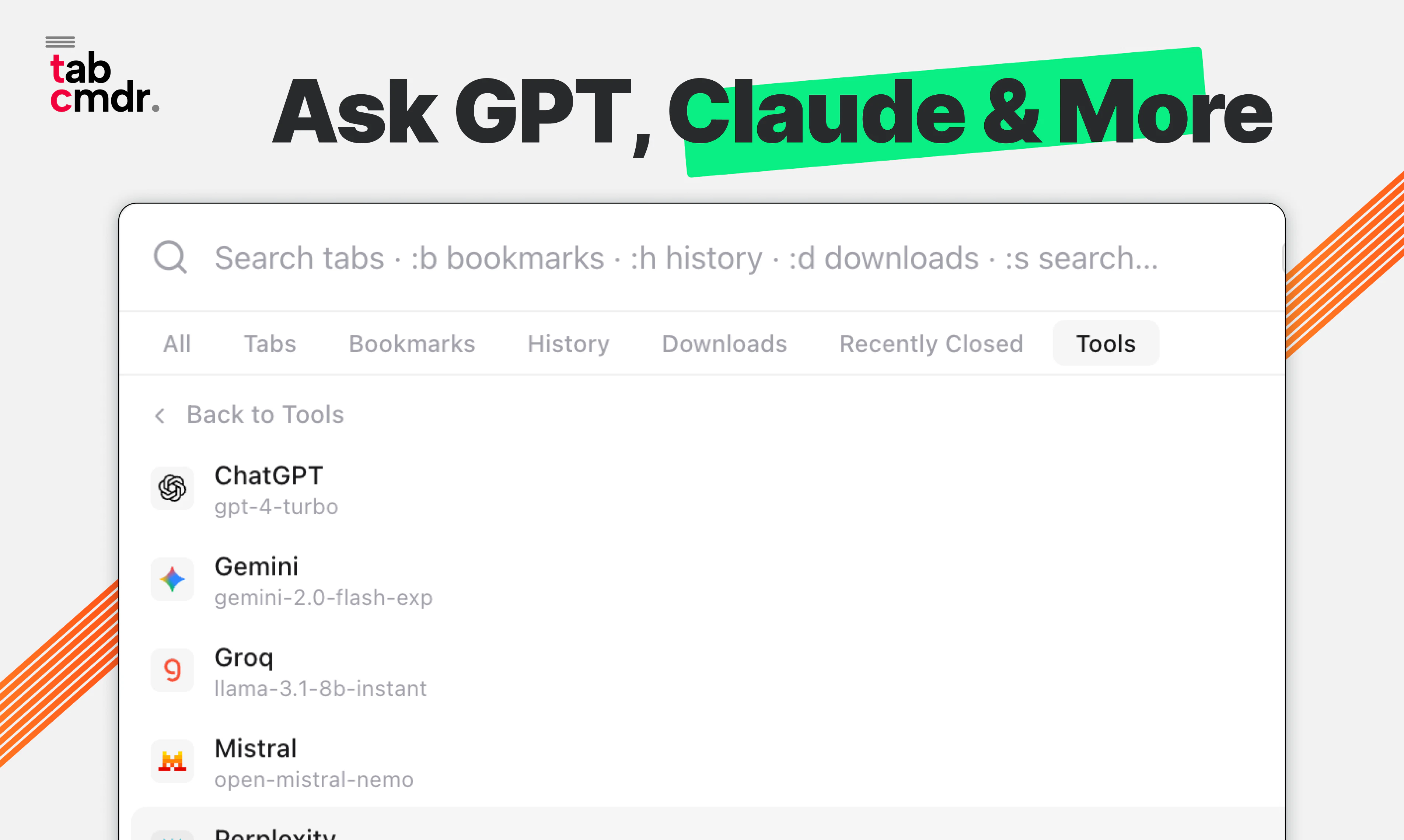
TabCmdr is a powerful Chrome extension designed to streamline browser navigation and enhance productivity through a versatile command palette. It allows users to quickly search and manage open tabs, bookmarks, and browsing history with ease. Its built-in AI chat feature adds an intelligent layer for quick queries, while additional tools like a calculator, emoji picker, and over 50 keyboard shortcuts make multitasking seamless. The extension's privacy-first approach ensures user data remains protected, making it suitable for professionals and casual users alike who seek a more organized browsing experience. Its intuitive interface and comprehensive feature set set it apart from standard tab managers, transforming how users interact with their browser environment.
Screenshots
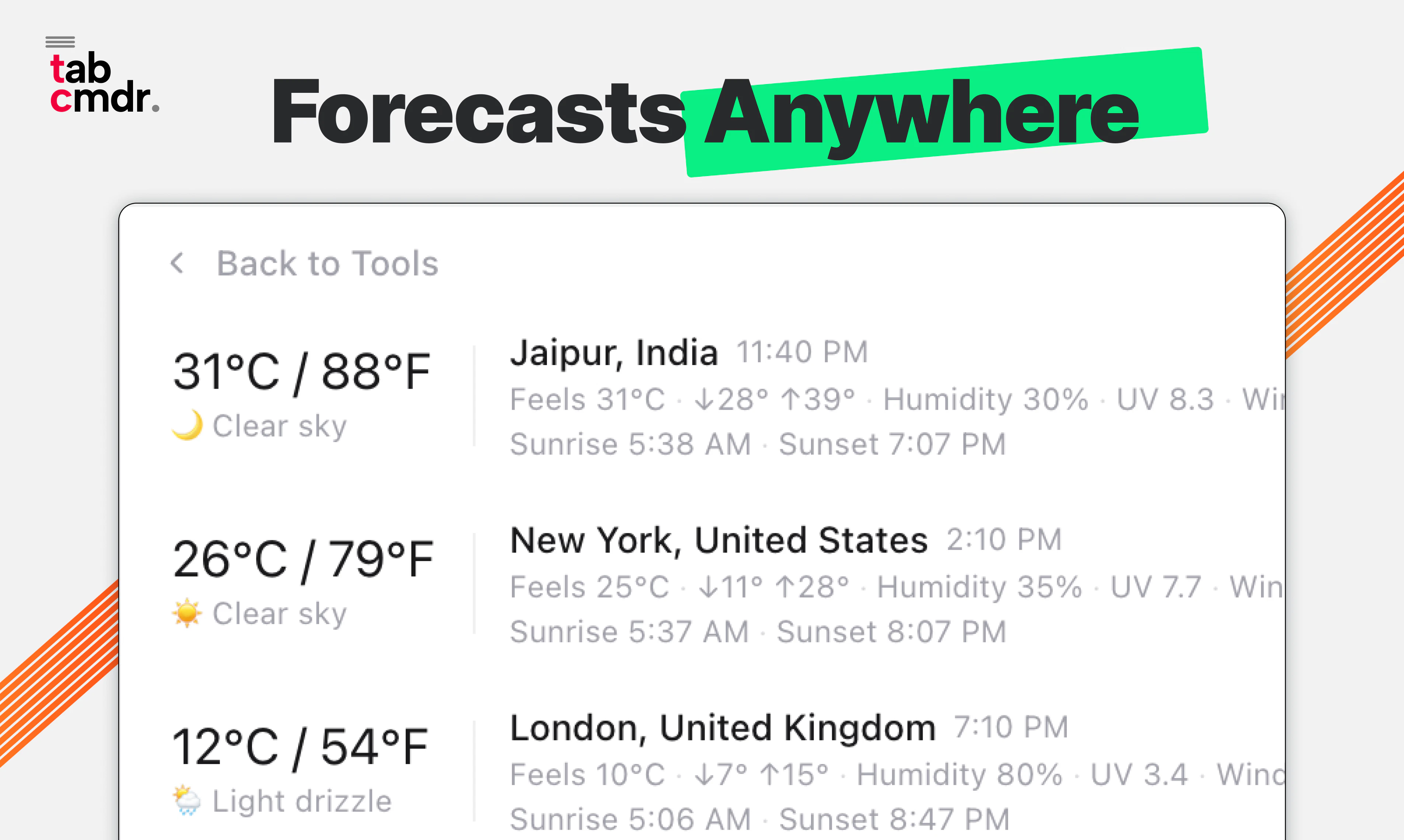
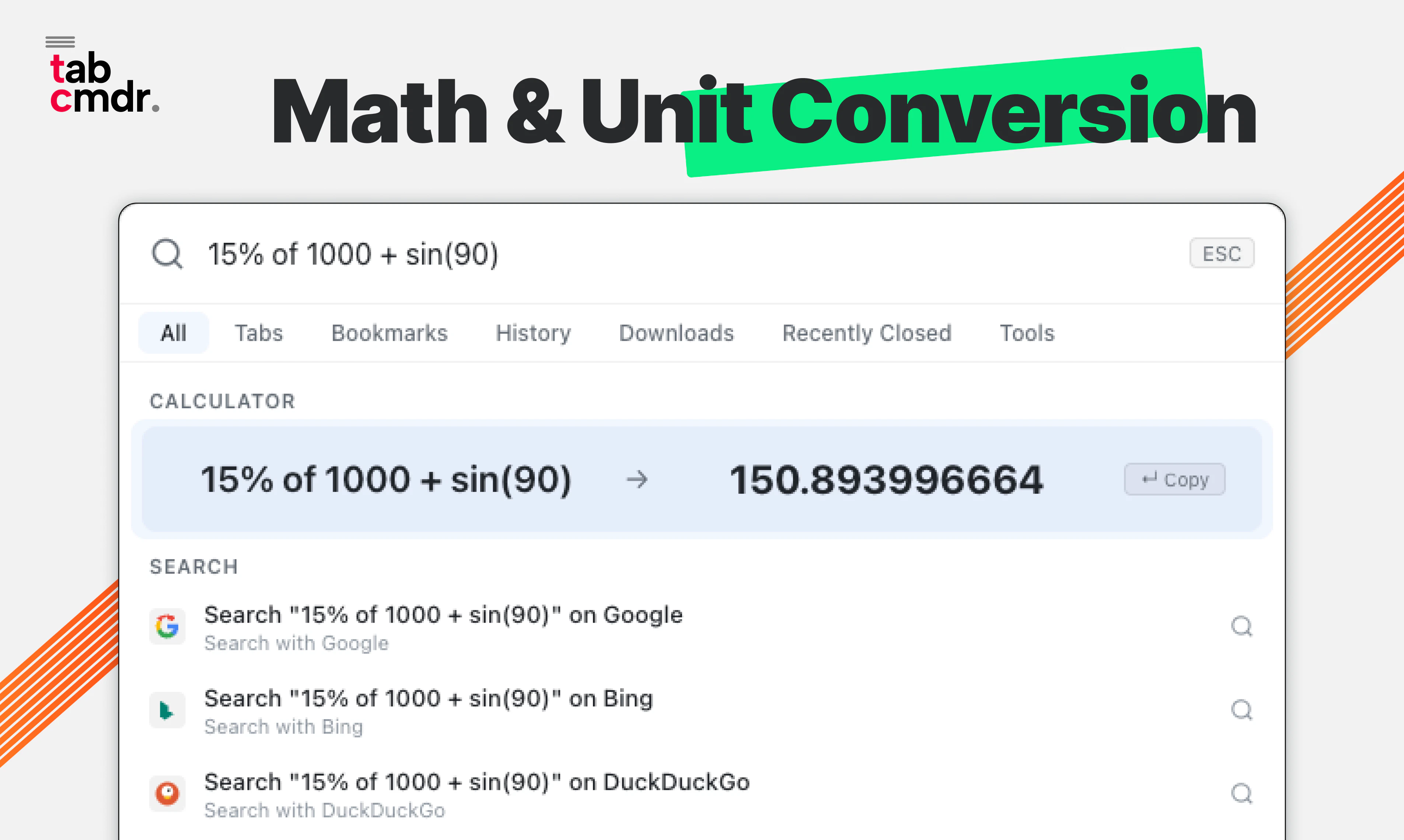
+2 more screenshots
Pros
- ✓Quick and efficient search for tabs, bookmarks, and history
- ✓Built-in AI chat for quick assistance and information retrieval
- ✓Extensive keyboard shortcuts for enhanced productivity
- ✓Additional tools like calculator and emoji picker integrated
- ✓Privacy-first design prioritizing user data security
Cons
- ✗May have a learning curve for new users unfamiliar with command palettes
- ✗Limited votes on Product Hunt suggest it may be relatively new or niche
- ✗Potential performance impact with extensive use or many open tabs
Use Cases
Pricing
Likely operates on a freemium model, offering core features for free with optional paid plans for advanced functionalities or customization, though specific pricing details are not publicly confirmed.
Quick Info
Topics
Similar Tools in AI Assistants




Embed Badge
Add this badge to your website to show that TabCmdr is featured on Visalytica.
<a href="https://www.visalytica.com/tool/tabcmdr" target="_blank" rel="noopener noreferrer" style="display:inline-flex;align-items:center;gap:6px;padding:6px 14px;background:#7c3aed;color:#fff;border-radius:8px;font-family:-apple-system,system-ui,sans-serif;font-size:13px;font-weight:600;text-decoration:none;transition:background .2s" onmouseover="this.style.background='#6d28d9'" onmouseout="this.style.background='#7c3aed'"><svg width="14" height="14" viewBox="0 0 24 24" fill="none" stroke="currentColor" stroke-width="2.5" stroke-linecap="round" stroke-linejoin="round"><path d="M12 20V10"/><path d="M18 20V4"/><path d="M6 20v-4"/></svg>Featured on Visalytica</a>