
Tab Notes
Turn your browser new tab into a distraction-free notepad
About Tab Notes
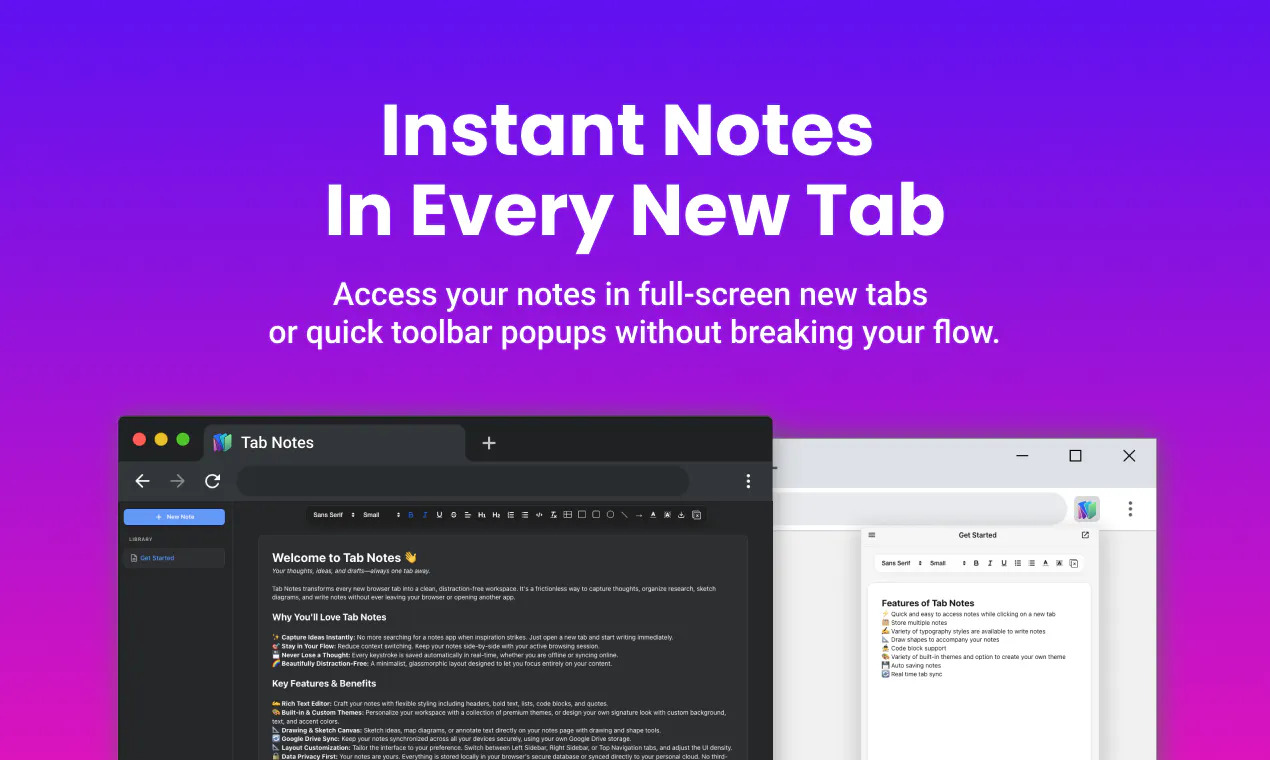
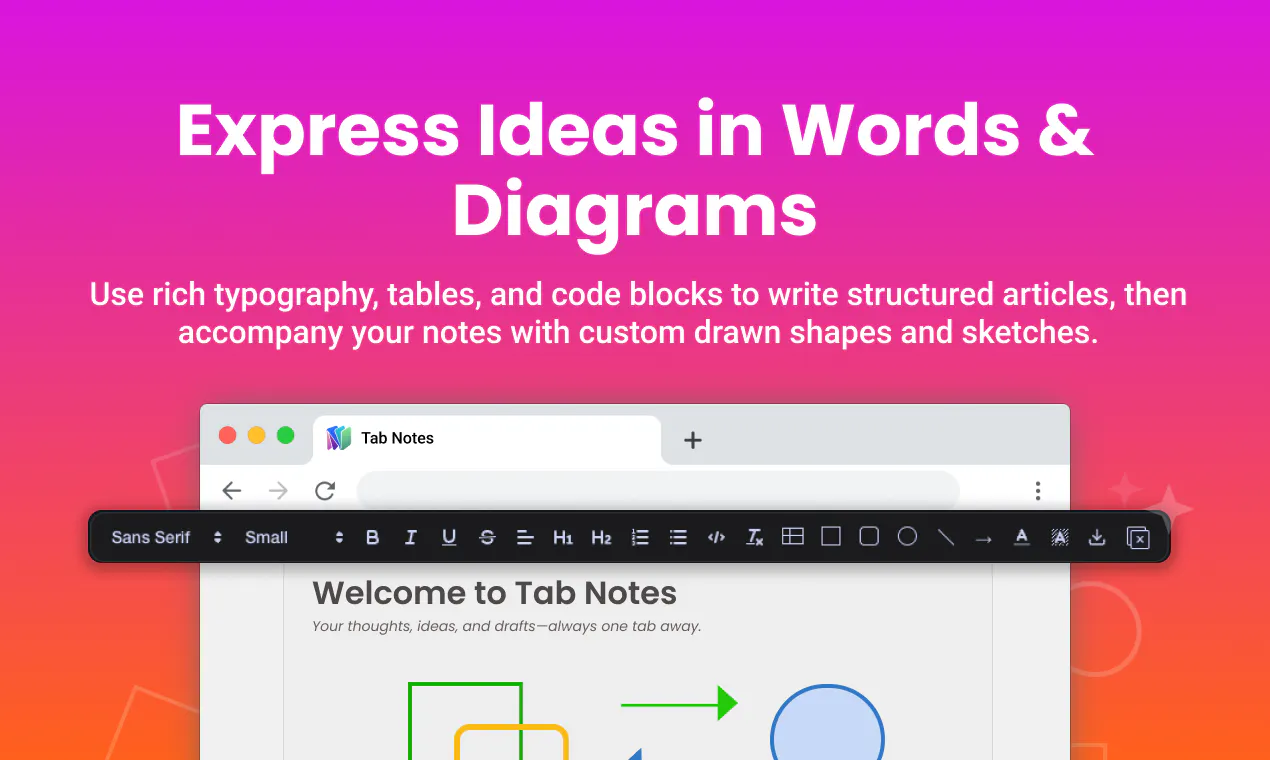
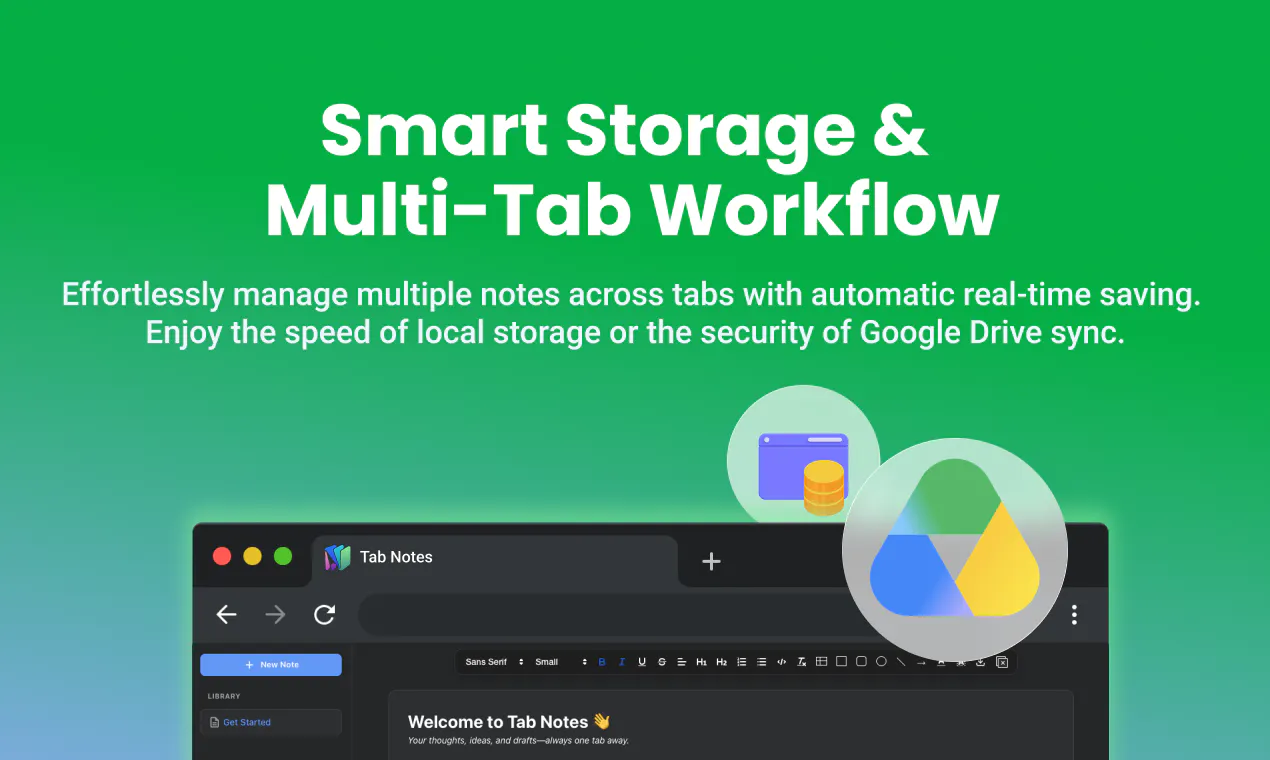
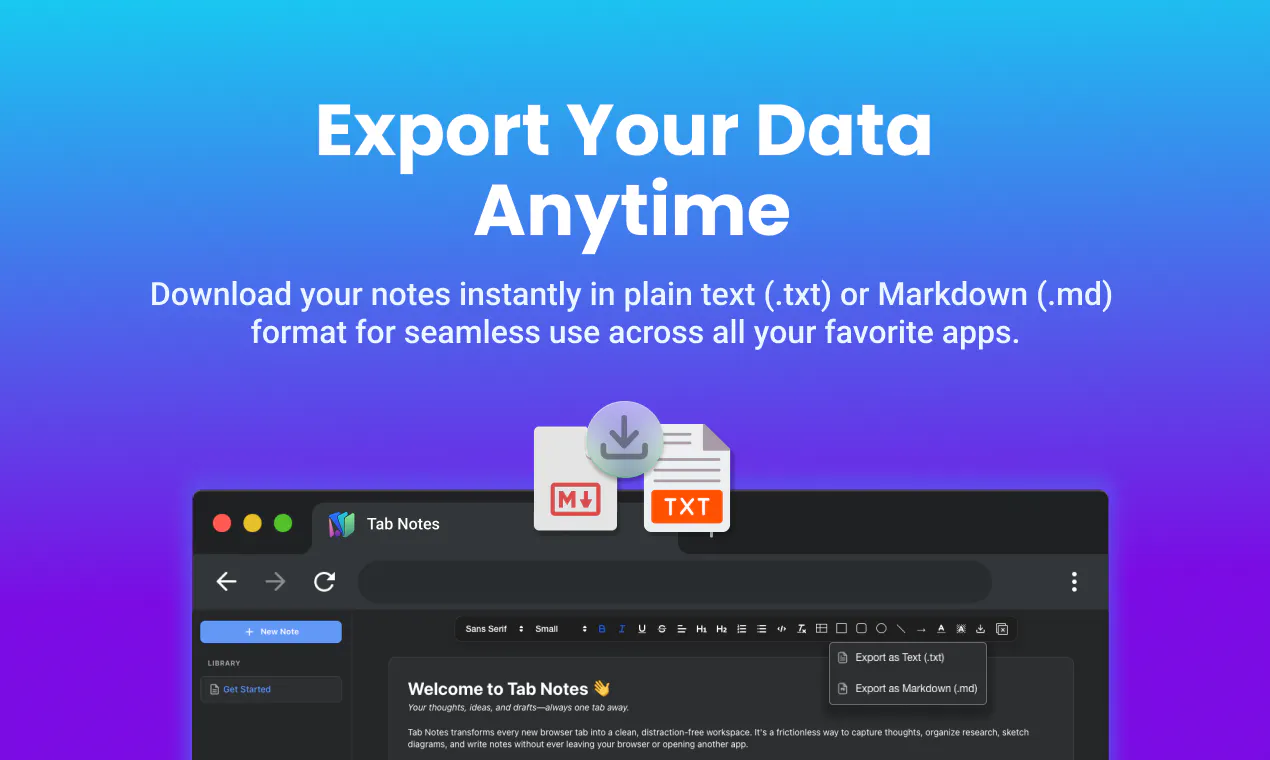
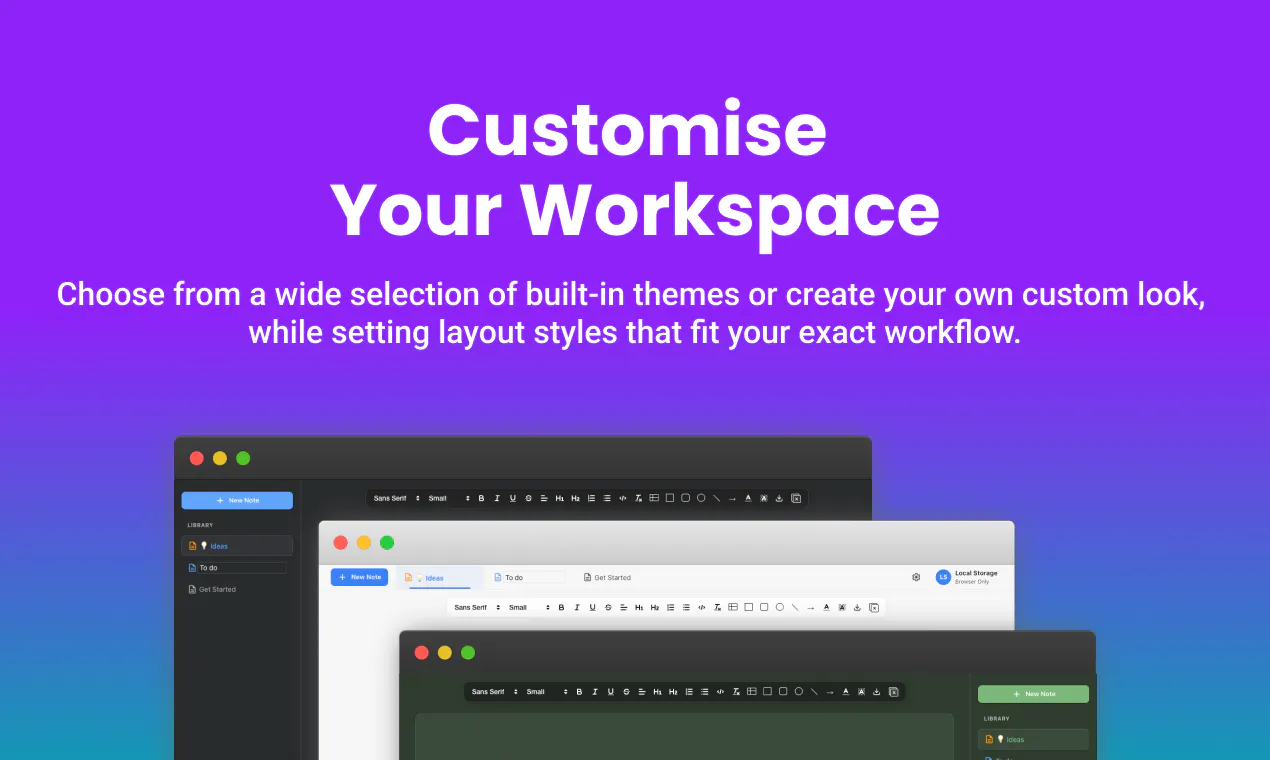
Tab Notes transforms every new browser tab into a sleek, distraction-free notepad, making it ideal for students, writers, developers, and professionals who need quick access to notes without disrupting their workflow. With its rich text editing, table creation, syntax-highlighted code blocks, and a built-in shape canvas, users can capture ideas, jot down reminders, or sketch concepts seamlessly. Its offline mode ensures privacy and security by storing data locally, while optional sync with Google Drive offers flexible cloud backup without vendor lock-in. The interface is accessible via full-screen tabs or a quick toolbar popup, providing instant note-taking capabilities directly over any website. Export options to TXT or MD formats make sharing and archiving straightforward. Overall, Tab Notes offers a versatile, privacy-focused solution for those seeking a simple yet powerful notepad integrated into their browsing experience.
Screenshots
Pros
- ✓Distraction-free interface enhances focus during note-taking
- ✓Rich text, table, and code support cater to diverse needs
- ✓Offline mode ensures data privacy and quick access
- ✓Optional private sync with Google Drive offers flexibility
- ✓Multiple access points (full-screen tab and toolbar popup) for convenience
Cons
- ✗Limited information on advanced organizational features
- ✗No mention of collaboration capabilities
- ✗Voter count on Product Hunt is currently zero, indicating limited visibility or adoption
Use Cases
Pricing
Pricing not verified
Quick Info
Topics
Makers

VINEETH TR
@vineethtrvAlternatives
Similar Tools in Developer Tools




Embed Badge
Add this badge to your website to show that Tab Notes is featured on Visalytica.
<a href="https://www.visalytica.com/tool/tab-notes" target="_blank" rel="noopener noreferrer" style="display:inline-flex;align-items:center;gap:6px;padding:6px 14px;background:#7c3aed;color:#fff;border-radius:8px;font-family:-apple-system,system-ui,sans-serif;font-size:13px;font-weight:600;text-decoration:none;transition:background .2s" onmouseover="this.style.background='#6d28d9'" onmouseout="this.style.background='#7c3aed'"><svg width="14" height="14" viewBox="0 0 24 24" fill="none" stroke="currentColor" stroke-width="2.5" stroke-linecap="round" stroke-linejoin="round"><path d="M12 20V10"/><path d="M18 20V4"/><path d="M6 20v-4"/></svg>Featured on Visalytica</a>