
Tab Atlas
A visual command center for your Chrome tabs
About Tab Atlas
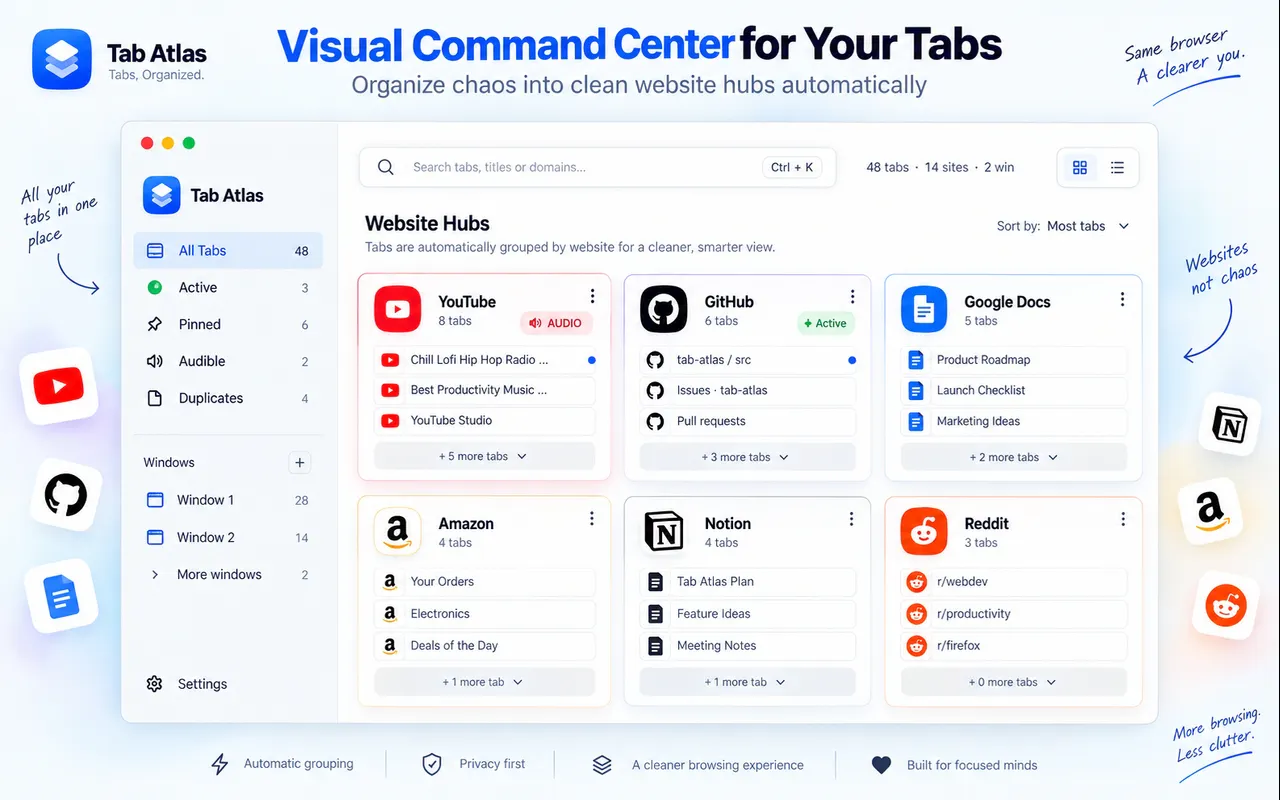
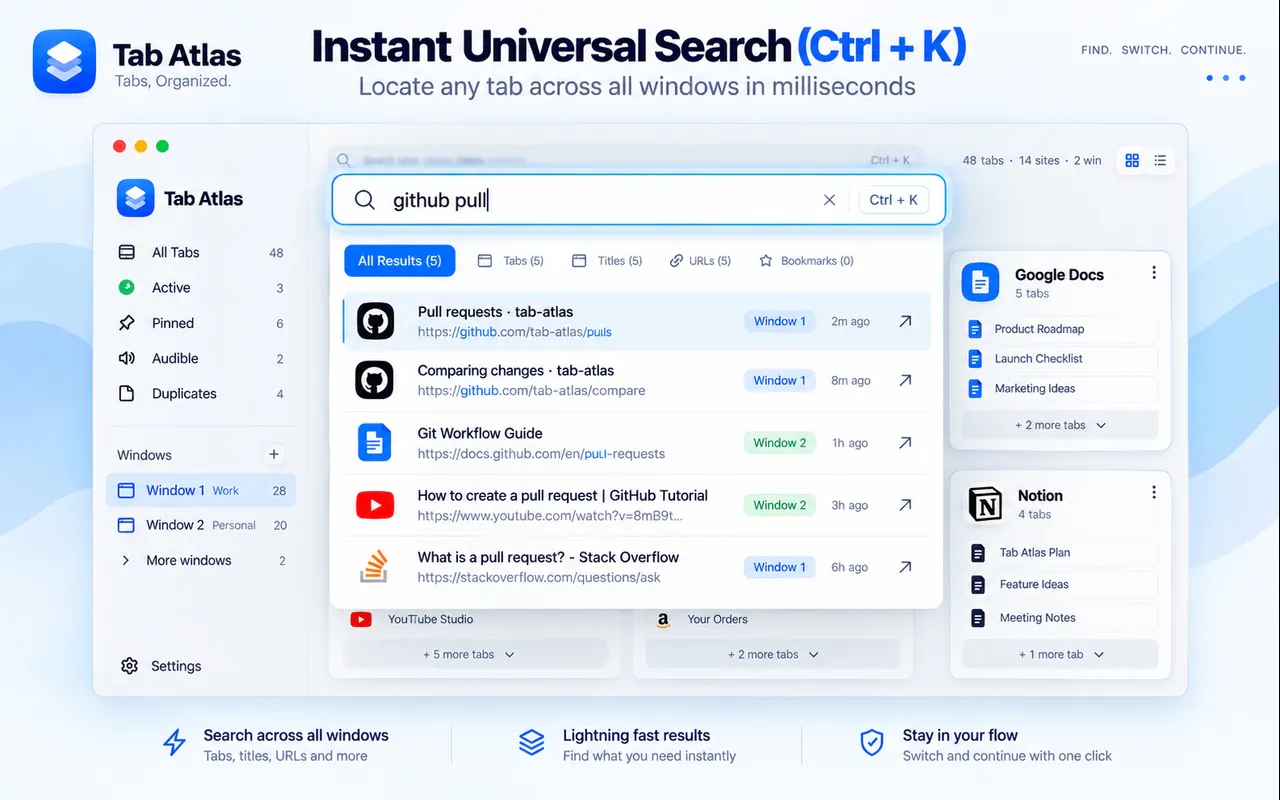
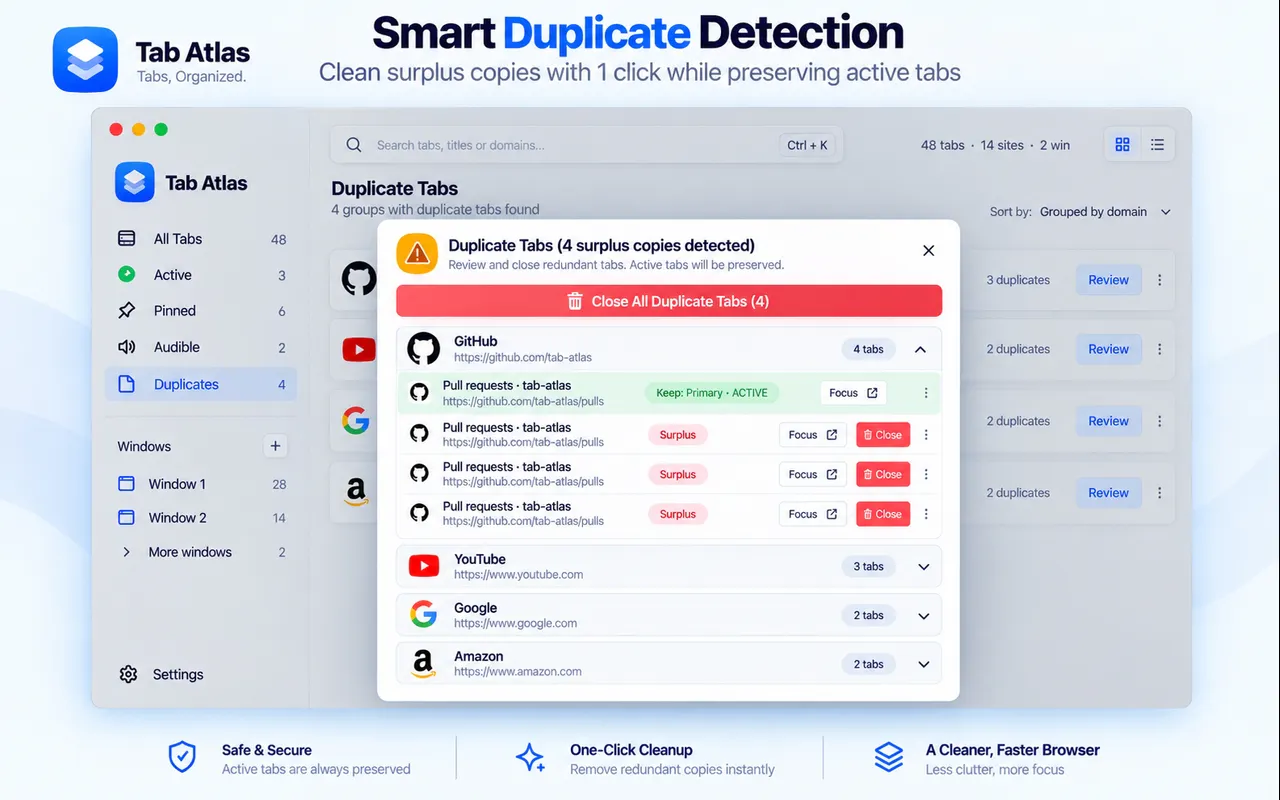
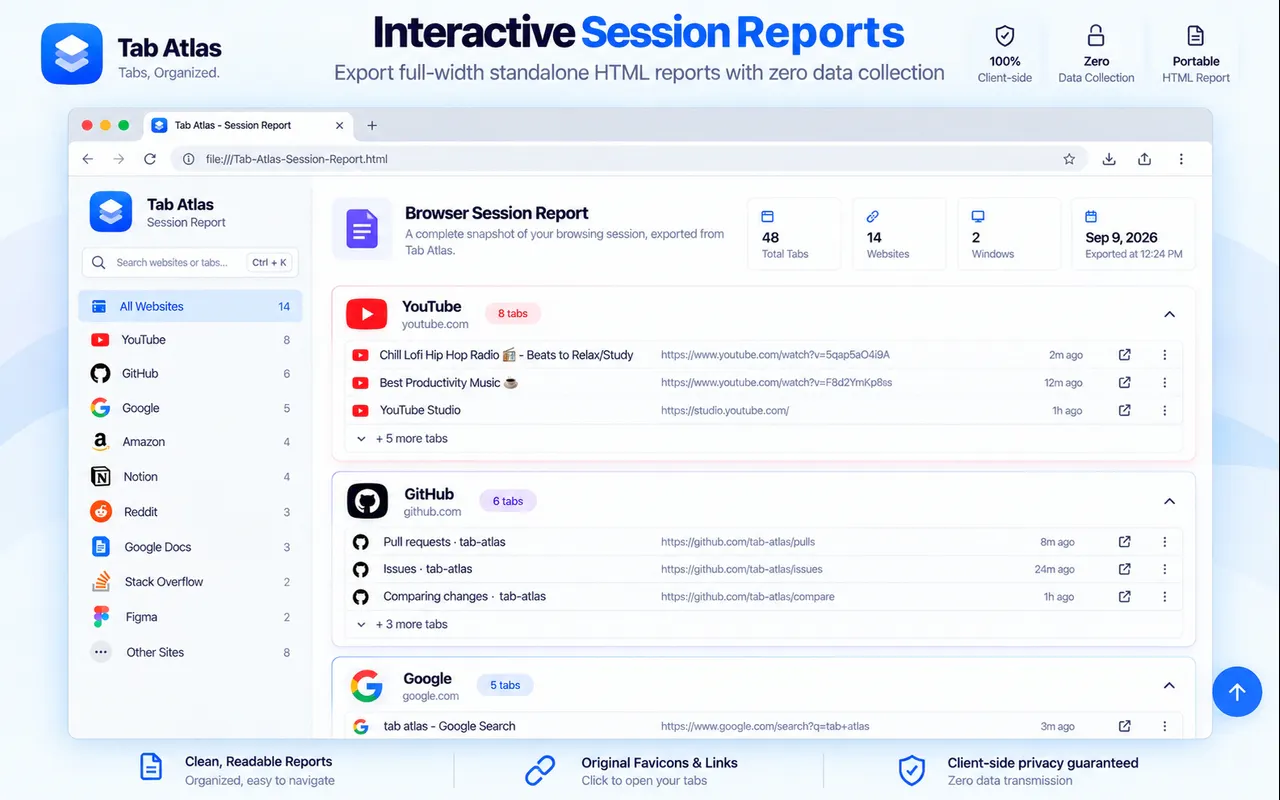
Tab Atlas is a visual command center designed to help Chrome users manage and organize their open tabs more efficiently. It transforms a cluttered collection of tabs into an intuitive visual workspace, allowing users to group tabs by website, search across all open tabs and windows with a simple keyboard shortcut (Ctrl+K), and identify duplicate URLs. Additionally, it offers features like switching between windows and exporting sessions as HTML for later reference. Built to run entirely locally within the browser, Tab Atlas ensures user privacy by eliminating telemetry, tracking, or analytics, making it a trusted tool for privacy-conscious users. Its visual approach makes it ideal for those who often lose track of their tabs or need a quick way to reorganize their browsing sessions, significantly enhancing productivity and reducing clutter.
Screenshots
Pros
- ✓Visual workspace simplifies managing multiple tabs
- ✓Search and filter capabilities improve navigation efficiency
- ✓Duplicate URL detection helps reduce clutter
- ✓Exports sessions as HTML for easy session management
- ✓Runs locally with no telemetry or tracking
Cons
- ✗Features may be limited for advanced tab management needs
- ✗User interface and usability might require some learning curve
- ✗No information on free vs paid tiers or subscription plans
Use Cases
Pricing
Pricing not verified
Quick Info
Topics
Makers

Anuj Kumar Singh
@thtgiveawayblogSimilar Tools in HR & Recruiting




Embed Badge
Add this badge to your website to show that Tab Atlas is featured on Visalytica.
<a href="https://www.visalytica.com/tool/tab-atlas" target="_blank" rel="noopener noreferrer" style="display:inline-flex;align-items:center;gap:6px;padding:6px 14px;background:#7c3aed;color:#fff;border-radius:8px;font-family:-apple-system,system-ui,sans-serif;font-size:13px;font-weight:600;text-decoration:none;transition:background .2s" onmouseover="this.style.background='#6d28d9'" onmouseout="this.style.background='#7c3aed'"><svg width="14" height="14" viewBox="0 0 24 24" fill="none" stroke="currentColor" stroke-width="2.5" stroke-linecap="round" stroke-linejoin="round"><path d="M12 20V10"/><path d="M18 20V4"/><path d="M6 20v-4"/></svg>Featured on Visalytica</a>