
Szept
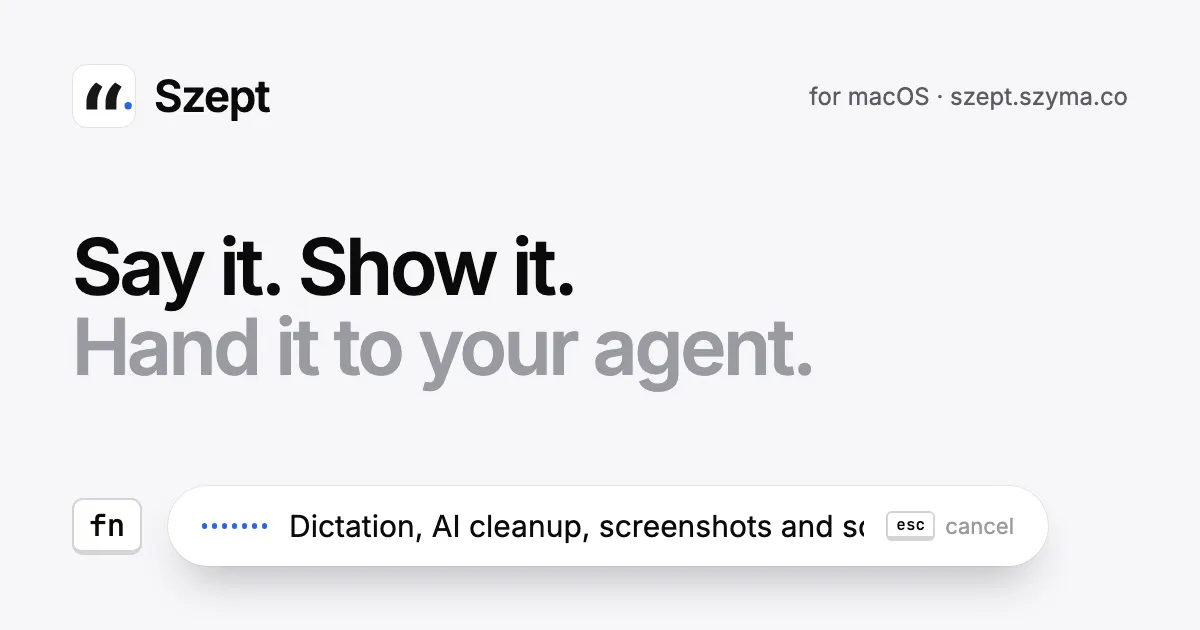
Say it. Show it. Hand it to your agent.
About Szept
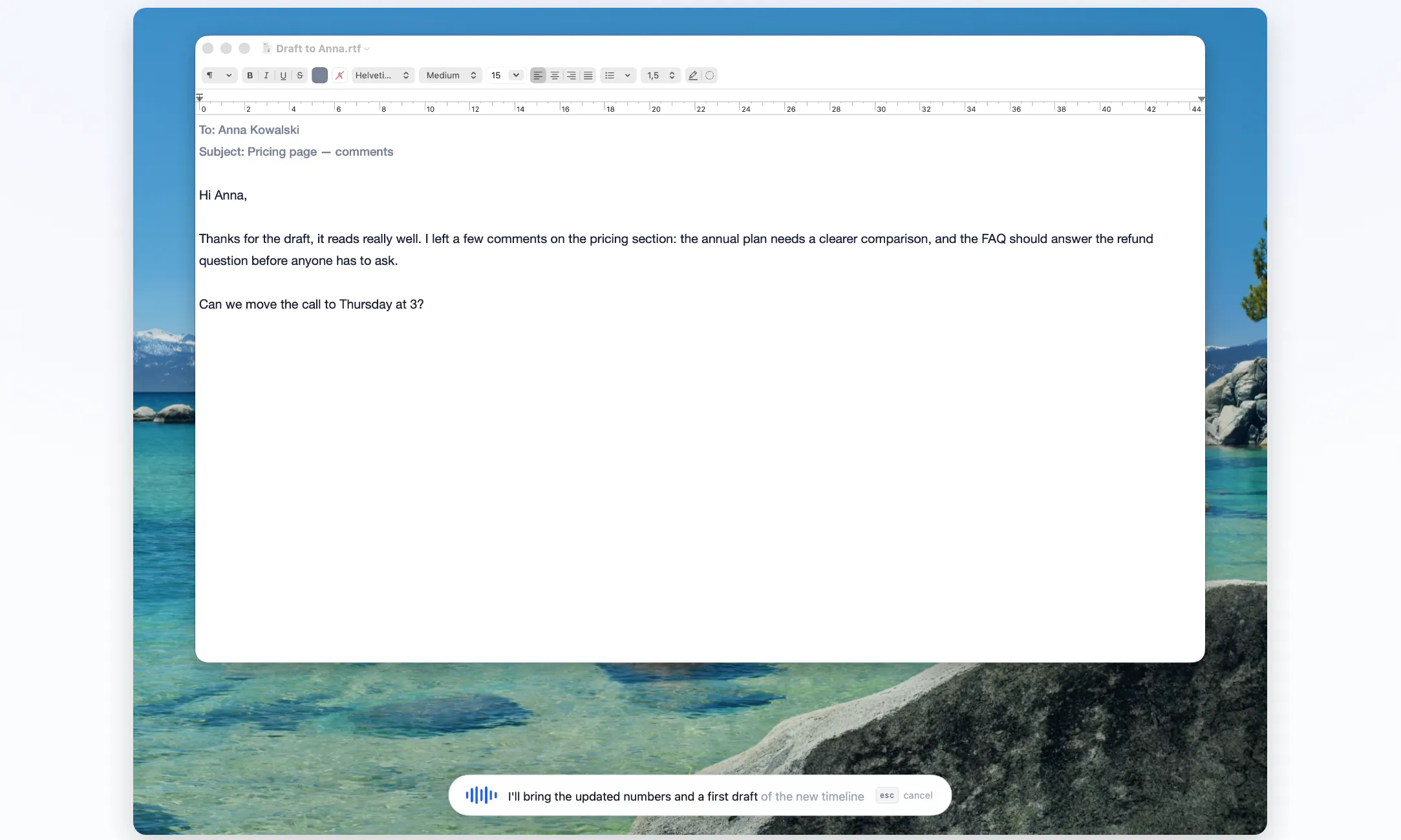
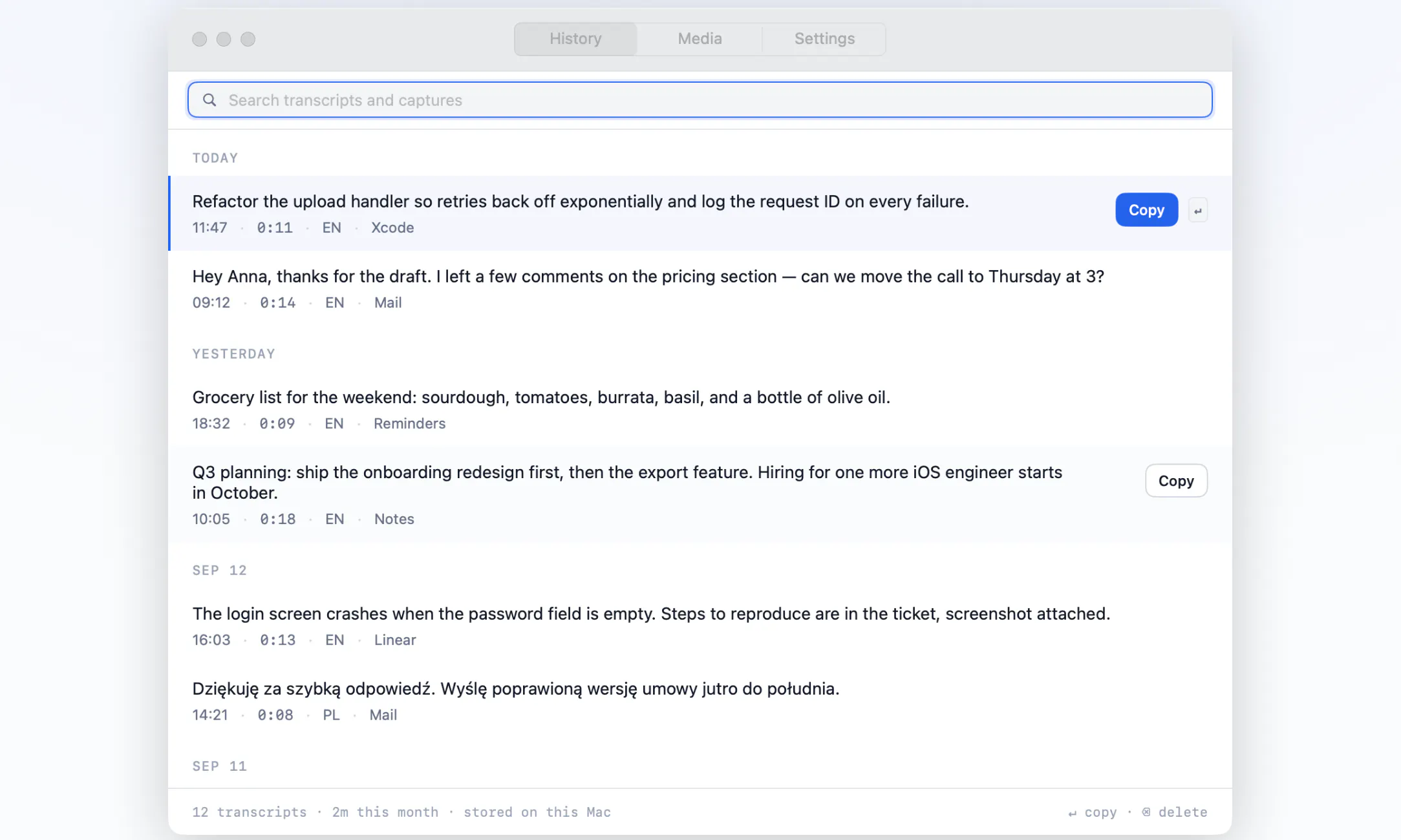
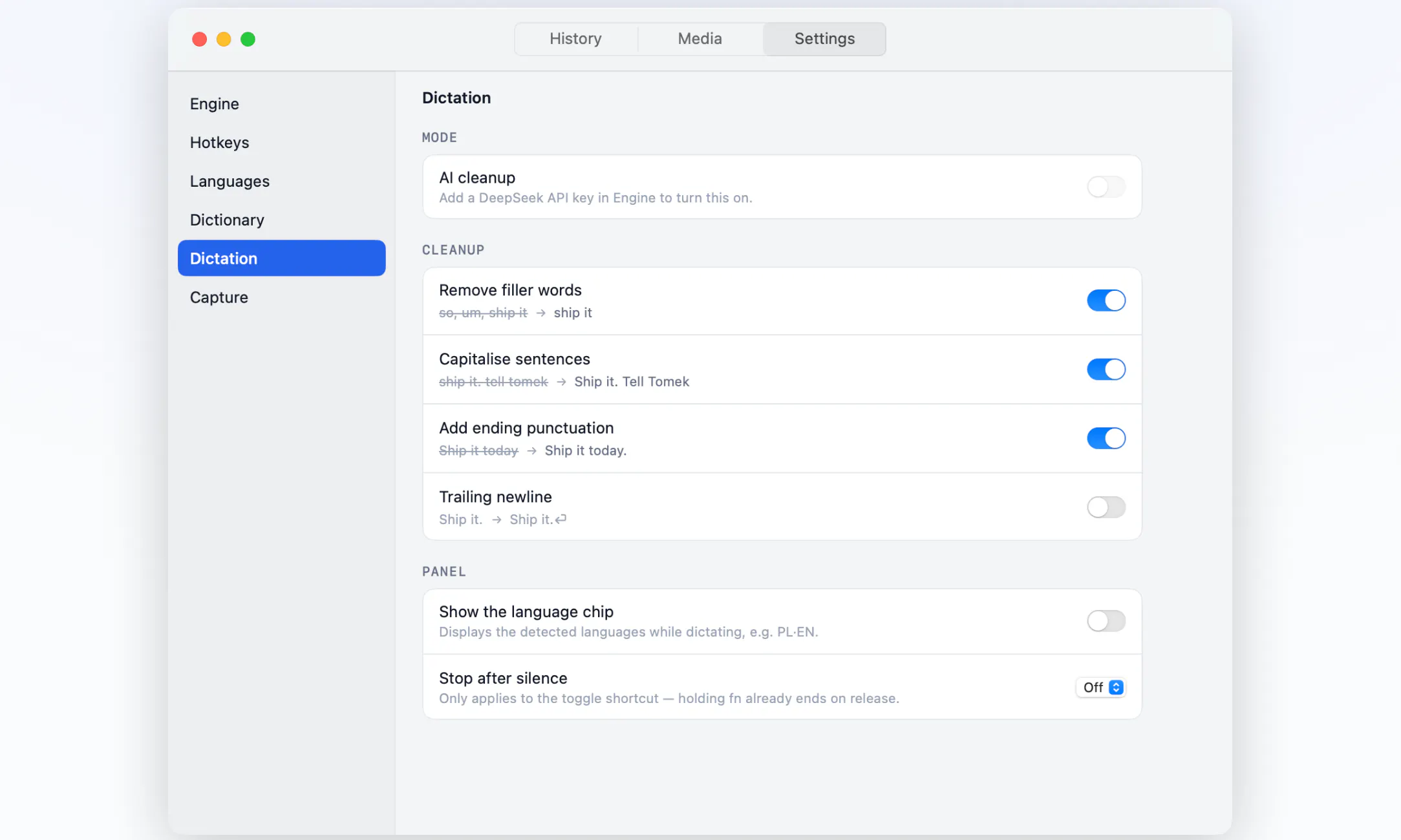
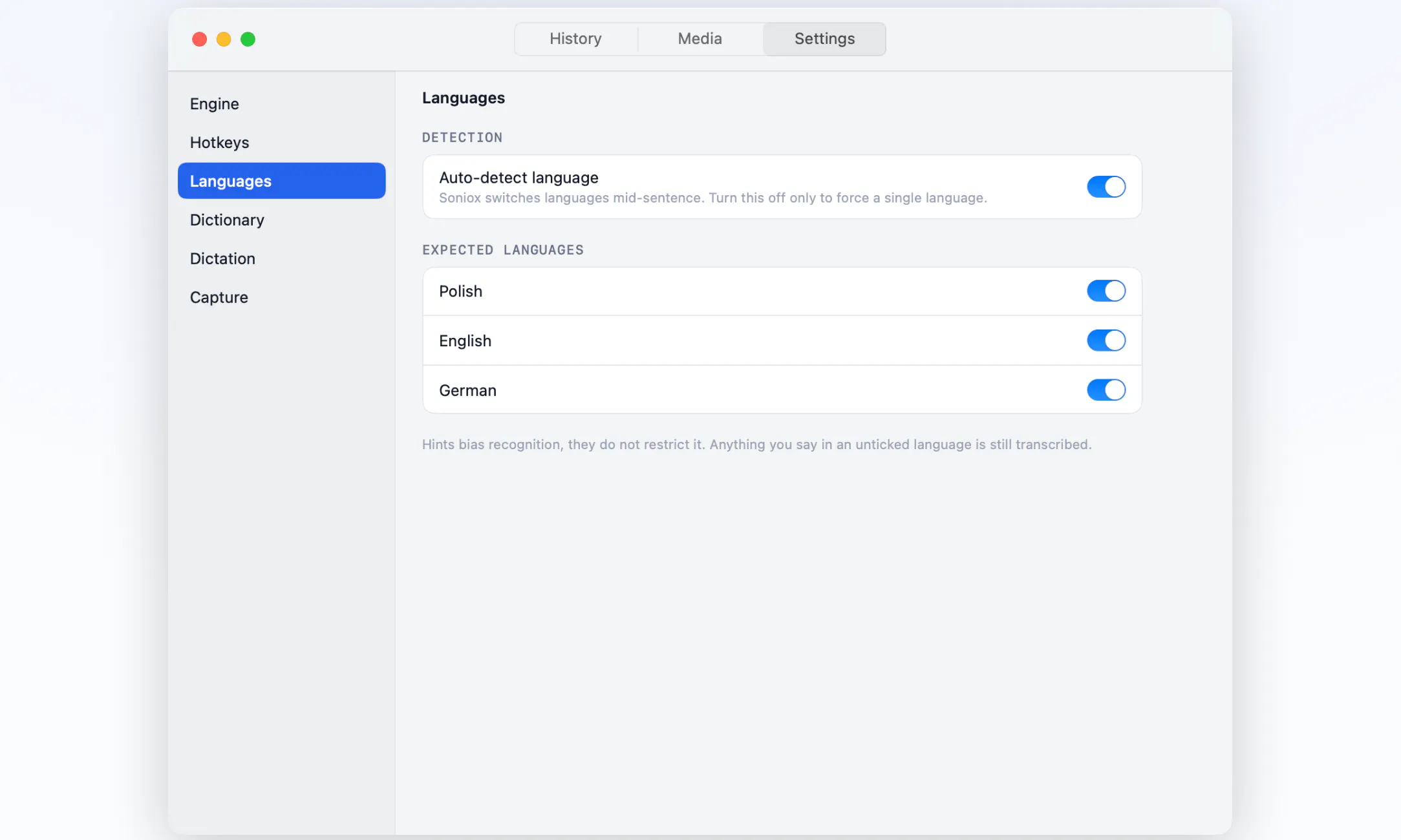
Szept is a lightweight and fast Mac application designed for seamless interaction with AI agents. It enables users to dictate in over 60 languages, making it a versatile tool for multilingual communication. Beyond voice input, Szept offers AI-powered text cleanup, ensuring clear and polished content. The app also provides screen capture and recording functionalities, making it valuable for creating tutorials, demos, or recording visual information. Its integration with Claude Code allows developers and technical users to hand off AI-processed data directly for coding or further development tasks. With source code included, Szept appeals to open-source enthusiasts and developers looking to customize or extend its capabilities. Its intuitive interface and focus on speed make it suitable for busy professionals, content creators, and developers seeking a comprehensive AI assistant on macOS.
Screenshots
Pros
- ✓Supports dictation in over 60 languages for broad accessibility
- ✓Includes AI-driven text cleanup for improved clarity
- ✓Offers screen capture and recording features for multimedia tasks
- ✓Integrates with Claude Code for advanced coding assistance
- ✓Open-source with source code included for customization
Cons
- ✗Currently has no user reviews or ratings on Product Hunt
- ✗Limited information on pricing or subscription plans
- ✗Potential learning curve for users unfamiliar with AI integrations
Use Cases
Pricing
Pricing not verified
Quick Info
Topics
Makers

Mariusz Szyma
@DonmarioAlternatives
Similar Tools in Developer Tools




Embed Badge
Add this badge to your website to show that Szept is featured on Visalytica.
<a href="https://www.visalytica.com/tool/szept" target="_blank" rel="noopener noreferrer" style="display:inline-flex;align-items:center;gap:6px;padding:6px 14px;background:#7c3aed;color:#fff;border-radius:8px;font-family:-apple-system,system-ui,sans-serif;font-size:13px;font-weight:600;text-decoration:none;transition:background .2s" onmouseover="this.style.background='#6d28d9'" onmouseout="this.style.background='#7c3aed'"><svg width="14" height="14" viewBox="0 0 24 24" fill="none" stroke="currentColor" stroke-width="2.5" stroke-linecap="round" stroke-linejoin="round"><path d="M12 20V10"/><path d="M18 20V4"/><path d="M6 20v-4"/></svg>Featured on Visalytica</a>