
Supaste
Clipboard Manager for macOS
About Supaste
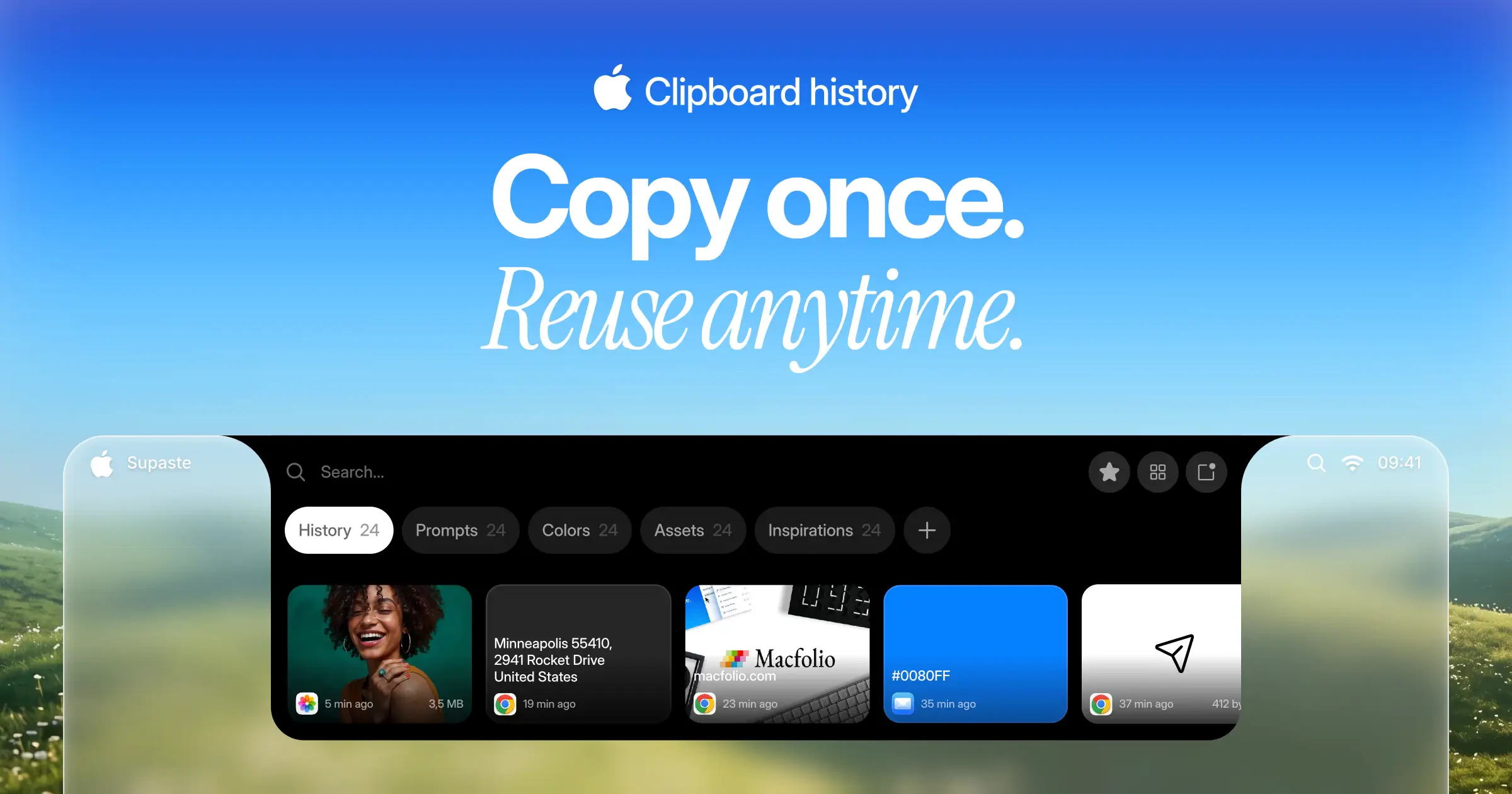
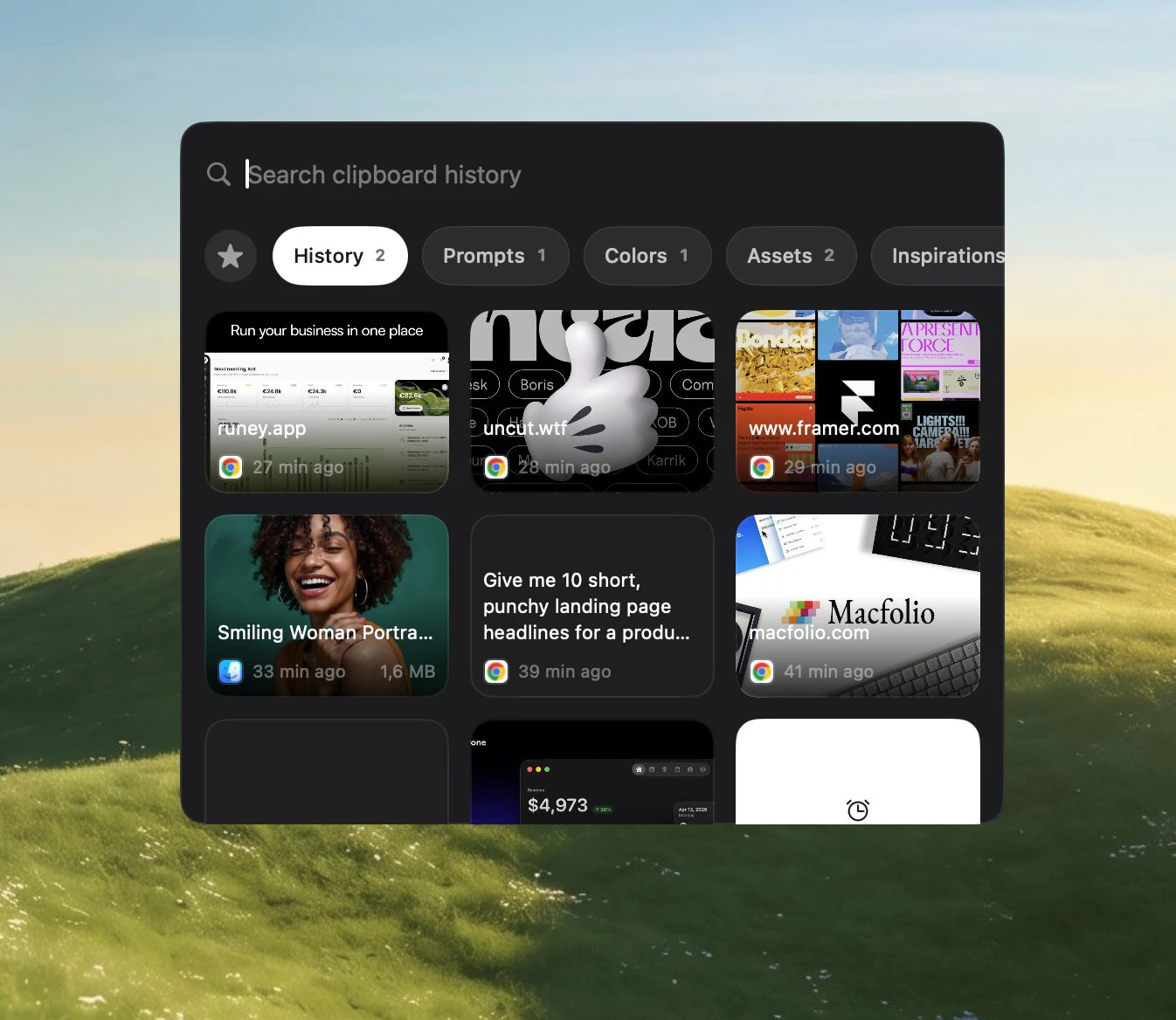
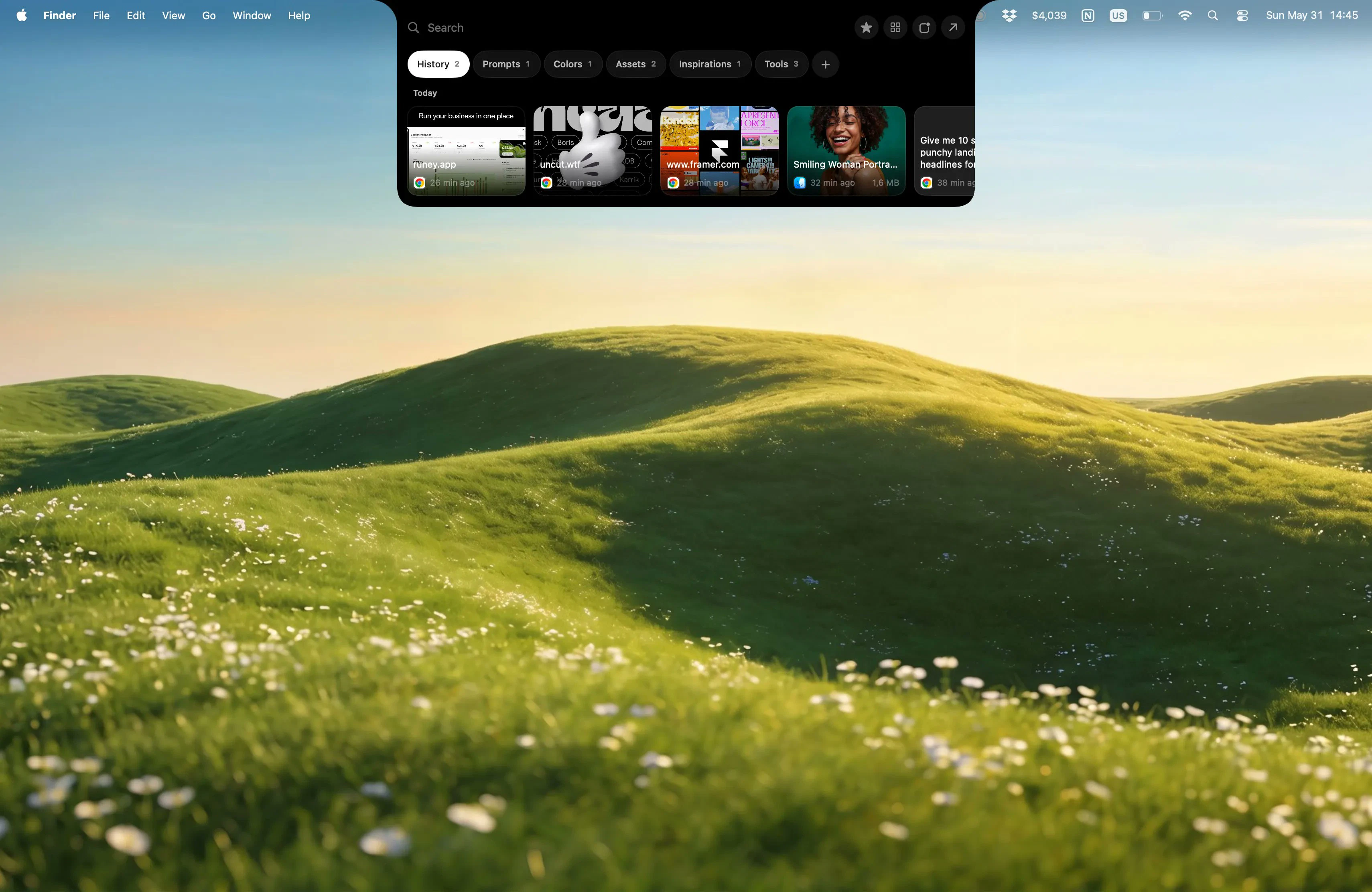
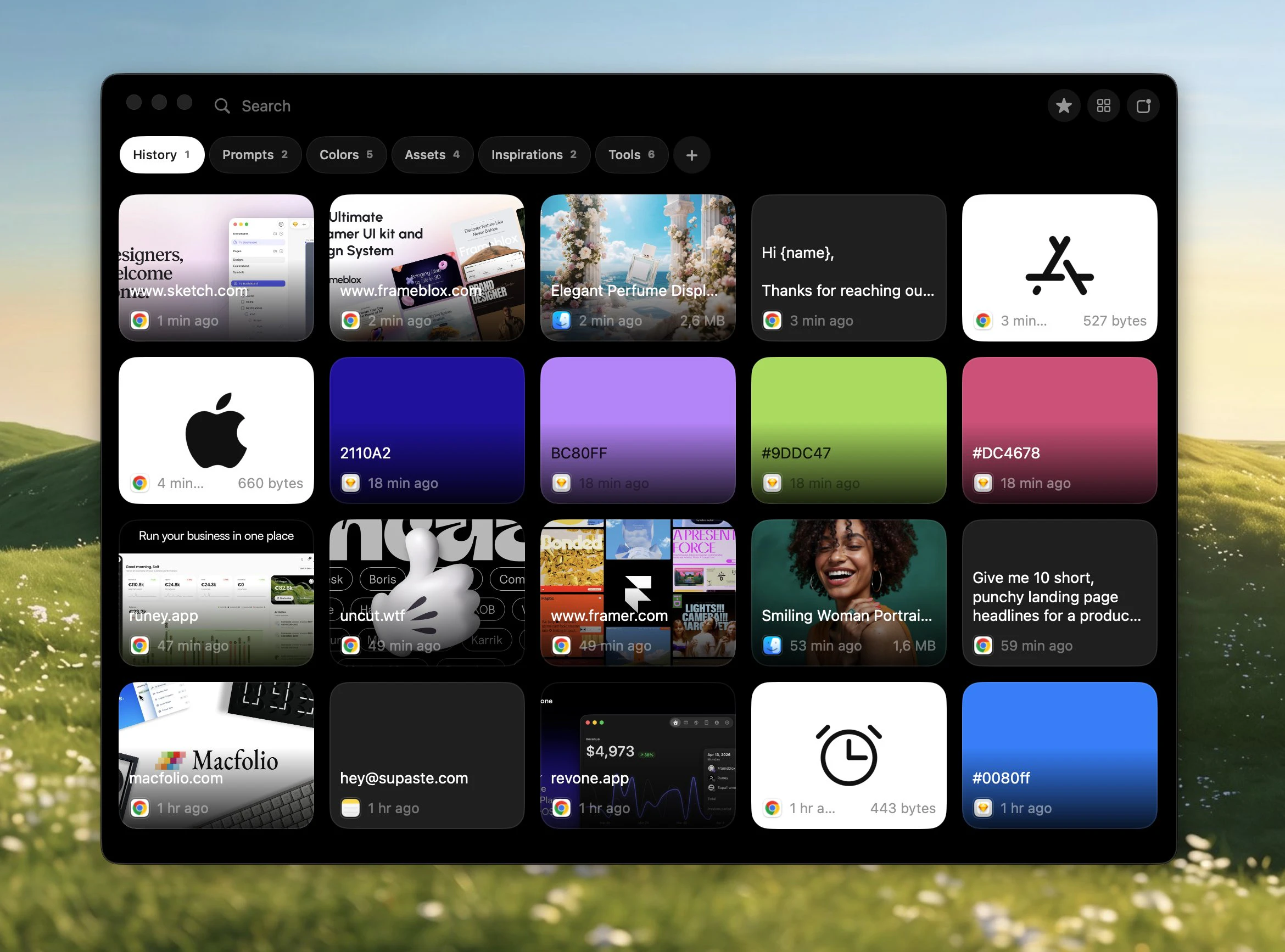
Supaste is a sleek, local-first clipboard and screenshot management app designed specifically for macOS users aiming to boost their productivity. It elegantly captures and organizes a variety of clipboard items such as text, links, images, files, code snippets, and even colors, all stored in a visually appealing, searchable timeline. By focusing on local storage, Supaste ensures user privacy and quick access without relying on cloud services. Its intuitive menu bar integration makes it easy to access and manage clipboard history on the fly, making it ideal for developers, designers, researchers, and anyone who frequently copies and references diverse content during their workflows. What sets Supaste apart is its combination of comprehensive content support, beautiful interface, and local-first approach, making it a powerful yet simple tool for streamlining digital tasks.
Screenshots
Pros
- ✓Supports a wide variety of clipboard content types including text, images, files, code, and colors
- ✓Local-first storage enhances privacy and speed
- ✓Beautiful, user-friendly interface with a searchable timeline
- ✓Seamless menu bar integration for quick access
- ✓Ideal for developers, designers, and researchers handling complex workflows
Cons
- ✗Limited to macOS, not available on other platforms
- ✗No mention of advanced automation or integrations
- ✗Voter count on Product Hunt indicates it may still be gaining traction
Use Cases
Pricing
Likely follows a freemium model with core features available for free and premium plans offering additional functionalities or storage options; specific pricing details are not publicly confirmed.
Quick Info
Topics
Makers

Solt Wagner
Alternatives
Similar Tools in Developer Tools




Embed Badge
Add this badge to your website to show that Supaste is featured on Visalytica.
<a href="https://www.visalytica.com/tool/supaste" target="_blank" rel="noopener noreferrer" style="display:inline-flex;align-items:center;gap:6px;padding:6px 14px;background:#7c3aed;color:#fff;border-radius:8px;font-family:-apple-system,system-ui,sans-serif;font-size:13px;font-weight:600;text-decoration:none;transition:background .2s" onmouseover="this.style.background='#6d28d9'" onmouseout="this.style.background='#7c3aed'"><svg width="14" height="14" viewBox="0 0 24 24" fill="none" stroke="currentColor" stroke-width="2.5" stroke-linecap="round" stroke-linejoin="round"><path d="M12 20V10"/><path d="M18 20V4"/><path d="M6 20v-4"/></svg>Featured on Visalytica</a>