
Suno Studio 2.0
Browser-based generative DAW
About Suno Studio 2.0
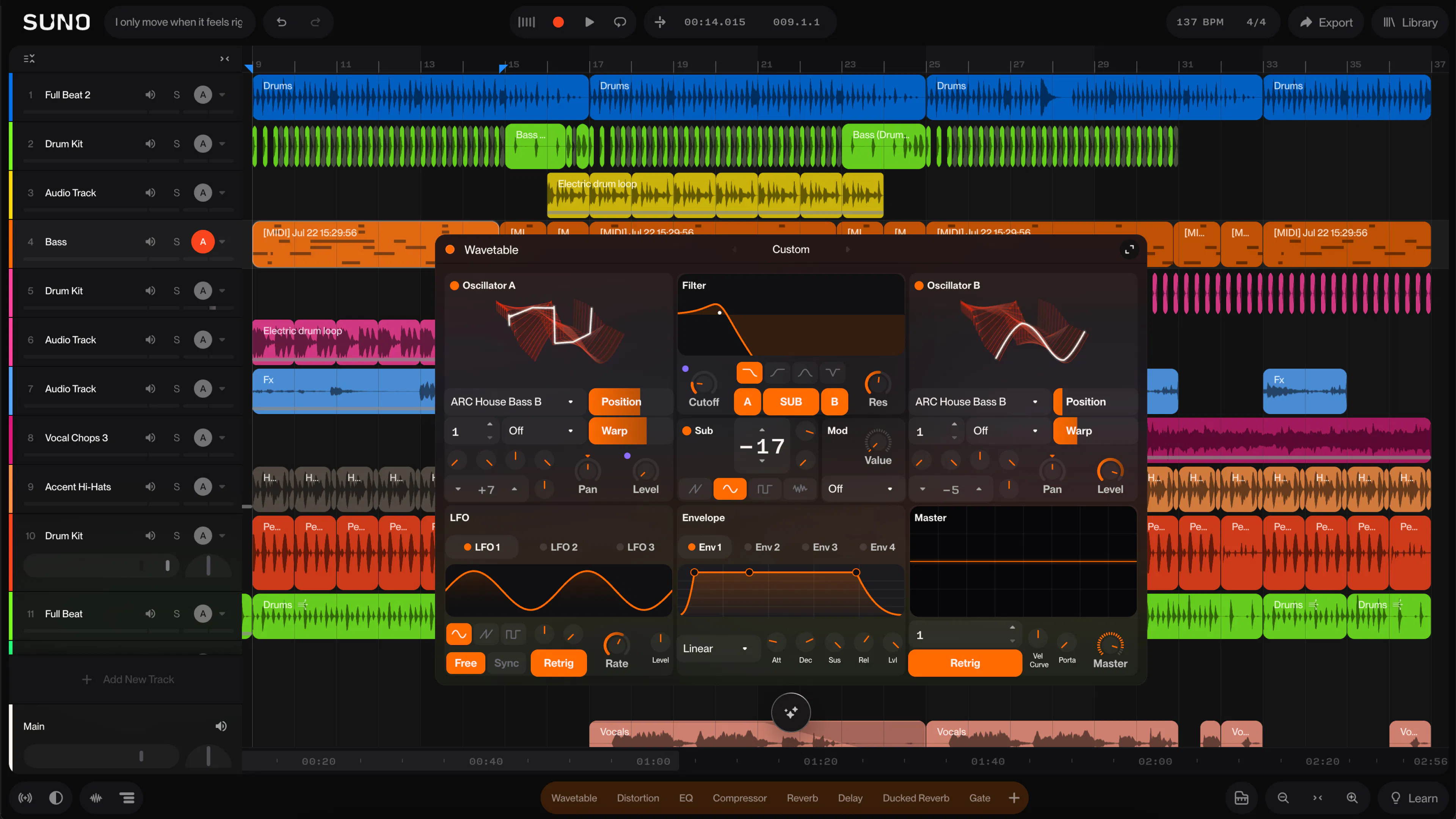
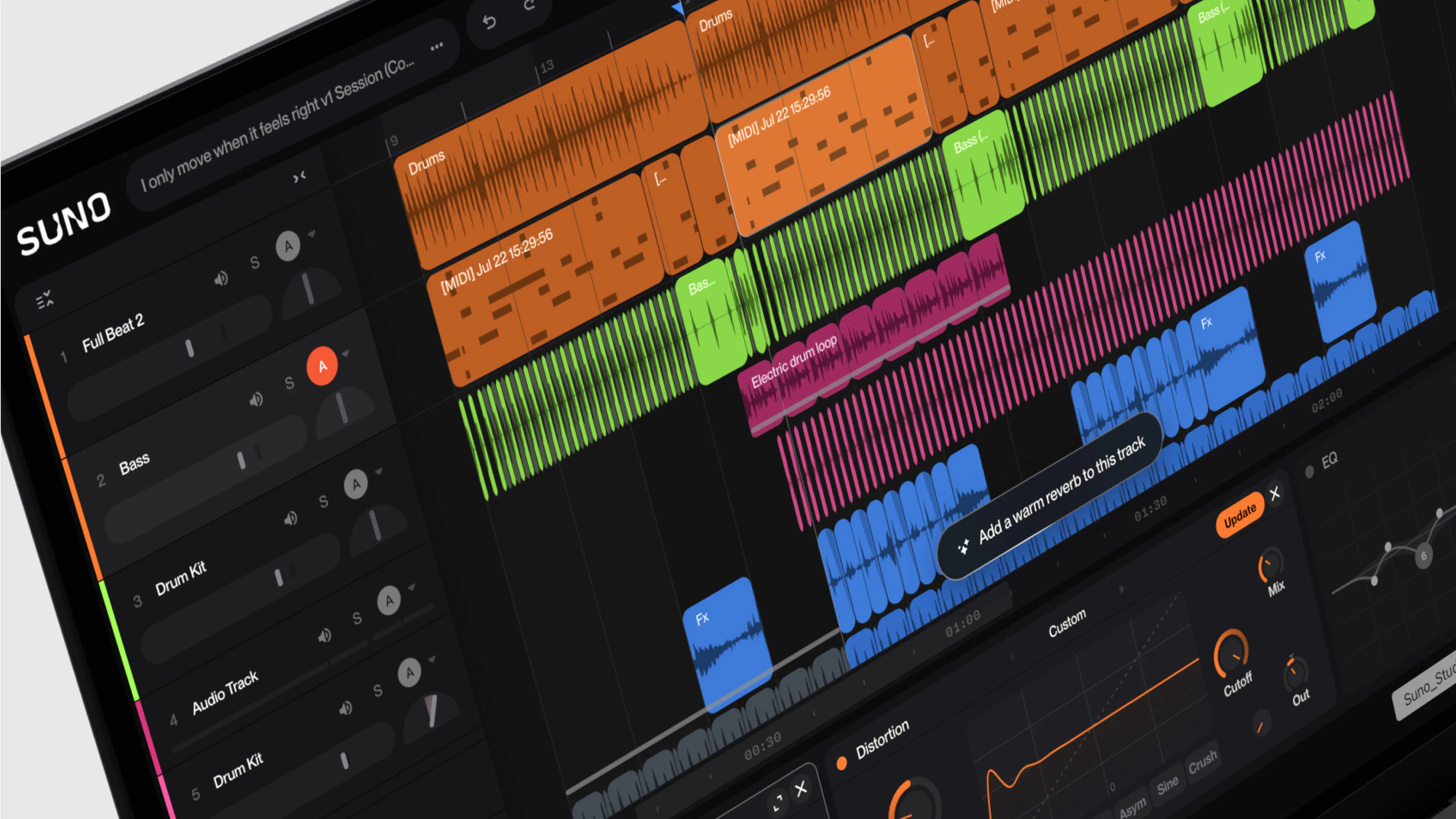
Suno Studio 2.0 is a browser-based generative digital audio workstation (DAW) designed for musicians, producers, and audio enthusiasts looking for a versatile, accessible music creation platform. It combines essential features like MIDI sequencing, audio effects, automation, and chat functionality, enabling users to produce professional-quality music directly in their web browsers. Its standout feature is the ability to design custom plugins and synths, offering a high degree of creative flexibility for advanced users. The platform’s intuitive interface makes it suitable for both beginners and experienced producers seeking a seamless online music production experience. With Suno Studio 2.0, users can collaborate, experiment, and compose without the need for complex software installations or powerful hardware, democratizing music creation across devices and skill levels.
Screenshots
Pros
- ✓Browser-based, accessible from any device with internet access
- ✓Supports advanced features like plugin and synth design
- ✓Includes MIDI, audio effects, and automation tools
- ✓Facilitates collaboration with chat and sharing capabilities
- ✓No need for downloads or installations, saving setup time
Cons
- ✗Still in early stages with limited user feedback and votes
- ✗Potentially limited by browser performance constraints
- ✗May lack some advanced features found in dedicated desktop DAWs
Use Cases
Pricing
Likely to follow a freemium model, offering basic features for free with premium plans providing advanced tools, additional storage, or collaboration options; specific pricing details are not publicly confirmed yet.
Quick Info
Topics
Makers

Akiva Bamberger
@xoobAlternatives
Similar Tools in AI Audio & Voice




Embed Badge
Add this badge to your website to show that Suno Studio 2.0 is featured on Visalytica.
<a href="https://www.visalytica.com/tool/suno-studio-2-0" target="_blank" rel="noopener noreferrer" style="display:inline-flex;align-items:center;gap:6px;padding:6px 14px;background:#7c3aed;color:#fff;border-radius:8px;font-family:-apple-system,system-ui,sans-serif;font-size:13px;font-weight:600;text-decoration:none;transition:background .2s" onmouseover="this.style.background='#6d28d9'" onmouseout="this.style.background='#7c3aed'"><svg width="14" height="14" viewBox="0 0 24 24" fill="none" stroke="currentColor" stroke-width="2.5" stroke-linecap="round" stroke-linejoin="round"><path d="M12 20V10"/><path d="M18 20V4"/><path d="M6 20v-4"/></svg>Featured on Visalytica</a>