
Summa 3.0
Your money now has an assistant. Private. Native on Mac.
About Summa 3.0
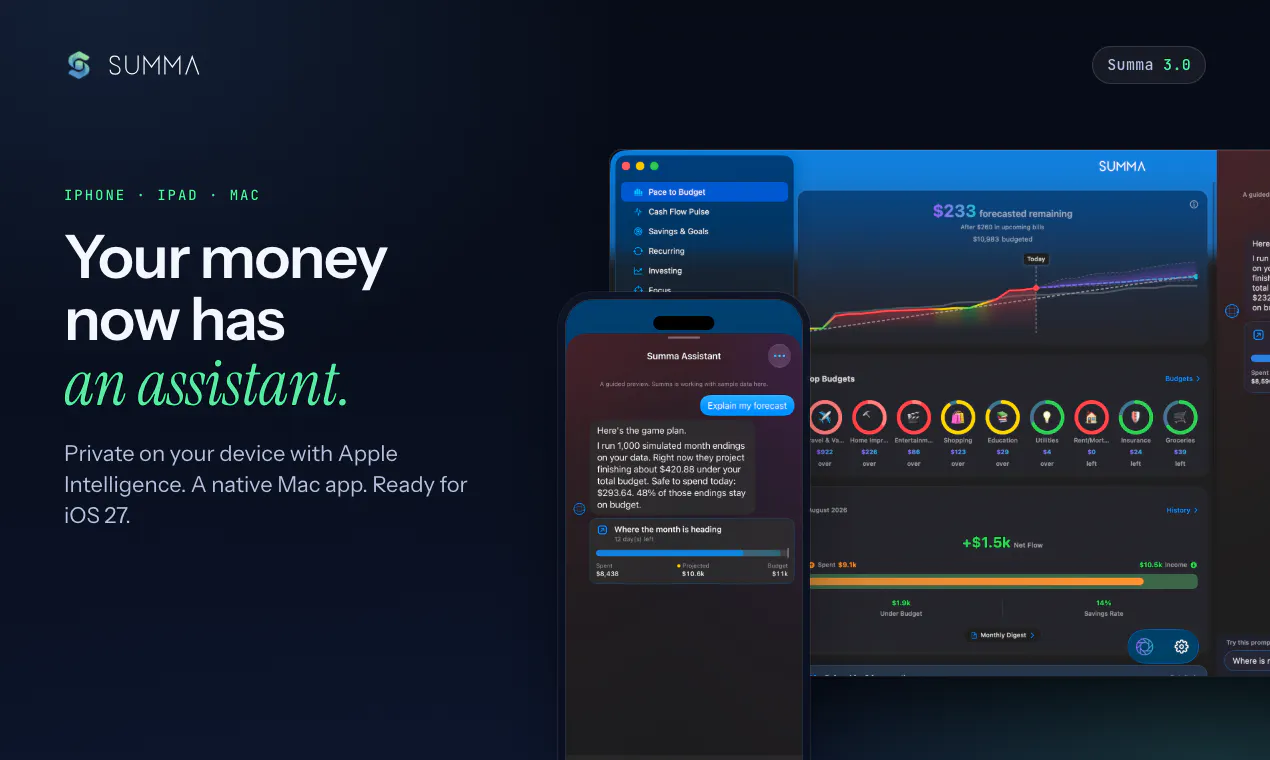
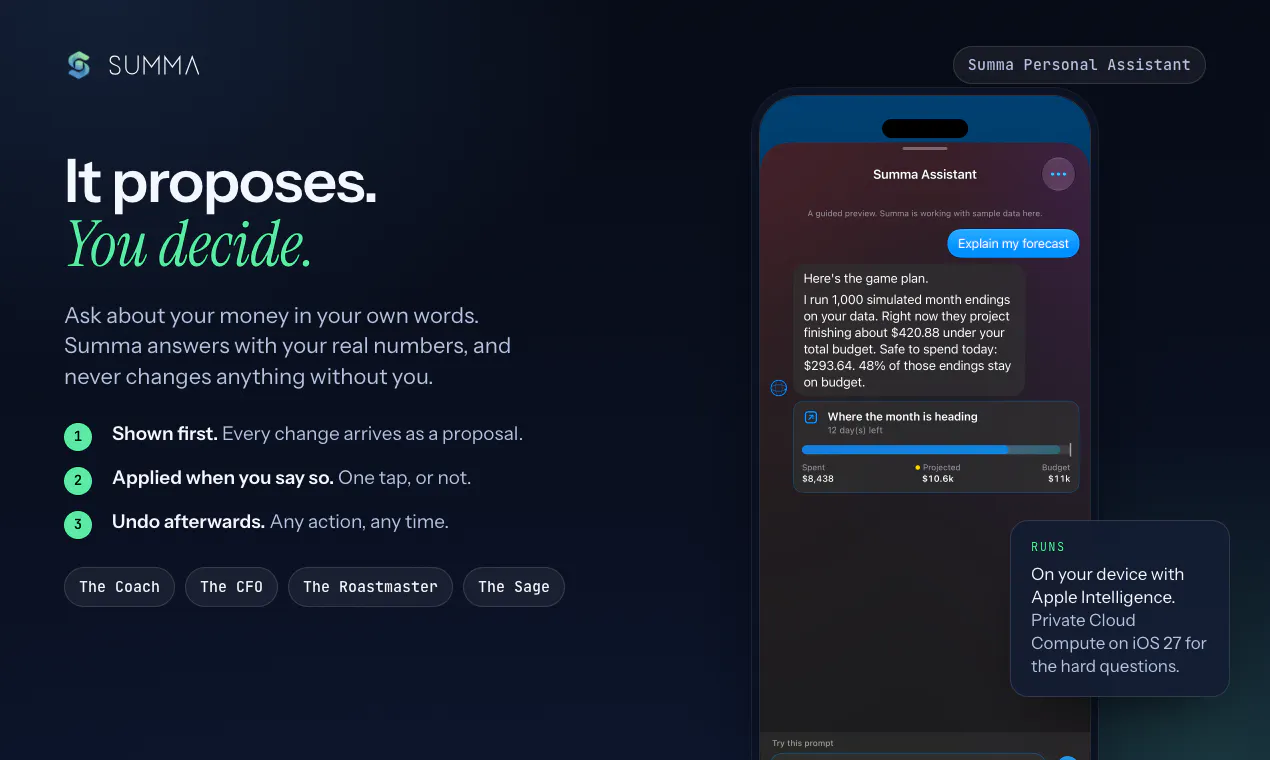
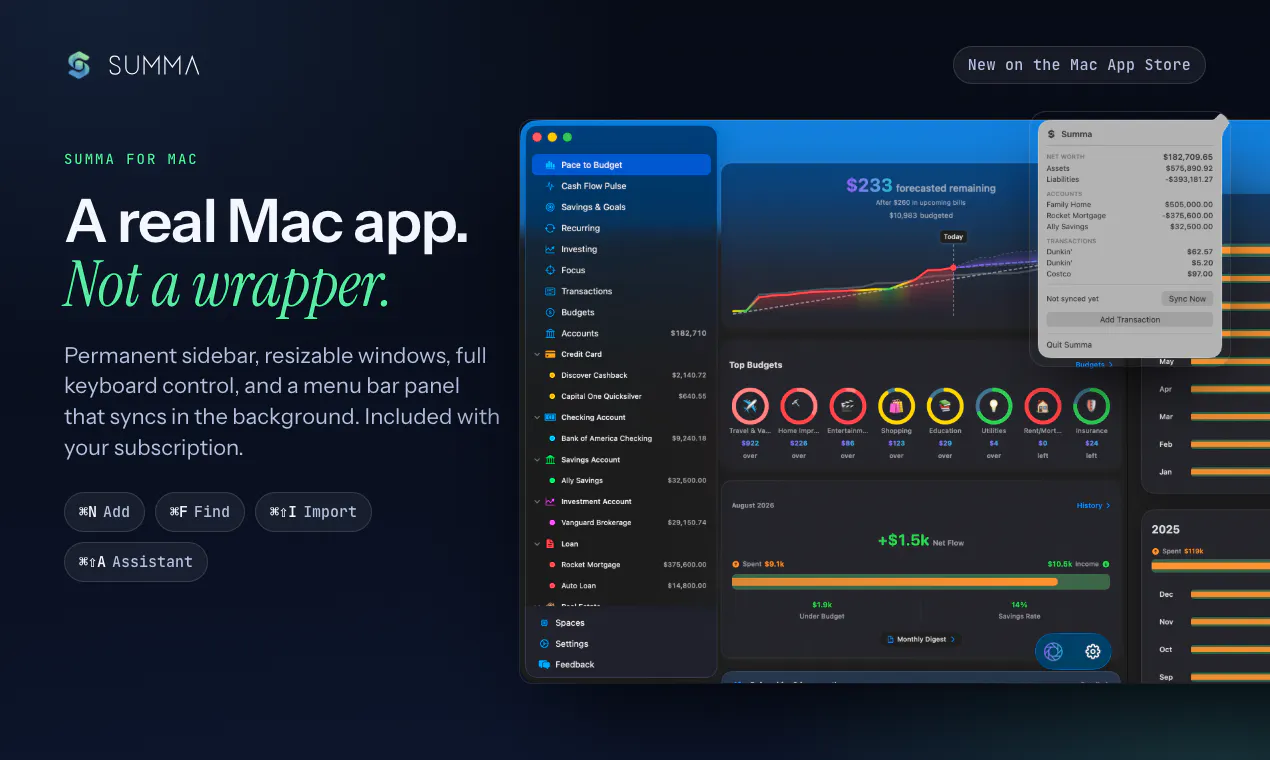
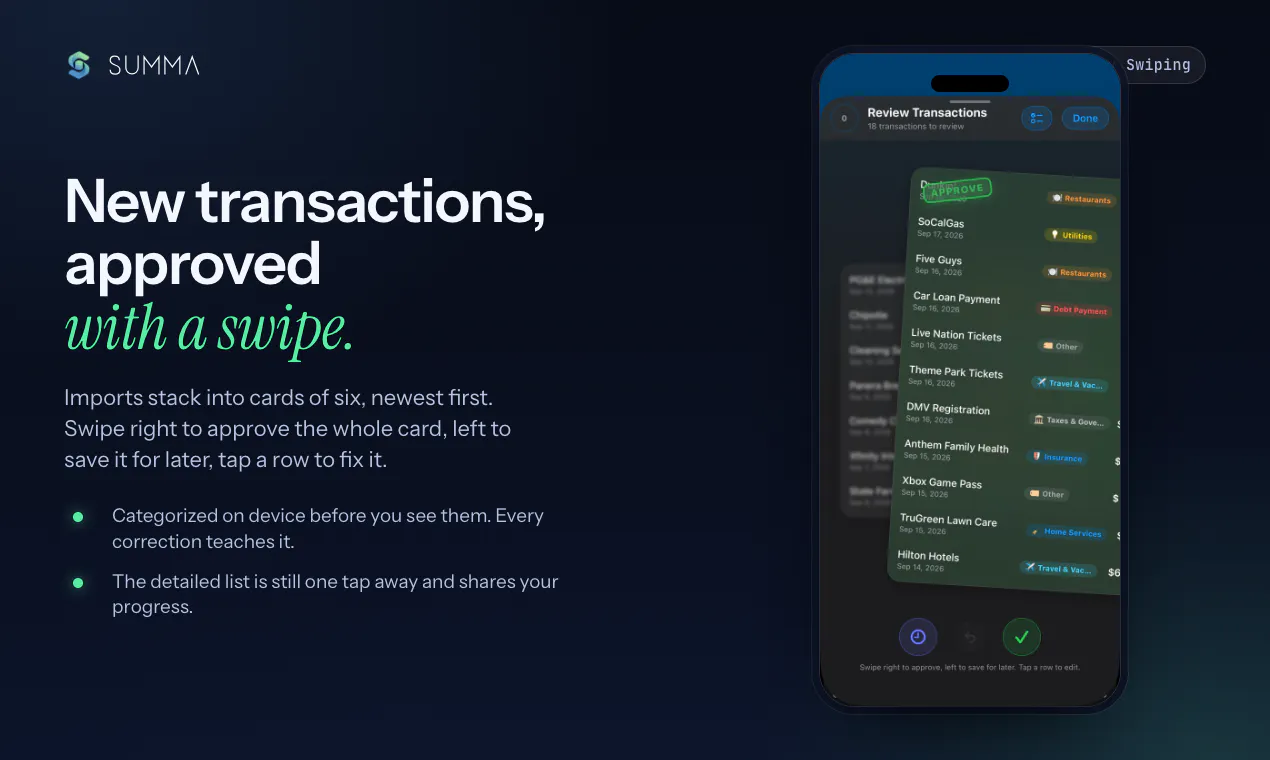
Summa 3.0 is a private, intelligent money management app designed for Mac, iPhone, and iPad users who want secure and comprehensive financial oversight. It offers features like budgeting, forecasting, net worth tracking, goal setting, receipt scanning, and bank statement import, all accessible in 17 languages. The standout feature of version 3.0 is its personal assistant, powered by Apple Intelligence, which privately on your device provides real-time financial insights, suggests adjustments, and allows easy approval or undoing of changes. The native Mac app introduces a menu bar panel, Apple Wallet integration, Siri and Spotlight support, and a swipe review interface, enhancing usability and convenience. The update also includes a more generous free plan, making it accessible to a wider audience. Summa’s focus on privacy, native performance, and AI-driven assistance makes it a compelling choice for those seeking a secure, intelligent, and seamless financial management experience on Apple devices.
Screenshots
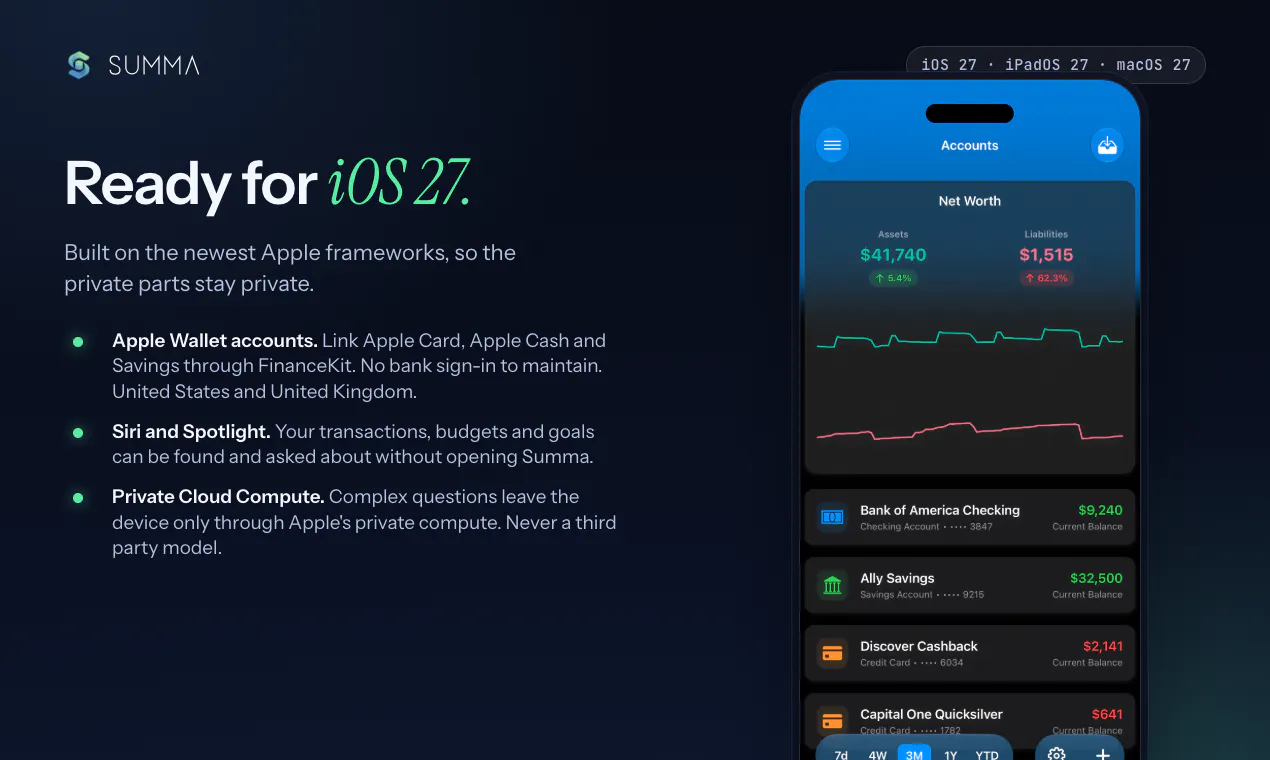
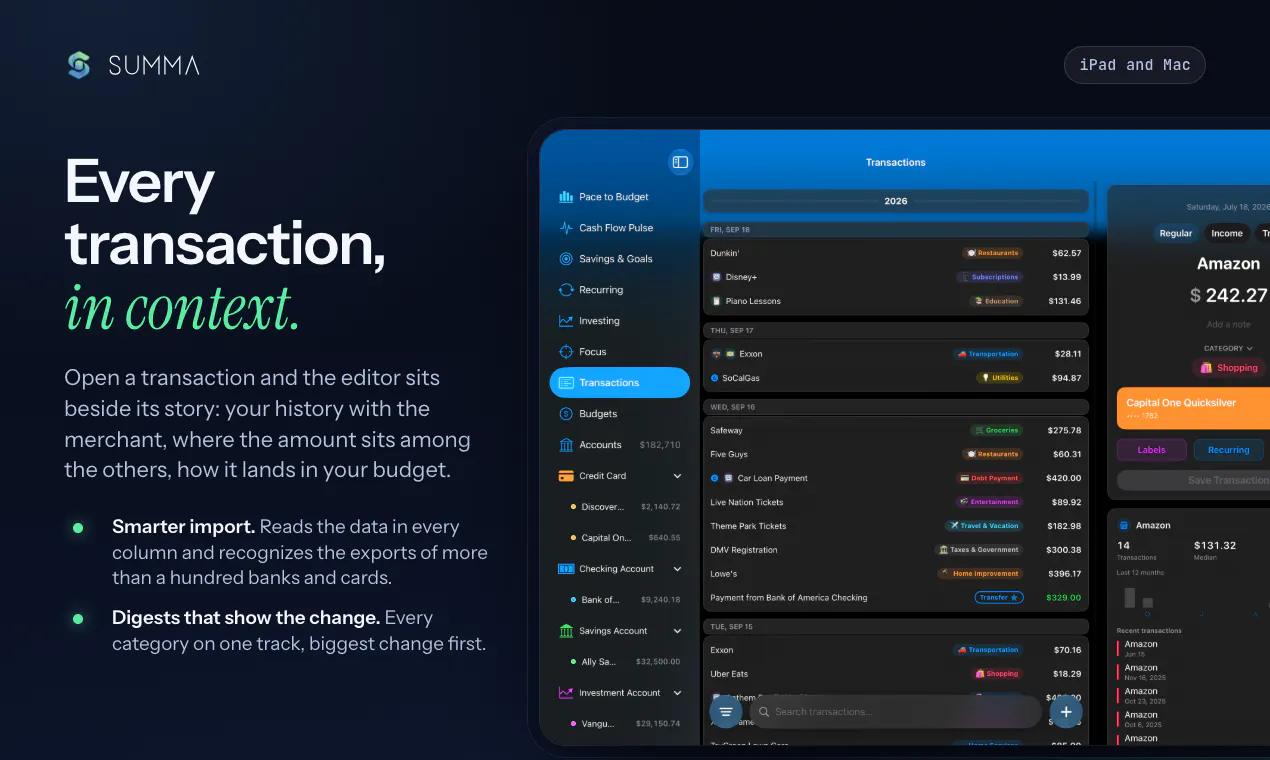
+2 more screenshots
Pros
- ✓Private, on-device AI assistant ensuring data privacy
- ✓Native Mac app with menu bar and Spotlight integration
- ✓Supports multiple languages (17 total)
- ✓Features like receipts import, bank statement import, and goal tracking
- ✓Enhanced user experience with Siri and swipe review
Cons
- ✗Newer release; user reviews and long-term stability may be limited
- ✗Limited information on pricing and subscription plans
- ✗Potential learning curve for users unfamiliar with AI-powered financial tools
Use Cases
Pricing
Pricing not verified
Quick Info
Topics
Makers

Roberto Trevino
Alternatives
Similar Tools in AI Assistants




Embed Badge
Add this badge to your website to show that Summa 3.0 is featured on Visalytica.
<a href="https://www.visalytica.com/tool/summa-3-0" target="_blank" rel="noopener noreferrer" style="display:inline-flex;align-items:center;gap:6px;padding:6px 14px;background:#7c3aed;color:#fff;border-radius:8px;font-family:-apple-system,system-ui,sans-serif;font-size:13px;font-weight:600;text-decoration:none;transition:background .2s" onmouseover="this.style.background='#6d28d9'" onmouseout="this.style.background='#7c3aed'"><svg width="14" height="14" viewBox="0 0 24 24" fill="none" stroke="currentColor" stroke-width="2.5" stroke-linecap="round" stroke-linejoin="round"><path d="M12 20V10"/><path d="M18 20V4"/><path d="M6 20v-4"/></svg>Featured on Visalytica</a>