
Sublern
Translate any word in video subtitles with one hover
About Sublern
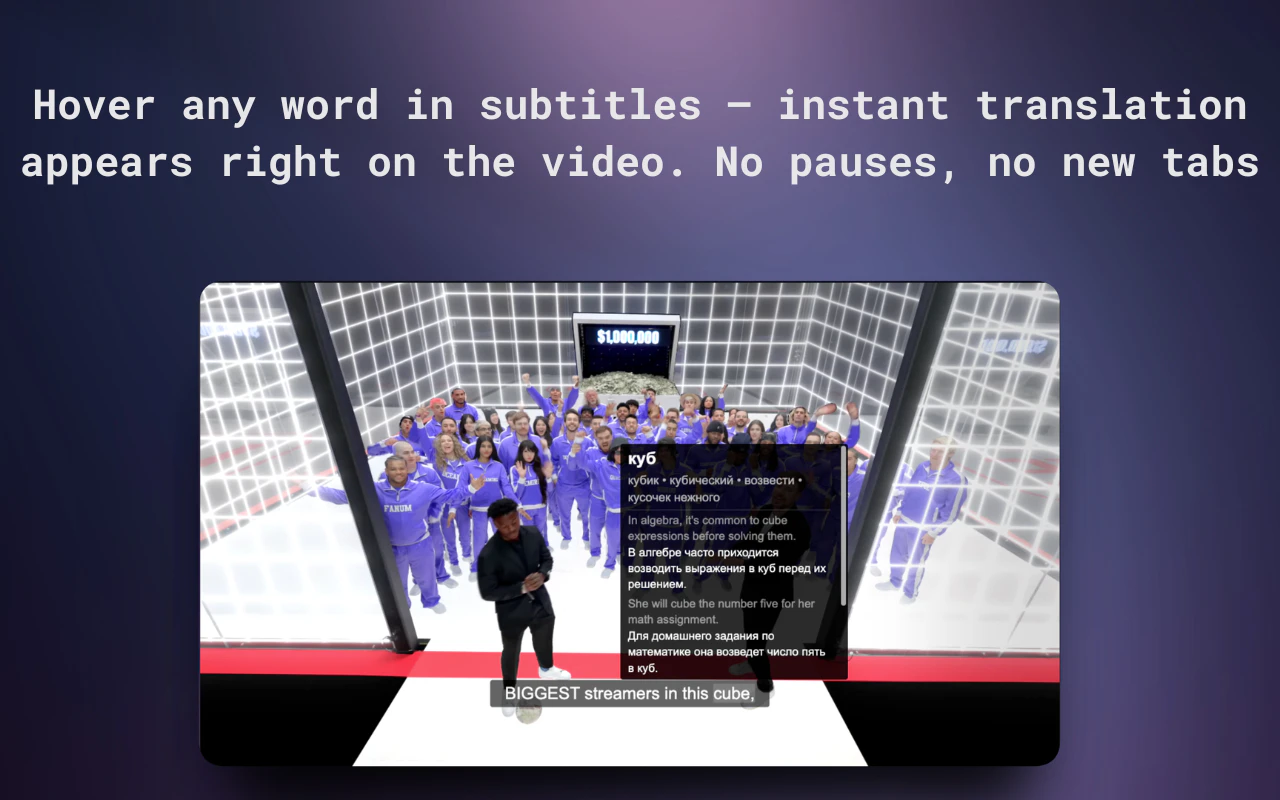
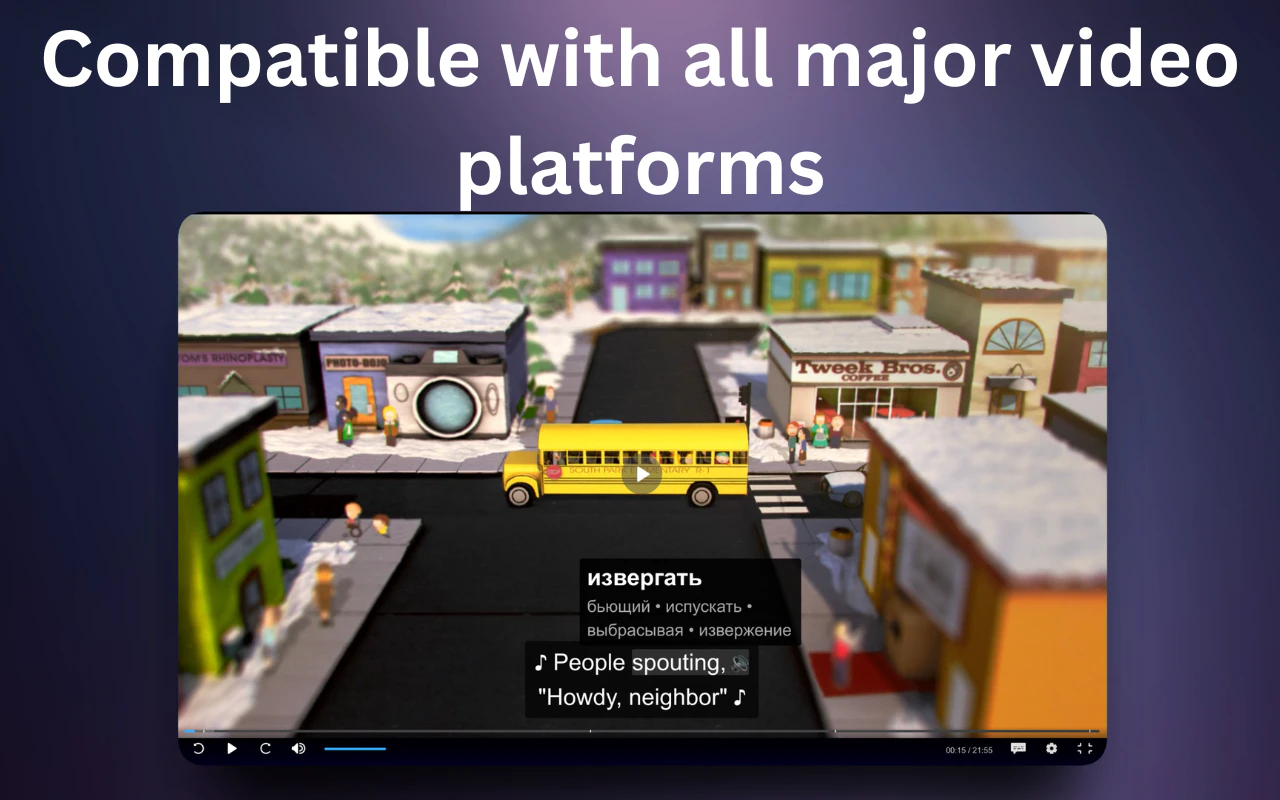
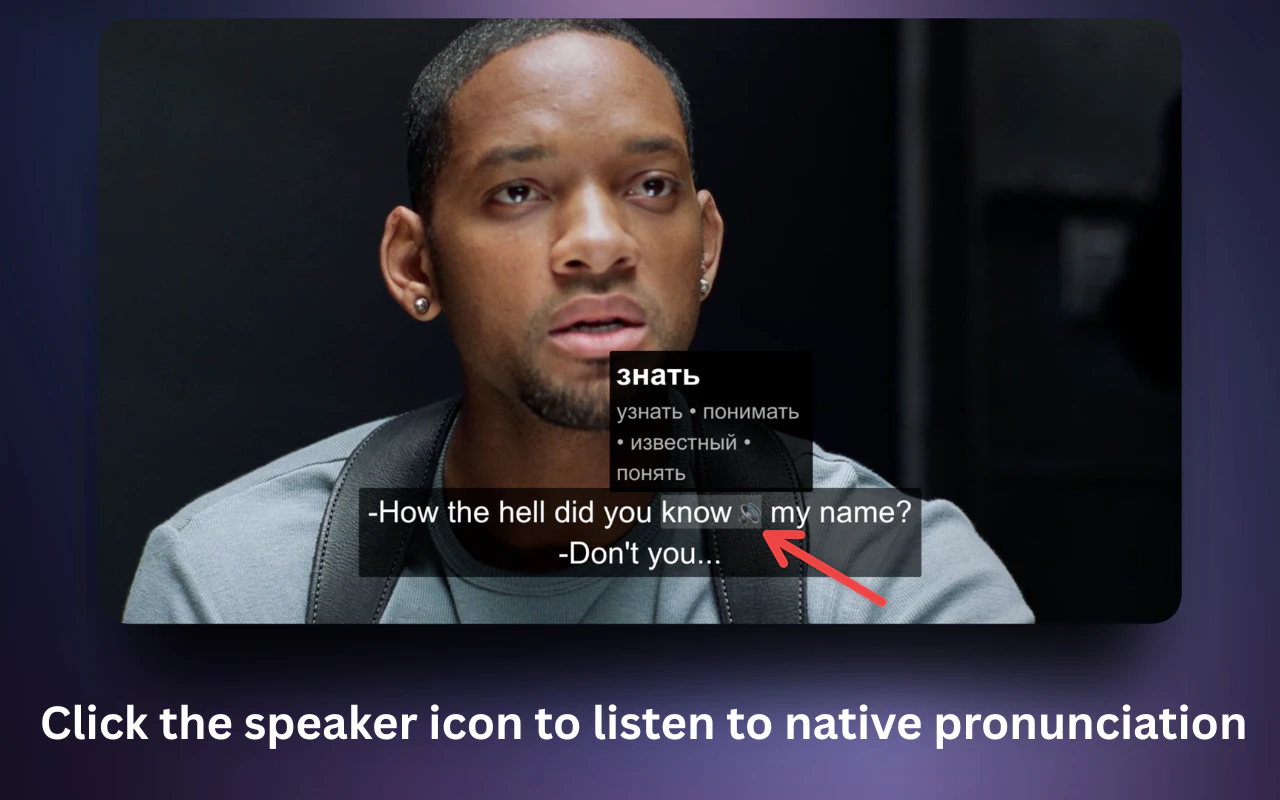
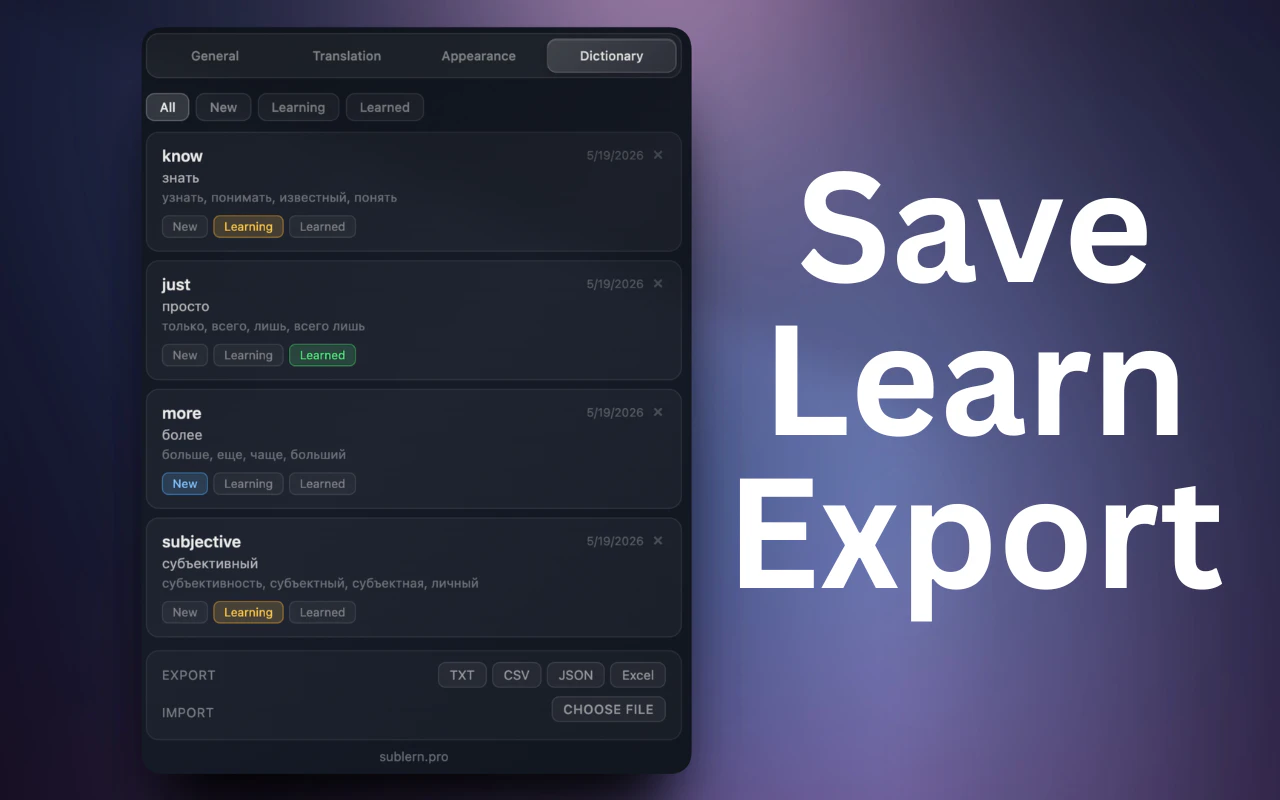
Sublern is a innovative browser extension designed for language learners, students, and avid viewers who want to understand video content more deeply. By simply hovering over any word in subtitles on platforms like YouTube, Netflix, TED, and others, users can instantly access translations, pronunciation guides, and example sentences. This seamless, real-time translation feature makes it easier to follow along with foreign-language content and enhances comprehension without interrupting the viewing experience. Its compatibility across multiple popular streaming services and the fact that it’s a free extension make it a valuable tool for language enthusiasts and learners alike. What sets Sublern apart is its ease of use and instant access to contextual translations, transforming passive viewing into an interactive learning session.
Screenshots
Pros
- ✓Instant, hover-based translation for seamless learning
- ✓Supports multiple streaming platforms including YouTube, Netflix, TED
- ✓Free Chrome, Edge, and Firefox extension, accessible to a broad audience
- ✓Enriches language learning with pronunciation and example sentences
- ✓Easy to install and use without complicated setup
Cons
- ✗Limited to supported platforms and may not work on all video sites
- ✗Translations depend on the quality of available language data
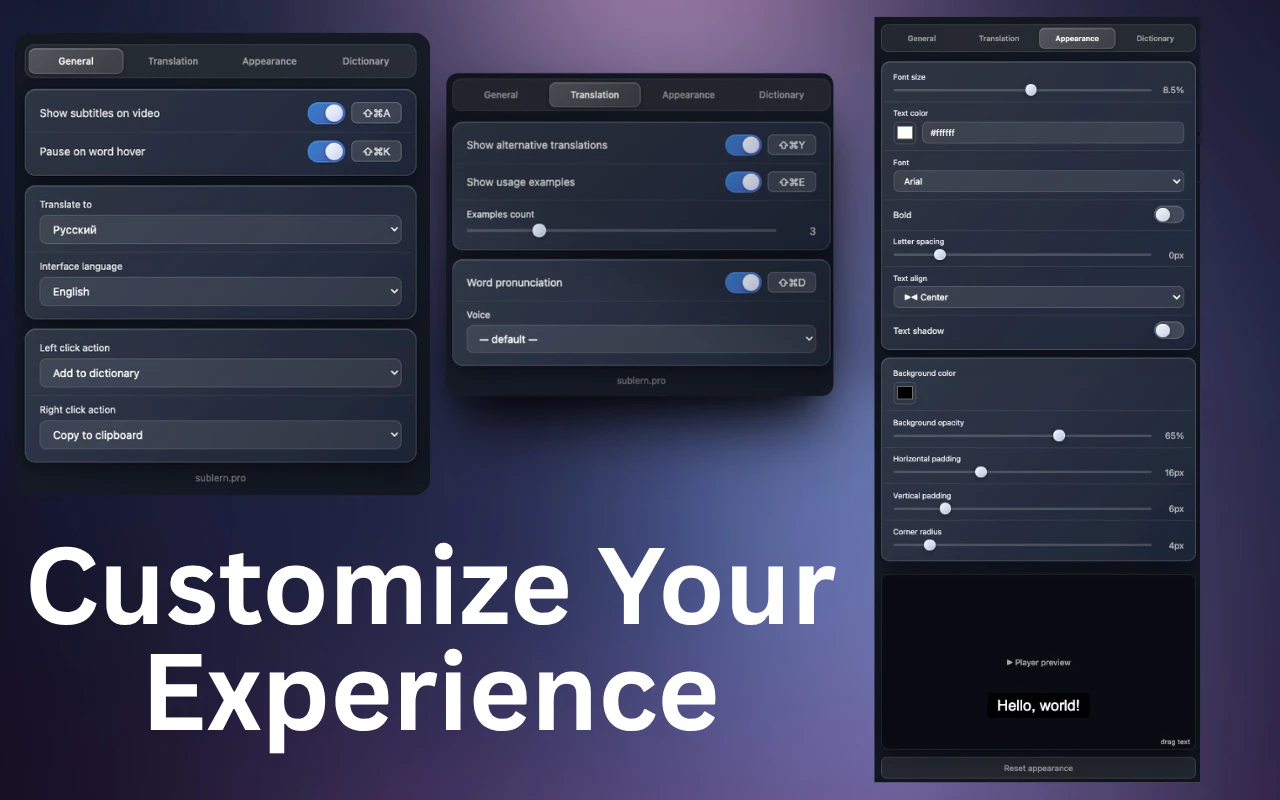
- ✗Lacks advanced features like offline mode or personalized dictionaries
Use Cases
Pricing
Likely free as a browser extension, with no mention of paid plans or premium features, making it accessible to all users without additional costs.
Quick Info
Topics
Alternatives
Similar Tools in AI Image & Design




Embed Badge
Add this badge to your website to show that Sublern is featured on Visalytica.
<a href="https://www.visalytica.com/tool/sublern" target="_blank" rel="noopener noreferrer" style="display:inline-flex;align-items:center;gap:6px;padding:6px 14px;background:#7c3aed;color:#fff;border-radius:8px;font-family:-apple-system,system-ui,sans-serif;font-size:13px;font-weight:600;text-decoration:none;transition:background .2s" onmouseover="this.style.background='#6d28d9'" onmouseout="this.style.background='#7c3aed'"><svg width="14" height="14" viewBox="0 0 24 24" fill="none" stroke="currentColor" stroke-width="2.5" stroke-linecap="round" stroke-linejoin="round"><path d="M12 20V10"/><path d="M18 20V4"/><path d="M6 20v-4"/></svg>Featured on Visalytica</a>