Studio Practice
Preview any URL on every Mac screen at once
About Studio Practice
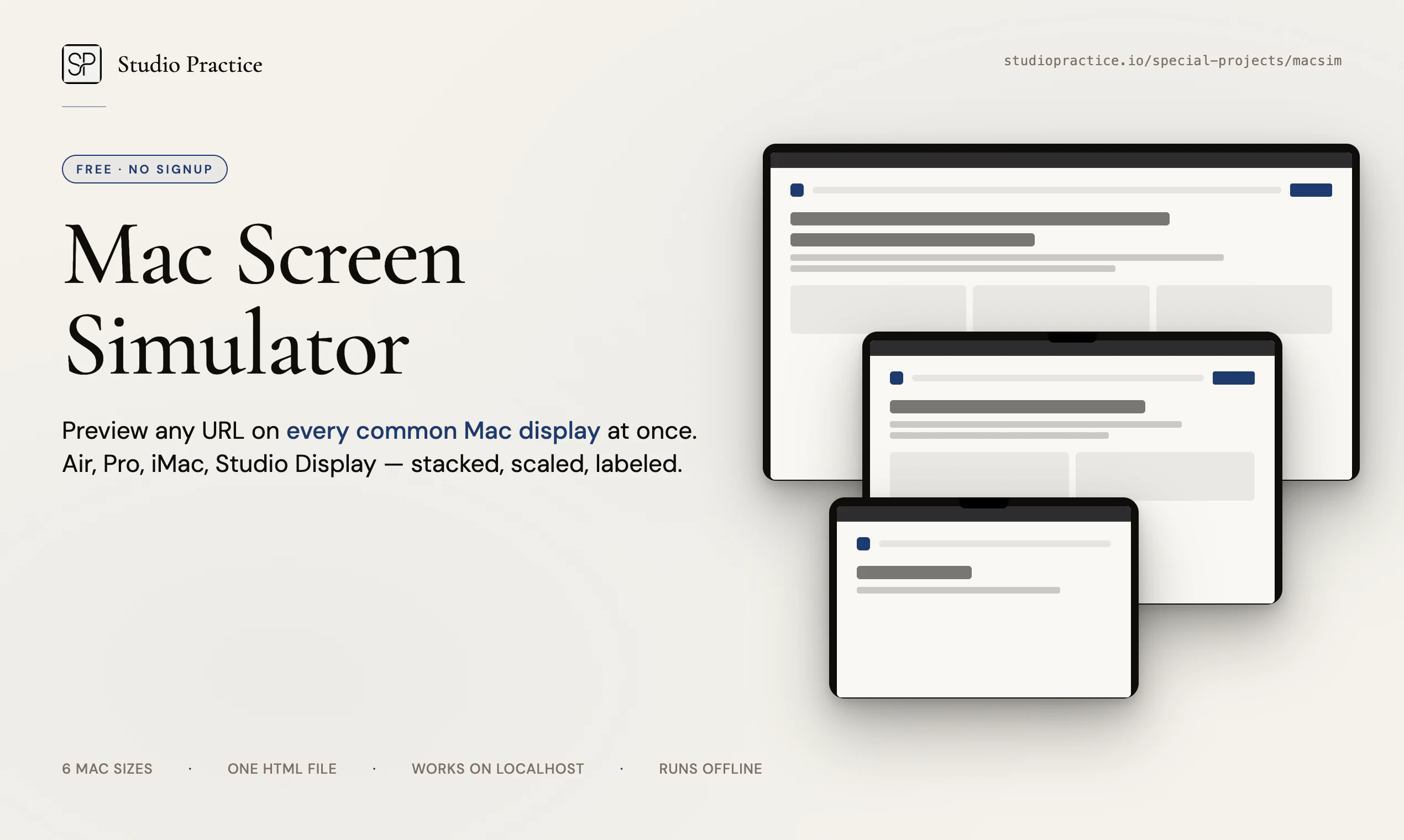
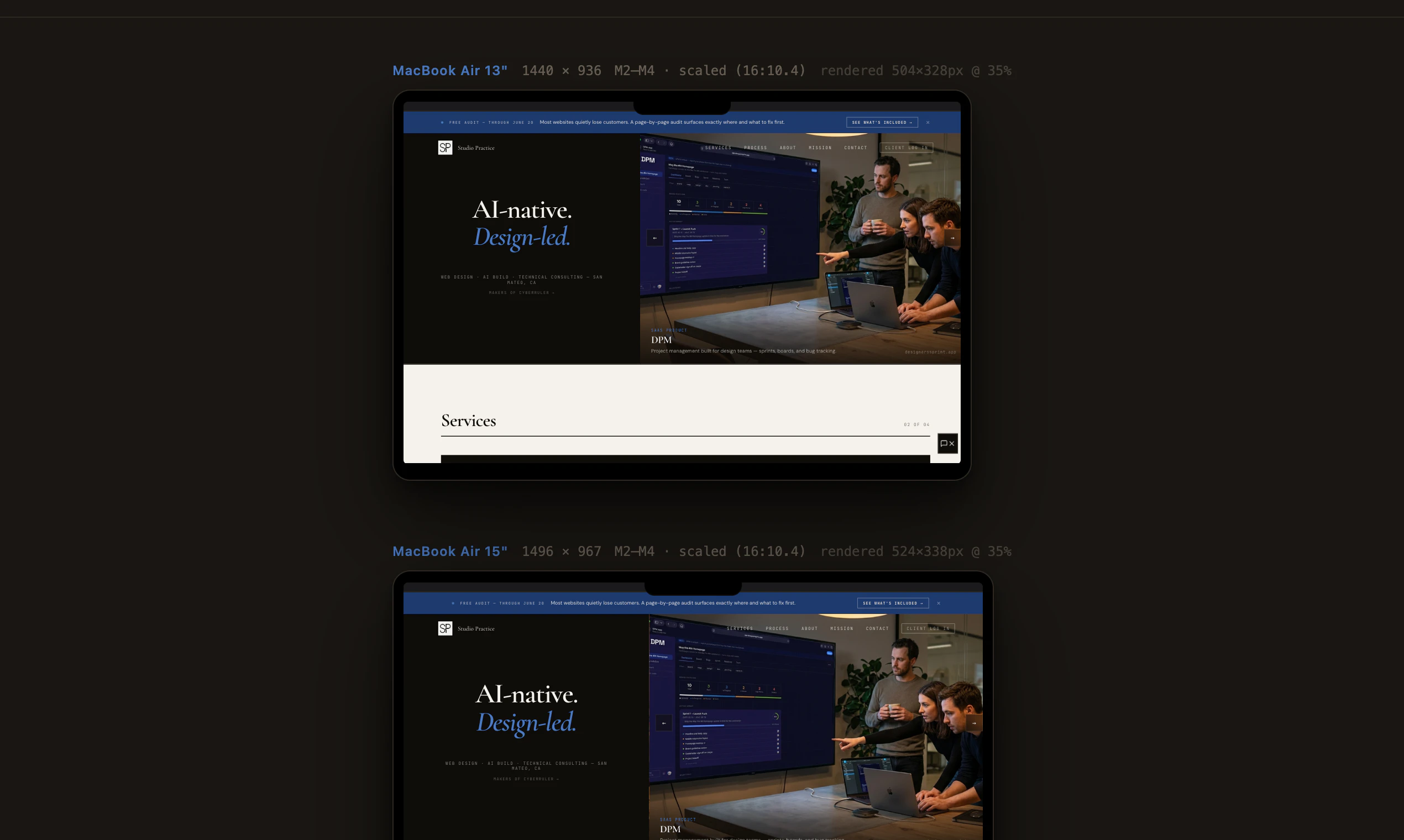
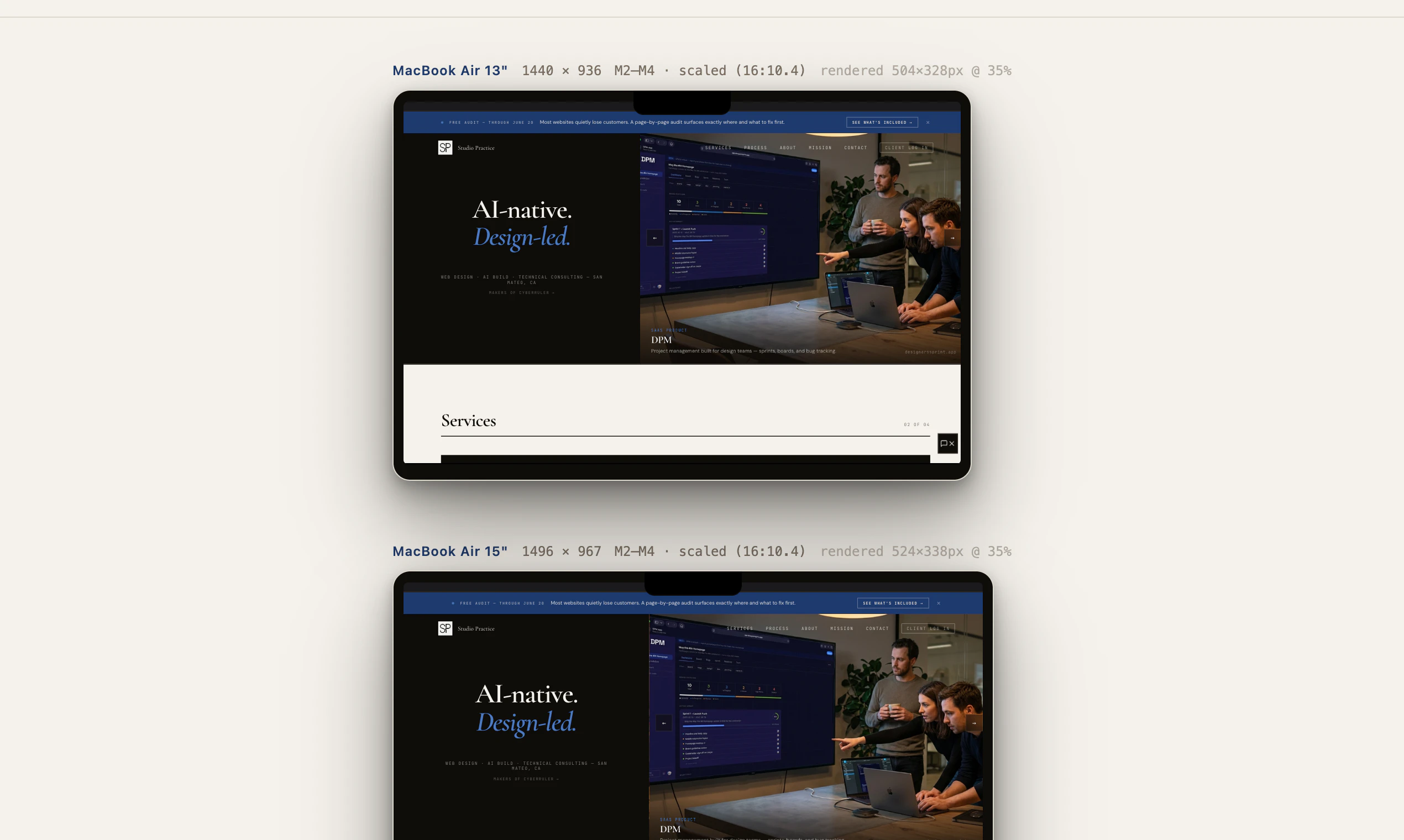
Studio Practice is a streamlined, offline-friendly tool designed for web designers, developers, and Apple enthusiasts who need to preview their URLs across multiple Mac screen sizes effortlessly. By simply pasting a URL into the single HTML file, users can instantly view how their website renders on six common Mac displays—including MacBook Air, MacBook Pro, iMac, and Studio Display—stacked and scaled for easy comparison. The tool accurately replicates the placement of the notch and menu bar, providing a realistic full-screen preview that closely mimics a real browsing environment. Its no-signup, zero-tracking approach, combined with offline functionality, makes it a secure and straightforward solution for quick testing without the hassle of build steps or internet dependency. Perfect for designers, developers, and teams seeking a quick, reliable way to visualize website responsiveness on Apple hardware, Studio Practice stands out through its simplicity and focus on Mac-centric testing.
Screenshots
Pros
- ✓Easy to use with no setup or registration required
- ✓Provides accurate previews across multiple Mac screens simultaneously
- ✓Offline functionality ensures quick access without internet dependency
- ✓Realistic rendering of Mac-specific UI elements like the notch and menu bar
- ✓Lightweight single HTML file, no installation needed
Cons
- ✗Limited to Mac display sizes; not suitable for non-Mac devices
- ✗Lacks advanced features like interactive testing or device simulation
- ✗Does not include automated testing or responsive design tools
Use Cases
Pricing
Likely free, as it is a simple, single HTML file tool without subscription or licensing fees. Its offline and no-signup features suggest a free distribution model.
Quick Info
Topics
Alternatives
Similar Tools in AI Assistants




Embed Badge
Add this badge to your website to show that Studio Practice is featured on Visalytica.
<a href="https://www.visalytica.com/tool/studio-practice" target="_blank" rel="noopener noreferrer" style="display:inline-flex;align-items:center;gap:6px;padding:6px 14px;background:#7c3aed;color:#fff;border-radius:8px;font-family:-apple-system,system-ui,sans-serif;font-size:13px;font-weight:600;text-decoration:none;transition:background .2s" onmouseover="this.style.background='#6d28d9'" onmouseout="this.style.background='#7c3aed'"><svg width="14" height="14" viewBox="0 0 24 24" fill="none" stroke="currentColor" stroke-width="2.5" stroke-linecap="round" stroke-linejoin="round"><path d="M12 20V10"/><path d="M18 20V4"/><path d="M6 20v-4"/></svg>Featured on Visalytica</a>