
Studio
Organize, tag and edit thousands of photos at once with AI
About Studio

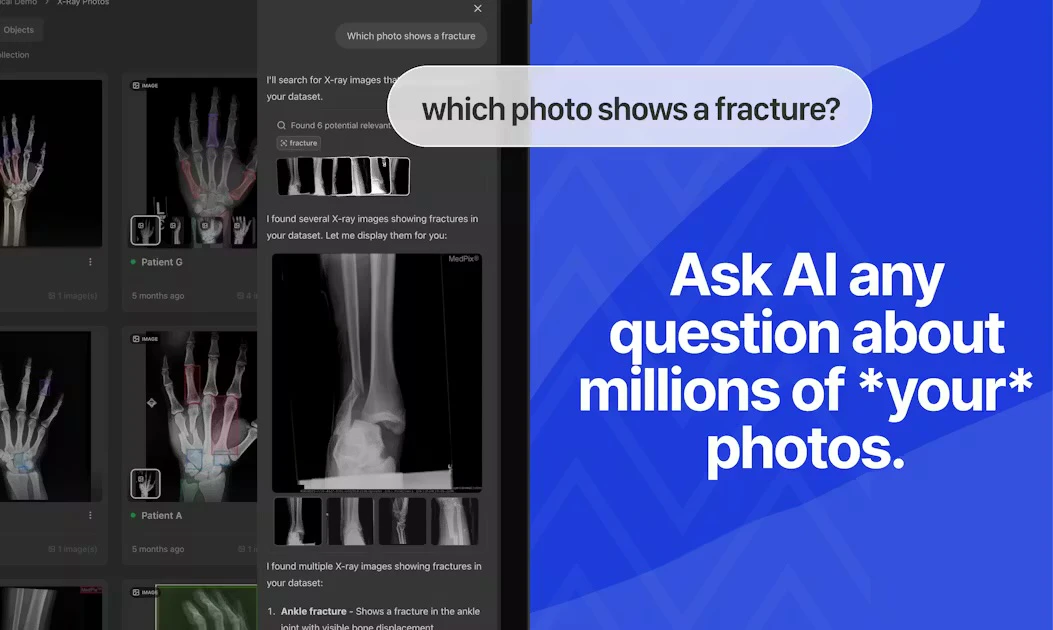
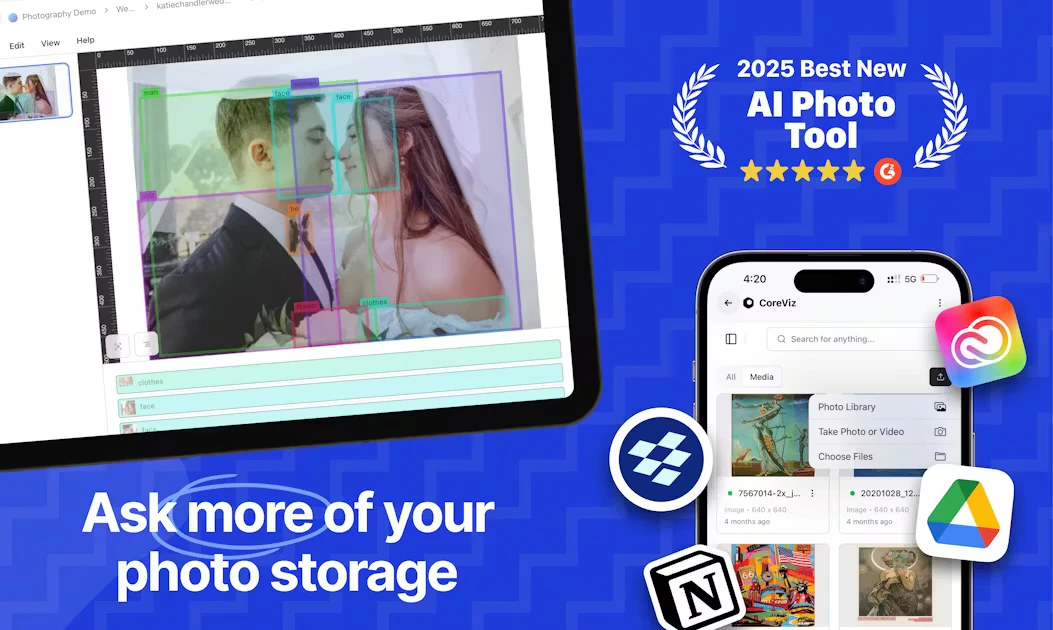
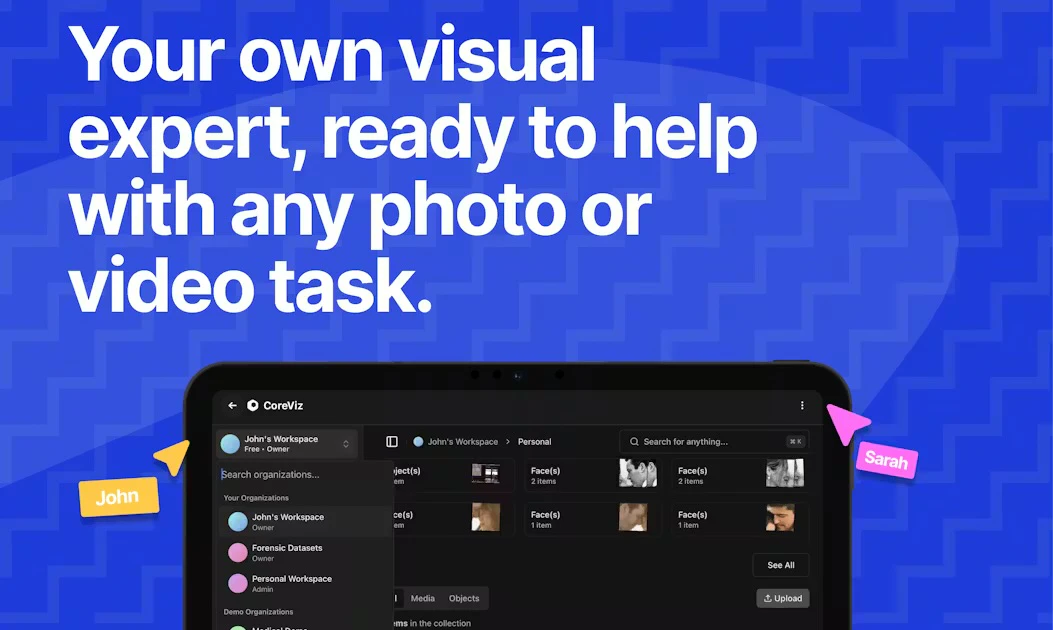
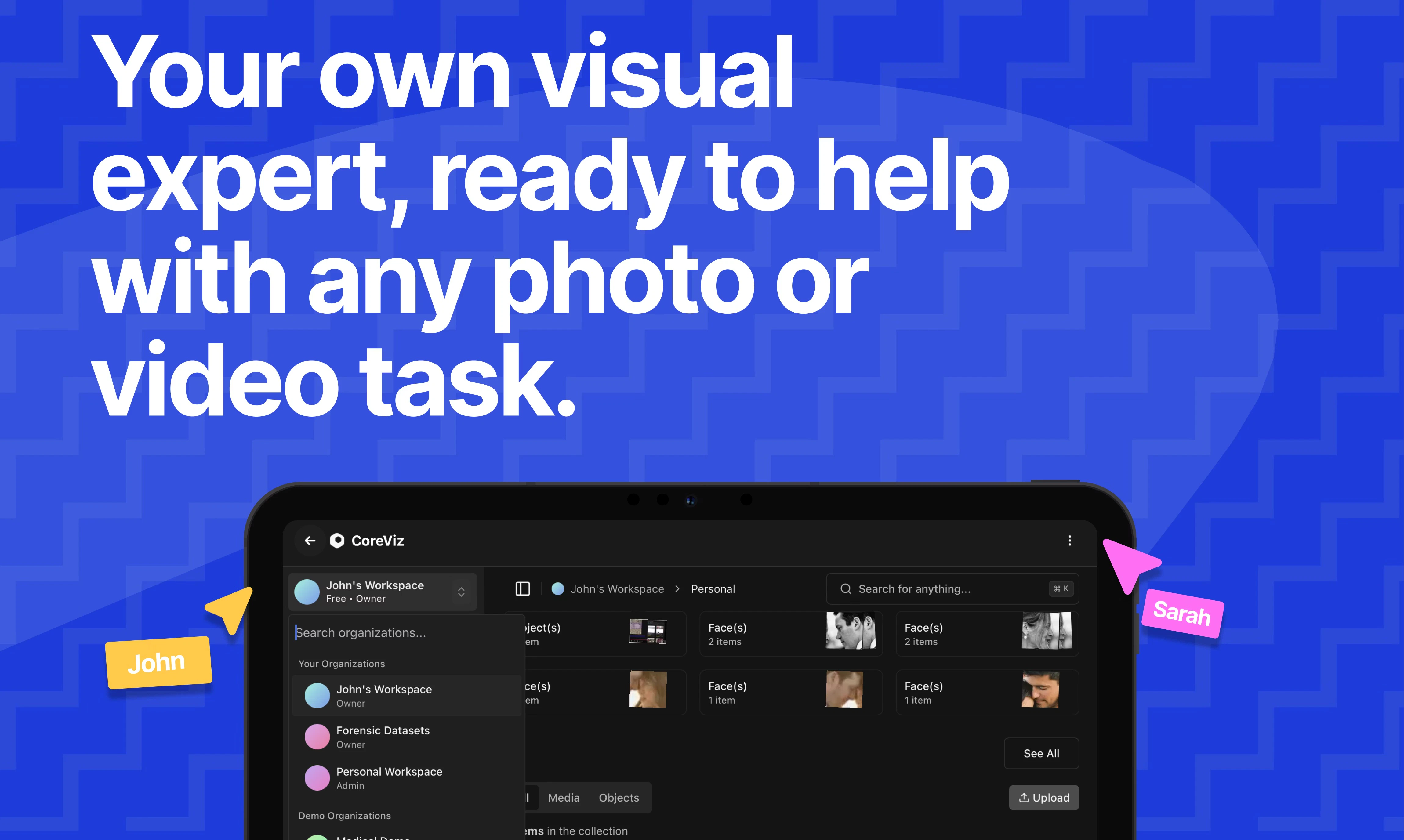
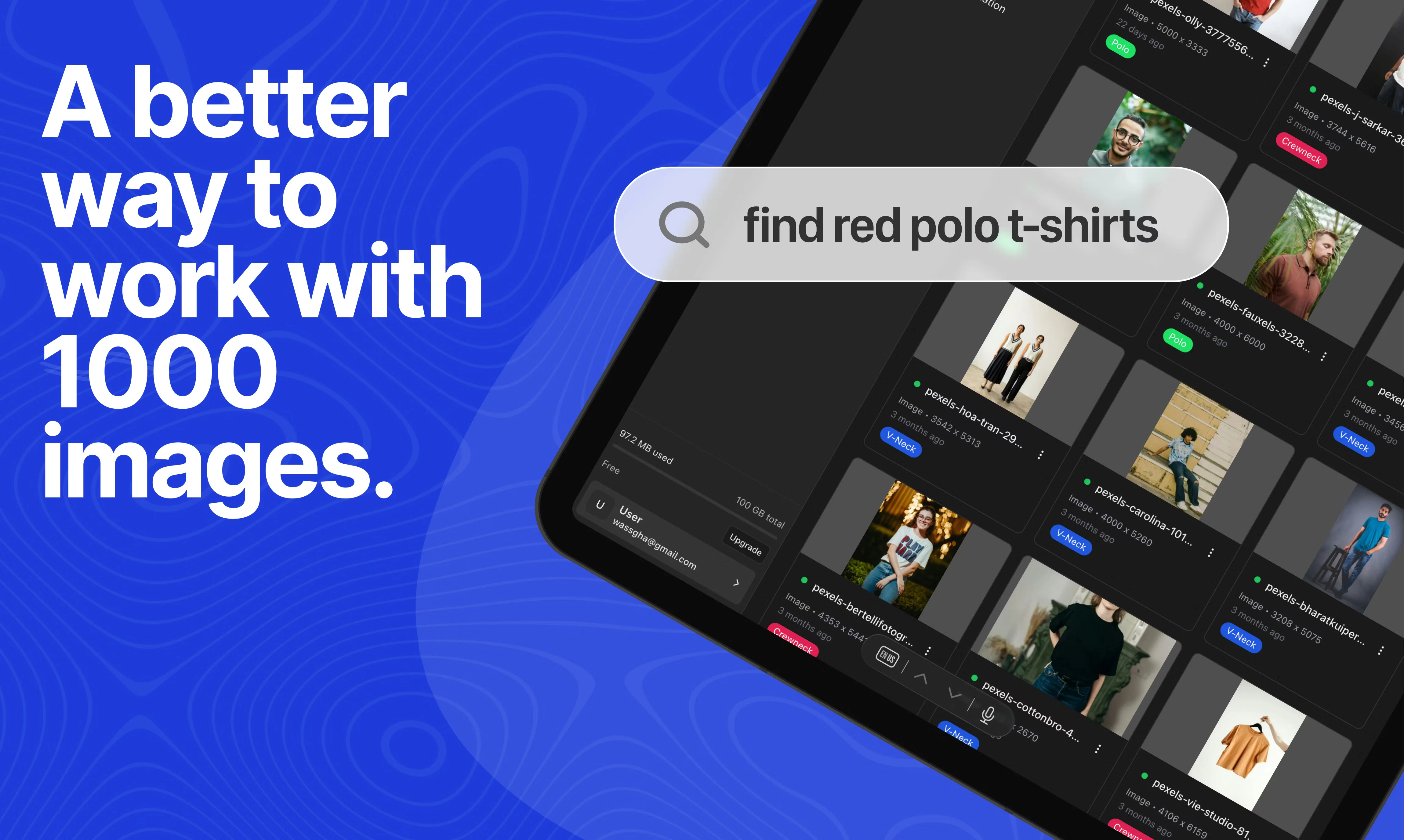
Studio is a cutting-edge media workspace designed for professionals who handle large volumes of photos and videos daily. Leveraging AI-powered search, organization, tagging, analysis, and editing, it enables users to manage their visual media efficiently without the need for complex coding or scripting. Its standout feature is the advanced metadata enrichment, allowing users to upload media and have AI automatically extract and enhance relevant data fields, streamlining workflows and improving media cataloging. Suitable for photographers, videographers, media agencies, and content creators, Studio empowers users to 'talk' with their media, making it easier to find, analyze, and edit at scale. Its user-friendly interface combined with powerful AI tools makes it a versatile solution for media-heavy industries seeking productivity boosts and smarter media management.
Screenshots
Pros
- ✓AI-powered search, tagging, and organization for large media libraries
- ✓Advanced metadata enrichment for automatic data extraction
- ✓User-friendly interface eliminating the need for coding or scripting
- ✓Efficient batch editing and media analysis capabilities
- ✓Designed specifically for professionals handling high volumes of visual content
Cons
- ✗Limited information on pricing structure; likely subscription-based
- ✗New tool with potentially fewer integrations compared to older solutions
- ✗May require a learning curve for users unfamiliar with AI-driven media management
Use Cases
Pricing
Likely operates on a subscription or SaaS model, possibly offering tiered plans based on storage size and feature access. Exact pricing details are not specified, but similar tools typically include free trials or limited free tiers with paid plans starting around $20-$50/month.
Quick Info
Topics
Alternatives
Similar Tools in AI Image & Design




Embed Badge
Add this badge to your website to show that Studio is featured on Visalytica.
<a href="https://www.visalytica.com/tool/studio" target="_blank" rel="noopener noreferrer" style="display:inline-flex;align-items:center;gap:6px;padding:6px 14px;background:#7c3aed;color:#fff;border-radius:8px;font-family:-apple-system,system-ui,sans-serif;font-size:13px;font-weight:600;text-decoration:none;transition:background .2s" onmouseover="this.style.background='#6d28d9'" onmouseout="this.style.background='#7c3aed'"><svg width="14" height="14" viewBox="0 0 24 24" fill="none" stroke="currentColor" stroke-width="2.5" stroke-linecap="round" stroke-linejoin="round"><path d="M12 20V10"/><path d="M18 20V4"/><path d="M6 20v-4"/></svg>Featured on Visalytica</a>