
STL to STEP Assistant
Mesh models to STEP files.
About STL to STEP Assistant
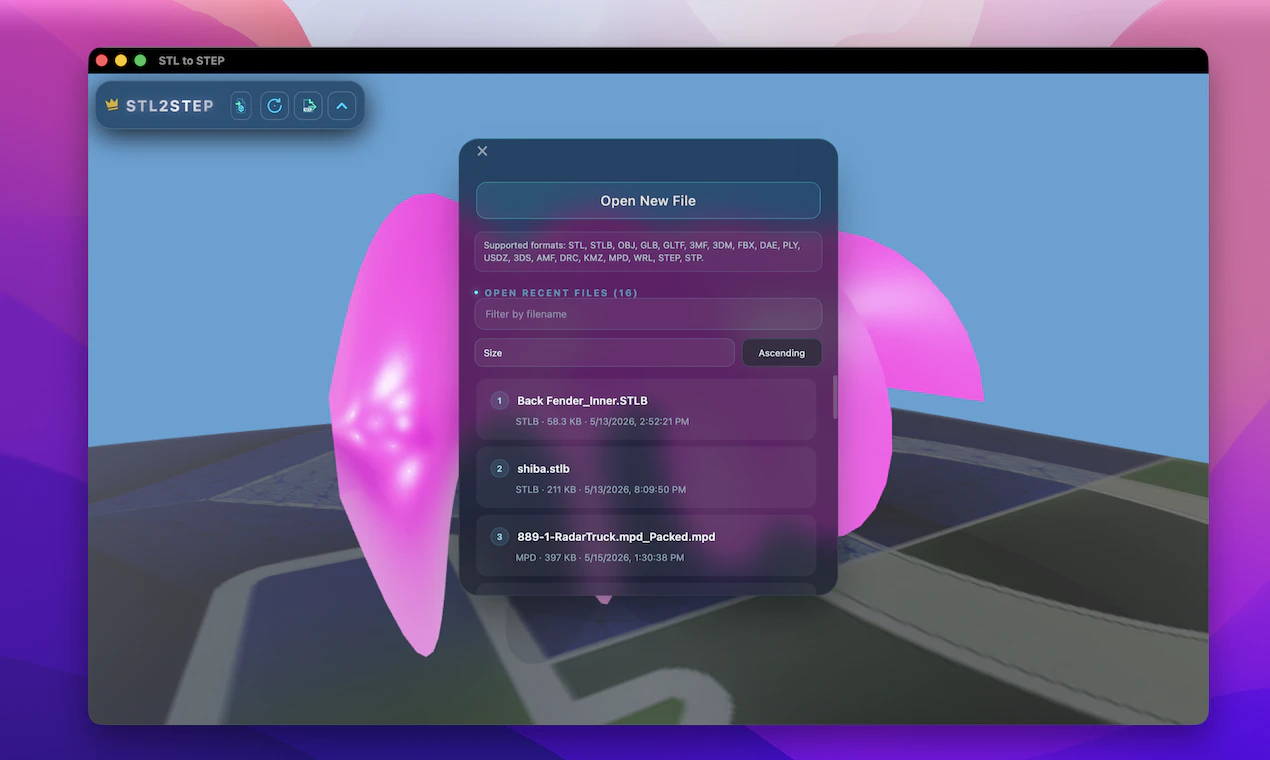
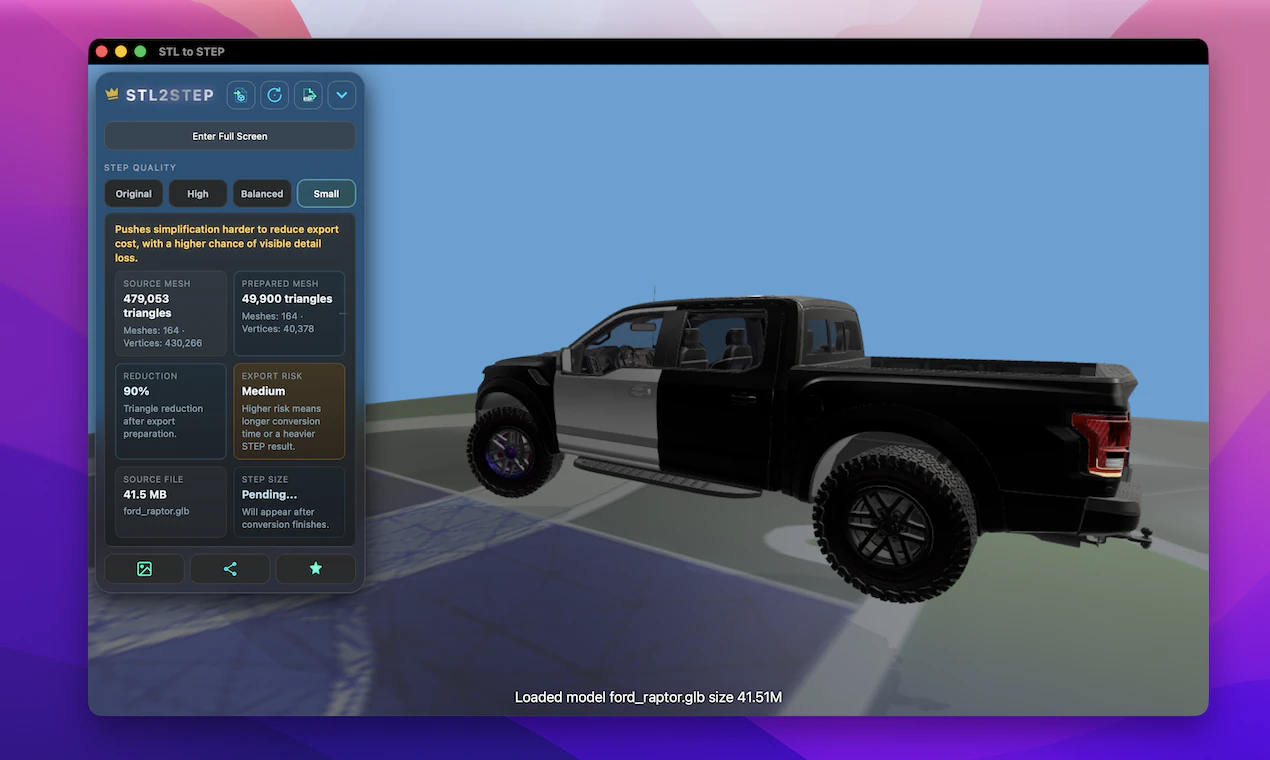
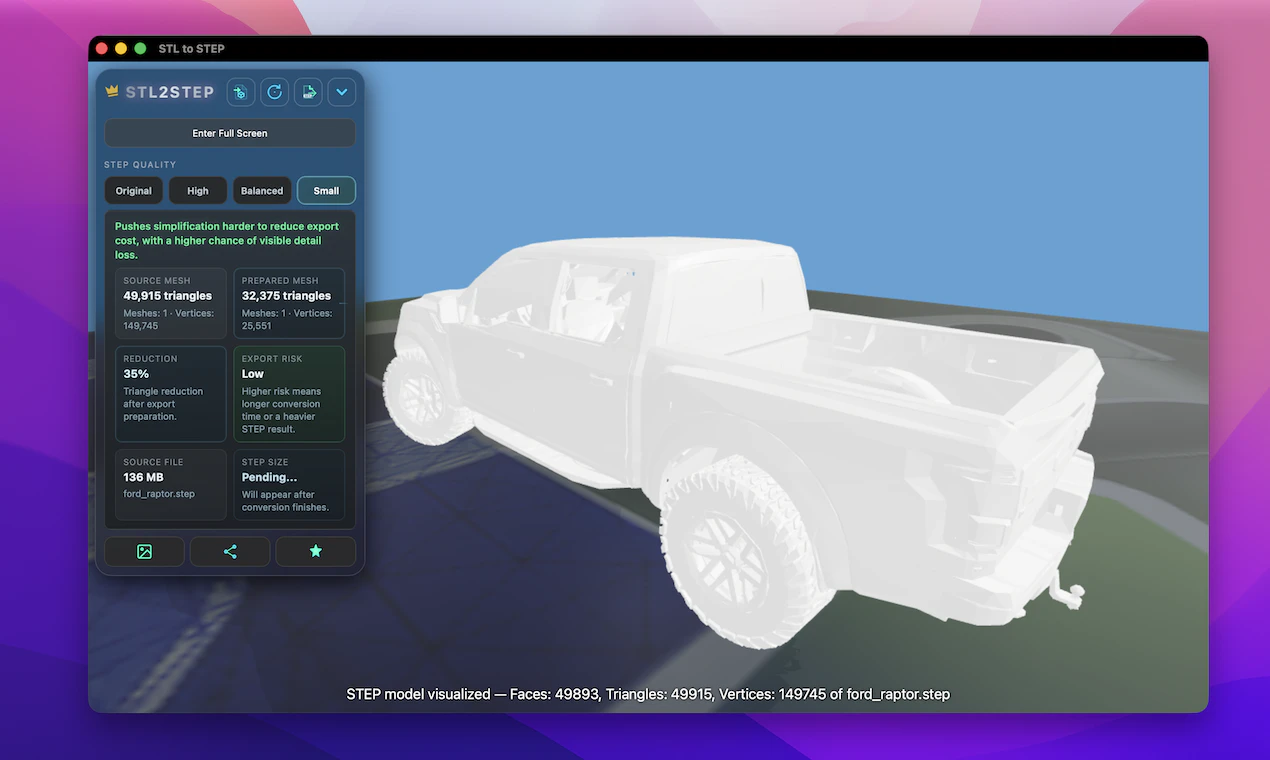
STL to STEP Assistant is a specialized desktop application designed for converting mesh-based 3D models into precise STEP files, streamlining CAD workflows. Ideal for engineers, designers, and 3D printing enthusiasts, it supports a wide range of input formats including STL, OBJ, FBX, and more, making it versatile for various 3D data sources. The tool offers an intuitive interface with a clean 3D preview, allowing users to assess models before conversion and choose from different quality modes to balance detail and processing time. Its ability to load, view, and convert models locally ensures data privacy and quick turnaround without reliance on cloud services. The capability to inspect conversion results by loading STEP or STP files adds a layer of validation, making it a reliable solution for professional and hobbyist use alike. Overall, STL to STEP Assistant stands out for its focused functionality, ease of use, and support for multiple file formats, making it a valuable asset in 3D modeling and CAD environments.
Screenshots
Pros
- ✓Supports a wide variety of input file formats for maximum flexibility
- ✓Provides a straightforward, user-friendly interface for quick conversions
- ✓Offers different quality modes to optimize conversion speed and detail
- ✓Local processing ensures data privacy and faster results
- ✓Enables easy inspection of conversion accuracy with STEP/STP file loading
Cons
- ✗Lacks cloud-based features or collaboration tools
- ✗Limited to mesh-to-STEP conversions; no direct editing capabilities
- ✗Could benefit from batch processing options for multiple files
Use Cases
Pricing
Likely operates on a one-time purchase or freemium model with limited features in the free version and full functionality available through paid plans; specific pricing details are not publicly specified.
Quick Info
Topics
Alternatives
Similar Tools in AI Assistants




Embed Badge
Add this badge to your website to show that STL to STEP Assistant is featured on Visalytica.
<a href="https://www.visalytica.com/tool/stl-to-step-assistant" target="_blank" rel="noopener noreferrer" style="display:inline-flex;align-items:center;gap:6px;padding:6px 14px;background:#7c3aed;color:#fff;border-radius:8px;font-family:-apple-system,system-ui,sans-serif;font-size:13px;font-weight:600;text-decoration:none;transition:background .2s" onmouseover="this.style.background='#6d28d9'" onmouseout="this.style.background='#7c3aed'"><svg width="14" height="14" viewBox="0 0 24 24" fill="none" stroke="currentColor" stroke-width="2.5" stroke-linecap="round" stroke-linejoin="round"><path d="M12 20V10"/><path d="M18 20V4"/><path d="M6 20v-4"/></svg>Featured on Visalytica</a>