
Stimly
Real-time caffeine metabolism curve and bedtime estimate
About Stimly
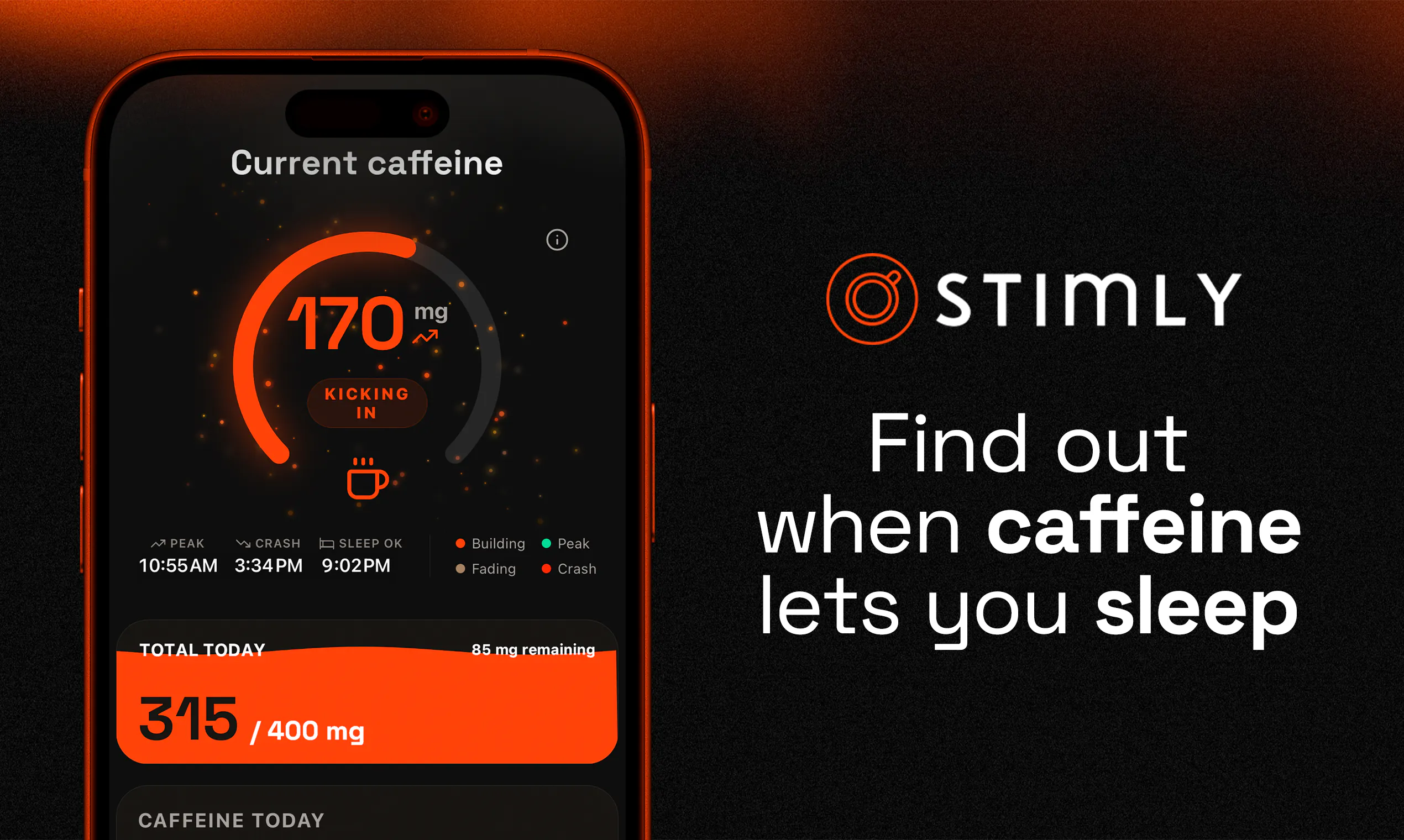
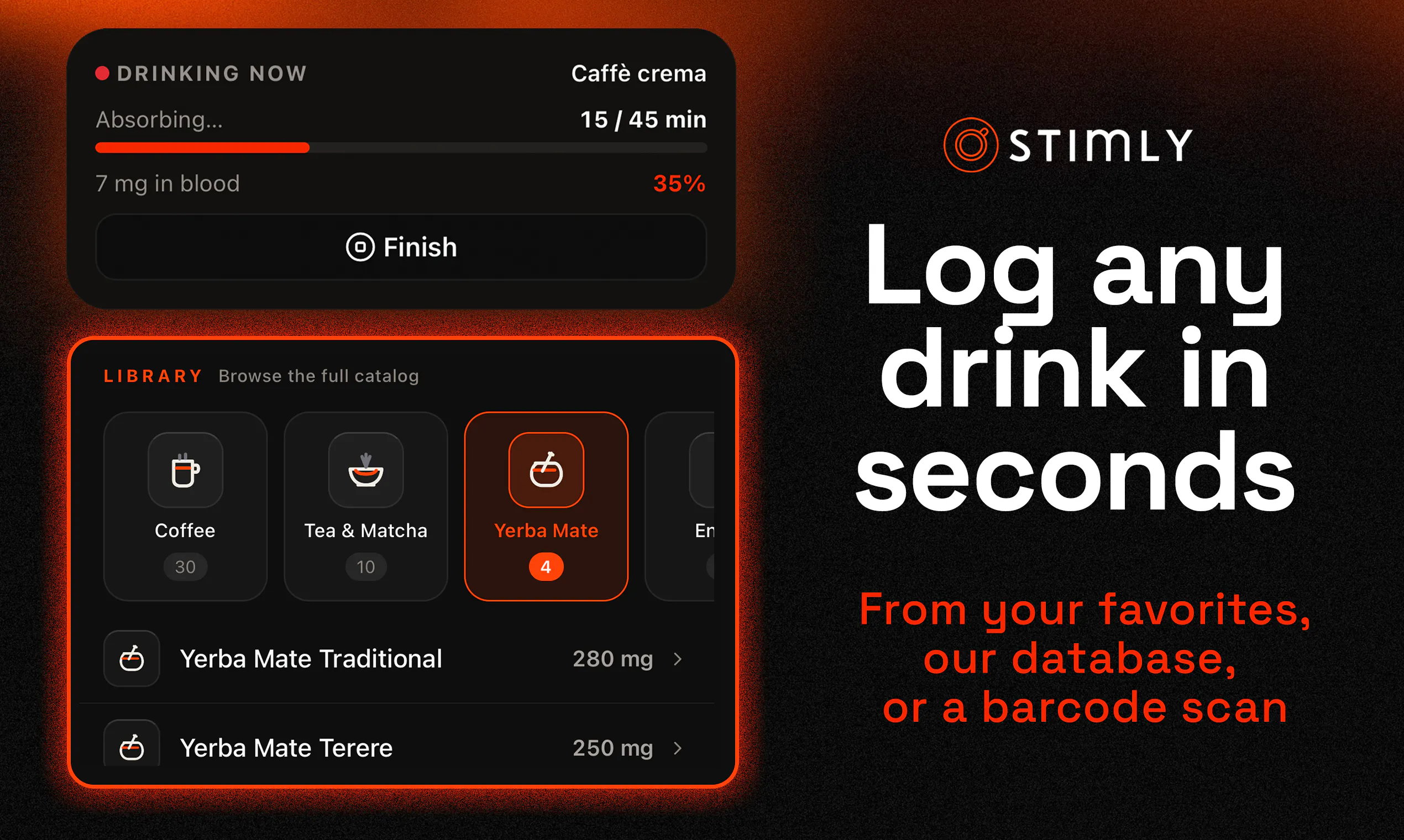
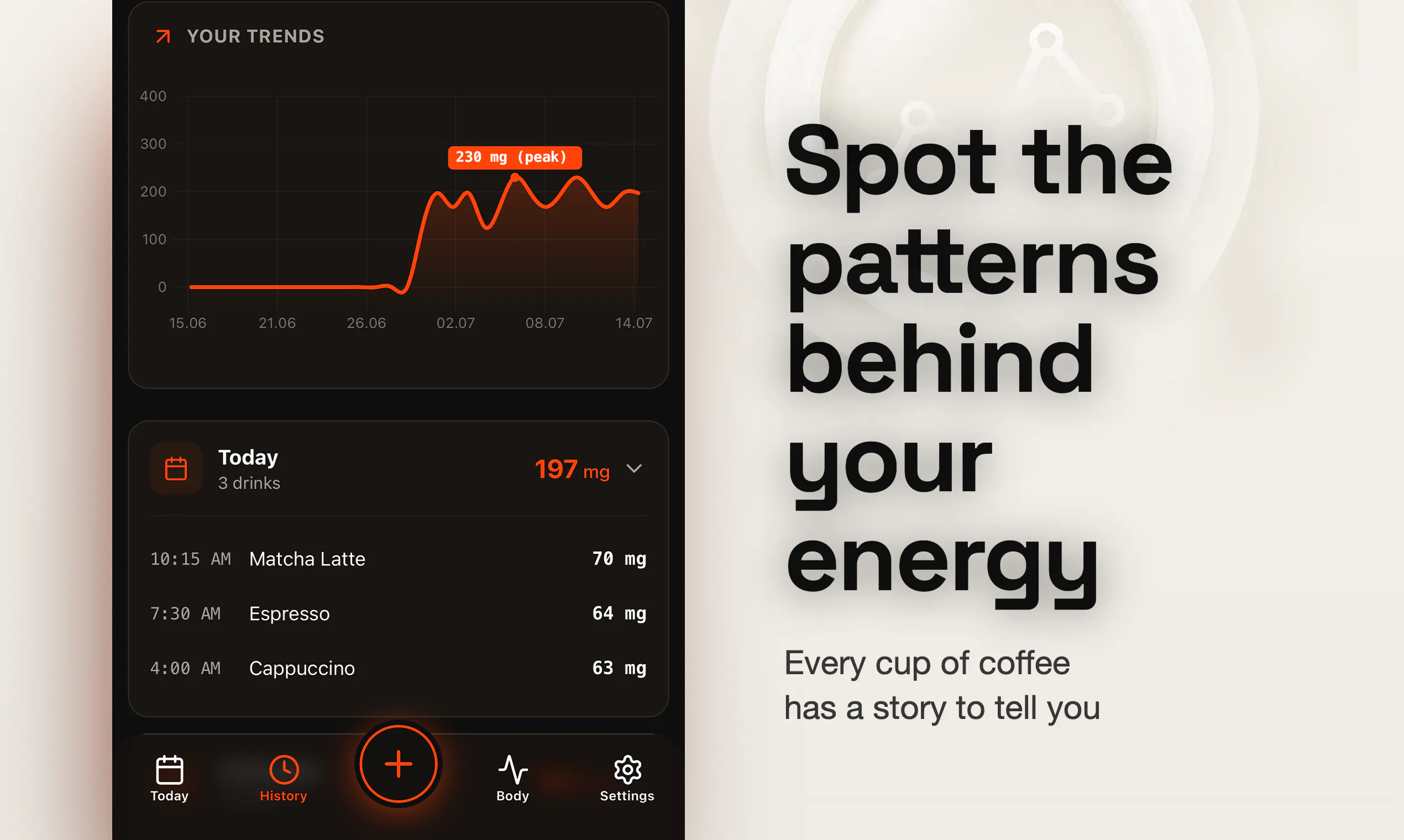
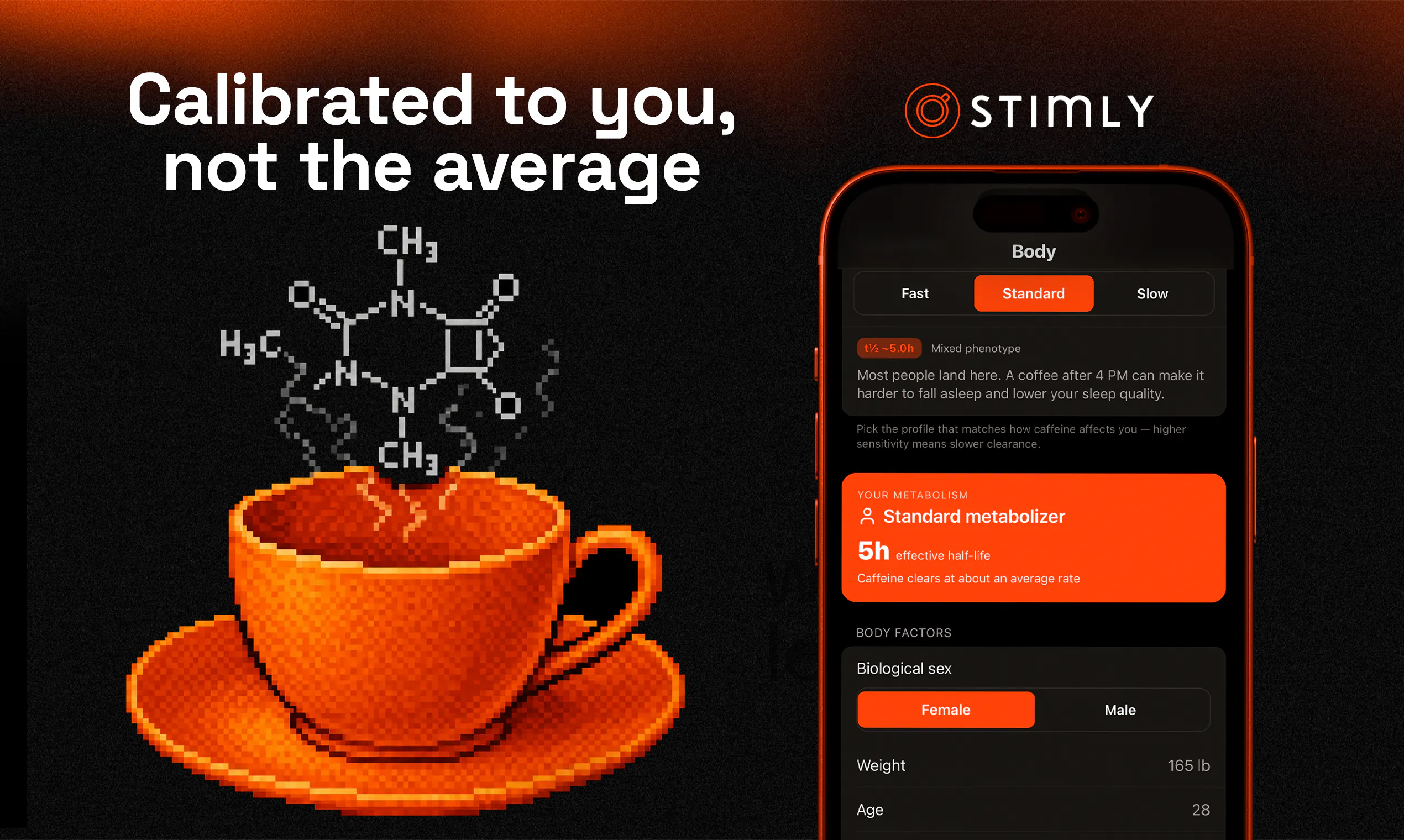
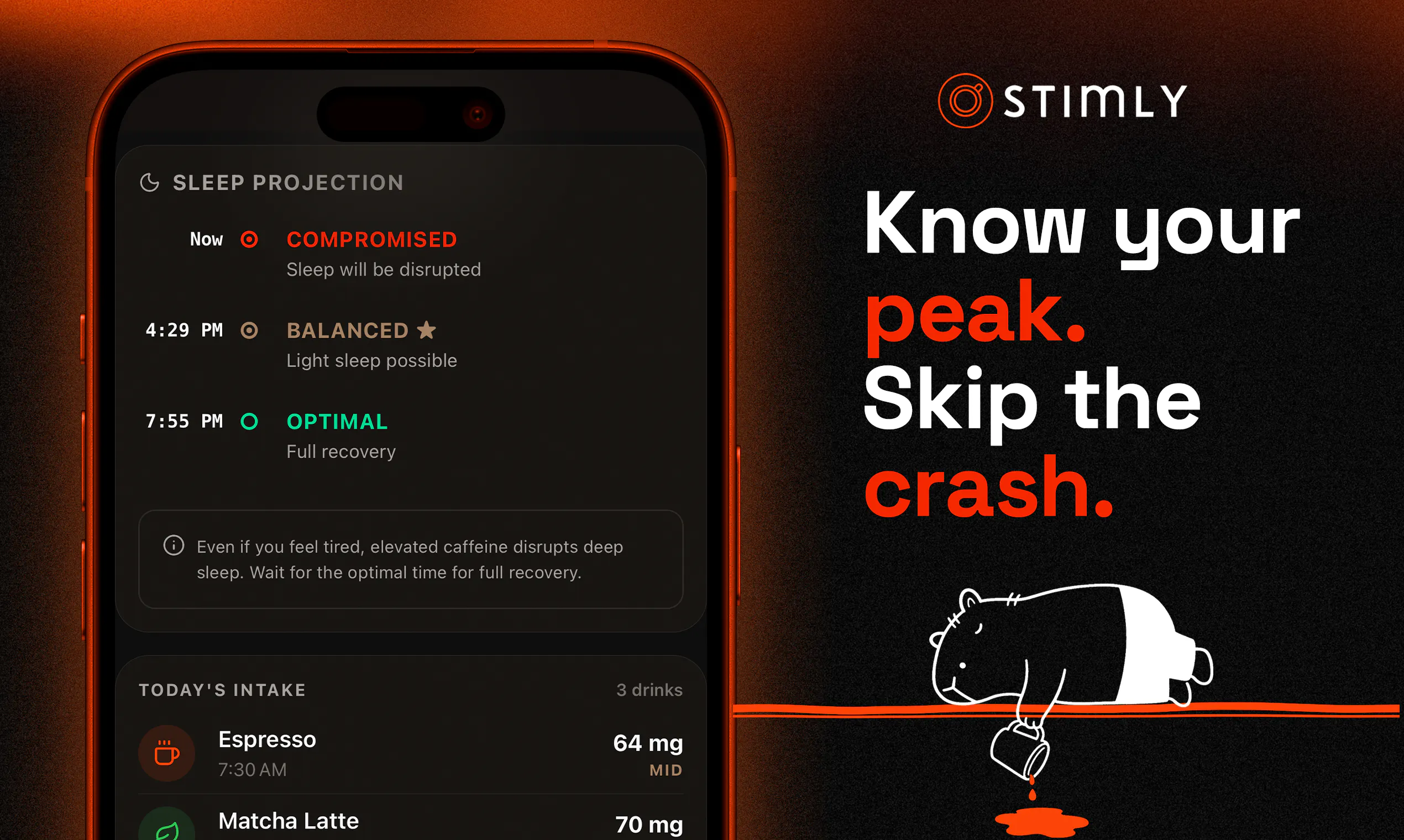
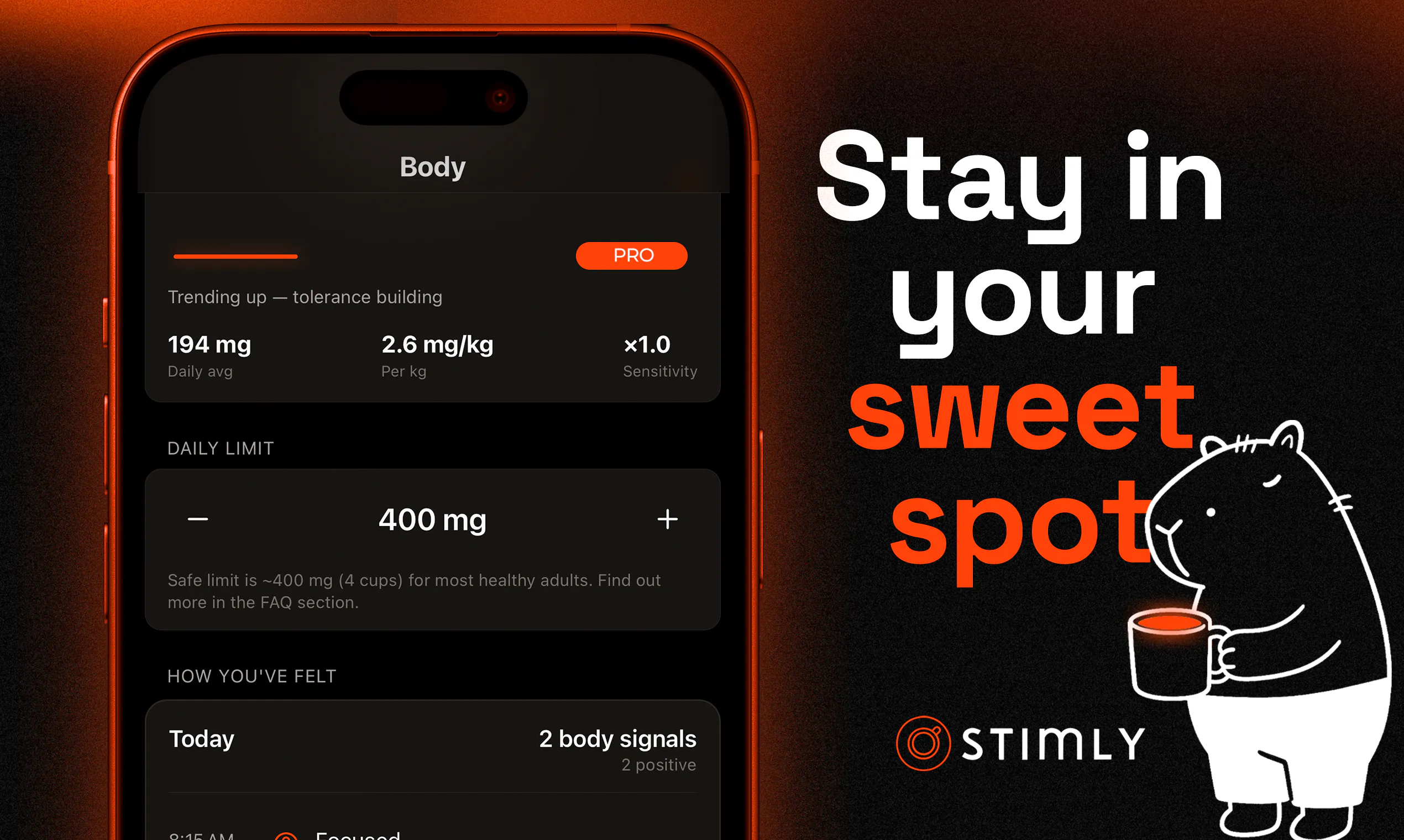
Stimly is an innovative health-focused app designed to help caffeine consumers better understand how their bodies metabolize caffeine over time. By inputting your drink logs, body profile, and completing a quick calibration quiz, users can see a real-time visualization of their caffeine clearance curve. The app intelligently distinguishes between slow sipping and rapid consumption, tracks tolerance trends, and provides an estimate of caffeine remaining at bedtime. This makes it especially useful for those who want to optimize their caffeine intake to improve sleep quality and avoid jitters, all while gaining personalized insights into their caffeine metabolism. Its dynamic visualization and personalized approach set it apart from generic caffeine calculators, offering users a more nuanced understanding of their caffeine habits in a convenient mobile format.
Screenshots
Pros
- ✓Provides real-time visualization of caffeine metabolism curves
- ✓Personalized insights based on user-specific data and calibration
- ✓Tracks tolerance trends over time for better caffeine management
- ✓Helps users plan caffeine intake to improve sleep quality
- ✓User-friendly interface for quick and easy input
Cons
- ✗Relies on user input, which may introduce inaccuracies
- ✗Limited information on detailed customization options
- ✗No clear information on subscription or pricing structure
Use Cases
Pricing
Pricing not verified
Quick Info
Topics
Makers

Mateusz
Similar Tools in Productivity




Embed Badge
Add this badge to your website to show that Stimly is featured on Visalytica.
<a href="https://www.visalytica.com/tool/stimly" target="_blank" rel="noopener noreferrer" style="display:inline-flex;align-items:center;gap:6px;padding:6px 14px;background:#7c3aed;color:#fff;border-radius:8px;font-family:-apple-system,system-ui,sans-serif;font-size:13px;font-weight:600;text-decoration:none;transition:background .2s" onmouseover="this.style.background='#6d28d9'" onmouseout="this.style.background='#7c3aed'"><svg width="14" height="14" viewBox="0 0 24 24" fill="none" stroke="currentColor" stroke-width="2.5" stroke-linecap="round" stroke-linejoin="round"><path d="M12 20V10"/><path d="M18 20V4"/><path d="M6 20v-4"/></svg>Featured on Visalytica</a>