
Sticky Notes Anywhere
Sticky notes on any webpage synced across devices
About Sticky Notes Anywhere
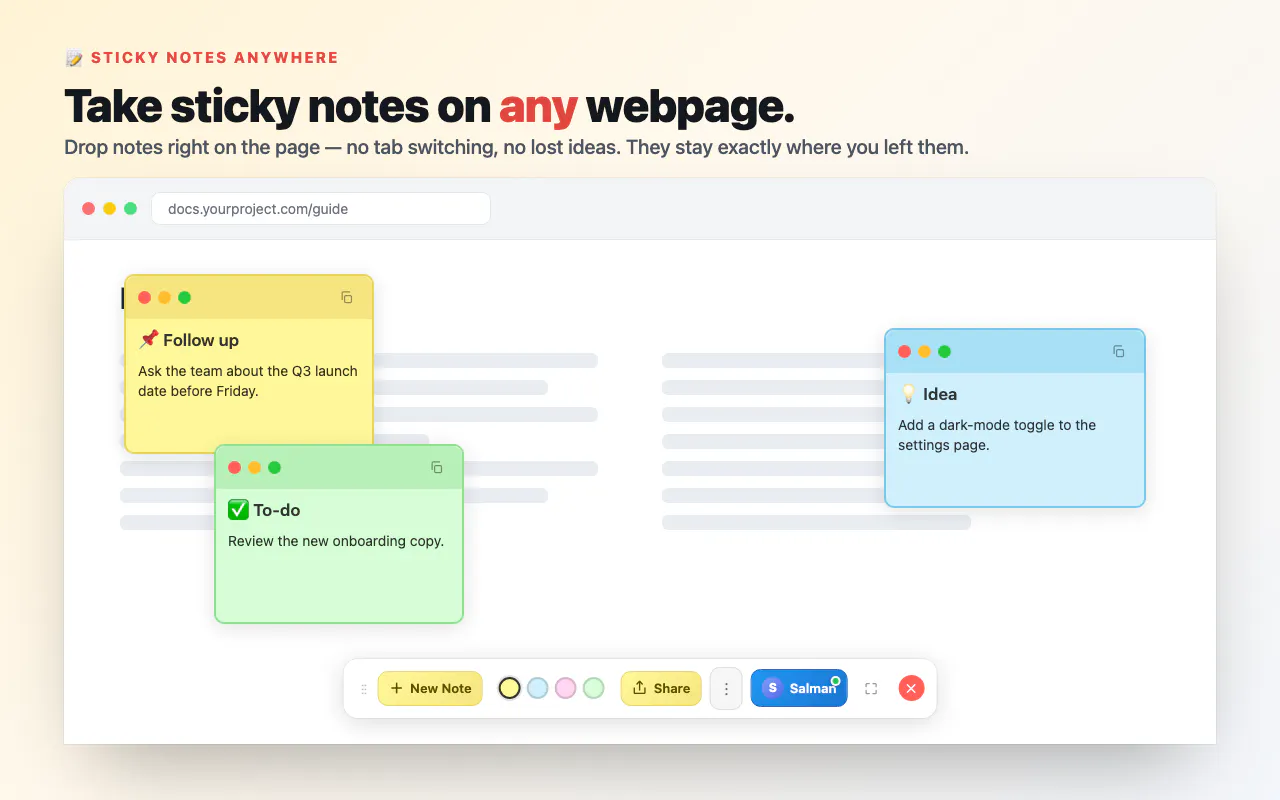
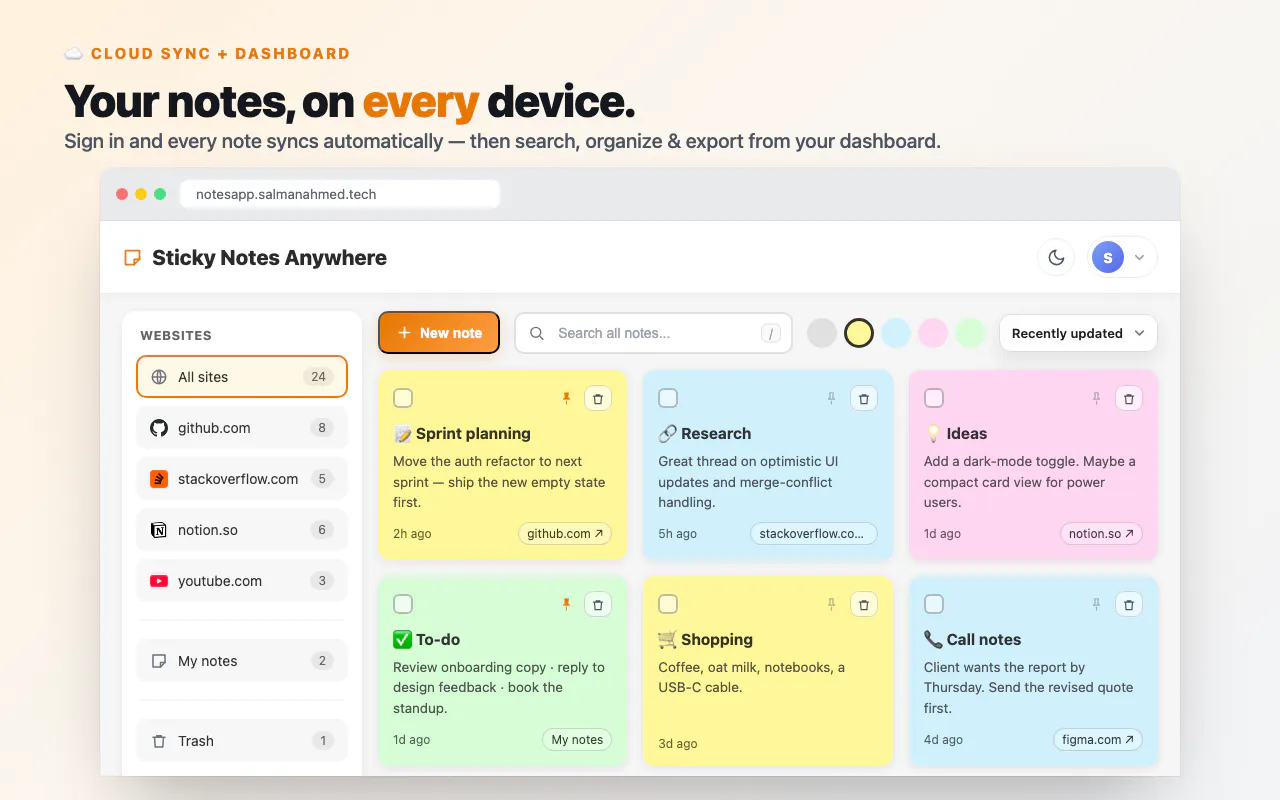
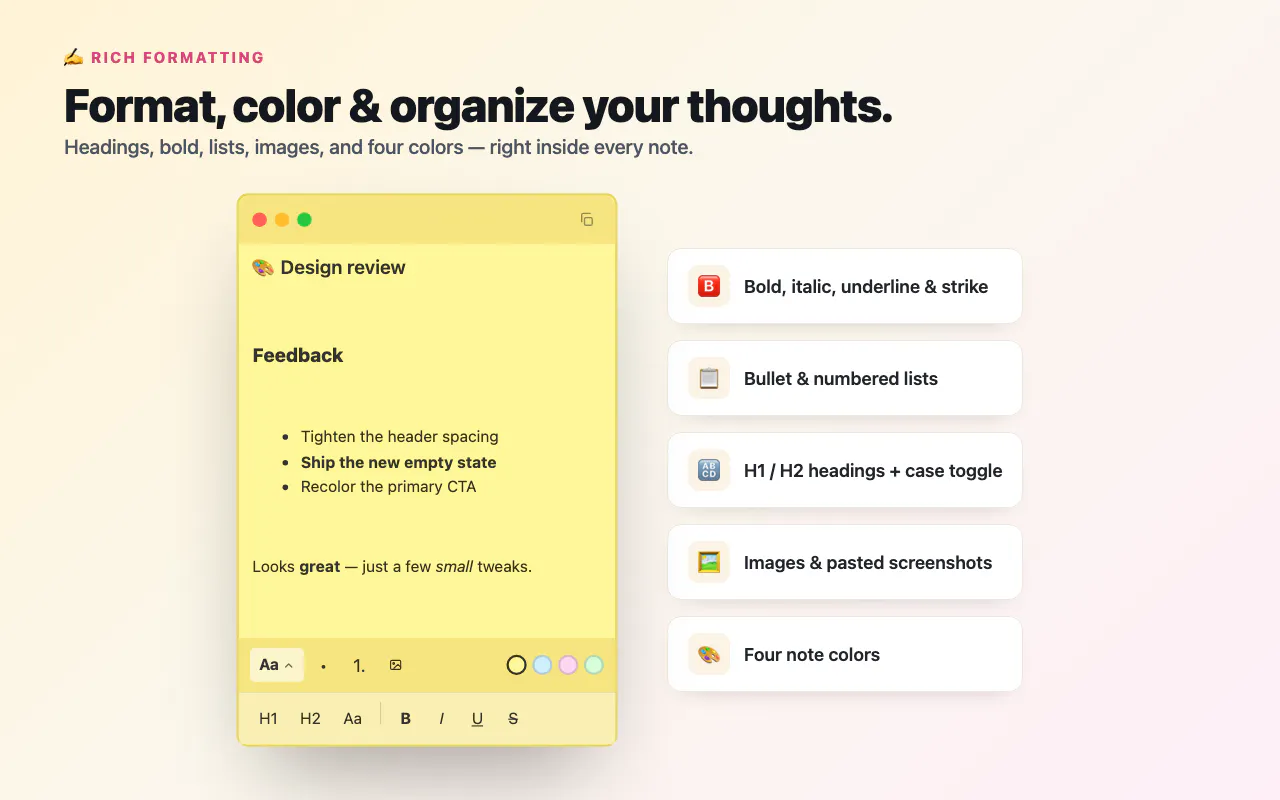
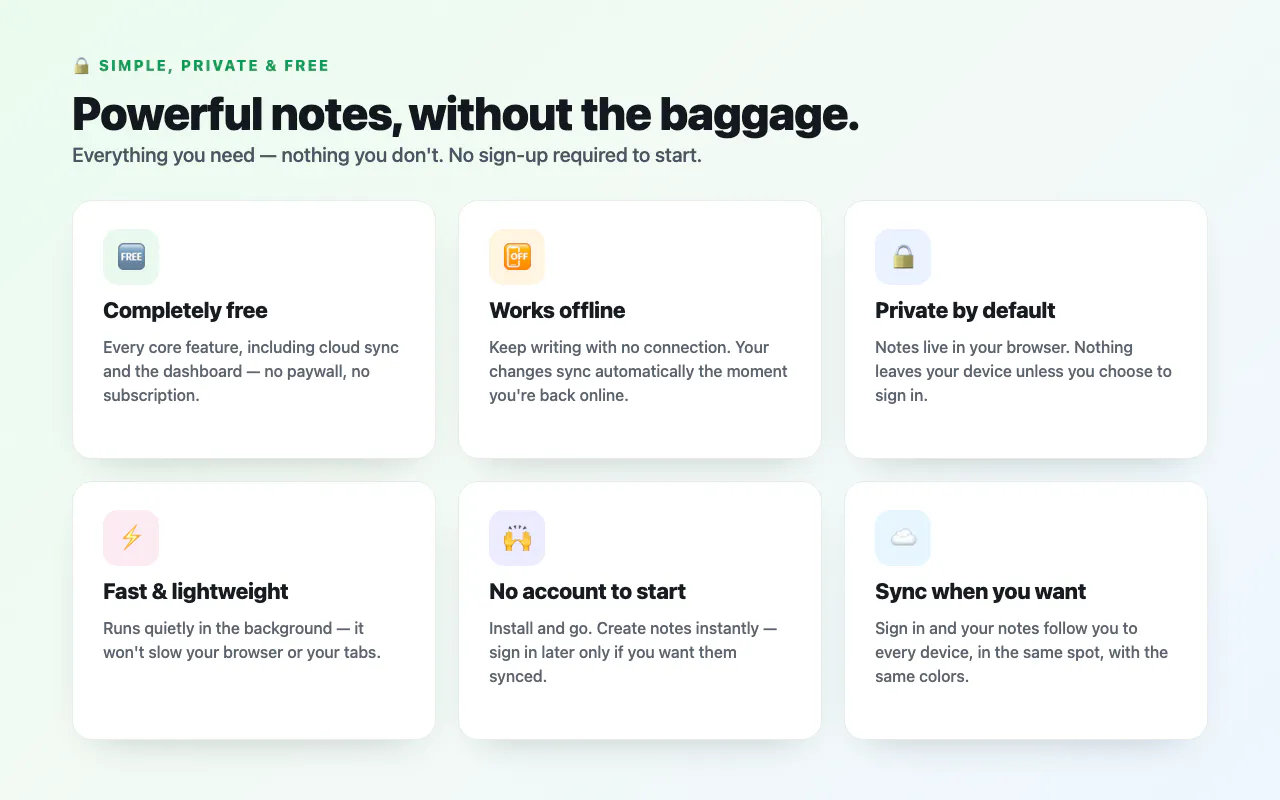
Sticky Notes Anywhere is a versatile productivity extension that allows users to place draggable sticky notes directly on any webpage, including YouTube videos, documents, or client sites. Its standout feature is the seamless offline functionality, enabling note-taking without an internet connection, and automatic synchronization across devices once signed in. Users can capture thoughts instantly without switching tabs, making it ideal for busy professionals, students, and researchers who need quick, contextual reminders. The app supports rich formatting—headings, bold text, lists, colors, and images—adding depth and clarity to notes. Additionally, its web dashboard offers robust organization tools like search, pinning, and exporting, making note management straightforward. Privacy is prioritized, as notes are private by default, and the tool is lightweight and free, appealing to users seeking a simple yet powerful note-taking solution within their browsing experience.
Screenshots
Pros
- ✓Instantly add draggable sticky notes on any webpage
- ✓Works offline with automatic sync when signed in
- ✓Rich formatting options for detailed notes
- ✓No account required for offline use, ensuring privacy
- ✓Web dashboard for organization and exporting
Cons
- ✗Limited advanced note management features compared to dedicated apps
- ✗Syncing requires signing in, which might deter some privacy-conscious users
- ✗Potential performance impact on very resource-heavy pages
Use Cases
Pricing
Likely a free tool with no paid plans currently advertised, offering core features at no cost and emphasizing privacy and offline functionality.
Quick Info
Topics
Makers

Salman Ahmed
Alternatives
Similar Tools in AI Writing




Embed Badge
Add this badge to your website to show that Sticky Notes Anywhere is featured on Visalytica.
<a href="https://www.visalytica.com/tool/sticky-notes-anywhere" target="_blank" rel="noopener noreferrer" style="display:inline-flex;align-items:center;gap:6px;padding:6px 14px;background:#7c3aed;color:#fff;border-radius:8px;font-family:-apple-system,system-ui,sans-serif;font-size:13px;font-weight:600;text-decoration:none;transition:background .2s" onmouseover="this.style.background='#6d28d9'" onmouseout="this.style.background='#7c3aed'"><svg width="14" height="14" viewBox="0 0 24 24" fill="none" stroke="currentColor" stroke-width="2.5" stroke-linecap="round" stroke-linejoin="round"><path d="M12 20V10"/><path d="M18 20V4"/><path d="M6 20v-4"/></svg>Featured on Visalytica</a>