
StampCut
Stamp the world around you!
About StampCut
StampCut is an innovative iPhone app that transforms the way users capture and categorize the world around them. By simply pointing their device at plants, animals, objects, or scenes, users can 'stamp' these visuals into their personal collection, effectively creating a digital catalog of their surroundings. Its intuitive interface and real-time recognition capabilities make it accessible for both casual explorers and serious enthusiasts. What sets StampCut apart is its focus on turning everyday observations into a personalized, organized archive, making it ideal for nature lovers, travelers, students, and content creators who want to quickly capture and categorize their environment. The app leverages AI to enhance recognition accuracy and streamline the stamping process, creating an engaging experience that combines discovery with organization.
Screenshots

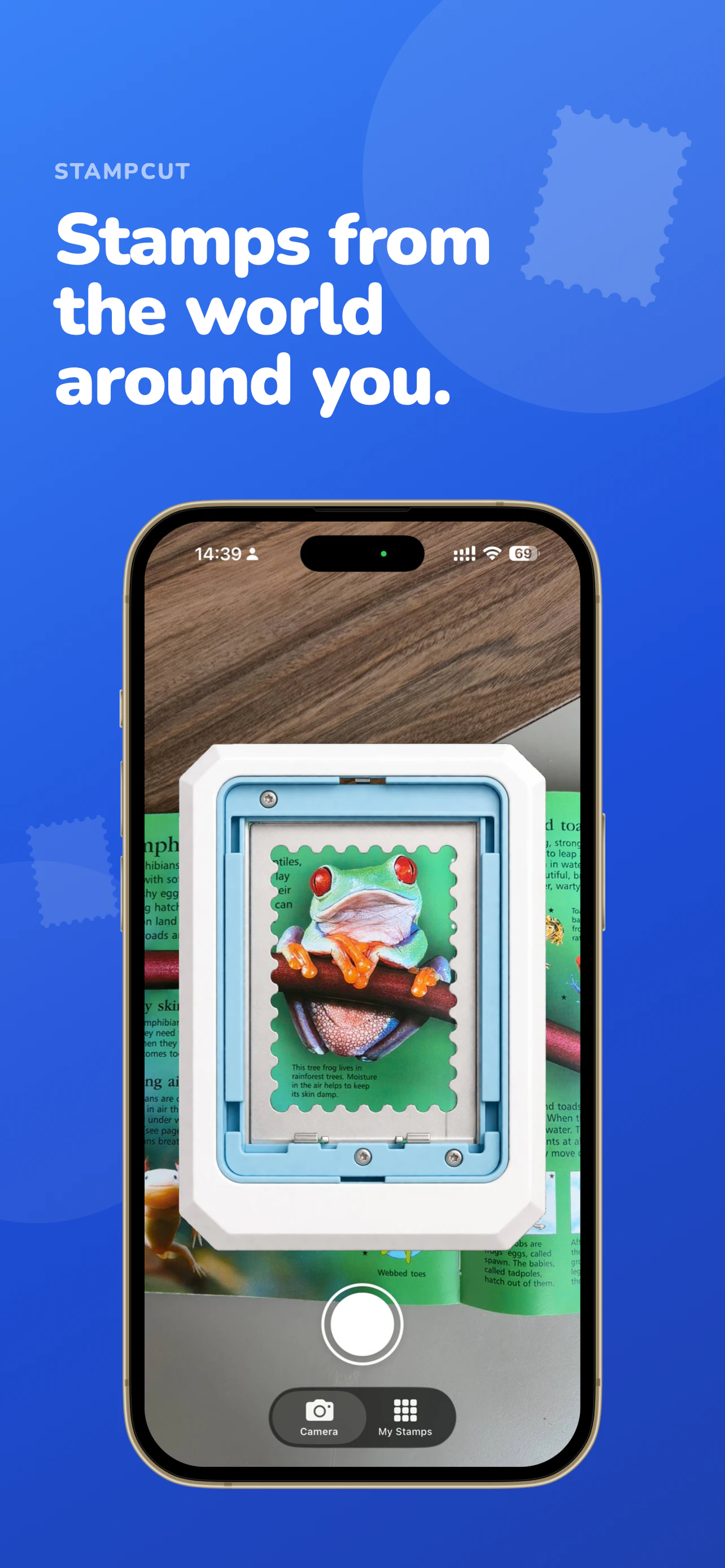
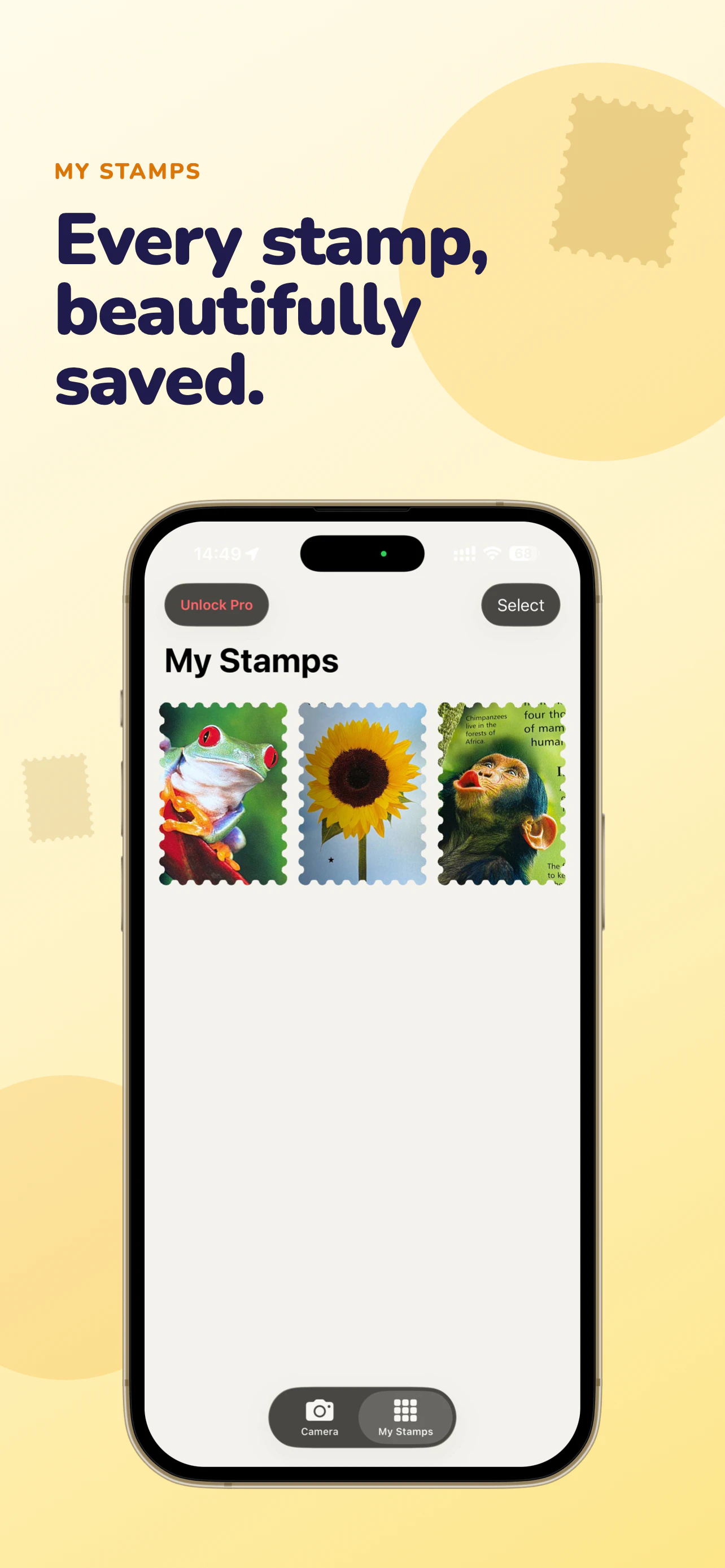
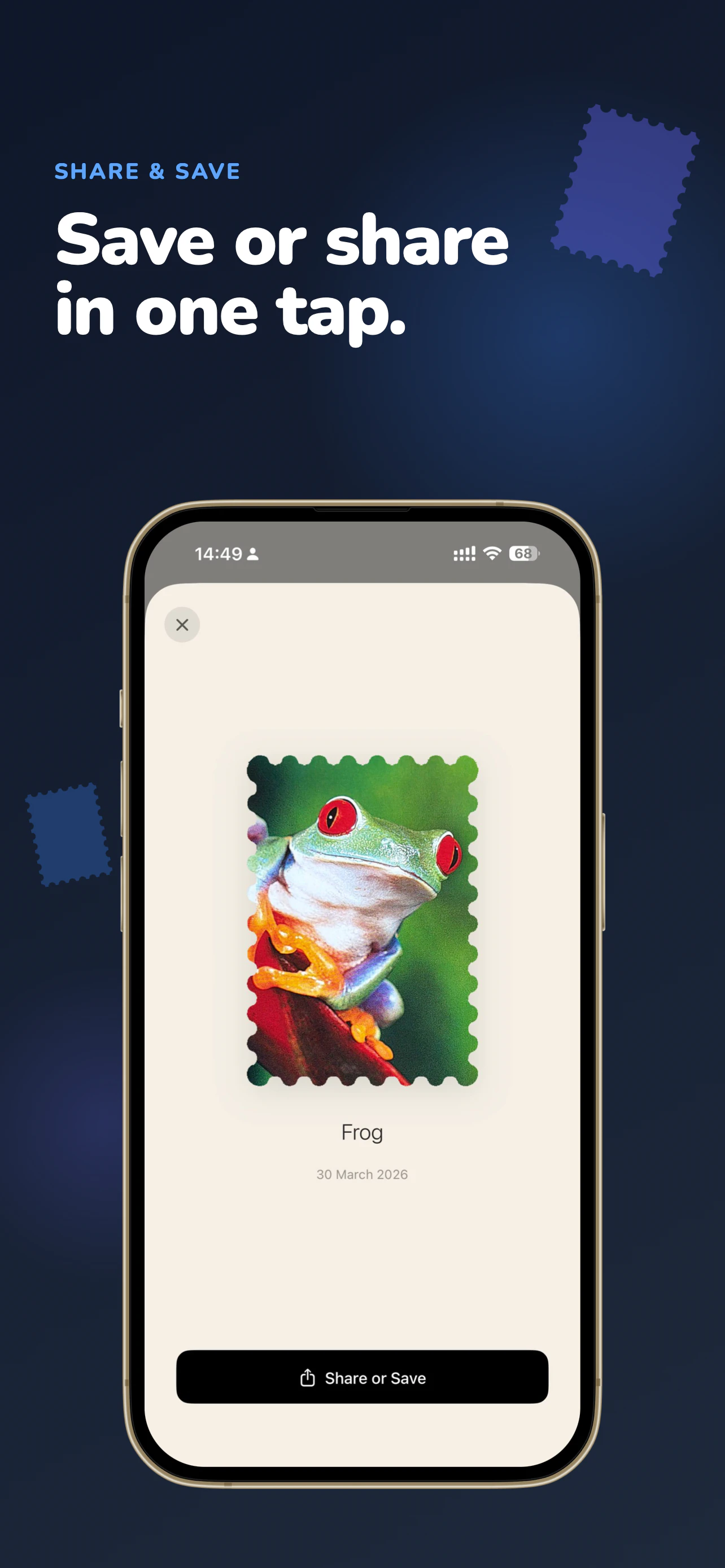
Pros
- ✓User-friendly interface designed for quick and easy stamping
- ✓Leverages AI for accurate recognition of objects and plants
- ✓Encourages exploration and personal archiving of surroundings
- ✓Ideal for hobbyists, students, and content creators
Cons
- ✗Limited information on advanced editing or customization features
- ✗Potential reliance on internet connection for AI processing
- ✗Unclear if there are subscription or in-app purchase options
Use Cases
Pricing
Likely follows a freemium model with basic features available for free, and optional paid plans offering additional capabilities or storage. Specific pricing details are not publicly confirmed.
Quick Info
Topics
Alternatives
Similar Tools in Productivity




Embed Badge
Add this badge to your website to show that StampCut is featured on Visalytica.
<a href="https://www.visalytica.com/tool/stampcut" target="_blank" rel="noopener noreferrer" style="display:inline-flex;align-items:center;gap:6px;padding:6px 14px;background:#7c3aed;color:#fff;border-radius:8px;font-family:-apple-system,system-ui,sans-serif;font-size:13px;font-weight:600;text-decoration:none;transition:background .2s" onmouseover="this.style.background='#6d28d9'" onmouseout="this.style.background='#7c3aed'"><svg width="14" height="14" viewBox="0 0 24 24" fill="none" stroke="currentColor" stroke-width="2.5" stroke-linecap="round" stroke-linejoin="round"><path d="M12 20V10"/><path d="M18 20V4"/><path d="M6 20v-4"/></svg>Featured on Visalytica</a>