
StampCam
Turn any photo into a postage stamp or sticker
About StampCam
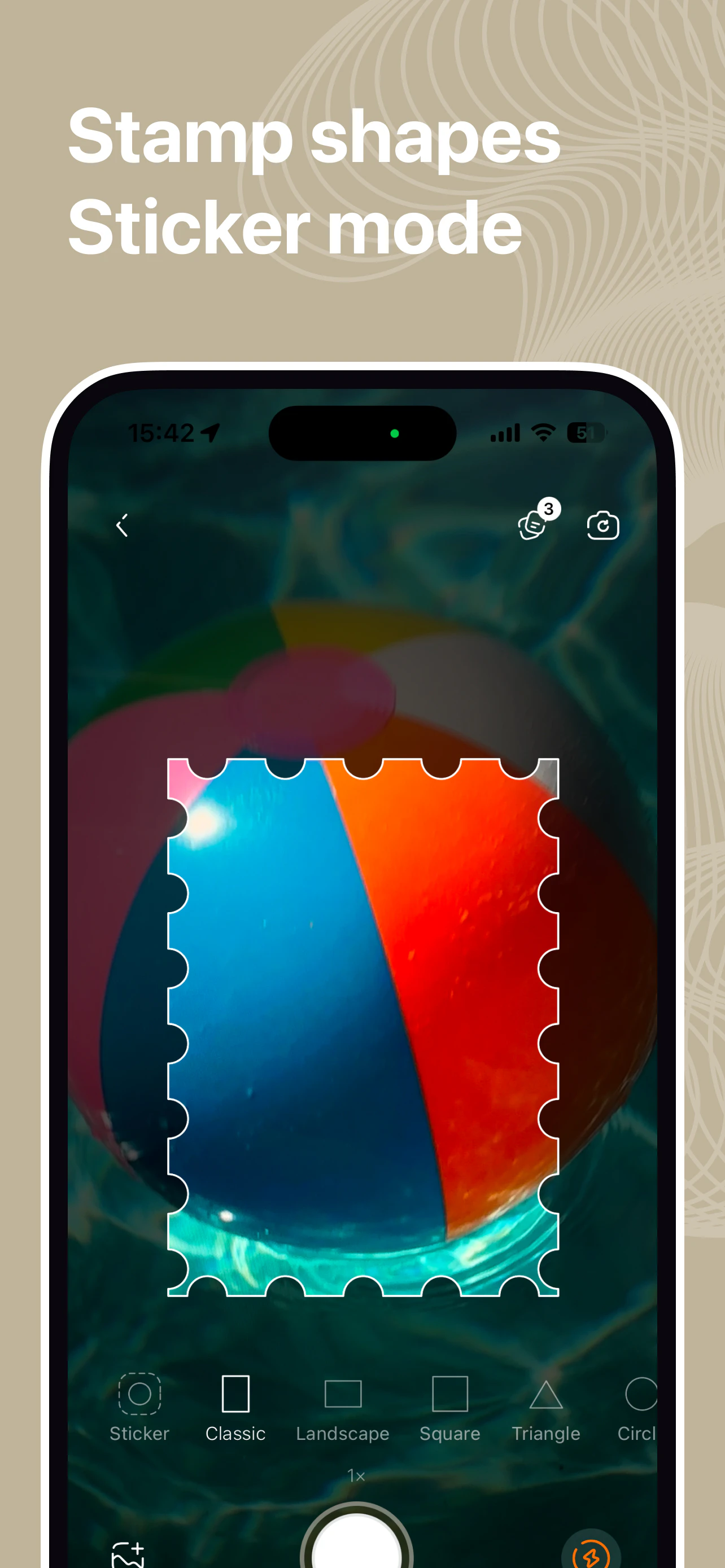
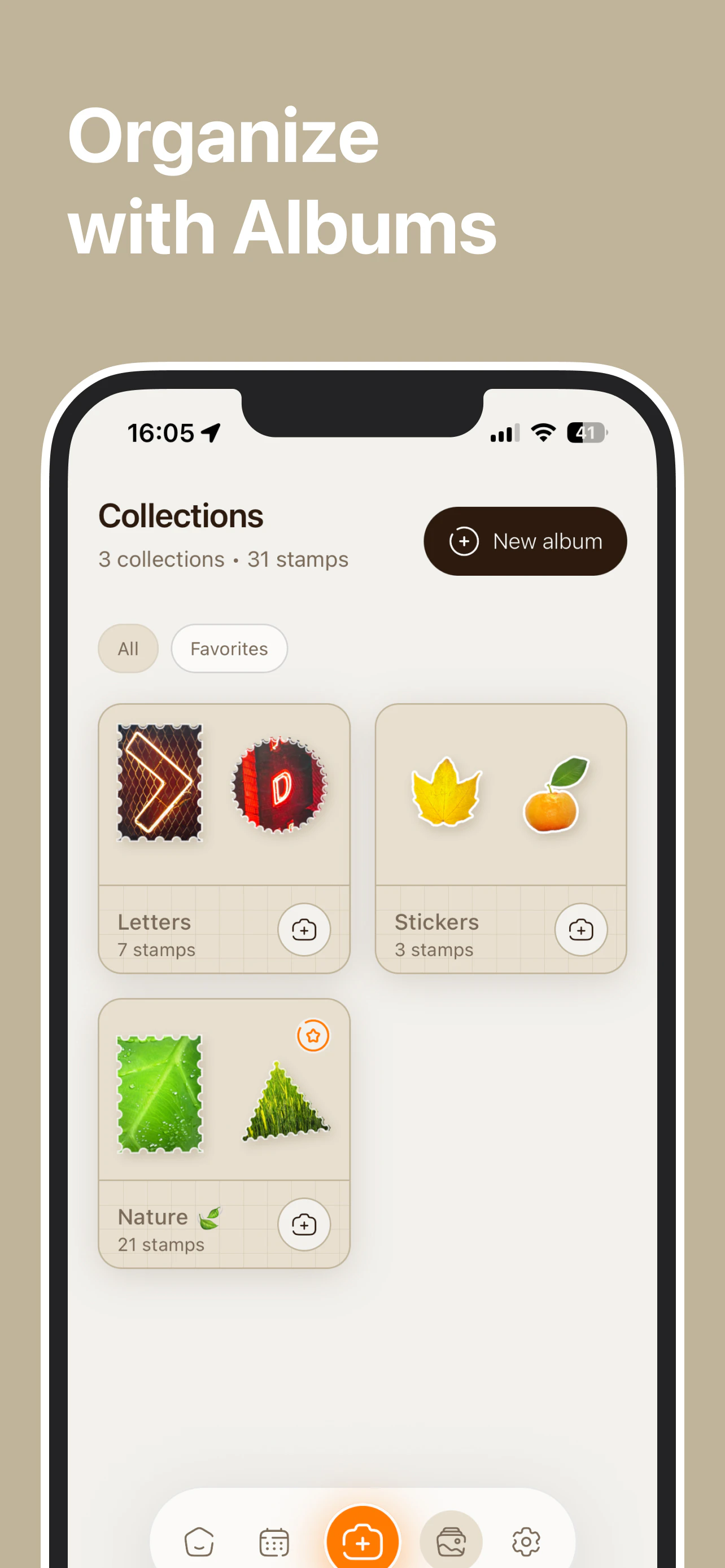
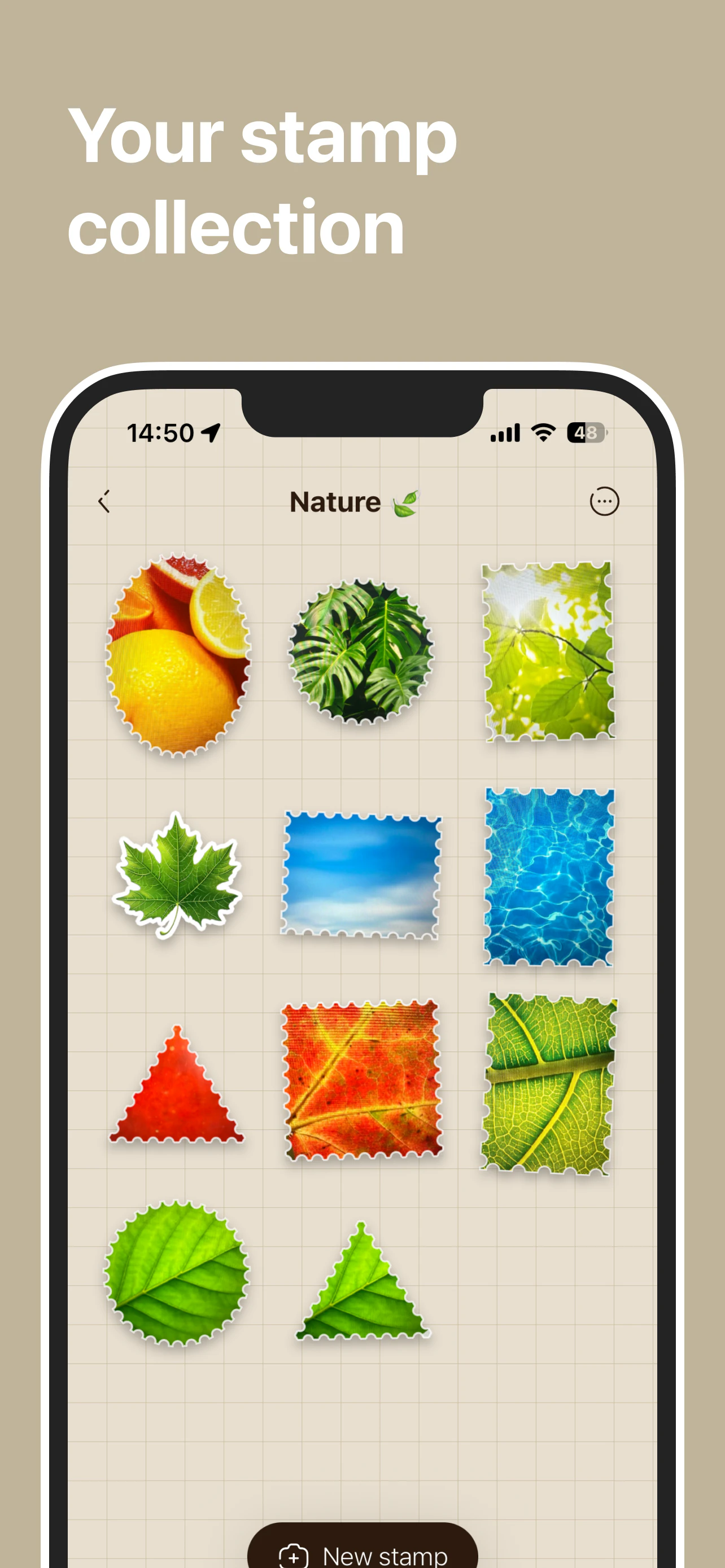
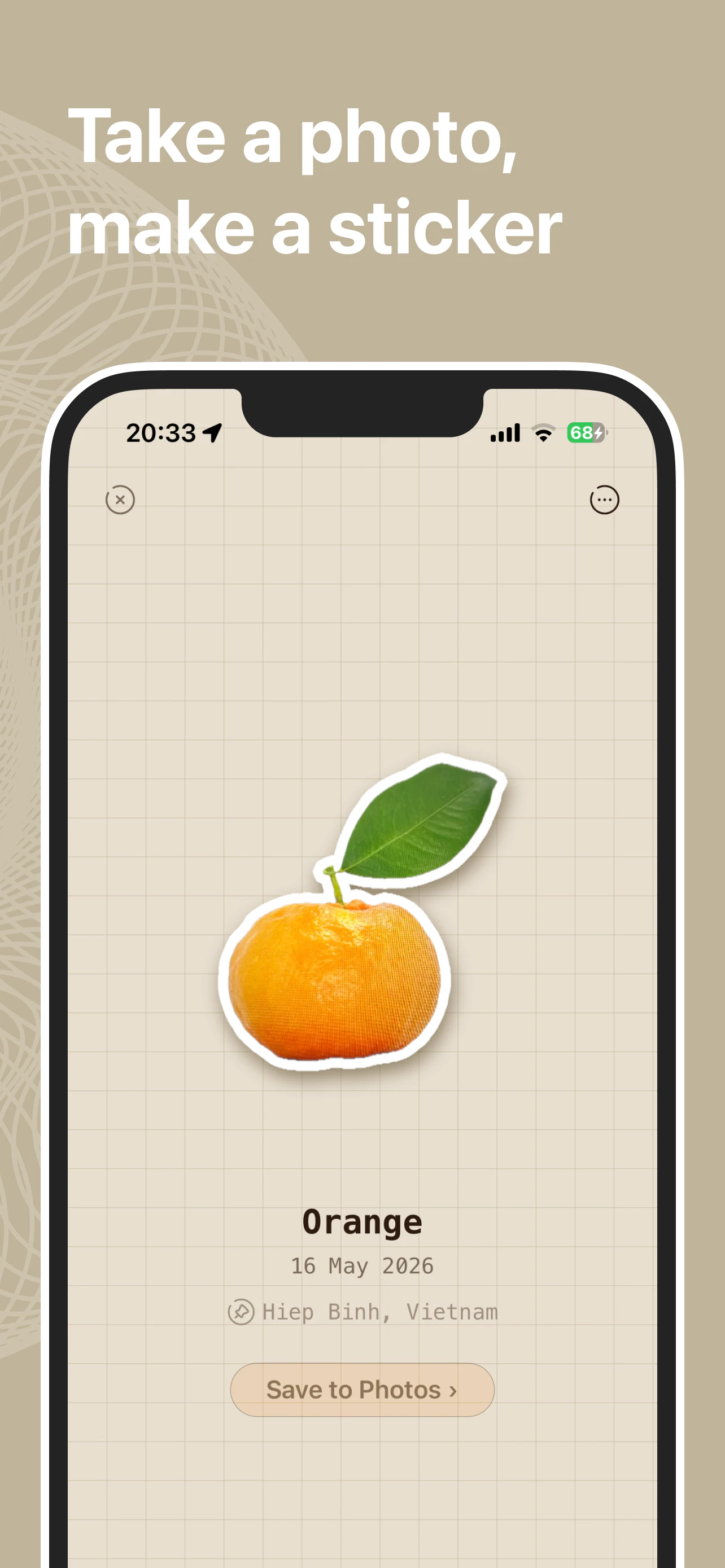
StampCam is a fun and creative iPhone app designed for photography enthusiasts, crafters, and social media users who want to add a unique touch to their images. It allows users to transform any photo into a vintage-style postage stamp or a custom sticker with just a tap. The app offers a variety of shapes and framing options, making it easy to create personalized stamps that can be shared or used in digital projects. Its intuitive interface and quick editing tools make it suitable for both casual users and those looking to add a creative flair to their visual content. Whether you're designing custom stationery, enhancing social media posts, or crafting digital collages, StampCam offers a playful way to elevate your images with minimal effort. Its focus on simplicity and fun makes it a standout tool for anyone interested in creative photo customization.
Screenshots

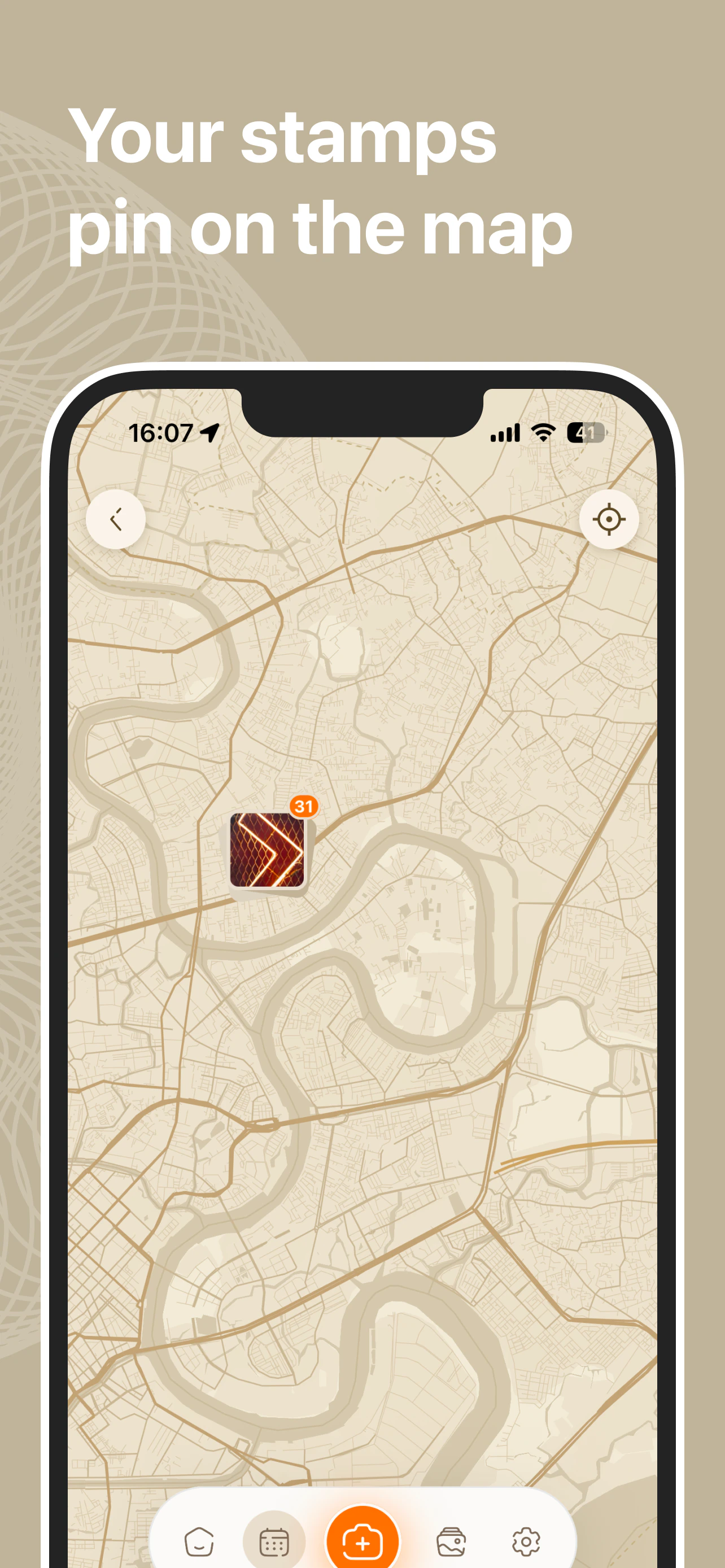
Pros
- ✓User-friendly interface with quick editing options
- ✓Wide variety of stamp shapes and styles
- ✓Easy subject cutout for creating custom stickers
- ✓Perfect for casual users and creative projects
- ✓Lightweight app with focused functionality
Cons
- ✗Limited advanced editing tools or customization options
- ✗Primarily designed for casual use, not professional-grade
- ✗No desktop version or cross-platform support
Use Cases
Pricing
Likely follows a freemium model, offering basic features for free with optional in-app purchases or subscription plans for additional shapes, styles, or higher-resolution exports.
Quick Info
Topics
Makers

Kien Pham
Alternatives
Similar Tools in AI Image & Design




Embed Badge
Add this badge to your website to show that StampCam is featured on Visalytica.
<a href="https://www.visalytica.com/tool/stampcam" target="_blank" rel="noopener noreferrer" style="display:inline-flex;align-items:center;gap:6px;padding:6px 14px;background:#7c3aed;color:#fff;border-radius:8px;font-family:-apple-system,system-ui,sans-serif;font-size:13px;font-weight:600;text-decoration:none;transition:background .2s" onmouseover="this.style.background='#6d28d9'" onmouseout="this.style.background='#7c3aed'"><svg width="14" height="14" viewBox="0 0 24 24" fill="none" stroke="currentColor" stroke-width="2.5" stroke-linecap="round" stroke-linejoin="round"><path d="M12 20V10"/><path d="M18 20V4"/><path d="M6 20v-4"/></svg>Featured on Visalytica</a>