
Stage
Screen recording for demos, bugs, and updates
About Stage
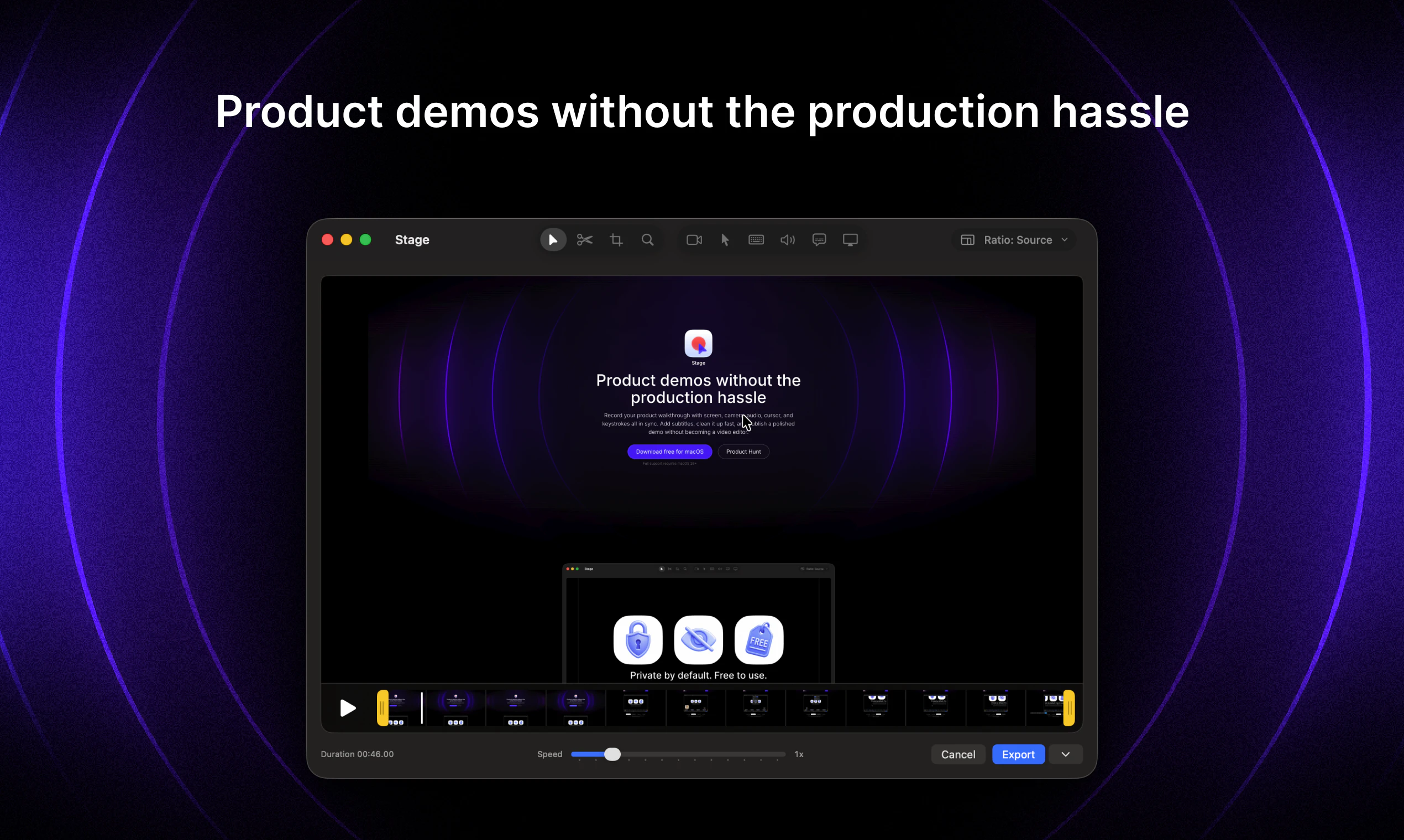
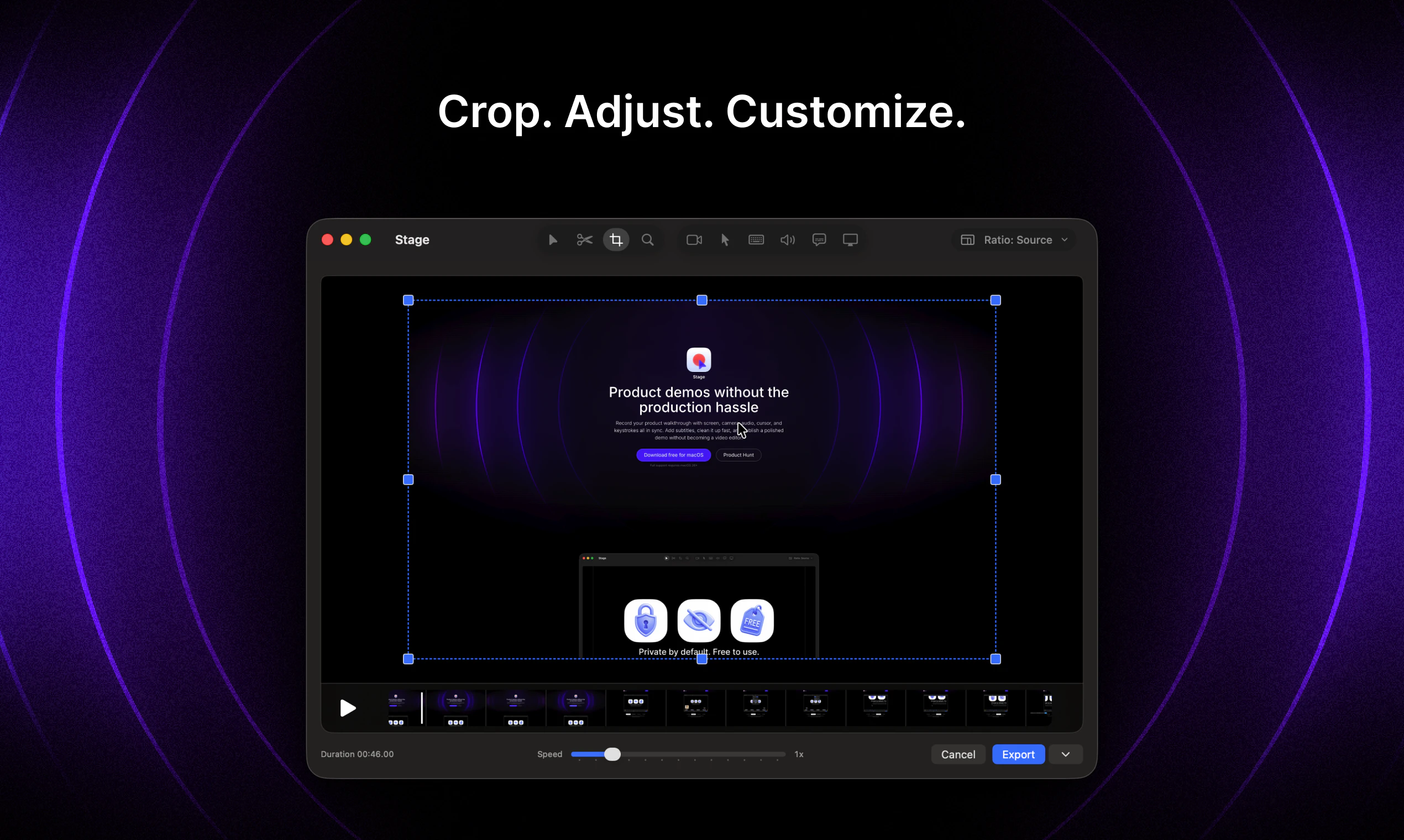
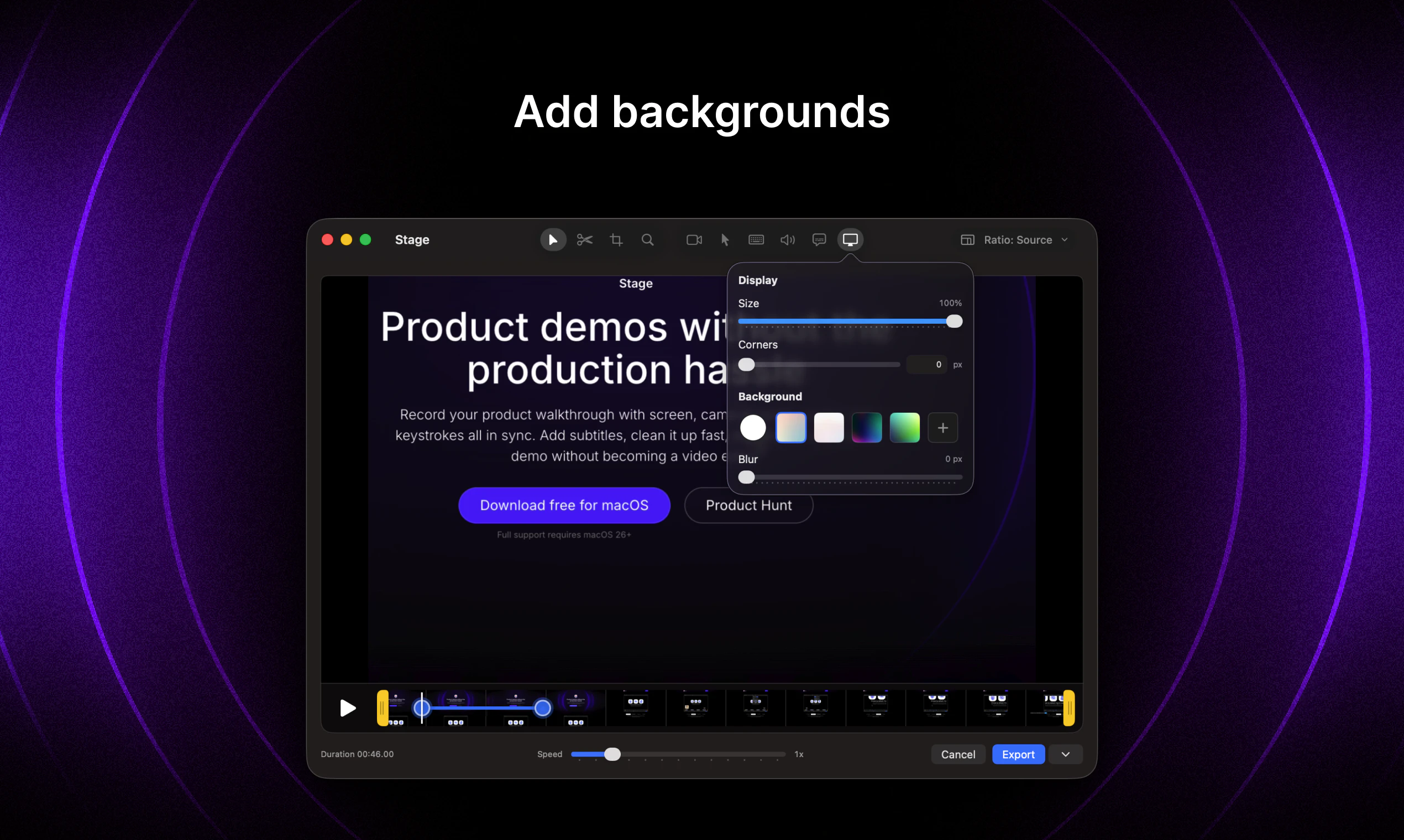
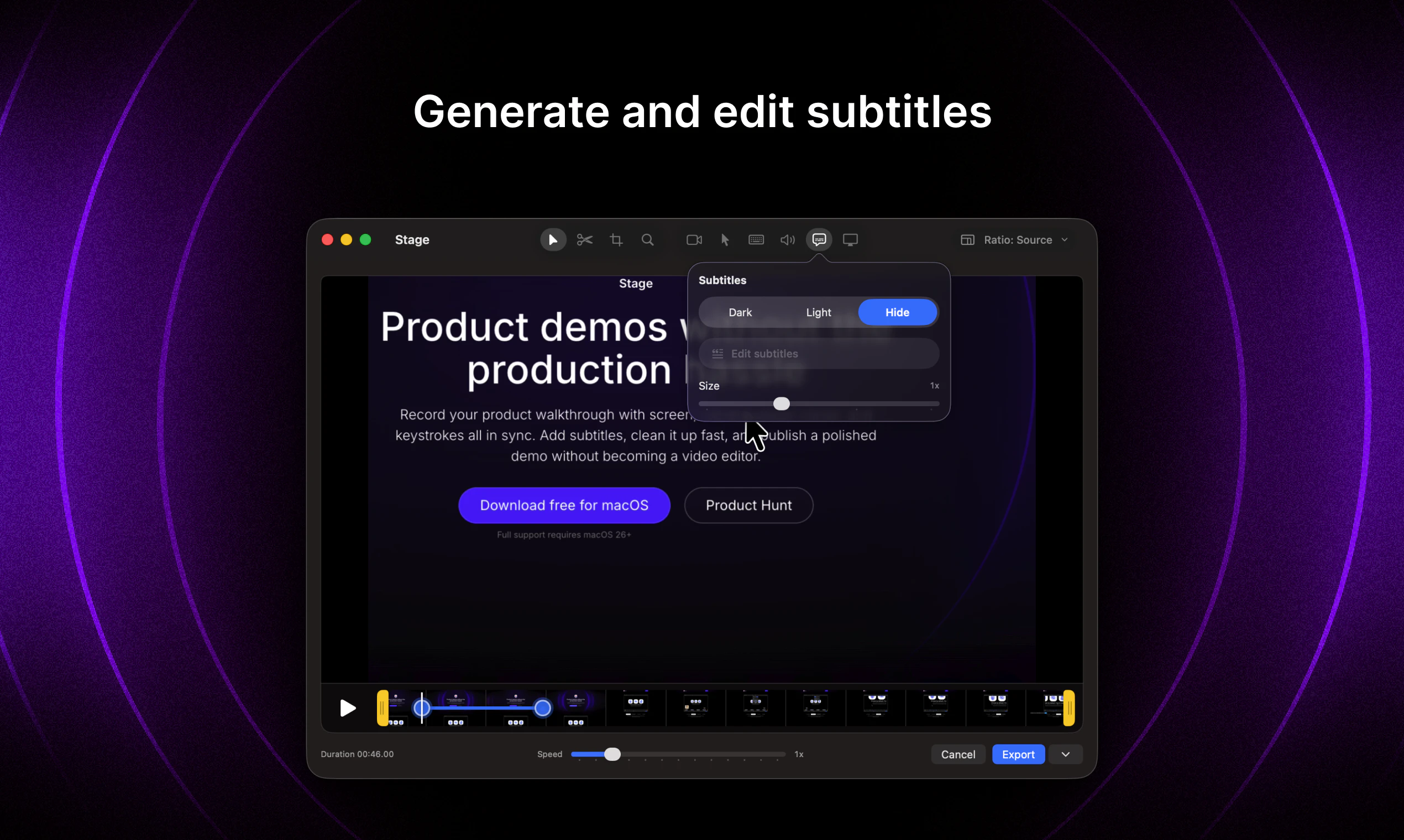
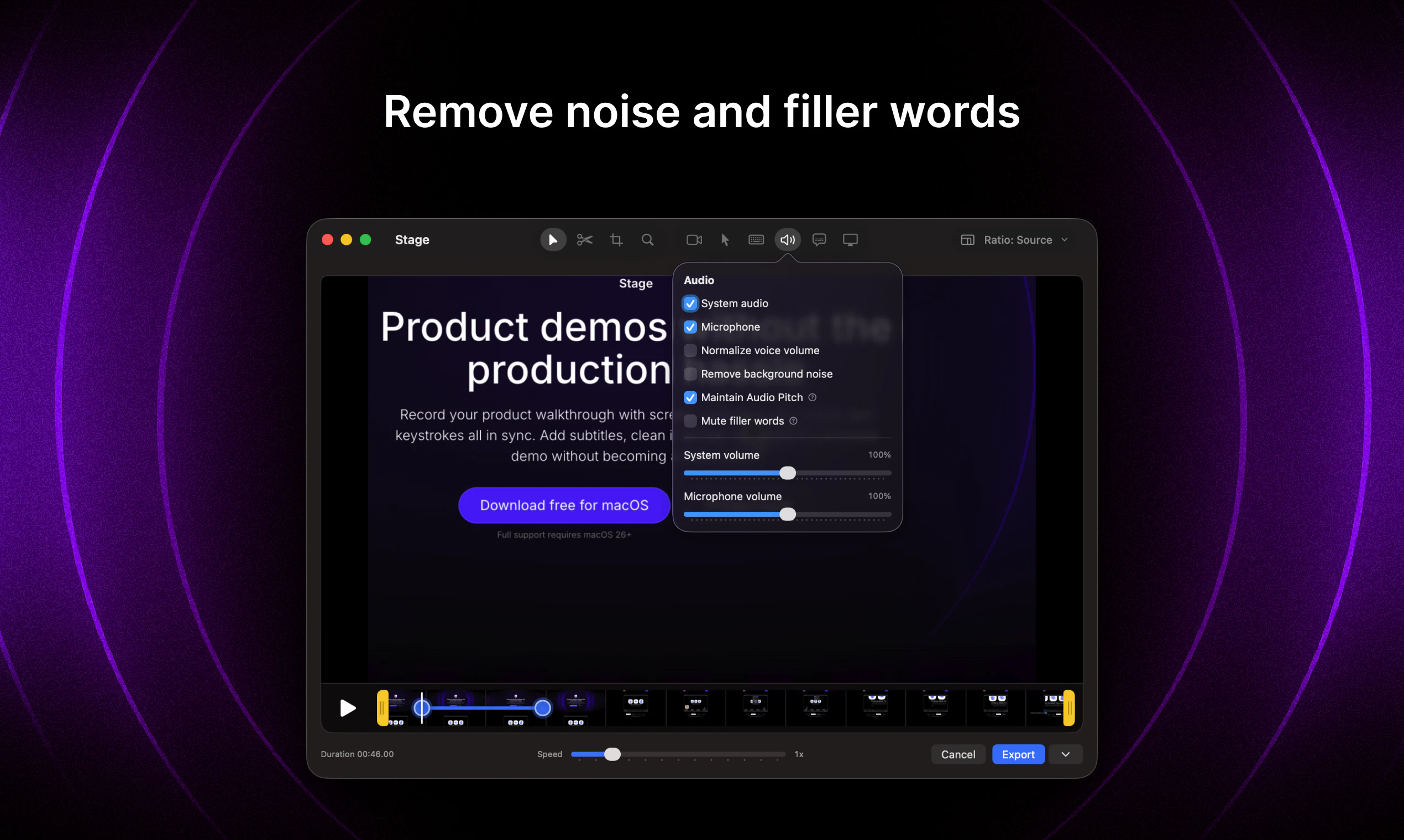
Stage is a streamlined screen recording tool designed for creating professional demos, bug reports, and updates with ease. It captures your screen, camera feed, audio, cursor movements, and keystrokes in perfect sync, providing a comprehensive view of your product walkthroughs. Users can effortlessly add subtitles, quickly clean up recordings, and publish polished videos without the need for complex editing skills. Ideal for product teams, marketers, and developers, Stage simplifies the process of producing engaging visual content that clearly communicates features, issues, or updates. Its intuitive interface and focus on quick editing make it an attractive choice for those seeking high-quality demos without the hassle of traditional video editing software.
Screenshots
Pros
- ✓All-in-one recording of screen, camera, audio, cursor, and keystrokes in sync
- ✓Easy editing features like subtitles and quick cleanup
- ✓No advanced video editing skills required
- ✓Ideal for creating professional demos and bug reports rapidly
- ✓User-friendly interface suited for non-technical users
Cons
- ✗Limited information on advanced editing capabilities
- ✗Uncertain whether it supports collaboration or team workflows
- ✗No clear details on pricing or free tier at this time
Use Cases
Pricing
Likely operates on a freemium model with basic features free and premium plans offering additional editing tools or higher resolution options, with paid plans starting around $10-$20/month. Exact pricing details are not publicly specified.
Quick Info
Topics
Similar Tools in AI Writing




Embed Badge
Add this badge to your website to show that Stage is featured on Visalytica.
<a href="https://www.visalytica.com/tool/stage" target="_blank" rel="noopener noreferrer" style="display:inline-flex;align-items:center;gap:6px;padding:6px 14px;background:#7c3aed;color:#fff;border-radius:8px;font-family:-apple-system,system-ui,sans-serif;font-size:13px;font-weight:600;text-decoration:none;transition:background .2s" onmouseover="this.style.background='#6d28d9'" onmouseout="this.style.background='#7c3aed'"><svg width="14" height="14" viewBox="0 0 24 24" fill="none" stroke="currentColor" stroke-width="2.5" stroke-linecap="round" stroke-linejoin="round"><path d="M12 20V10"/><path d="M18 20V4"/><path d="M6 20v-4"/></svg>Featured on Visalytica</a>