
Squint
Drag a box on your screen and ask AI about it
About Squint
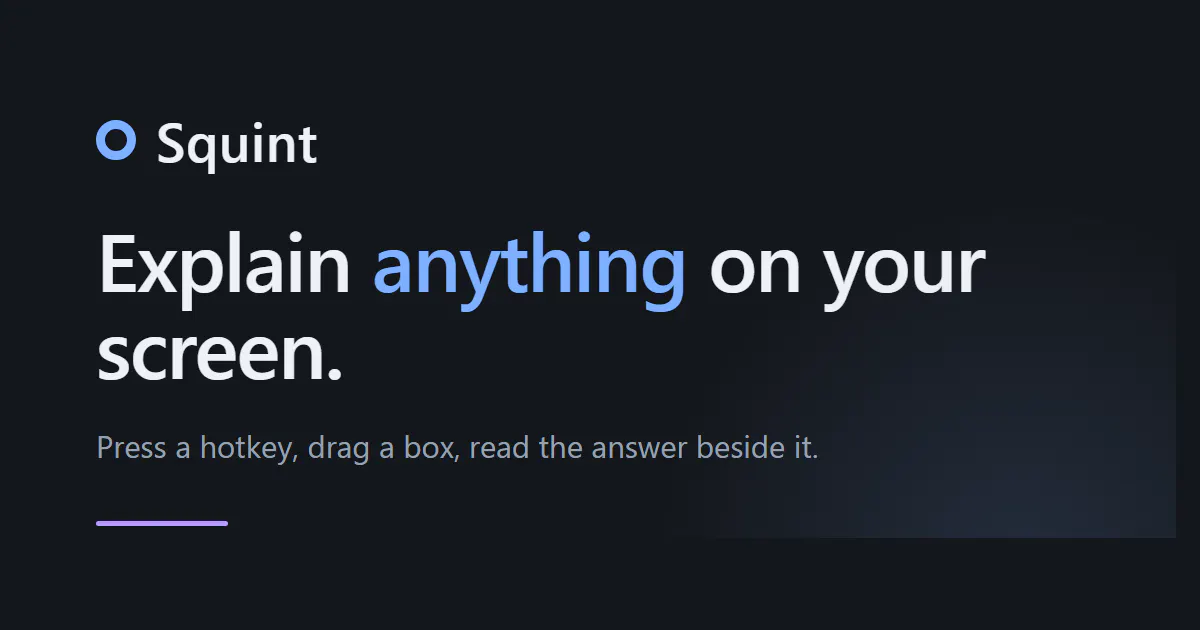
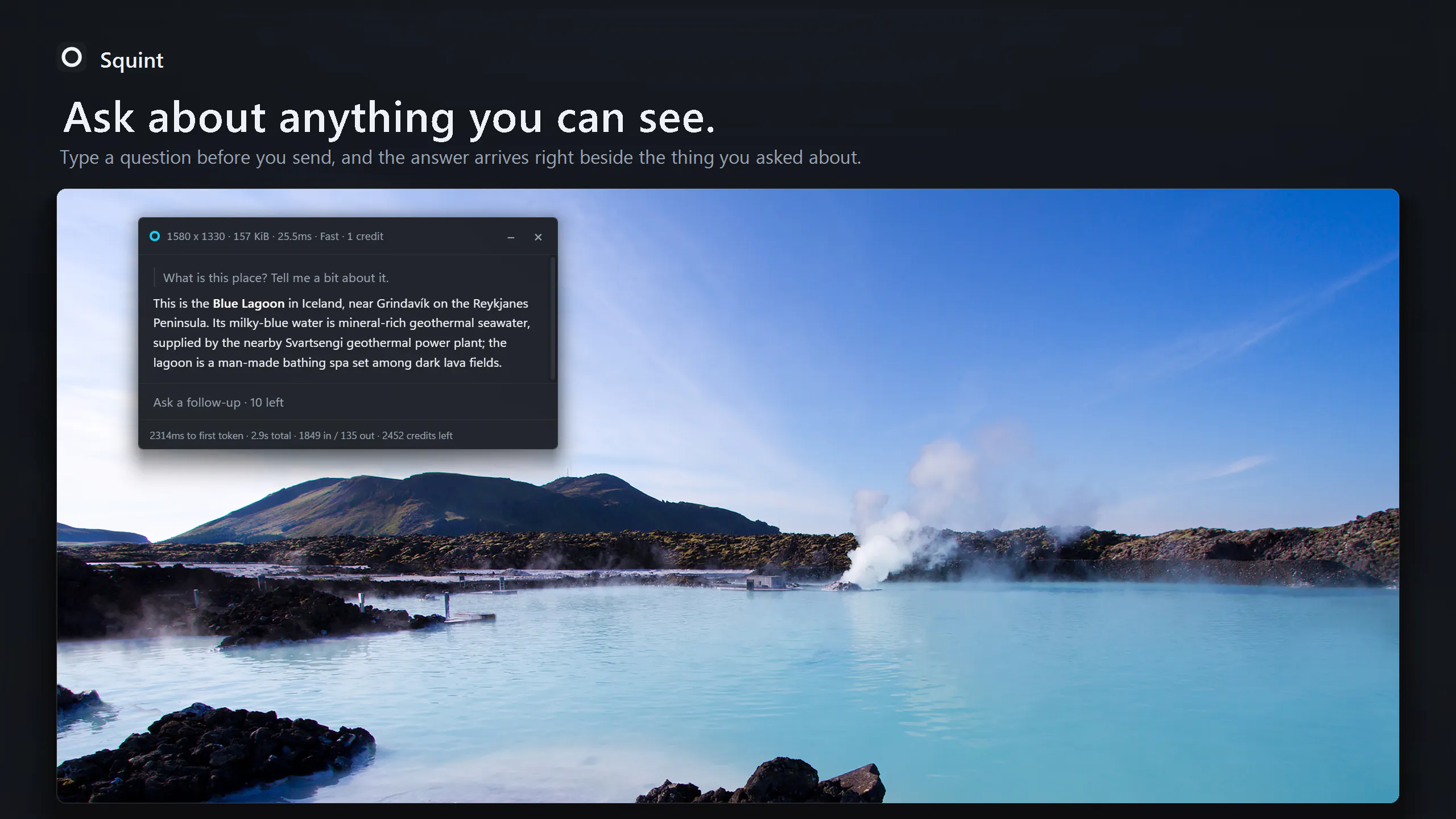
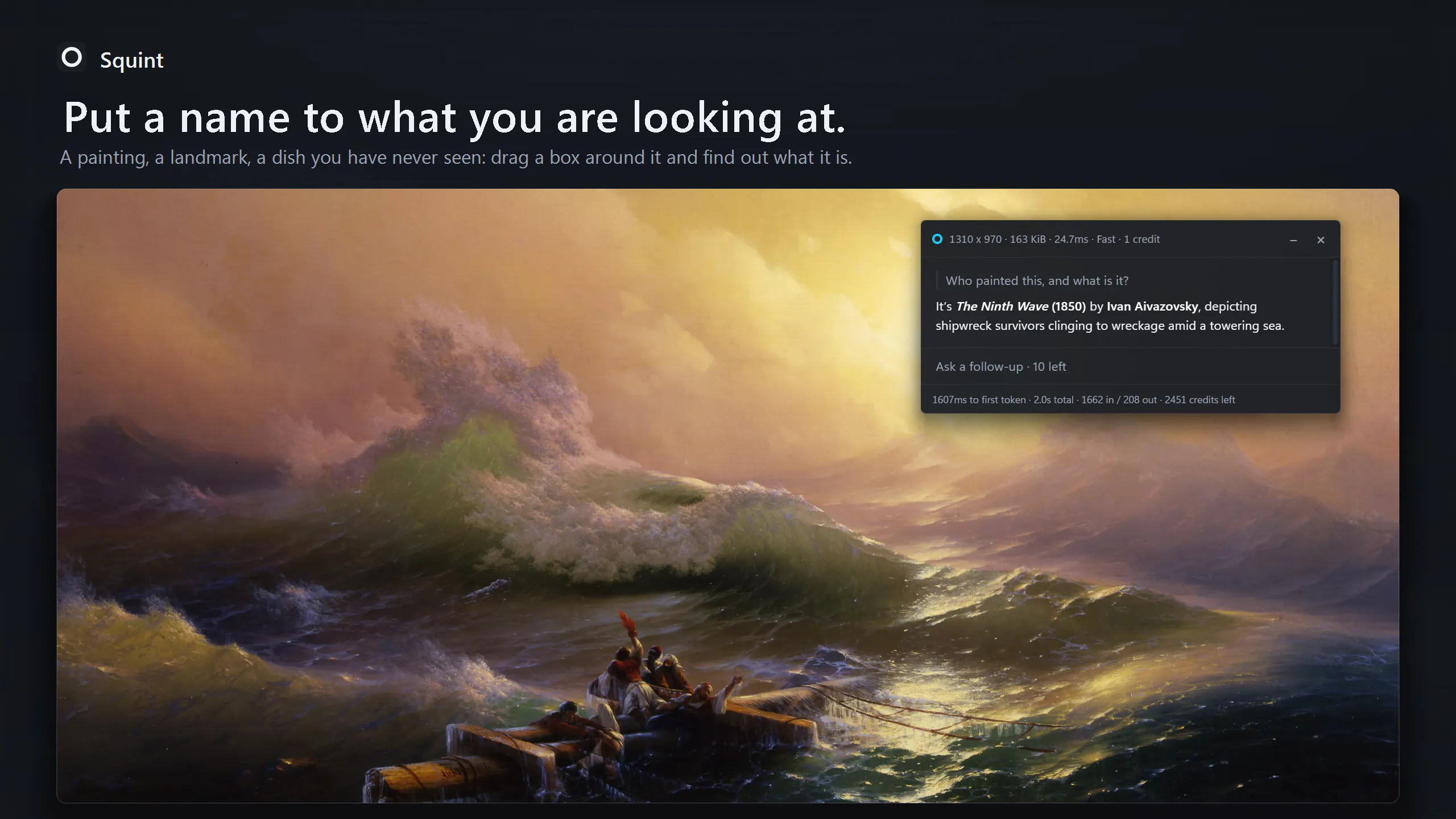
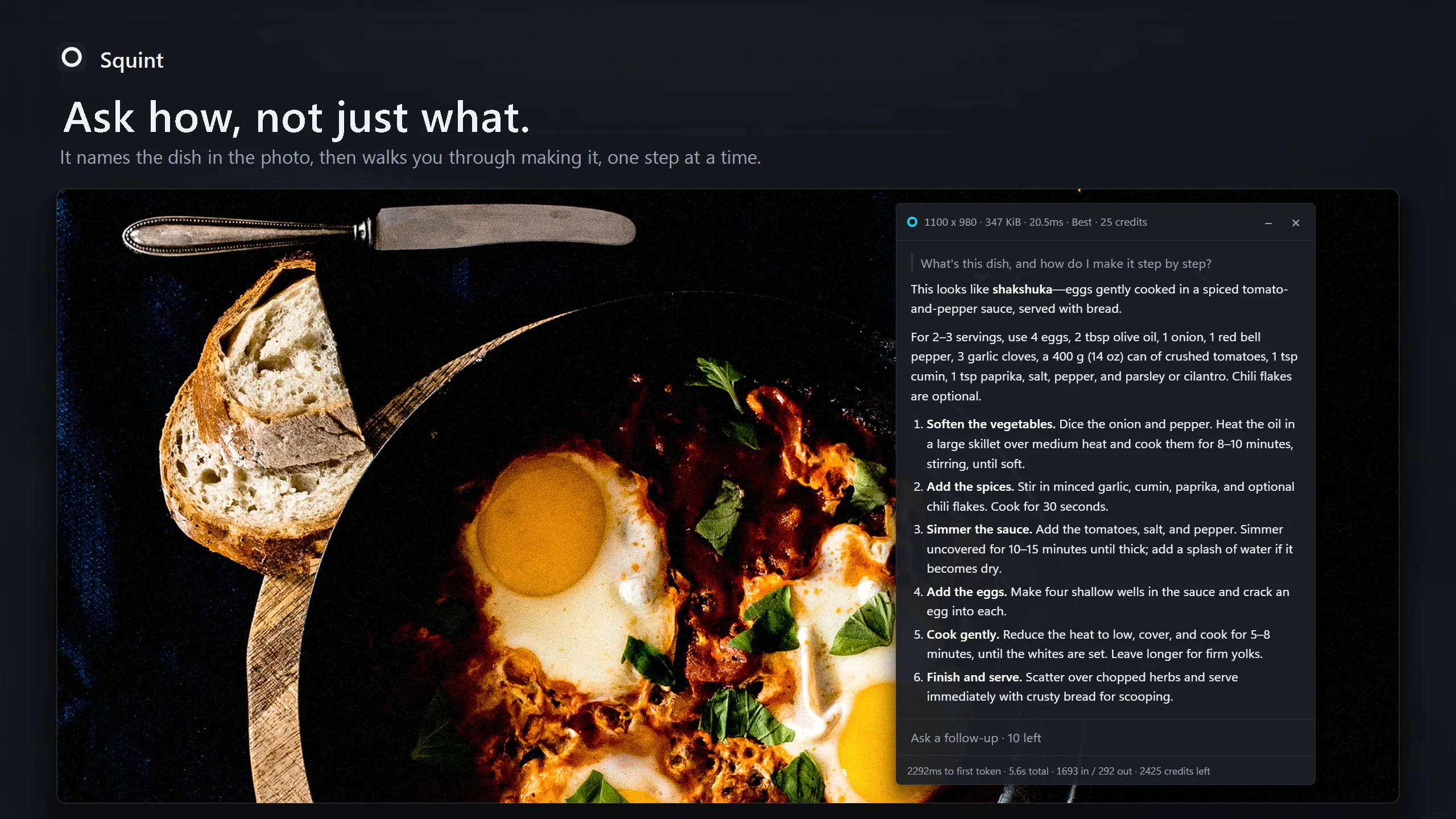
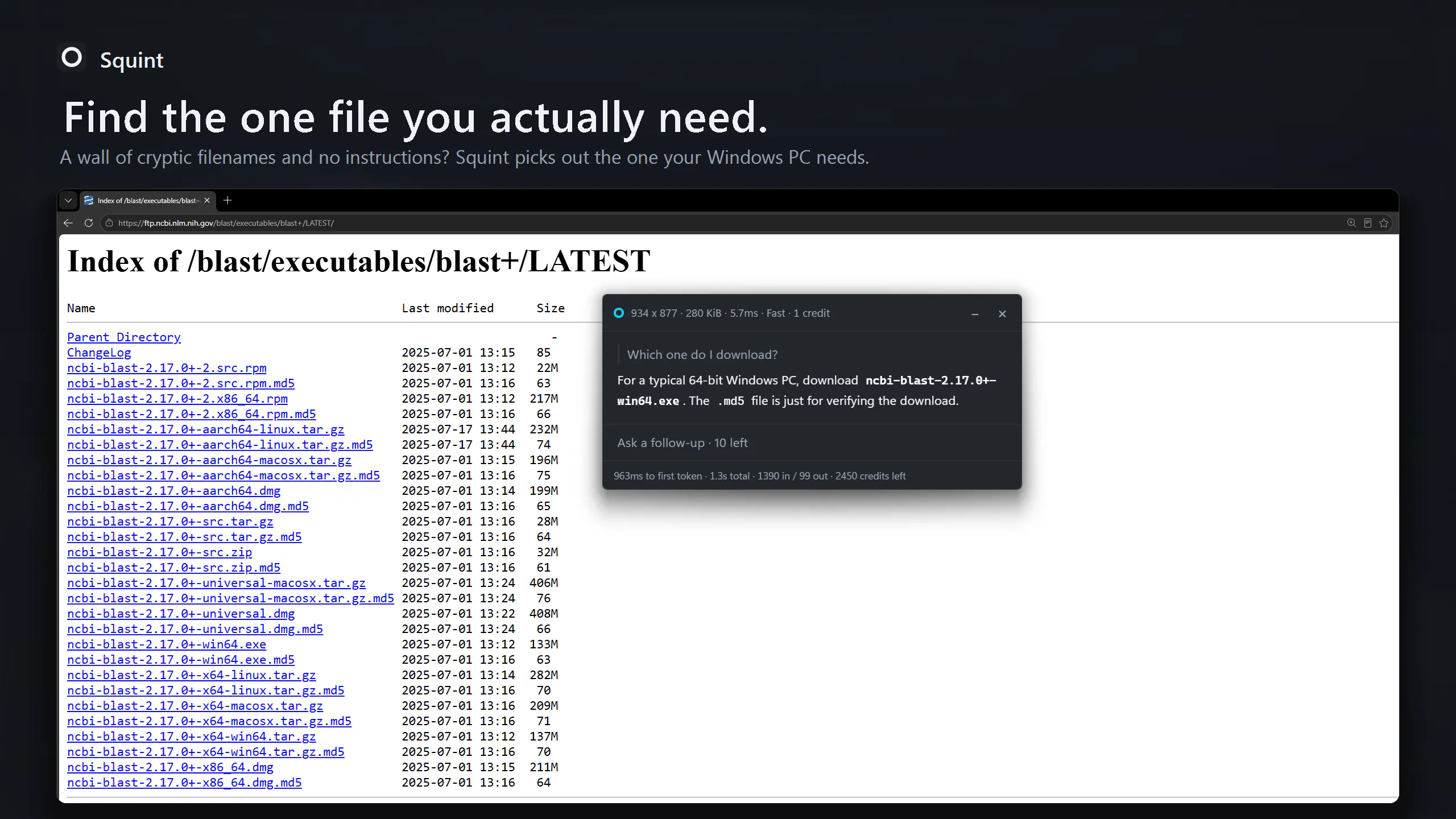
Squint is an innovative AI-powered screen capture tool designed for users who need quick, contextual information about anything on their screen. Unlike traditional methods that require multiple steps—taking screenshots, switching to chat applications, uploading images—Squint streamlines the process into a single action: pressing a hotkey, dragging a box around the area of interest, and asking a question. The AI then provides immediate, relevant answers displayed right next to the selected area, enabling seamless interaction and follow-up questions. Built in Rust for speed and efficiency, it supports Windows 10/11 and Linux (Wayland), making it accessible to a broad user base. With a free tier offering three captures daily, Squint is particularly appealing to productivity-focused professionals, researchers, and students seeking quick insights without disrupting their workflow.
Screenshots
Pros
- ✓Instant, contextual AI responses directly on the screen
- ✓Simplifies workflow by reducing steps needed to get information
- ✓Fast performance due to native Rust implementation
- ✓Supports multiple operating systems (Windows and Linux)
- ✓Free tier available for limited daily captures
Cons
- ✗Limited free captures per day (3) may restrict frequent use
- ✗Potential learning curve for hotkey and drag interface
- ✗Depth of answers may vary depending on the AI mode
Use Cases
Pricing
Pricing not verified
Quick Info
Topics
Makers

Evan Schwartzentruber
Alternatives
Similar Tools in AI Assistants




Embed Badge
Add this badge to your website to show that Squint is featured on Visalytica.
<a href="https://www.visalytica.com/tool/squint" target="_blank" rel="noopener noreferrer" style="display:inline-flex;align-items:center;gap:6px;padding:6px 14px;background:#7c3aed;color:#fff;border-radius:8px;font-family:-apple-system,system-ui,sans-serif;font-size:13px;font-weight:600;text-decoration:none;transition:background .2s" onmouseover="this.style.background='#6d28d9'" onmouseout="this.style.background='#7c3aed'"><svg width="14" height="14" viewBox="0 0 24 24" fill="none" stroke="currentColor" stroke-width="2.5" stroke-linecap="round" stroke-linejoin="round"><path d="M12 20V10"/><path d="M18 20V4"/><path d="M6 20v-4"/></svg>Featured on Visalytica</a>