
Spotit
Your cursor's tutor. For every Mac app.
About Spotit
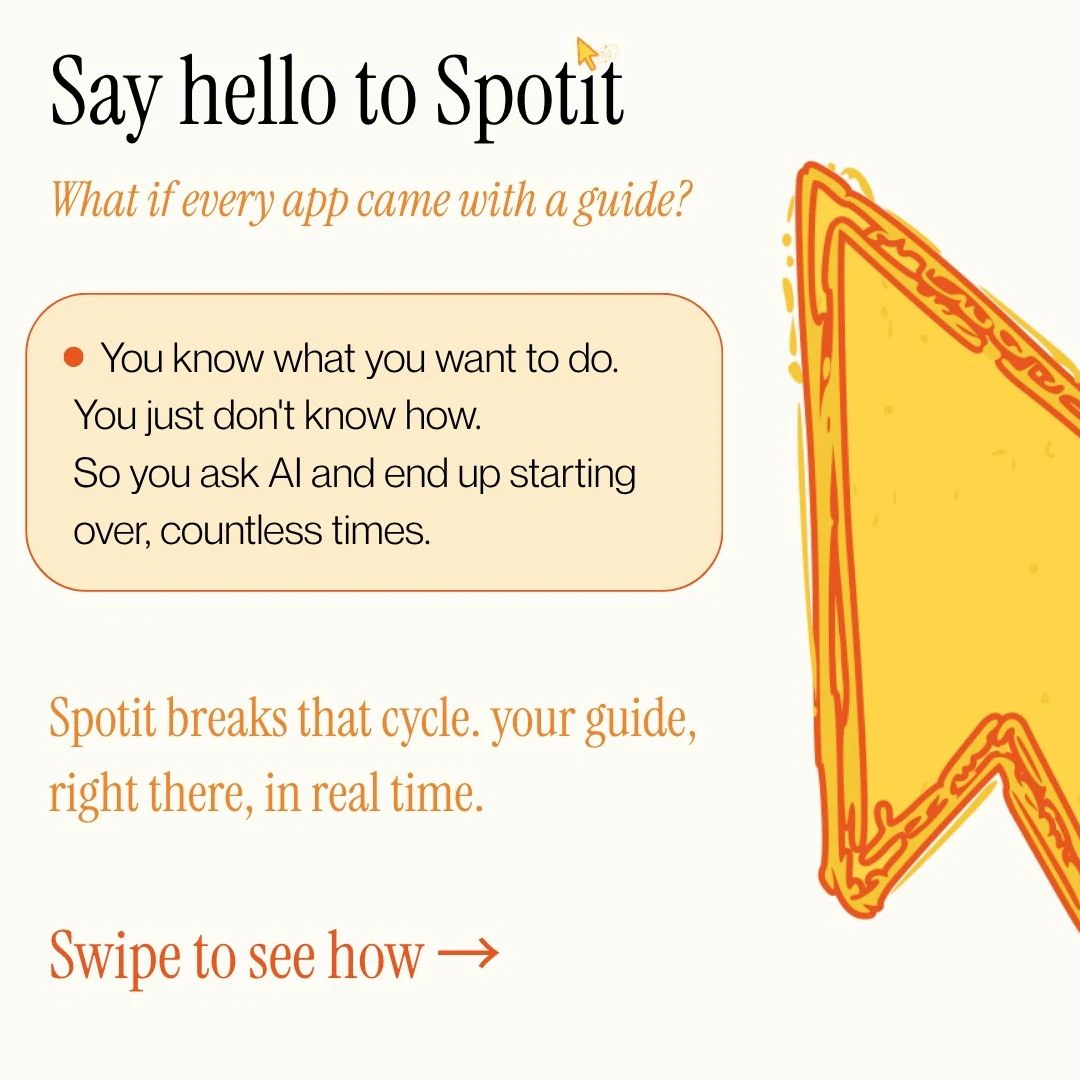
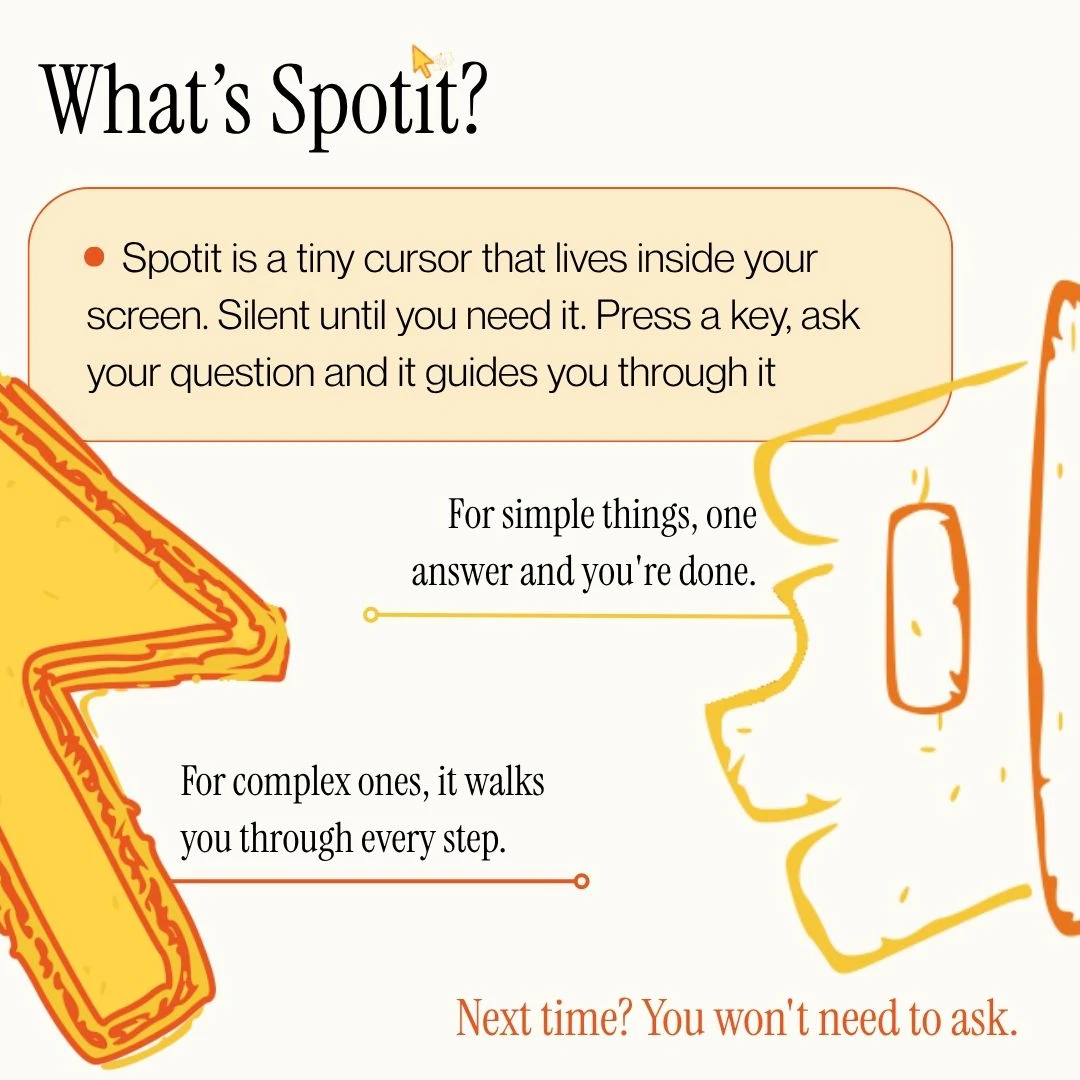
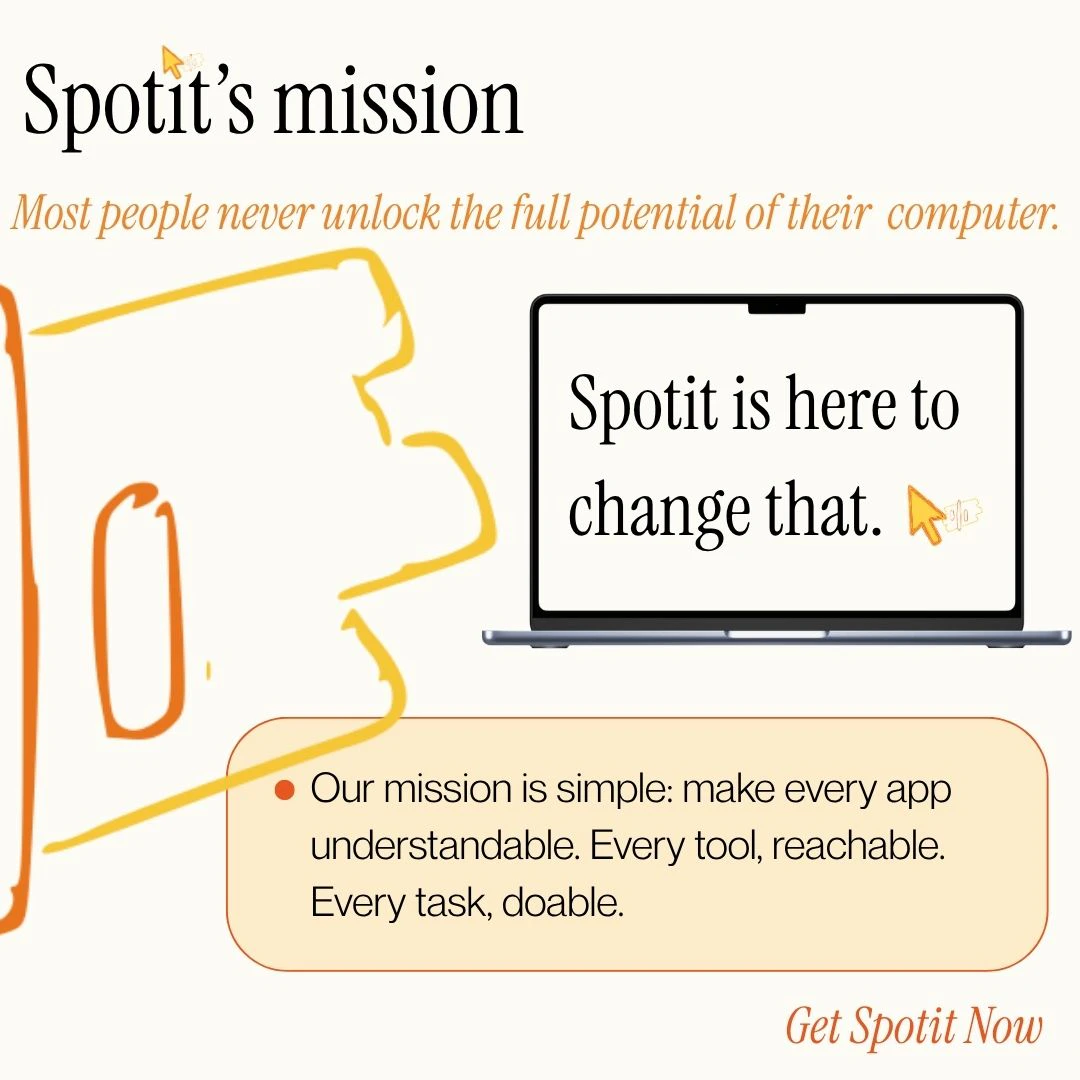
Spotit is an innovative productivity tool designed for Mac users who want to learn and master their applications more efficiently. By simply pressing a key and asking a question like 'how do I mask a layer in Photoshop?', Spotit guides users through the process by highlighting the next clickable element, effectively acting as a real-time tutorial. Users perform the clicks themselves, which helps reinforce learning and build confidence in using various Mac apps. Its interactive, step-by-step approach makes complex workflows more accessible, especially for those new to a particular software or feature. The tool’s seamless integration with Mac applications makes it a valuable companion for anyone looking to improve their user experience and streamline their workflow, whether for professional or personal use.
Screenshots



Pros
- ✓Interactive, step-by-step guidance enhances learning and retention
- ✓Supports all Mac applications, making it highly versatile
- ✓Encourages hands-on learning by prompting user clicks
- ✓Reduces time spent searching for features or tutorials
- ✓Easy to activate with simple key presses
Cons
- ✗Limited to Mac OS, not available for other platforms
- ✗May require an initial learning curve to set up effectively
- ✗Dependent on user engagement; less useful for passive users
Use Cases
Pricing
Likely operates on a freemium model with basic features available for free and premium plans offering additional customization or advanced tutorials, with paid plans probably starting around $5-$15 per month.
Quick Info
Topics
Alternatives
Similar Tools in Productivity




Embed Badge
Add this badge to your website to show that Spotit is featured on Visalytica.
<a href="https://www.visalytica.com/tool/spotit" target="_blank" rel="noopener noreferrer" style="display:inline-flex;align-items:center;gap:6px;padding:6px 14px;background:#7c3aed;color:#fff;border-radius:8px;font-family:-apple-system,system-ui,sans-serif;font-size:13px;font-weight:600;text-decoration:none;transition:background .2s" onmouseover="this.style.background='#6d28d9'" onmouseout="this.style.background='#7c3aed'"><svg width="14" height="14" viewBox="0 0 24 24" fill="none" stroke="currentColor" stroke-width="2.5" stroke-linecap="round" stroke-linejoin="round"><path d="M12 20V10"/><path d="M18 20V4"/><path d="M6 20v-4"/></svg>Featured on Visalytica</a>