
Splitceipt: Bill splitter
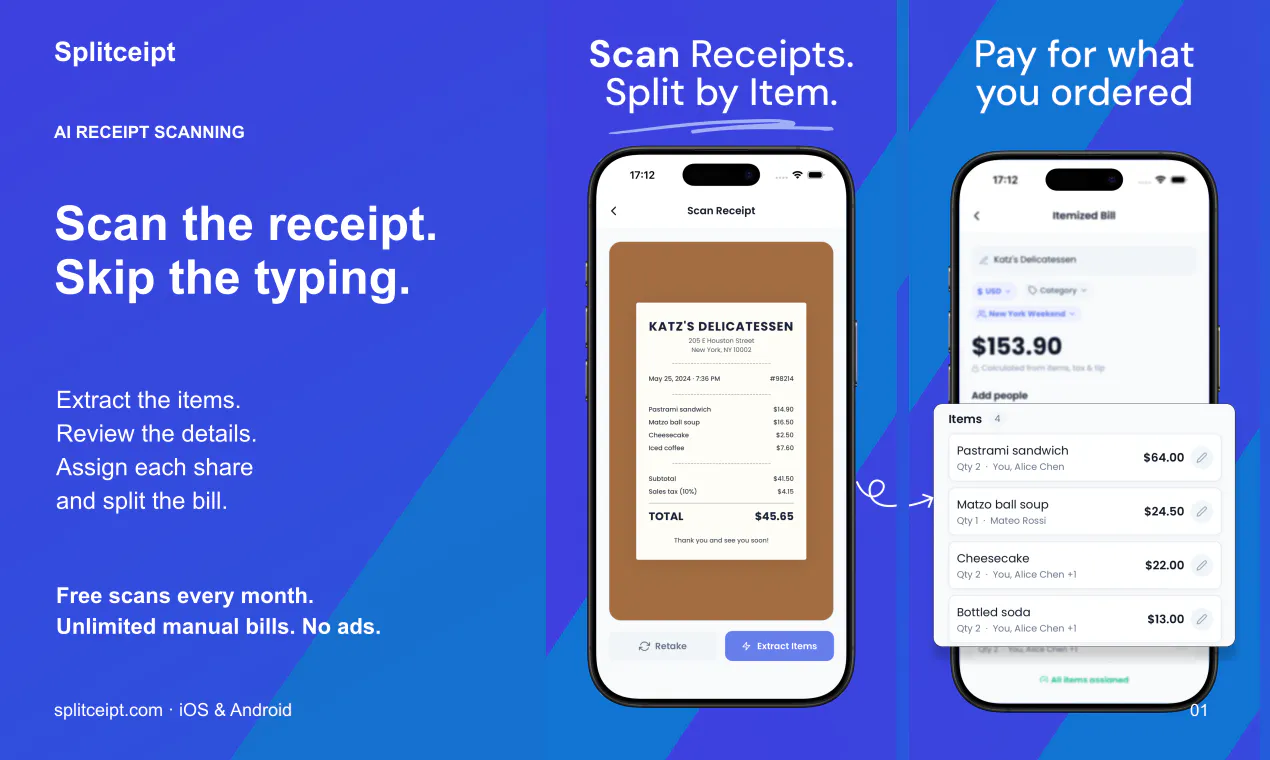
Scan receipts with AI. Split by item. Track who owes what.
About Splitceipt: Bill splitter
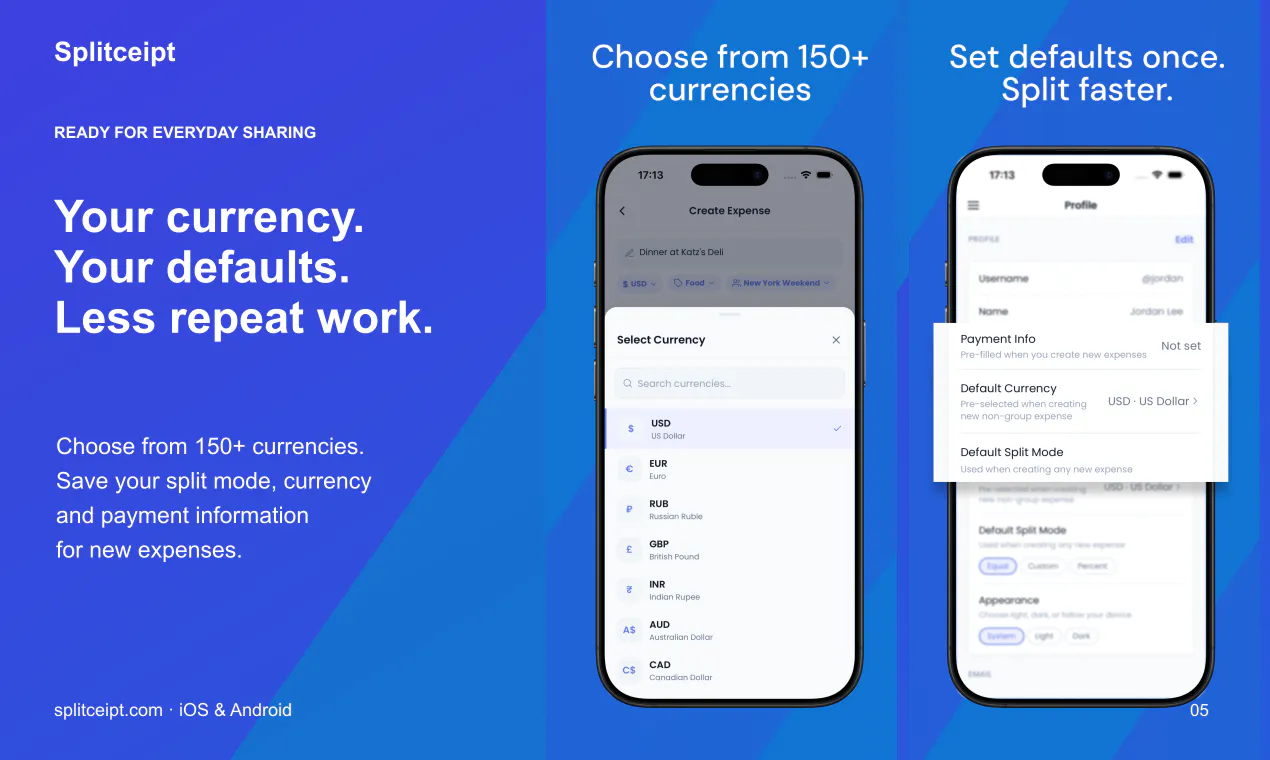
Splitceipt: Bill splitter is an innovative mobile app designed to simplify the often tedious process of splitting bills among groups. Utilizing AI technology, users can scan receipts to automatically generate itemized bills, review individual items, and assign costs to specific people. It streamlines shared expenses by allowing users to split costs for dishes, tax, and tip, making group dining or events hassle-free. The app also offers features like sharing guest links for easy viewing, multi-currency support, expense tracking, and export options in PDF or CSV formats. With free monthly scans, unlimited manual entries, and no ads, Splitceipt caters to both casual users and those who frequently manage group expenses. Available on iOS and Android, it is perfect for friends, families, or colleagues seeking an organized, efficient way to settle shared costs without the need for multiple apps or manual calculations.
Screenshots

Pros
- ✓AI-powered receipt scanning for quick itemization
- ✓Easy expense sharing via guest links without requiring an account
- ✓Supports over 150 currencies for international use
- ✓Organized tracking of group expenses and repayments
- ✓Export options in PDF and CSV for record-keeping
Cons
- ✗Limited free scans per month, which may require upgrading for higher usage
- ✗Features and accuracy depend on receipt quality and complexity
- ✗No mention of integrated payment options within the app
Use Cases
Pricing
Pricing not verified
Quick Info
Topics
Makers

Muhammad Hamza Naeem
Alternatives
Similar Tools in AI Assistants




Embed Badge
Add this badge to your website to show that Splitceipt: Bill splitter is featured on Visalytica.
<a href="https://www.visalytica.com/tool/splitceipt-bill-splitter" target="_blank" rel="noopener noreferrer" style="display:inline-flex;align-items:center;gap:6px;padding:6px 14px;background:#7c3aed;color:#fff;border-radius:8px;font-family:-apple-system,system-ui,sans-serif;font-size:13px;font-weight:600;text-decoration:none;transition:background .2s" onmouseover="this.style.background='#6d28d9'" onmouseout="this.style.background='#7c3aed'"><svg width="14" height="14" viewBox="0 0 24 24" fill="none" stroke="currentColor" stroke-width="2.5" stroke-linecap="round" stroke-linejoin="round"><path d="M12 20V10"/><path d="M18 20V4"/><path d="M6 20v-4"/></svg>Featured on Visalytica</a>