
Split Ninja
Cut, extract, mute, and split videos locally
About Split Ninja
Split Ninja is a versatile, local-first media toolkit designed for users who need quick and precise video editing capabilities directly in their browser. It allows users to cut, extract audio, mute specific clips, and split scenes without relying on cloud services, ensuring that all files remain on their device for enhanced privacy and security. Its fast export options and precise re-encode modes make it suitable for both casual creators and professional editors seeking a streamlined workflow. By focusing on local processing, Split Ninja minimizes upload times and maximizes user control over media files, making it ideal for those concerned with privacy or working with sensitive content. Its user-friendly interface combined with powerful editing features makes it accessible to beginners while still offering enough control for more experienced editors.
Screenshots
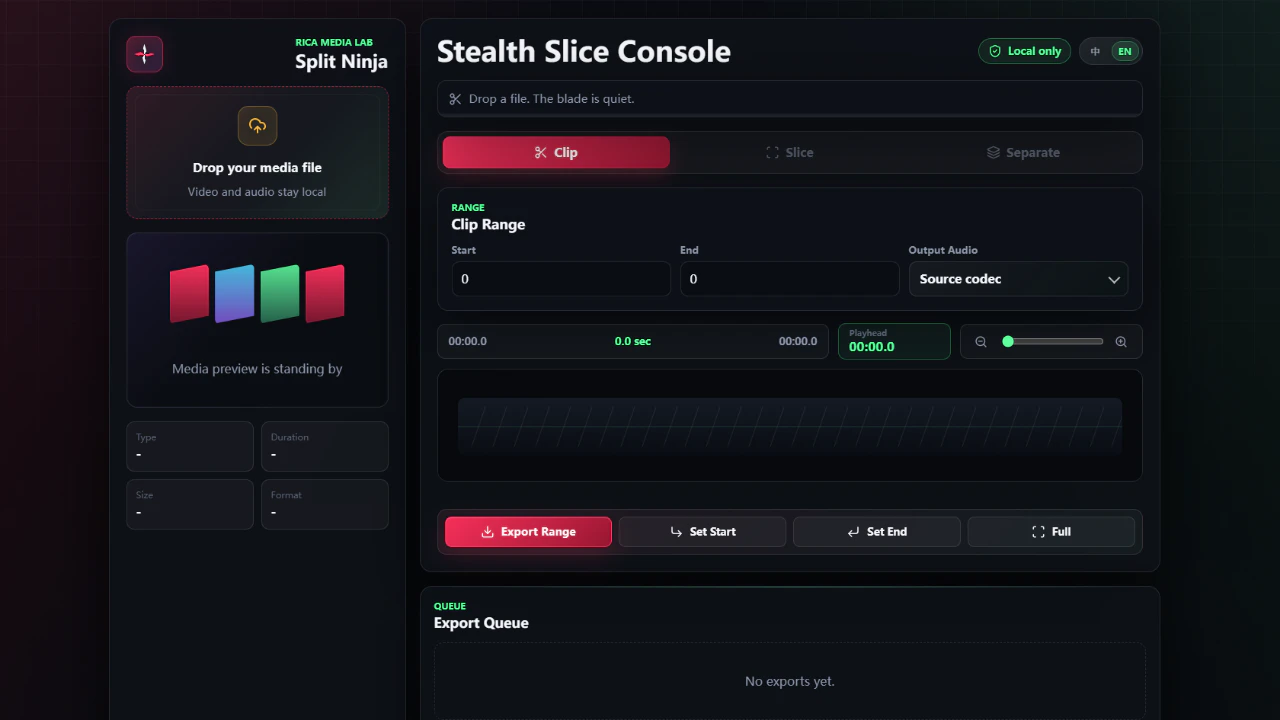
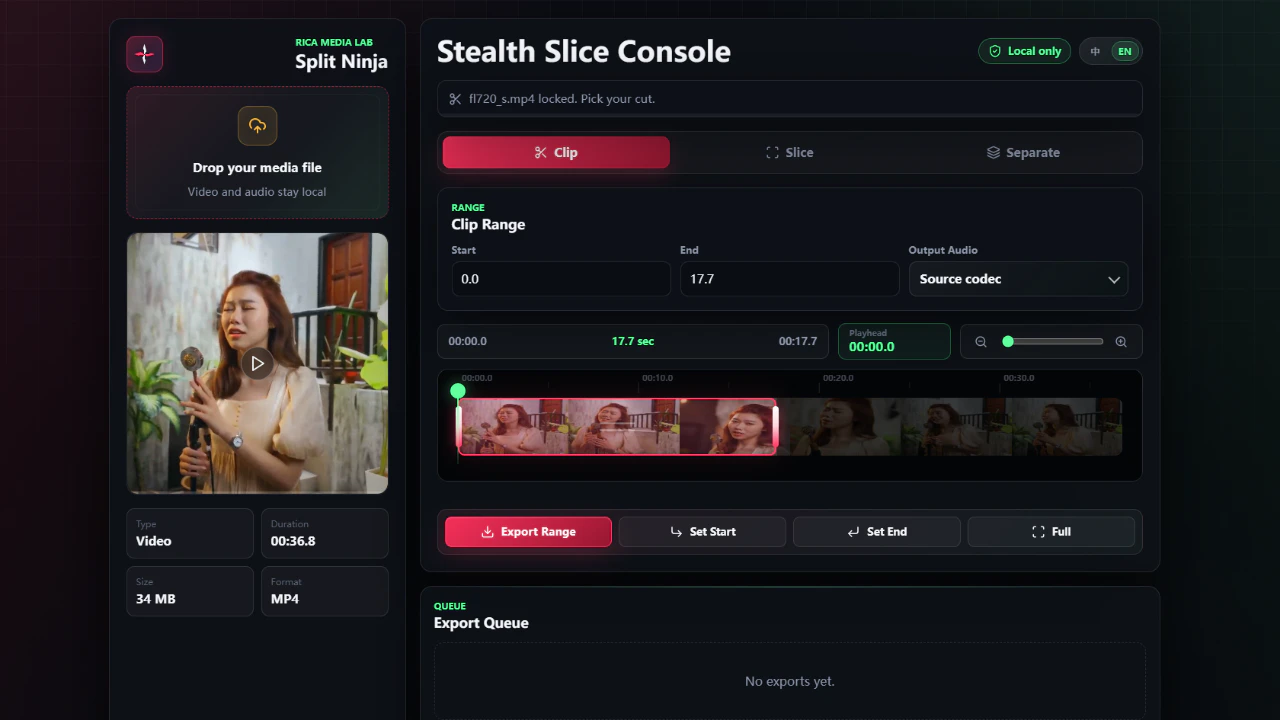
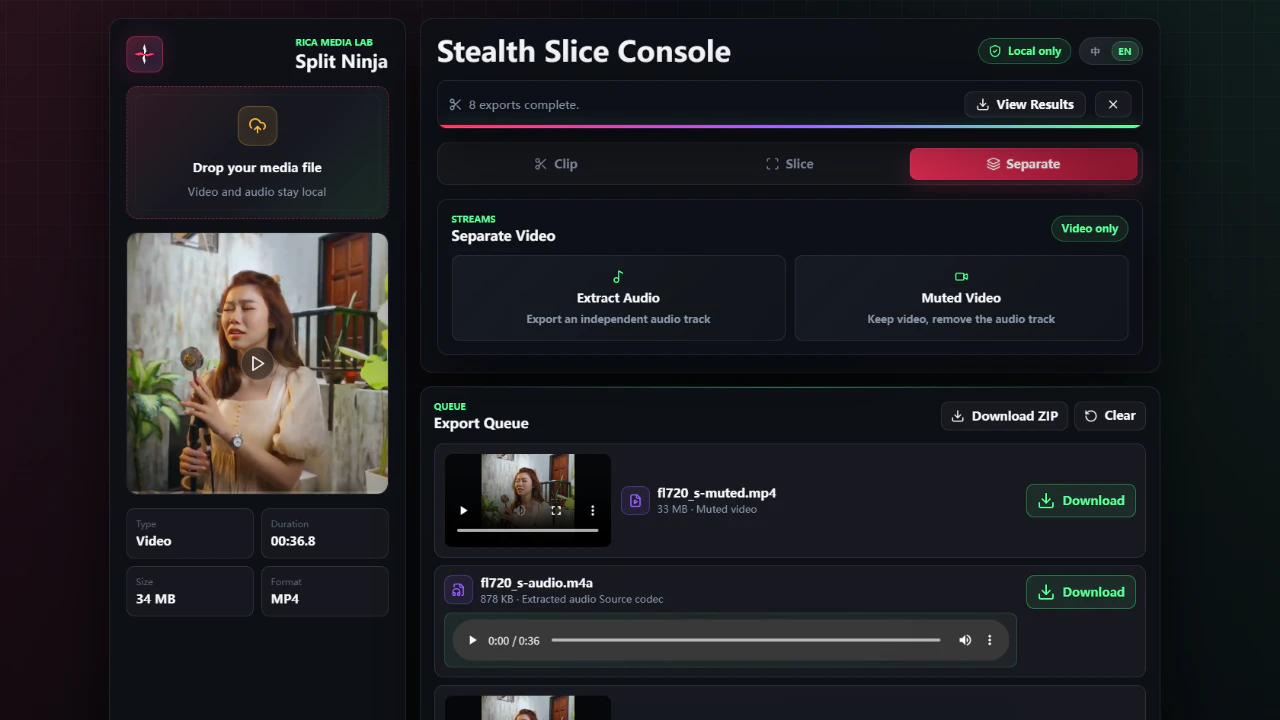
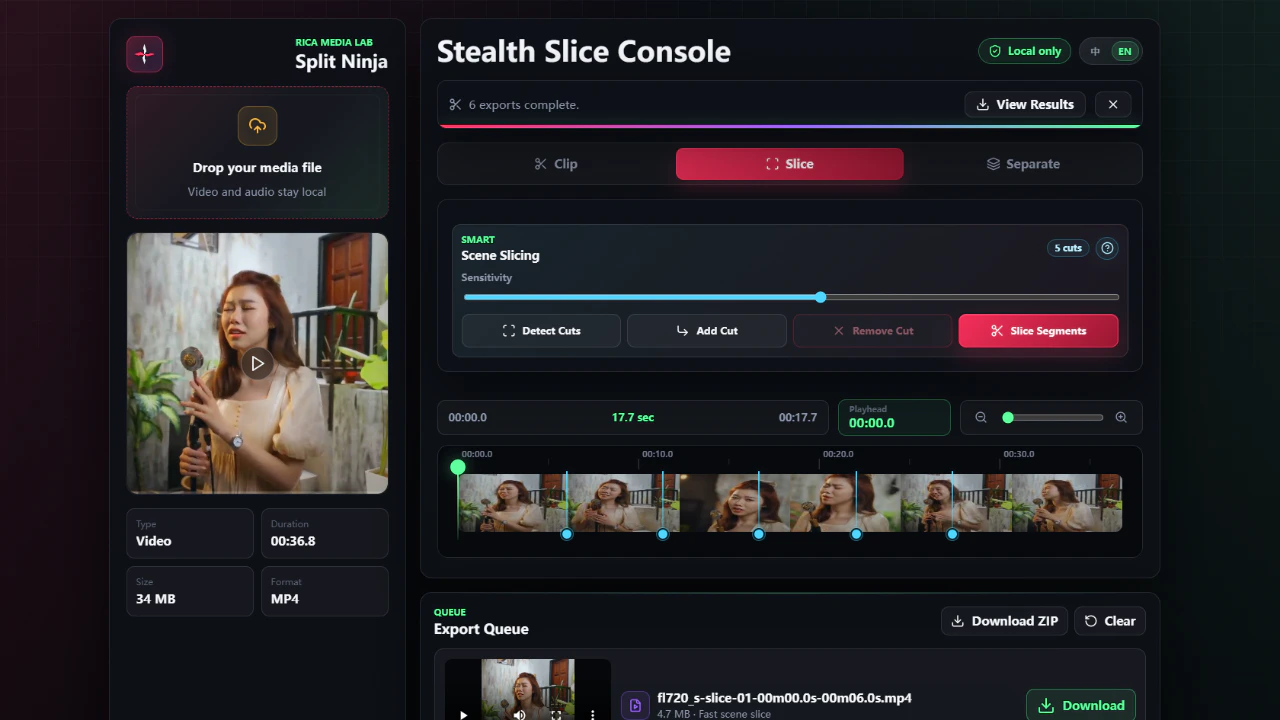
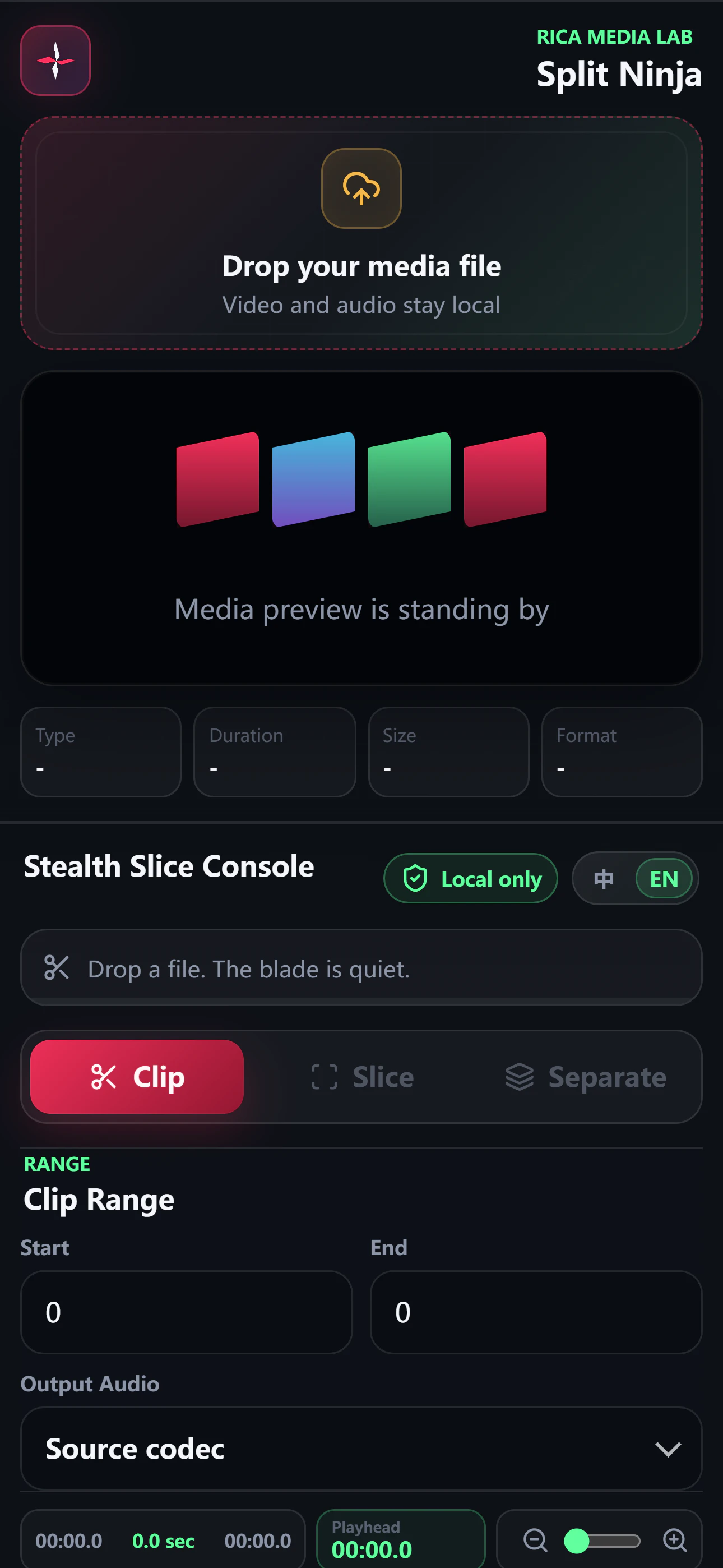
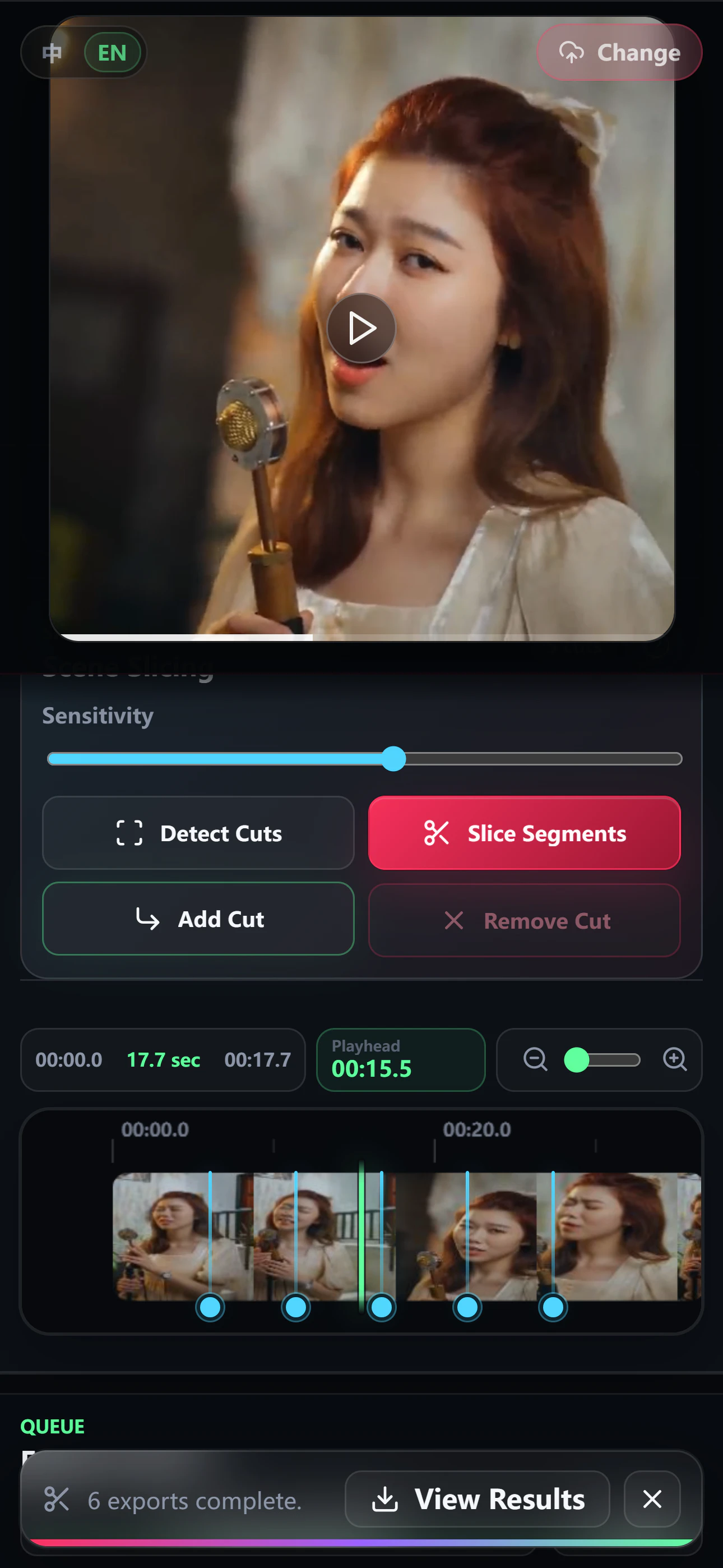
+1 more screenshots
Pros
- ✓Local-first processing ensures privacy and security
- ✓Fast export and precise re-encode modes
- ✓No need for internet connection during editing
- ✓Intuitive and user-friendly interface
- ✓Supports multiple media editing functions in one tool
Cons
- ✗Limited advanced editing features compared to professional software
- ✗May have performance constraints on lower-spec devices
- ✗Lacks cloud-based collaboration features
Use Cases
Pricing
Likely free to use as an open-source or freemium tool, with core features available without charge. Premium features, if any, may involve one-time payments or subscription plans, though details are not explicitly specified.
Quick Info
Topics
Makers

Rino Wu
Alternatives
Similar Tools in Developer Tools




Embed Badge
Add this badge to your website to show that Split Ninja is featured on Visalytica.
<a href="https://www.visalytica.com/tool/split-ninja" target="_blank" rel="noopener noreferrer" style="display:inline-flex;align-items:center;gap:6px;padding:6px 14px;background:#7c3aed;color:#fff;border-radius:8px;font-family:-apple-system,system-ui,sans-serif;font-size:13px;font-weight:600;text-decoration:none;transition:background .2s" onmouseover="this.style.background='#6d28d9'" onmouseout="this.style.background='#7c3aed'"><svg width="14" height="14" viewBox="0 0 24 24" fill="none" stroke="currentColor" stroke-width="2.5" stroke-linecap="round" stroke-linejoin="round"><path d="M12 20V10"/><path d="M18 20V4"/><path d="M6 20v-4"/></svg>Featured on Visalytica</a>