
Split
Resize connected Mac windows together, with live content
About Split
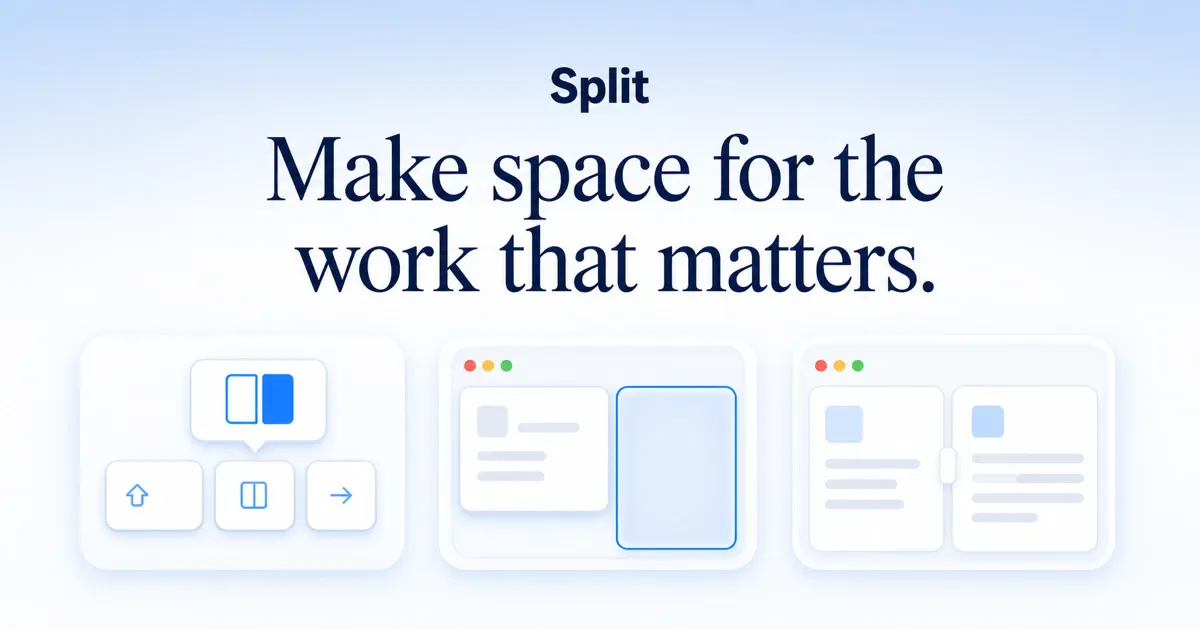
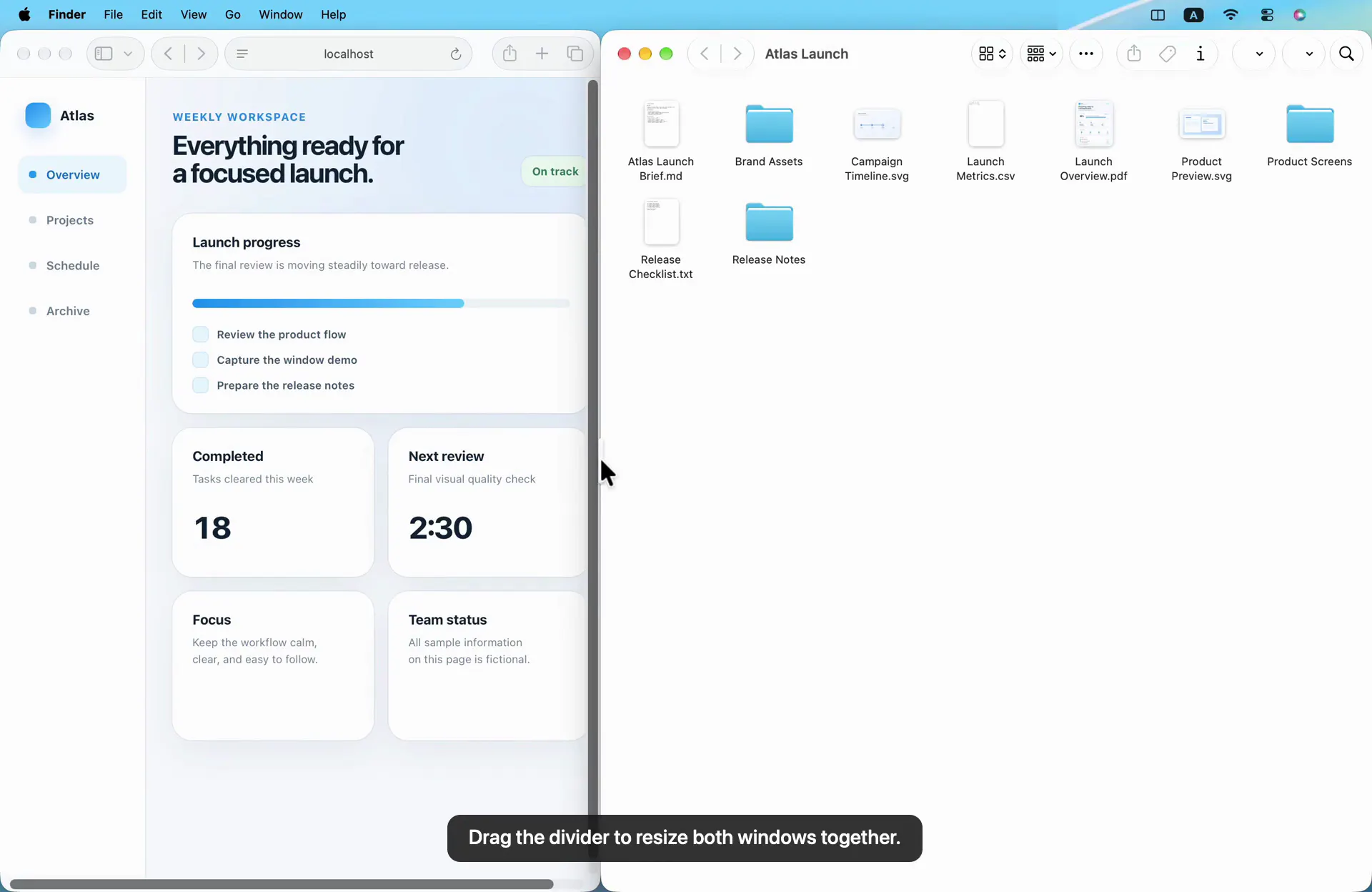
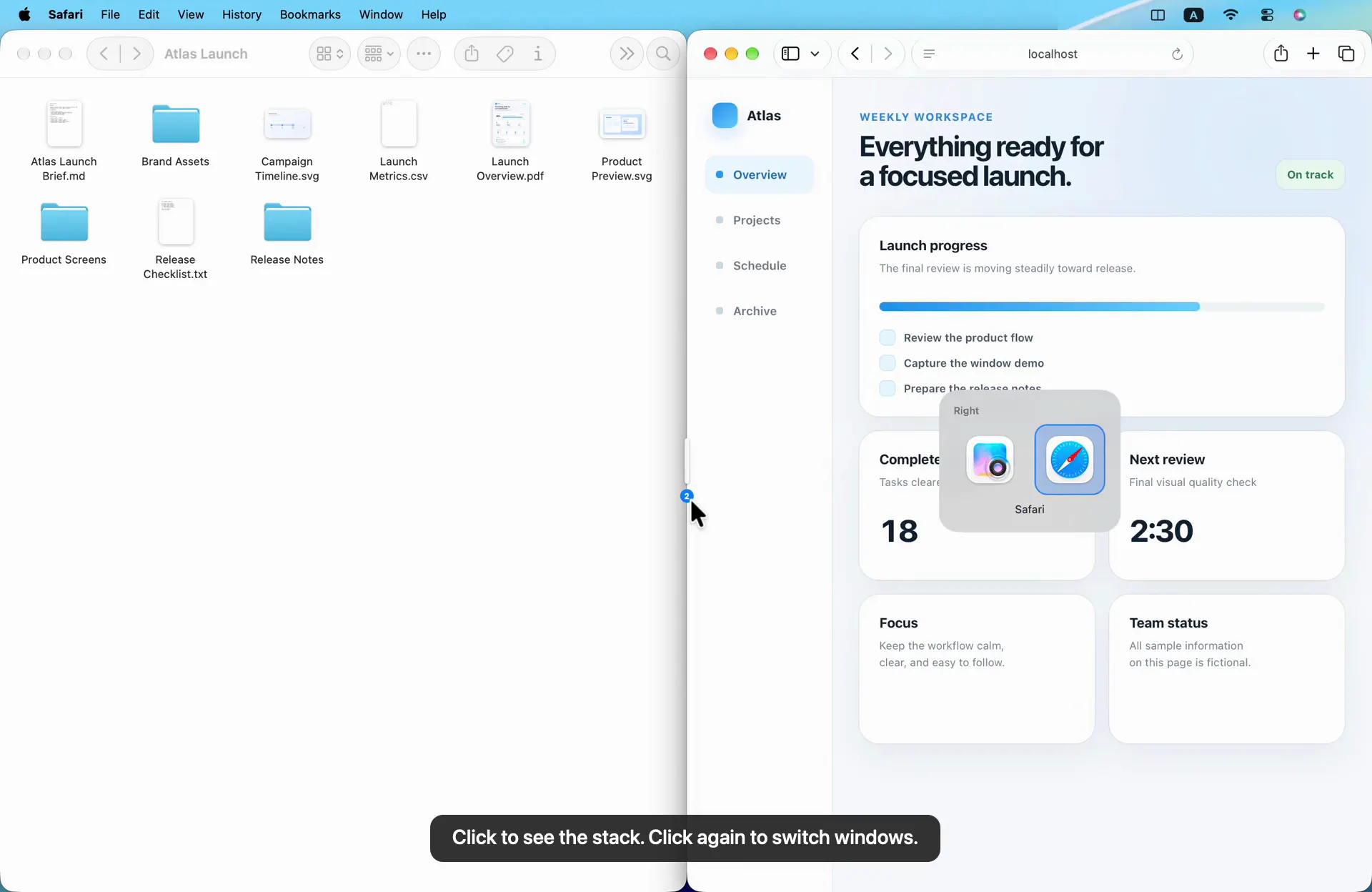
Split is a streamlined macOS menu-bar utility designed to enhance window management and multitasking. It allows users to easily arrange and resize connected windows side-by-side or top-bottom, providing a more organized workspace on Mac devices. The unique feature of Split is its live content resizing, which ensures that window contents update dynamically as you adjust the shared divider, offering a seamless and intuitive user experience. With simple controls—clicking the divider to swap sides or cycling through stacked windows—users can quickly switch contexts without disrupting their workflow. Compatible with macOS 13+ on both Apple Silicon and Intel Macs, Split is ideal for professionals, developers, and power users seeking a lightweight yet powerful window management enhancement that integrates smoothly into their daily routine.
Screenshots
Pros
- ✓Easy to use with simple drag-and-drop resizing
- ✓Live content updates during window resizing for clarity
- ✓Supports both left-right and top-bottom layouts
- ✓One-time purchase for a straightforward pricing model
- ✓Compatible with the latest macOS versions and hardware
Cons
- ✗Limited to a single active Mac device per purchase
- ✗No free tier or trial available for testing
- ✗Basic feature set may not satisfy advanced window management needs
Use Cases
Pricing
Pricing not verified
Quick Info
Topics
Makers

Luke Parker
Alternatives
Similar Tools in AI Writing




Embed Badge
Add this badge to your website to show that Split is featured on Visalytica.
<a href="https://www.visalytica.com/tool/split" target="_blank" rel="noopener noreferrer" style="display:inline-flex;align-items:center;gap:6px;padding:6px 14px;background:#7c3aed;color:#fff;border-radius:8px;font-family:-apple-system,system-ui,sans-serif;font-size:13px;font-weight:600;text-decoration:none;transition:background .2s" onmouseover="this.style.background='#6d28d9'" onmouseout="this.style.background='#7c3aed'"><svg width="14" height="14" viewBox="0 0 24 24" fill="none" stroke="currentColor" stroke-width="2.5" stroke-linecap="round" stroke-linejoin="round"><path d="M12 20V10"/><path d="M18 20V4"/><path d="M6 20v-4"/></svg>Featured on Visalytica</a>