
Spellar 3.0
AI Meeting companion with cross-meeting memory
About Spellar 3.0
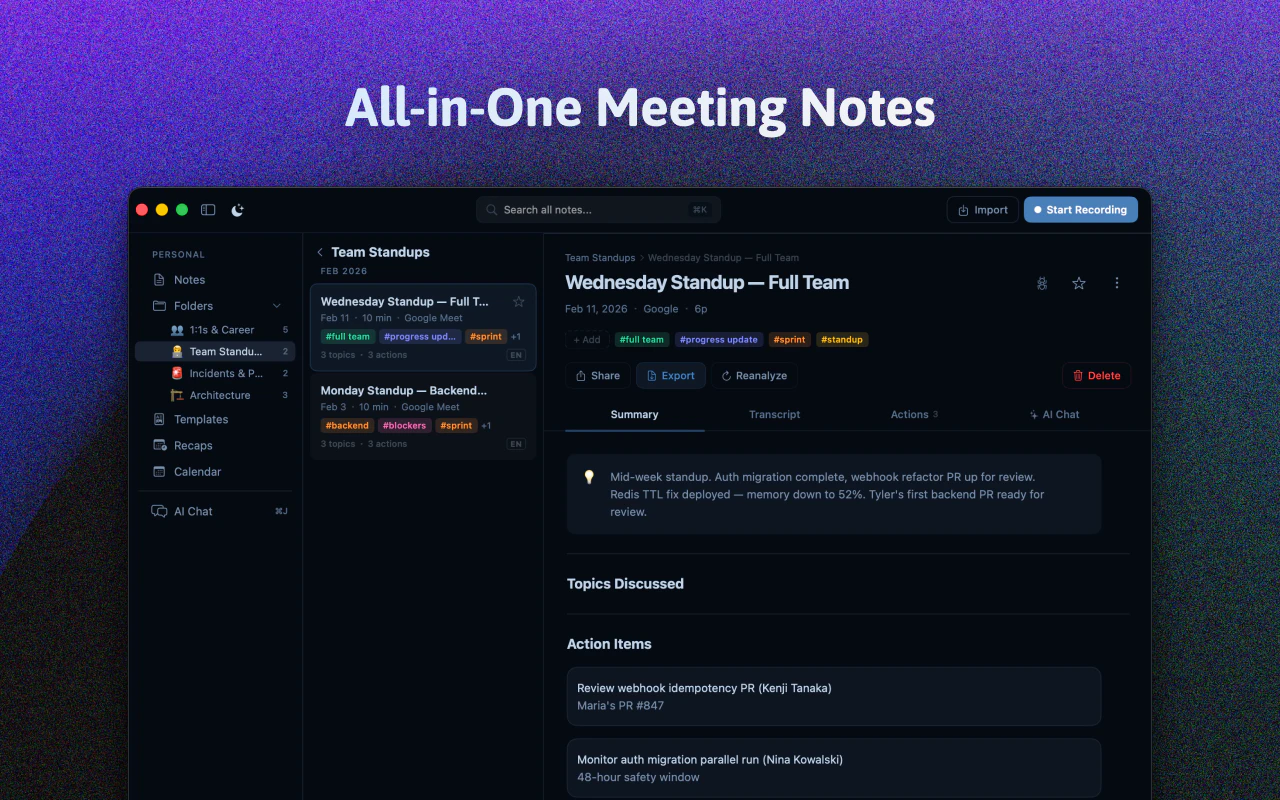
Spellar 3.0 is an innovative AI-powered meeting companion designed to transform how teams handle meeting notes and memory. Unlike traditional tools that merely record and transcribe meetings, Spellar 3.0 builds a comprehensive, cross-meeting memory that allows users to retrieve contextual information from previous calls effortlessly. It automatically joins your meetings, captures every detail, and organizes insights by client or project. With support for multiple AI engines like OpenAI, Anthropic, Perplexity, and Gemini, users can choose the AI that best fits their needs. This tool is ideal for professionals who need to track decisions, follow up on action items, and maintain a continuous understanding across multiple meetings, making workflows more efficient and informed.
Screenshots
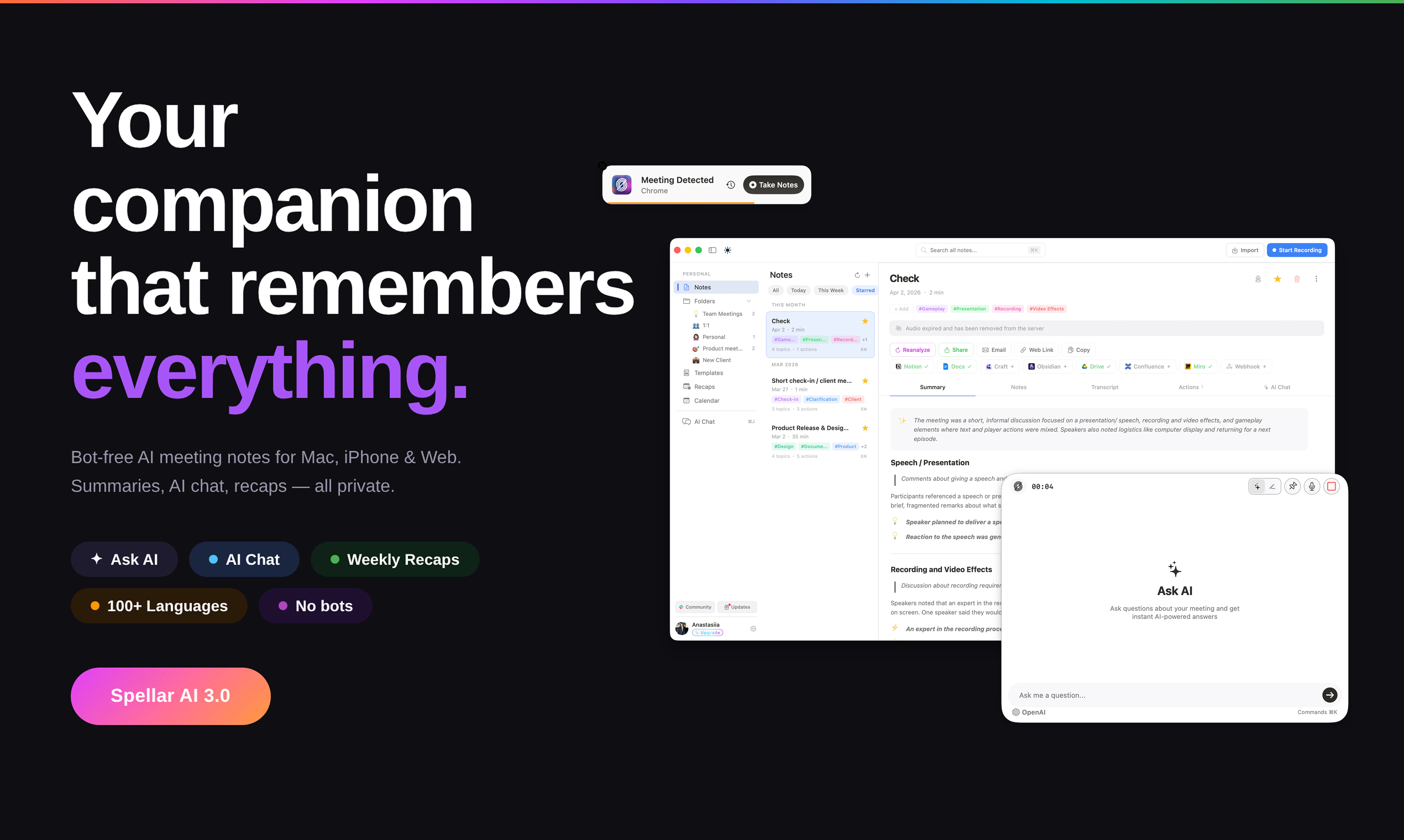
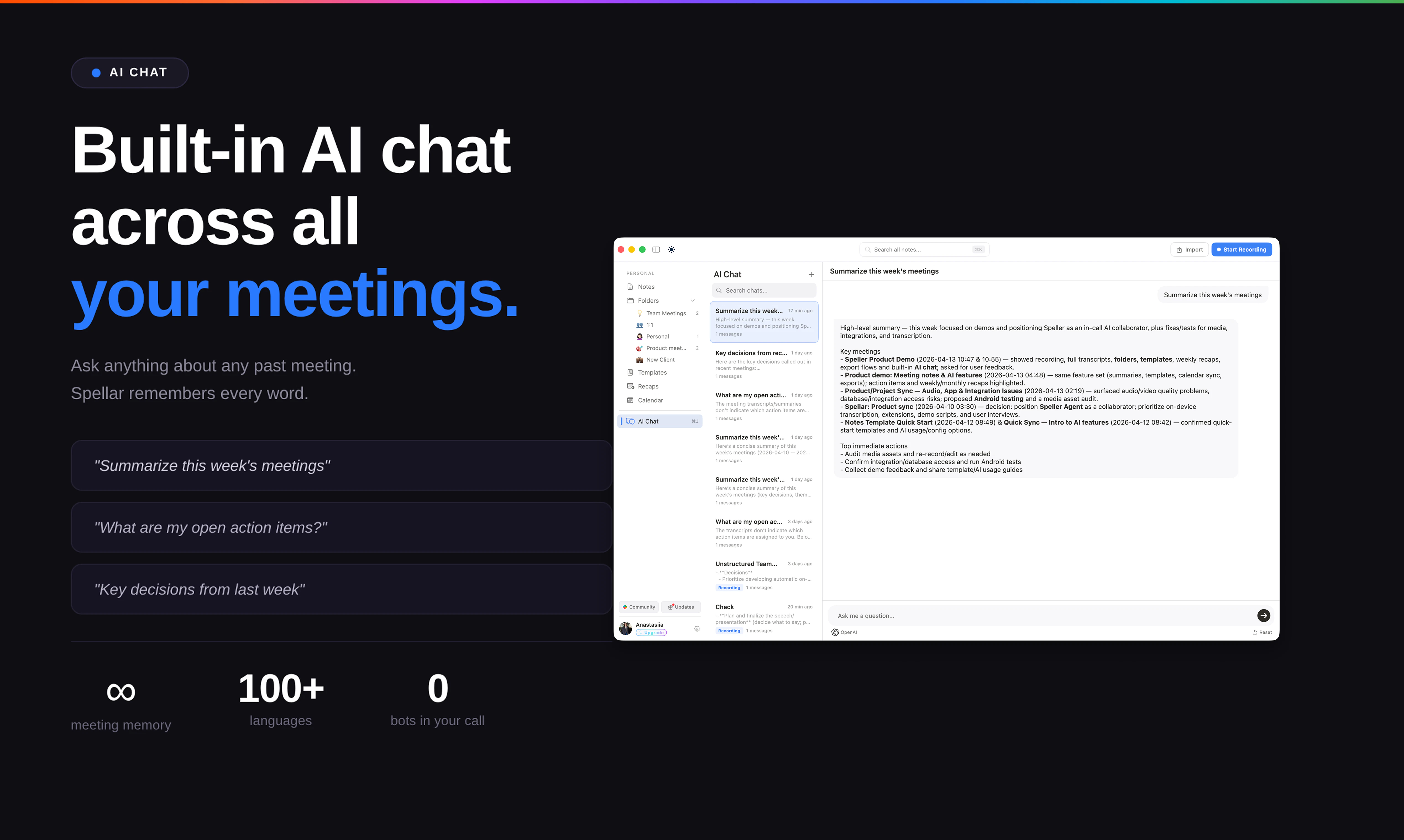
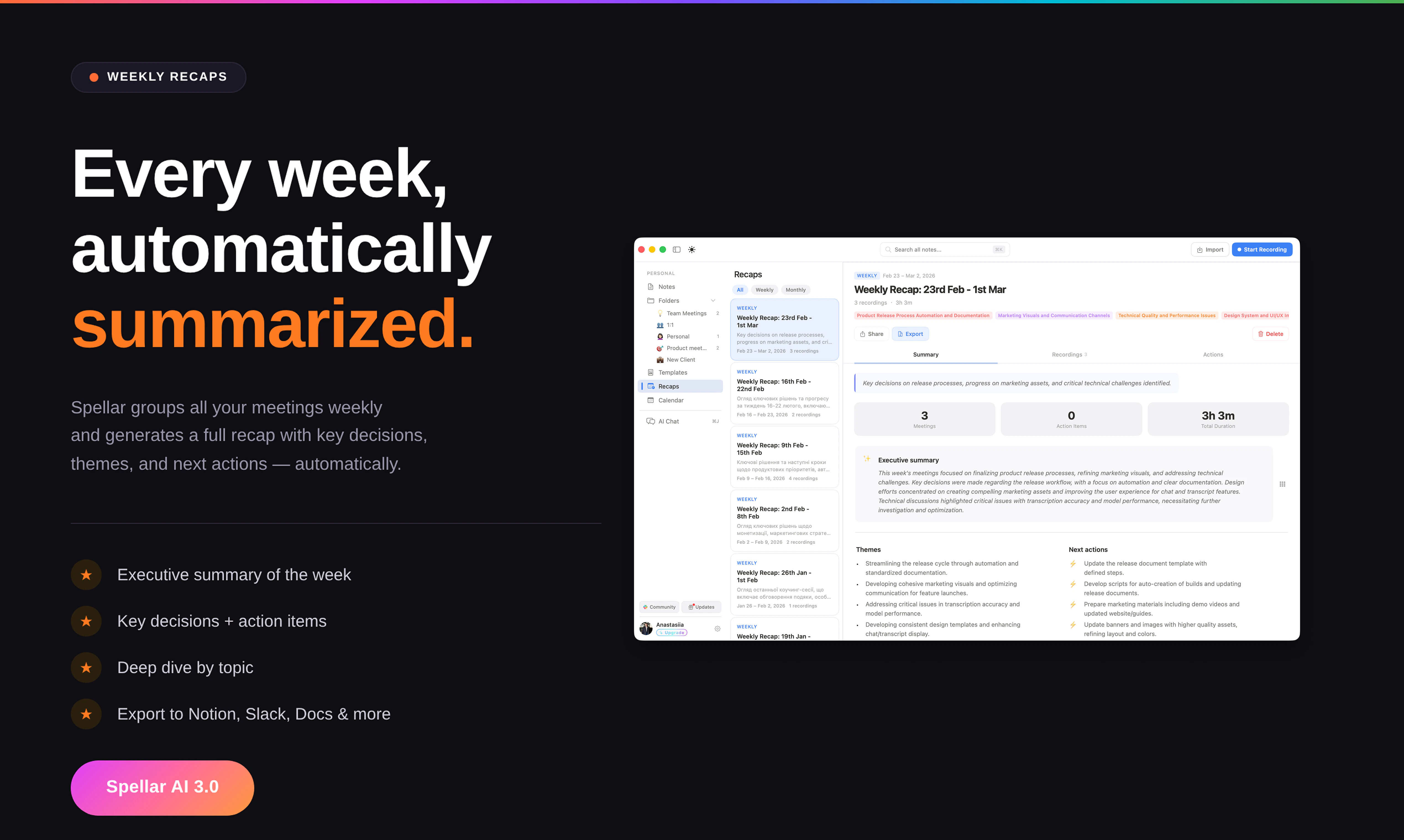
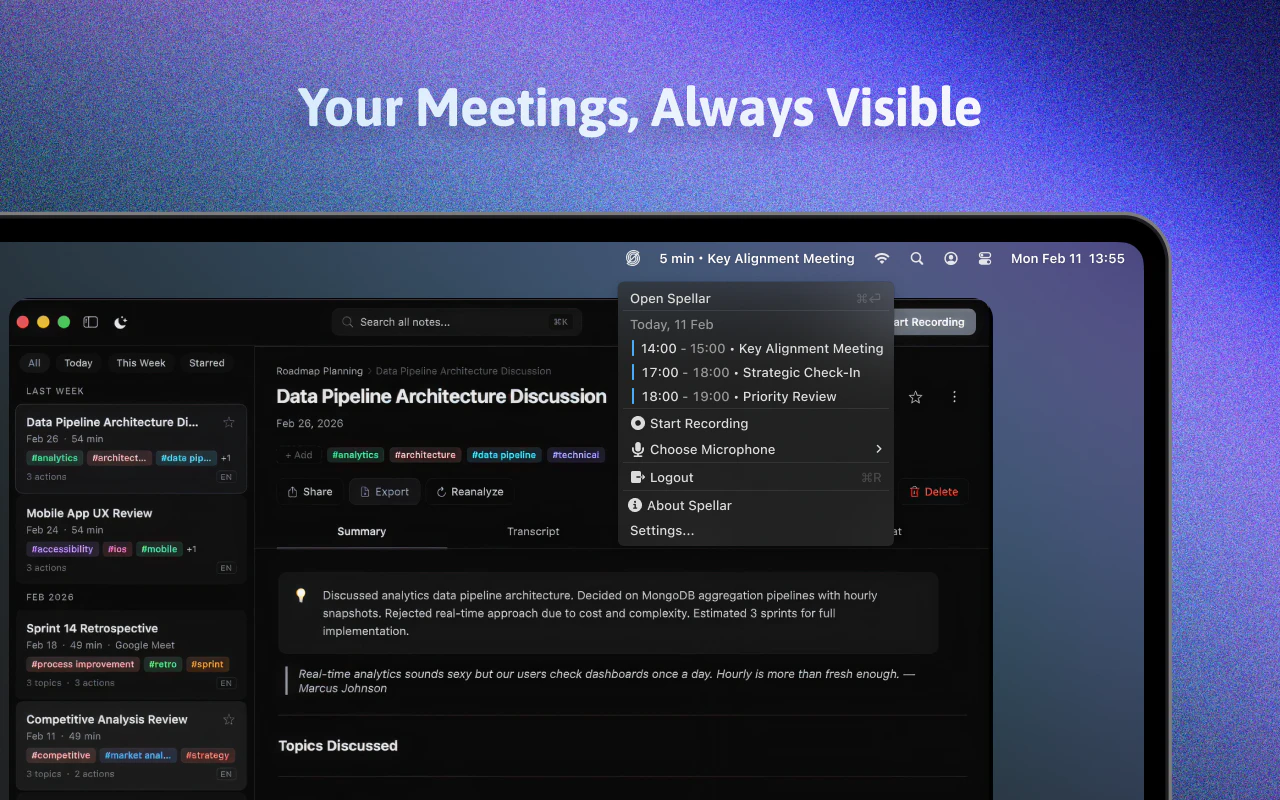
Pros
- ✓Builds a persistent, cross-meeting memory for easy information retrieval
- ✓Supports multiple leading AI models for customizable performance
- ✓Automates note-taking and context-building during meetings
- ✓Organizes data by client or project for quick access
- ✓Enhances productivity by reducing manual note-taking and follow-up
Cons
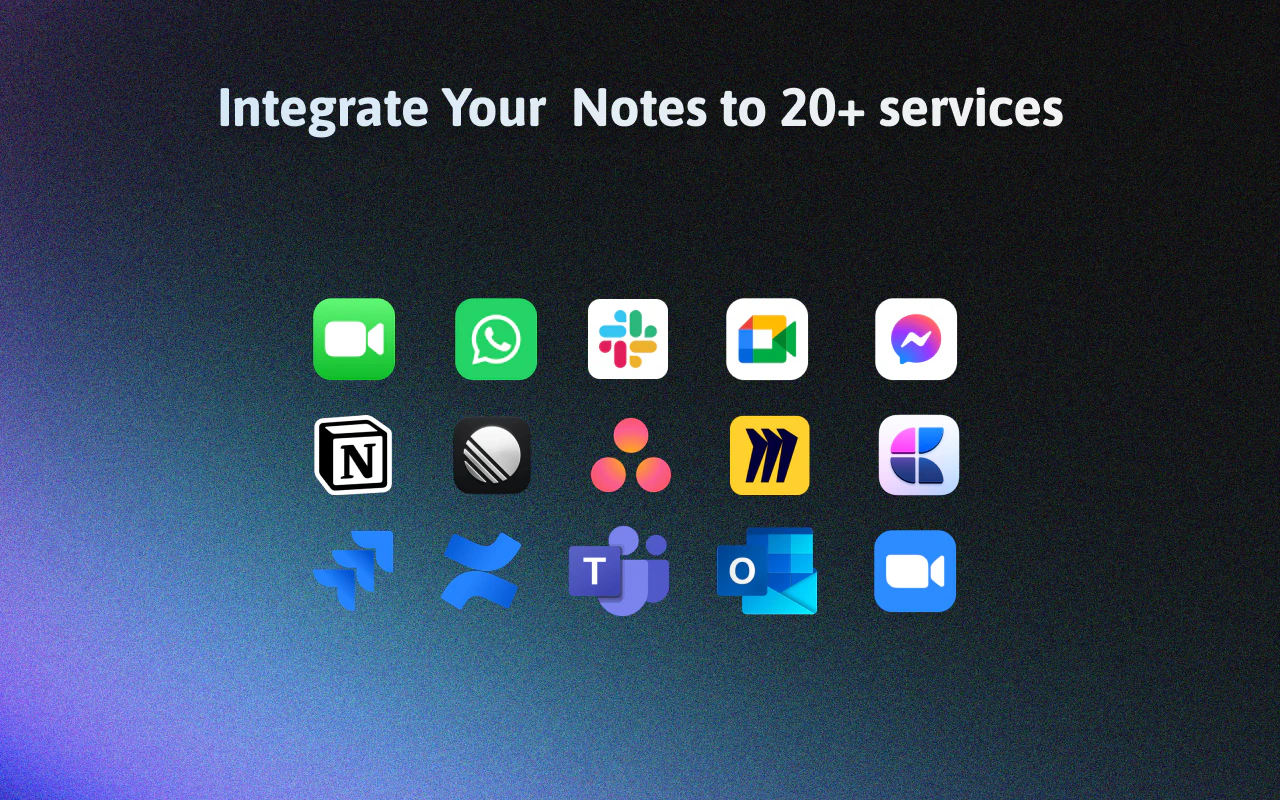
- ✗Requires integration with existing meeting platforms, which may involve setup complexity
- ✗Potential privacy considerations when recording and storing meeting data
- ✗Pricing details are not explicitly stated, which could impact budget planning
Use Cases
Pricing
Likely offers a freemium model with basic features available for free and advanced options or AI model integrations available through paid plans, starting around a moderate monthly fee.
Quick Info
Topics
Similar Tools in AI Assistants




Embed Badge
Add this badge to your website to show that Spellar 3.0 is featured on Visalytica.
<a href="https://www.visalytica.com/tool/spellar-3-0" target="_blank" rel="noopener noreferrer" style="display:inline-flex;align-items:center;gap:6px;padding:6px 14px;background:#7c3aed;color:#fff;border-radius:8px;font-family:-apple-system,system-ui,sans-serif;font-size:13px;font-weight:600;text-decoration:none;transition:background .2s" onmouseover="this.style.background='#6d28d9'" onmouseout="this.style.background='#7c3aed'"><svg width="14" height="14" viewBox="0 0 24 24" fill="none" stroke="currentColor" stroke-width="2.5" stroke-linecap="round" stroke-linejoin="round"><path d="M12 20V10"/><path d="M18 20V4"/><path d="M6 20v-4"/></svg>Featured on Visalytica</a>