
Speech To Markdown
Harness local AI for notes
About Speech To Markdown
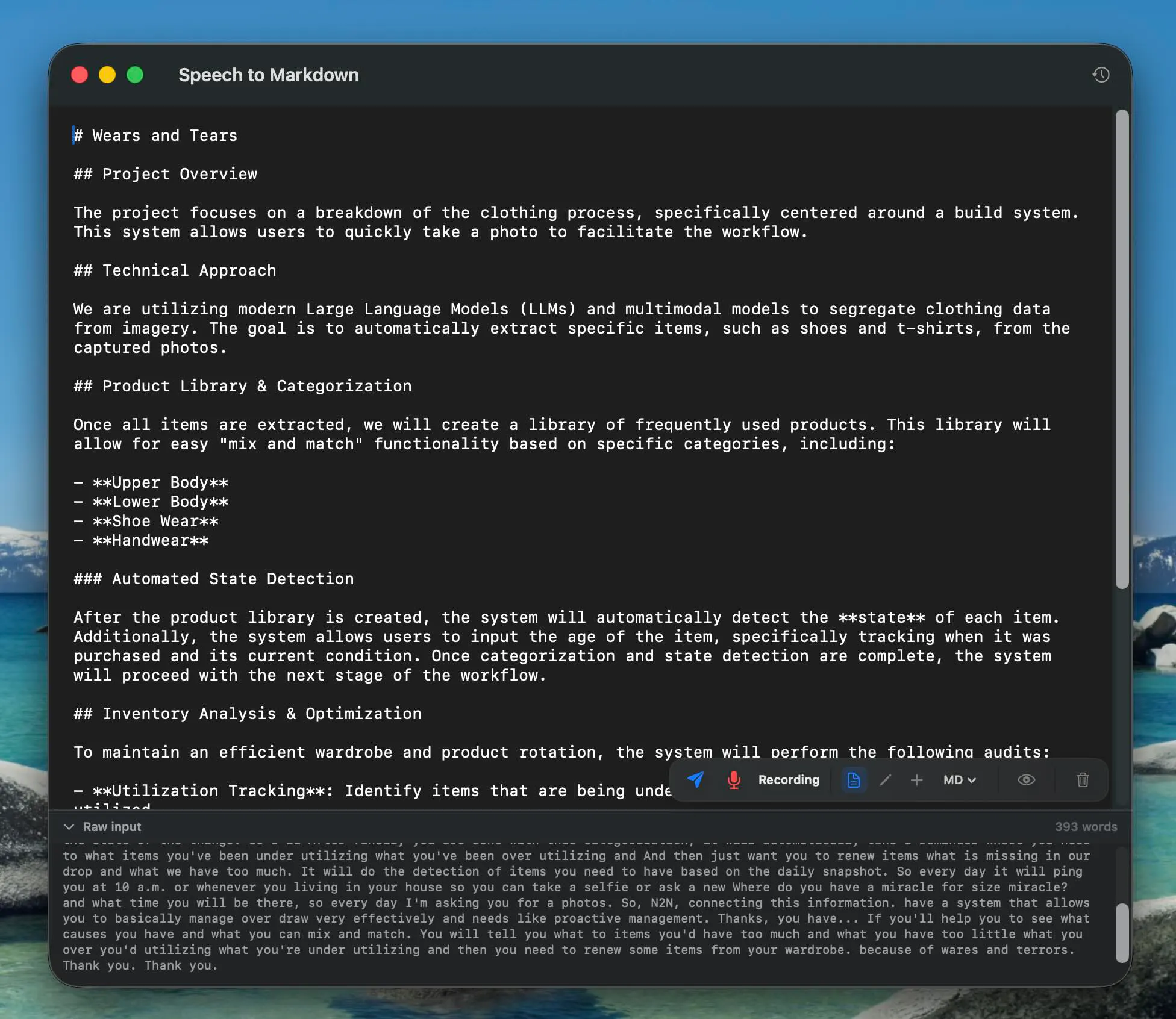
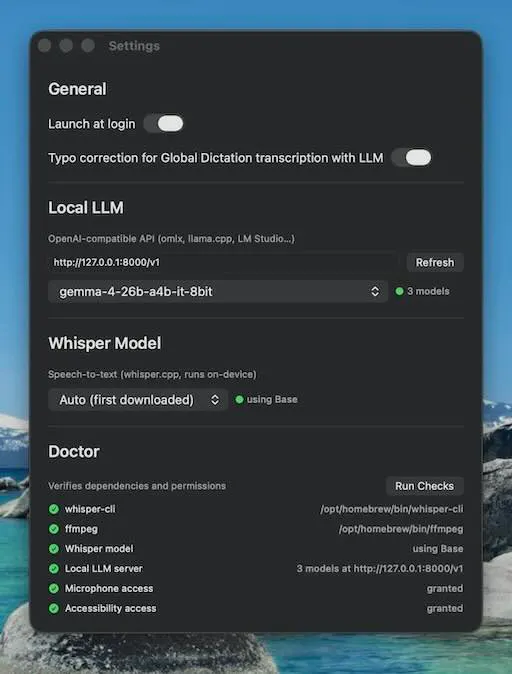
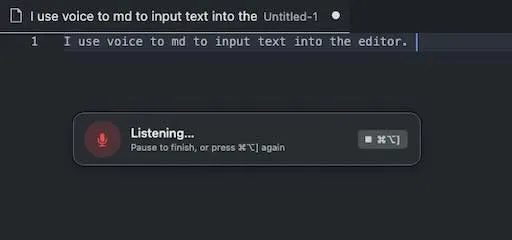
Speech To Markdown is a privacy-focused, local AI-powered application available on macOS and iOS that transforms spoken words into well-structured markdown notes. Designed for writers, professionals, and productivity enthusiasts, it leverages local large language models (LLMs) to provide real-time transcription and formatting without sending data to the cloud. Its standout feature is the ability to dictate anywhere using a global hotkey (⌘⌥]), making note-taking seamless and unobtrusive. The app also offers a live markdown editor with on-the-fly corrections powered by local AI, ensuring accuracy and efficiency while maintaining user privacy. Unlike many cloud-based dictation tools, Speech To Markdown processes everything locally, appealing to users concerned about data security and privacy. Its intuitive interface and robust AI integration make it a compelling choice for anyone seeking a secure, fast, and smart note-taking experience.
Screenshots
Pros
- ✓Local processing ensures privacy and data security
- ✓Real-time transcription with on-the-fly editing capabilities
- ✓Supports global hotkeys for quick dictation access
- ✓Structured markdown output suitable for documentation and writing
- ✓No need for internet connection or API keys
Cons
- ✗Limited to macOS and iOS platforms, reducing cross-platform availability
- ✗Dependent on local hardware performance for optimal AI processing
- ✗Potential learning curve for new users unfamiliar with markdown or AI editing
Use Cases
Pricing
Likely free or offer a freemium model, given its emphasis on privacy and local AI processing; detailed pricing information is not specified but it possibly includes free features with optional paid upgrades for advanced functionalities.
Quick Info
Topics
Makers

Igor Steblii
Alternatives
Similar Tools in AI Assistants




Embed Badge
Add this badge to your website to show that Speech To Markdown is featured on Visalytica.
<a href="https://www.visalytica.com/tool/speech-to-markdown" target="_blank" rel="noopener noreferrer" style="display:inline-flex;align-items:center;gap:6px;padding:6px 14px;background:#7c3aed;color:#fff;border-radius:8px;font-family:-apple-system,system-ui,sans-serif;font-size:13px;font-weight:600;text-decoration:none;transition:background .2s" onmouseover="this.style.background='#6d28d9'" onmouseout="this.style.background='#7c3aed'"><svg width="14" height="14" viewBox="0 0 24 24" fill="none" stroke="currentColor" stroke-width="2.5" stroke-linecap="round" stroke-linejoin="round"><path d="M12 20V10"/><path d="M18 20V4"/><path d="M6 20v-4"/></svg>Featured on Visalytica</a>