
SOUND
Give every Mac app its own EQ, volume, and speaker.
About SOUND
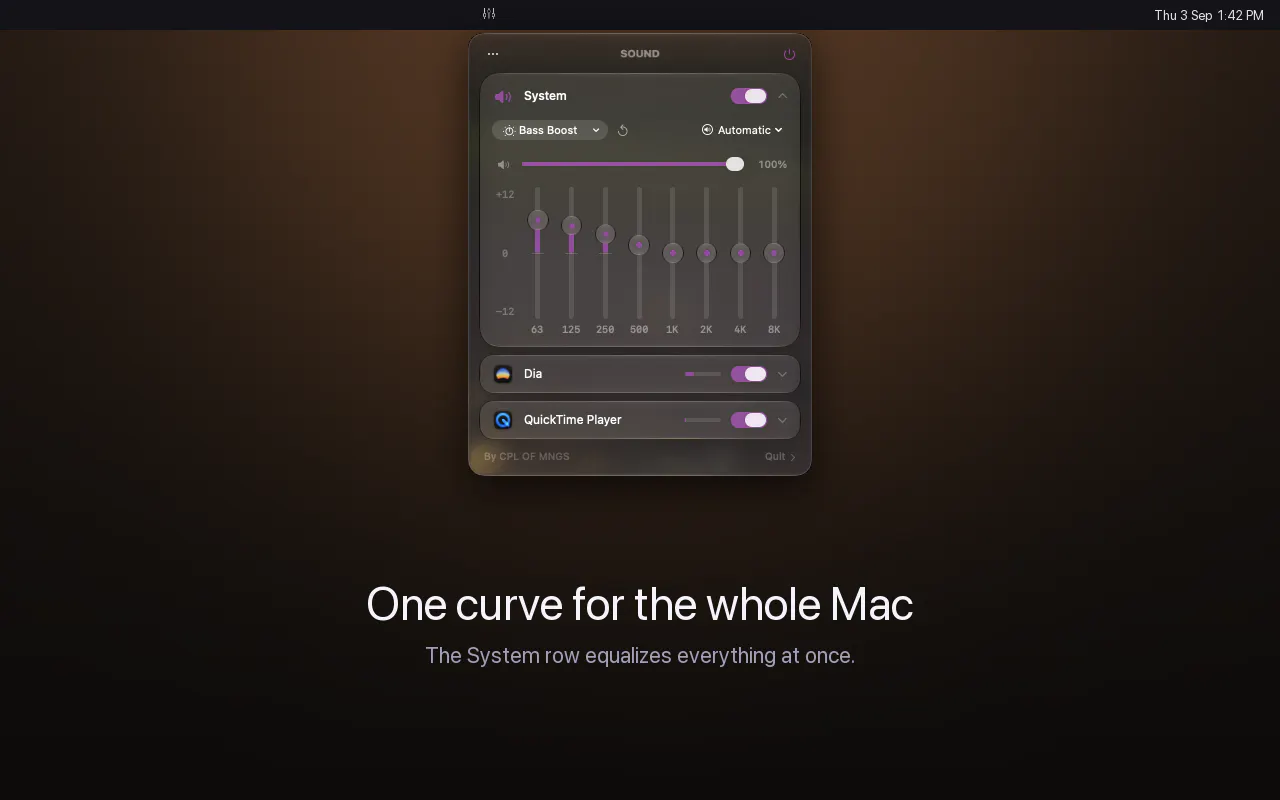
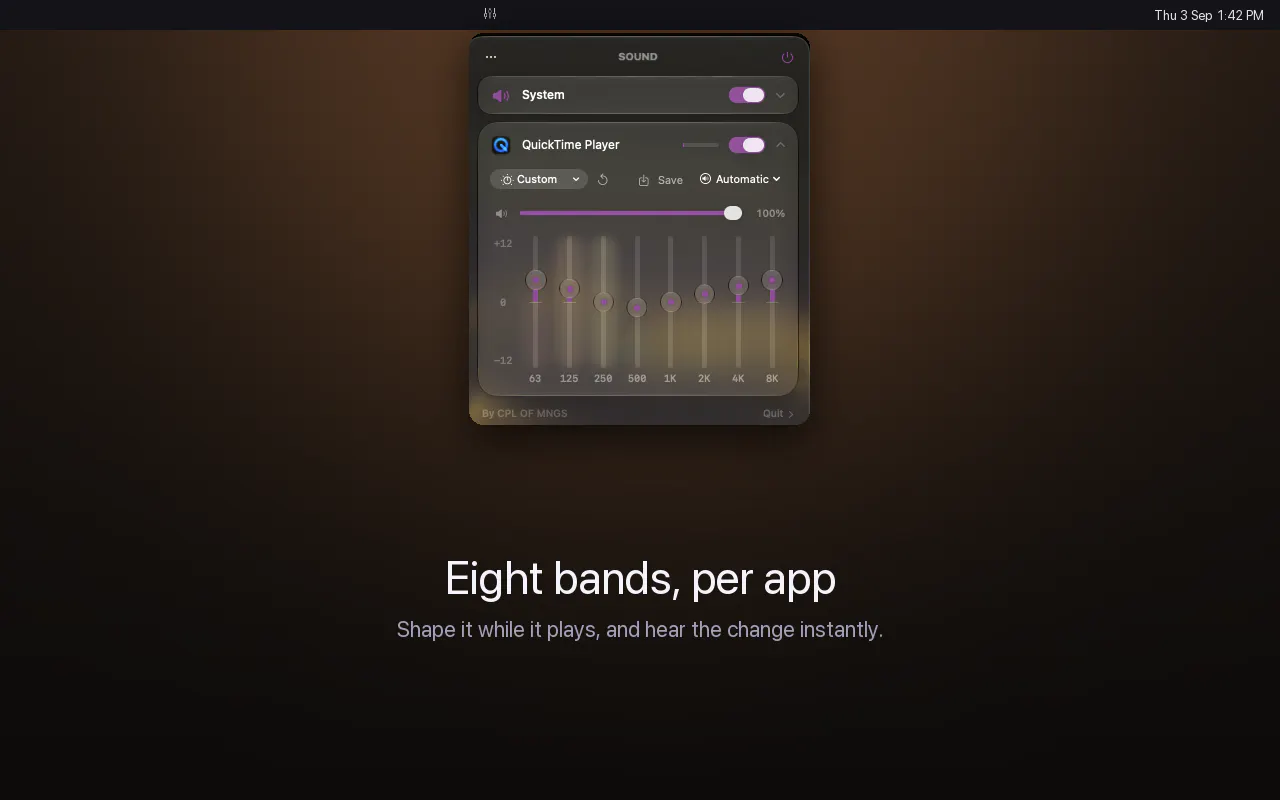
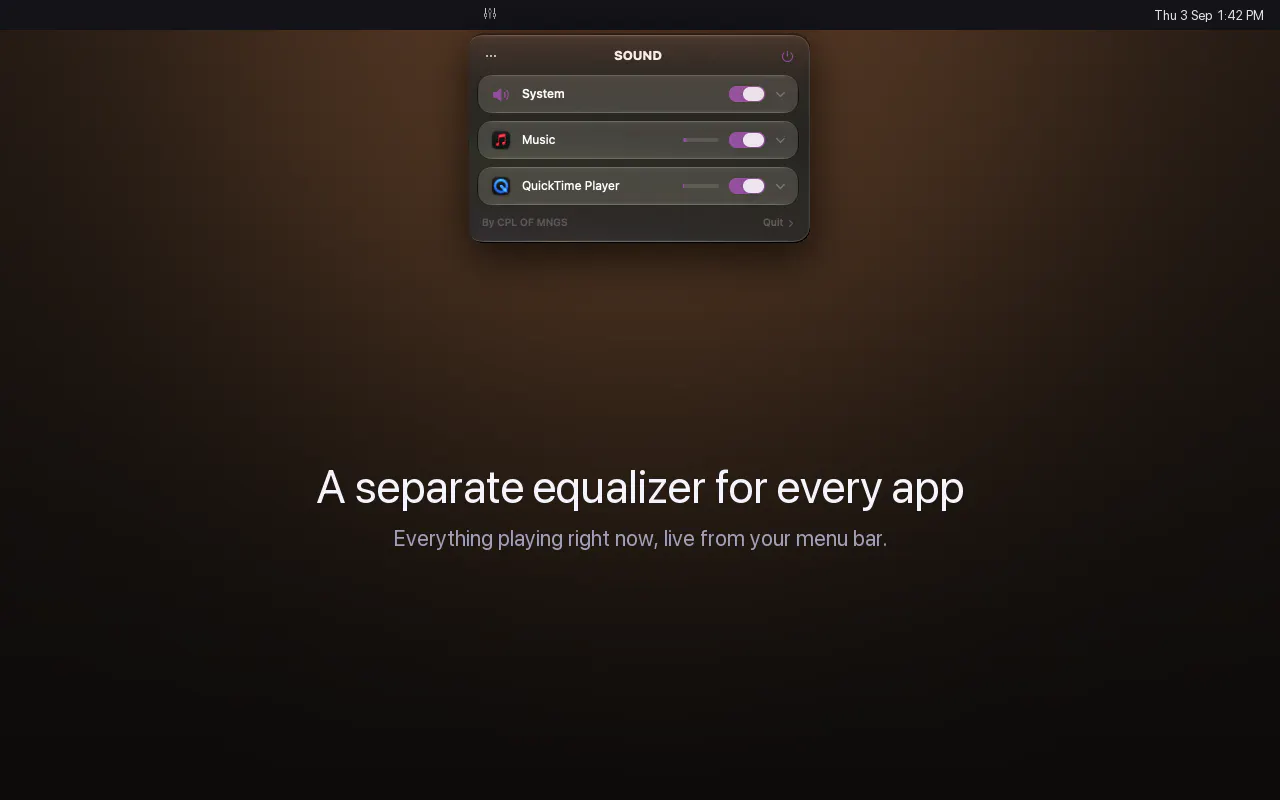
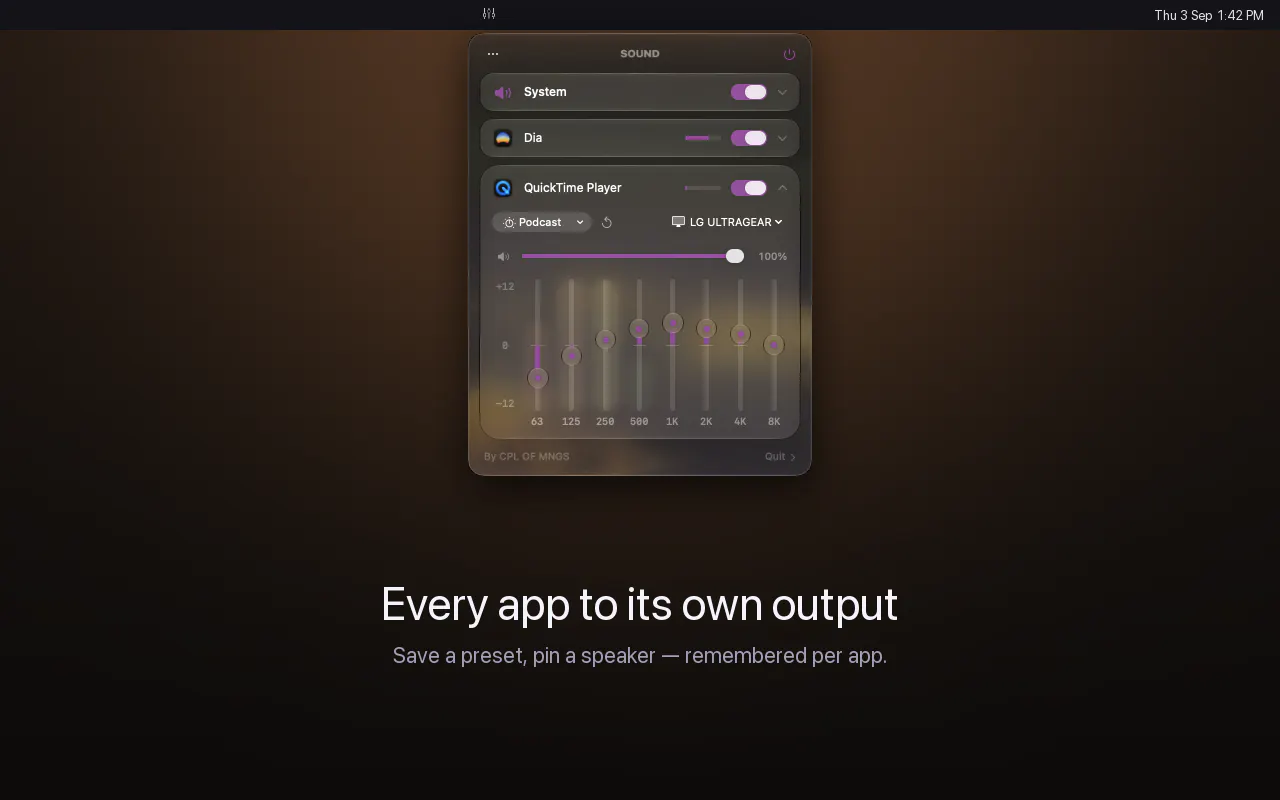
SOUND is a powerful macOS utility designed to elevate audio control for users who demand precision and customization. Unlike the system's default setup, which offers only a single volume slider and no equalizer, SOUND allows users to assign each open app its own 8-band equalizer, independent volume level, and output device. This functionality is accessible directly from the menu bar, making it both convenient and unobtrusive. Its design keeps audio processing on the Mac without relying on virtual audio drivers or accounts, ensuring privacy and simplicity. Ideal for musicians, content creators, or audiophiles, SOUND provides granular control over audio environments, enhancing listening, mixing, and productivity workflows. Its multilingual interface and free availability make it accessible to a broad user base, making it a standout tool for those seeking advanced audio management on macOS.
Screenshots
Pros
- ✓Provides per-app 8-band EQ and independent volume control
- ✓No virtual audio drivers or accounts required, ensuring privacy
- ✓Easy access via the menu bar for quick adjustments
- ✓Supports multiple output devices per app
- ✓Free and available in 10 languages
Cons
- ✗Limited to macOS; not available for other platforms
- ✗May require some initial setup for optimal use
- ✗Features might be basic for advanced audio engineers
Use Cases
Pricing
Pricing not verified

Similar Tools in AI Audio & Voice




Embed Badge
Add this badge to your website to show that SOUND is featured on Visalytica.
<a href="https://www.visalytica.com/tool/sound" target="_blank" rel="noopener noreferrer" style="display:inline-flex;align-items:center;gap:6px;padding:6px 14px;background:#7c3aed;color:#fff;border-radius:8px;font-family:-apple-system,system-ui,sans-serif;font-size:13px;font-weight:600;text-decoration:none;transition:background .2s" onmouseover="this.style.background='#6d28d9'" onmouseout="this.style.background='#7c3aed'"><svg width="14" height="14" viewBox="0 0 24 24" fill="none" stroke="currentColor" stroke-width="2.5" stroke-linecap="round" stroke-linejoin="round"><path d="M12 20V10"/><path d="M18 20V4"/><path d="M6 20v-4"/></svg>Featured on Visalytica</a>