
Sortail
Self-learning one-click inbox cleanup for Apple Mail
About Sortail
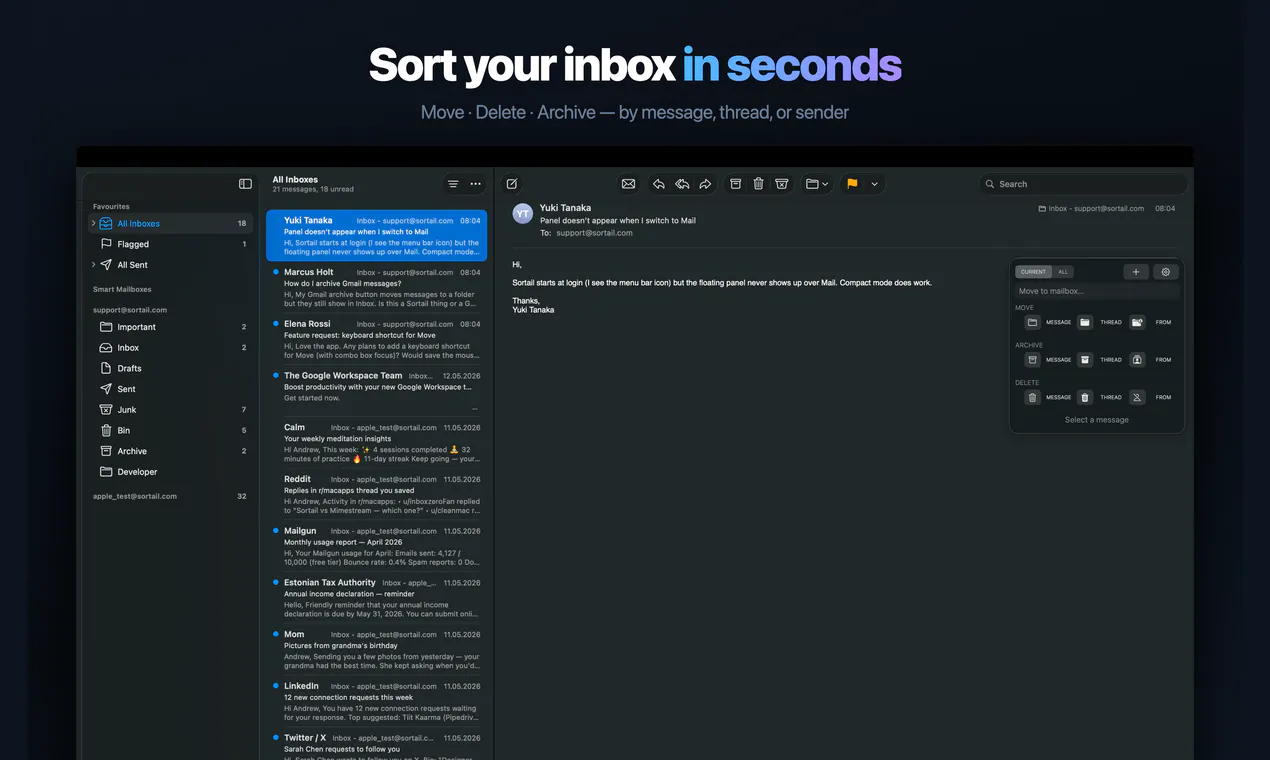
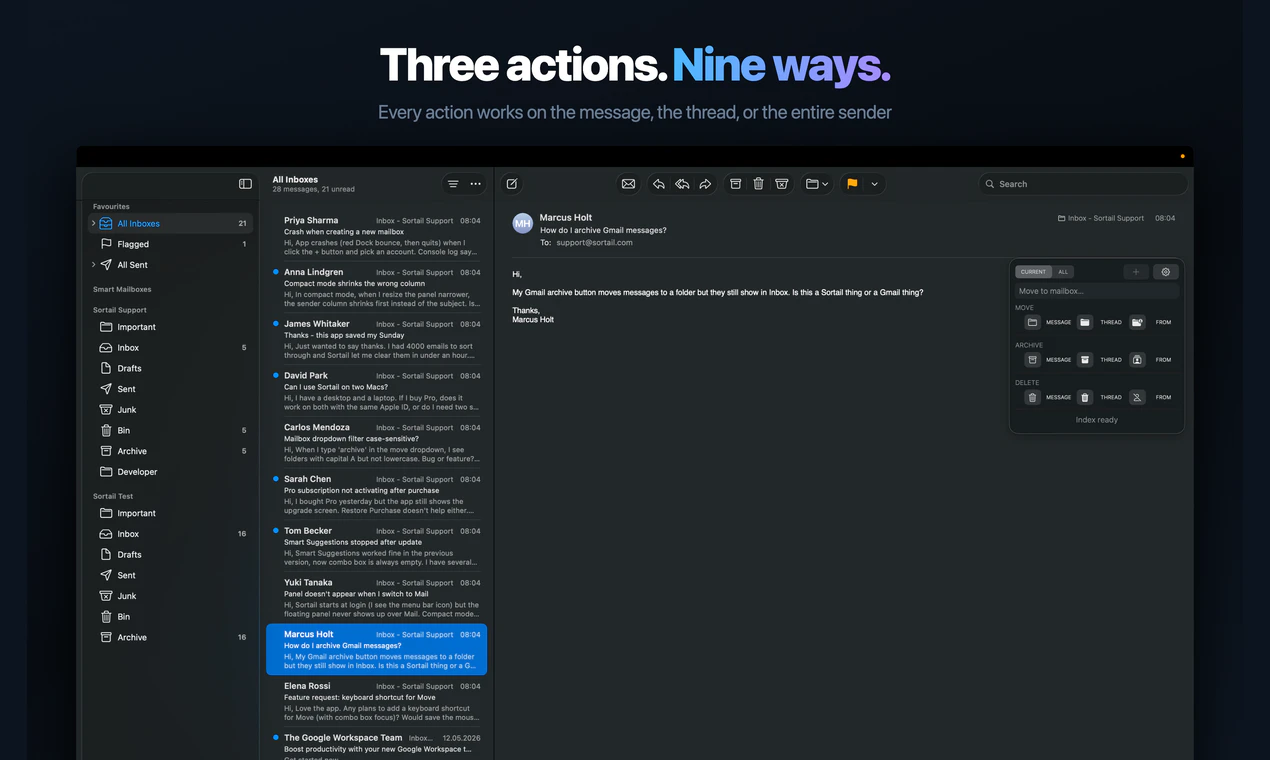
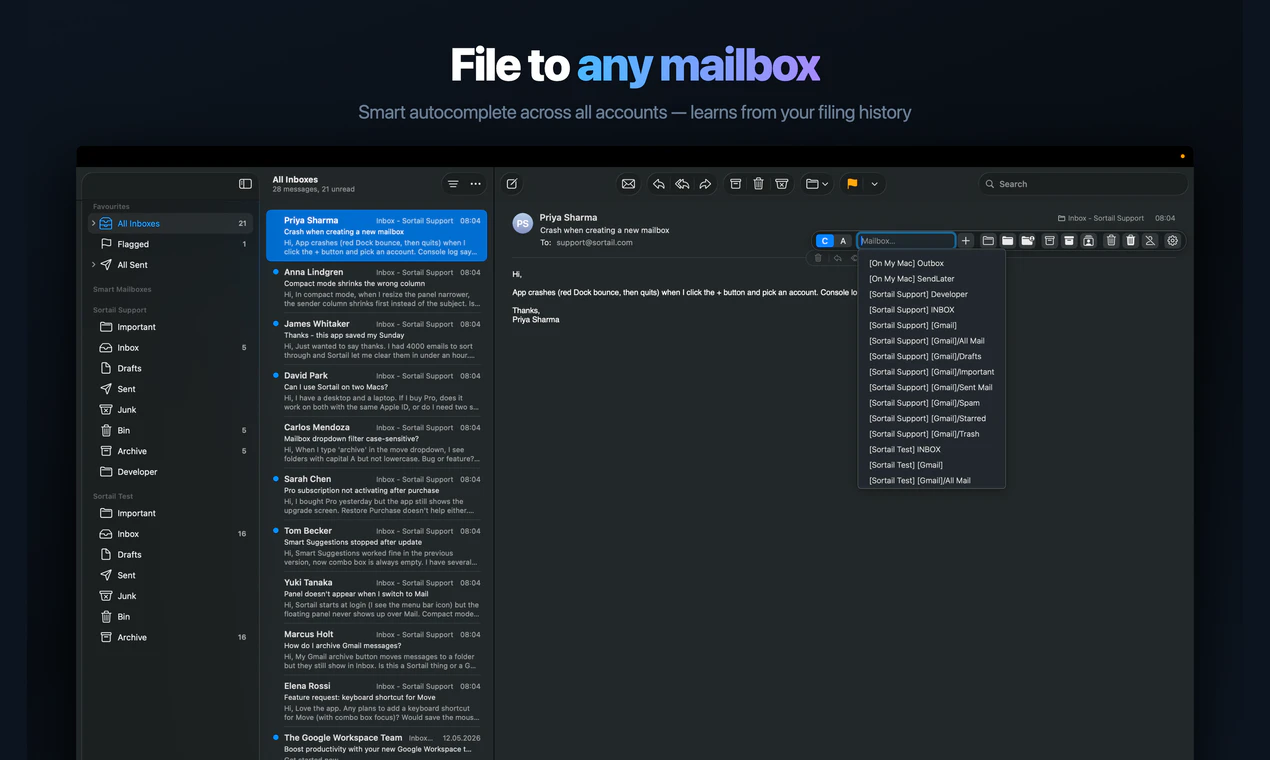
Sortail is a smart, lightweight toolbar designed to streamline email management within Apple Mail. Its core feature is a one-click inbox cleanup, allowing users to quickly sort individual messages, entire threads, or all emails from a sender into designated folders, archive, or trash. What sets Sortail apart is its self-learning capability; it observes user habits over time, gradually improving its suggestions for email organization, making inbox management more efficient and less manual. Ideal for busy professionals and Apple Mail users seeking a smarter way to keep their inbox tidy, Sortail offers a seamless, unobtrusive experience that enhances productivity without the need for complex configurations. Its simplicity and intelligent automation make it a compelling addition to daily email workflows, especially for those overwhelmed by clutter or looking to save time.
Screenshots
Pros
- ✓Intuitive one-click inbox cleanup
- ✓Self-learning algorithm improves over time
- ✓Seamless integration with Apple Mail
- ✓Lightweight and unobtrusive toolbar
- ✓Enhances productivity by reducing manual sorting
Cons
- ✗Limited to Apple Mail users only
- ✗Relies on user behavior for learning, may take time to optimize
- ✗Features may be basic for advanced email management needs
Use Cases
Pricing
Likely operates on a freemium model, offering basic features for free with premium options available for advanced automation or customization. Exact pricing details are not specified but are expected to be affordable for individual users.
Quick Info
Topics
Similar Tools in AI Assistants




Embed Badge
Add this badge to your website to show that Sortail is featured on Visalytica.
<a href="https://www.visalytica.com/tool/sortail" target="_blank" rel="noopener noreferrer" style="display:inline-flex;align-items:center;gap:6px;padding:6px 14px;background:#7c3aed;color:#fff;border-radius:8px;font-family:-apple-system,system-ui,sans-serif;font-size:13px;font-weight:600;text-decoration:none;transition:background .2s" onmouseover="this.style.background='#6d28d9'" onmouseout="this.style.background='#7c3aed'"><svg width="14" height="14" viewBox="0 0 24 24" fill="none" stroke="currentColor" stroke-width="2.5" stroke-linecap="round" stroke-linejoin="round"><path d="M12 20V10"/><path d="M18 20V4"/><path d="M6 20v-4"/></svg>Featured on Visalytica</a>