
SnapZoom - AI Auto-Zoom on Click
AI auto-zoom screen recorder for Chrome. No editing.
About SnapZoom - AI Auto-Zoom on Click
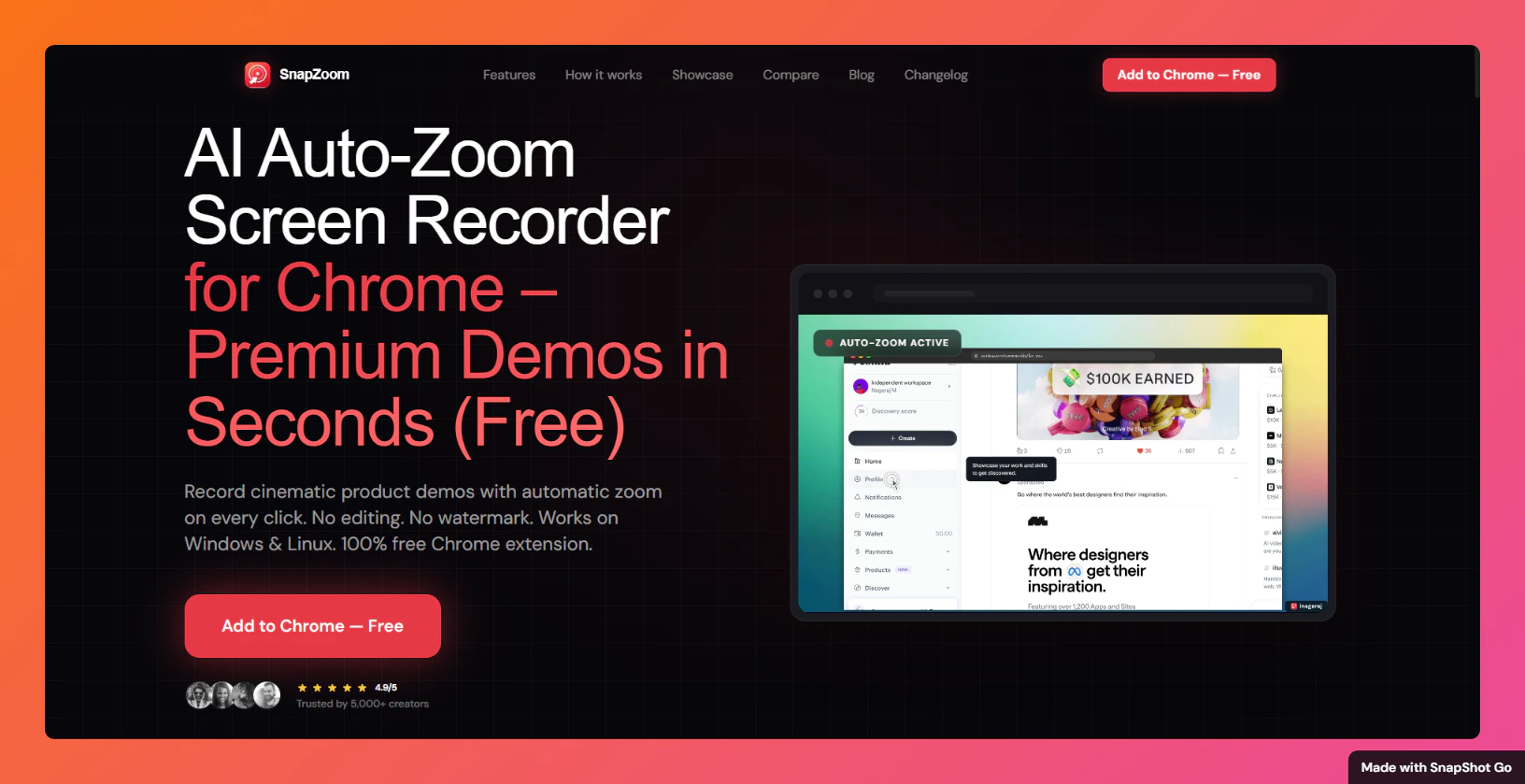
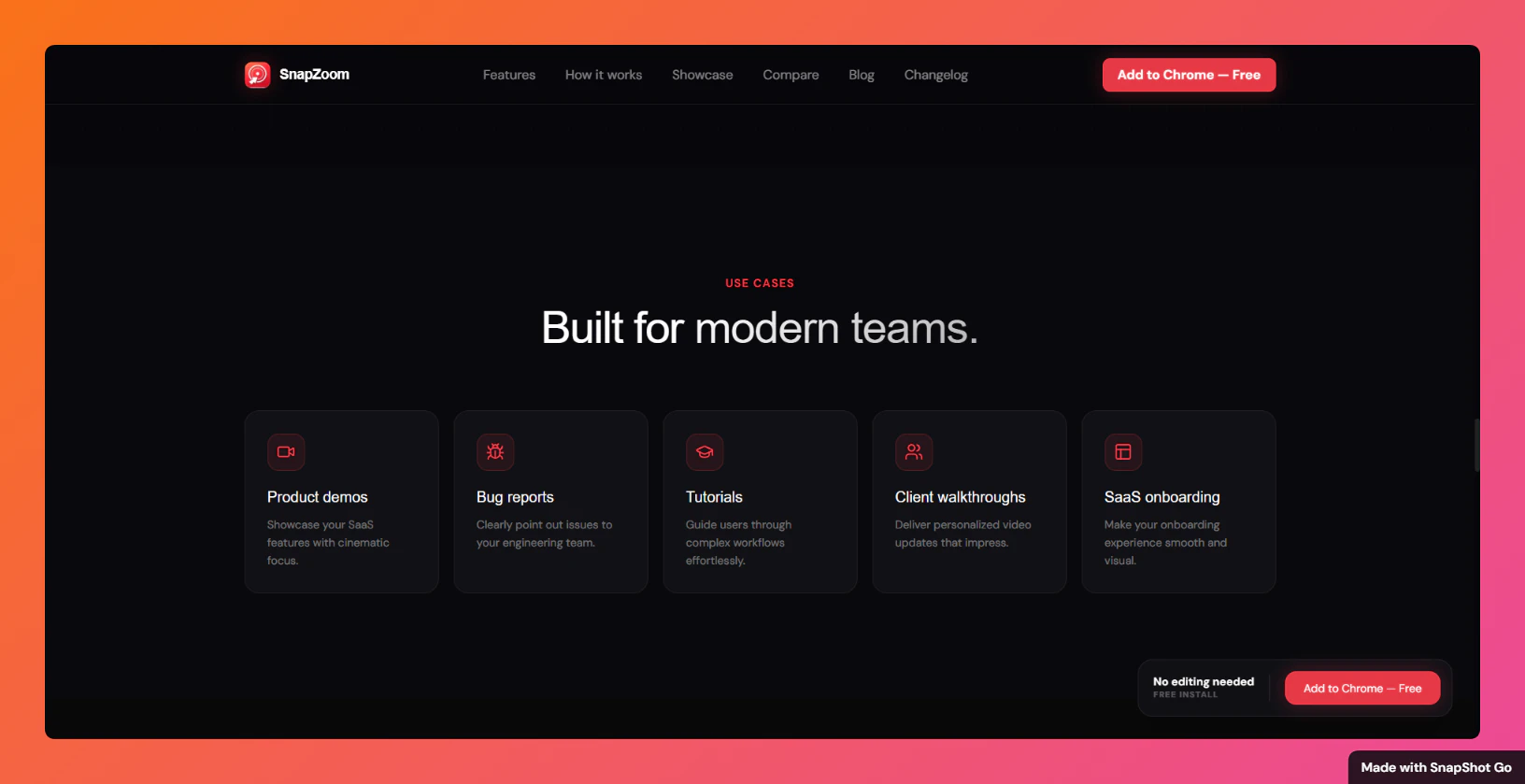
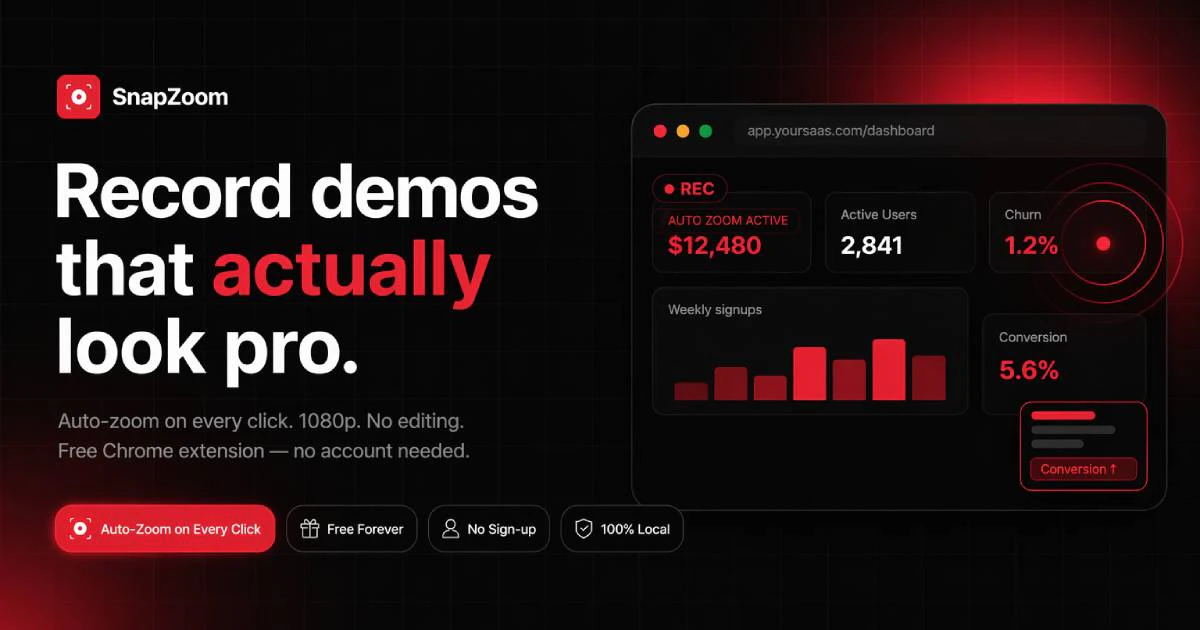
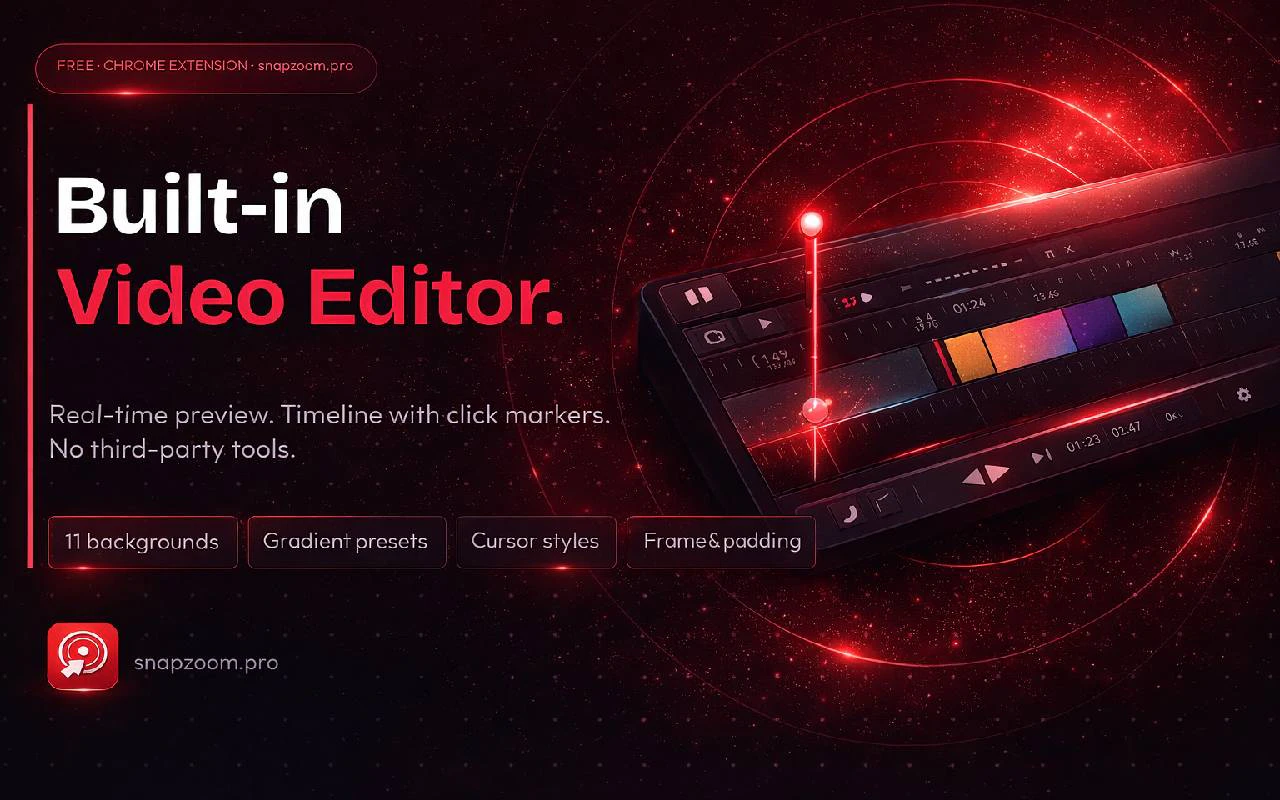
SnapZoom is a innovative Chrome extension designed for content creators, educators, and product teams seeking seamless screen recording with enhanced visual engagement. It offers a unique AI-powered auto-zoom feature that dynamically adjusts the camera focus on every click, creating cinematic effects without the need for post-editing. This makes it ideal for producing professional-looking tutorials, demos, and presentations directly within the browser. Its ability to deliver high-quality exports up to 12 times faster than traditional tools, combined with features like webcam overlays and local privacy controls, positions SnapZoom as a compelling alternative to popular tools like Loom and Screencastify. Its user-friendly interface and real-time AI zooming make recording more engaging and visually appealing, even for those with limited editing skills.
Screenshots

Pros
- ✓AI-powered auto-zoom feature adds cinematic quality to recordings
- ✓Fast export speeds (up to 12x faster) save time
- ✓No editing required—produces ready-to-share videos
- ✓Includes webcam overlays for more personalized content
- ✓Focus on privacy with local recording options
Cons
- ✗Relatively new with limited user reviews and community feedback
- ✗Features may be basic compared to advanced editing tools
- ✗Integration options and customization settings might be limited
Use Cases
Pricing
Likely operates on a freemium model, offering free basic features with optional paid plans for enhanced capabilities or higher export limits. Specific pricing details are not publicly available, but such tools typically start around $10-$20/month.
Quick Info
Topics
Alternatives
Similar Tools in Developer Tools




Embed Badge
Add this badge to your website to show that SnapZoom - AI Auto-Zoom on Click is featured on Visalytica.
<a href="https://www.visalytica.com/tool/snapzoom-ai-auto-zoom-on-click" target="_blank" rel="noopener noreferrer" style="display:inline-flex;align-items:center;gap:6px;padding:6px 14px;background:#7c3aed;color:#fff;border-radius:8px;font-family:-apple-system,system-ui,sans-serif;font-size:13px;font-weight:600;text-decoration:none;transition:background .2s" onmouseover="this.style.background='#6d28d9'" onmouseout="this.style.background='#7c3aed'"><svg width="14" height="14" viewBox="0 0 24 24" fill="none" stroke="currentColor" stroke-width="2.5" stroke-linecap="round" stroke-linejoin="round"><path d="M12 20V10"/><path d="M18 20V4"/><path d="M6 20v-4"/></svg>Featured on Visalytica</a>