
Snapset
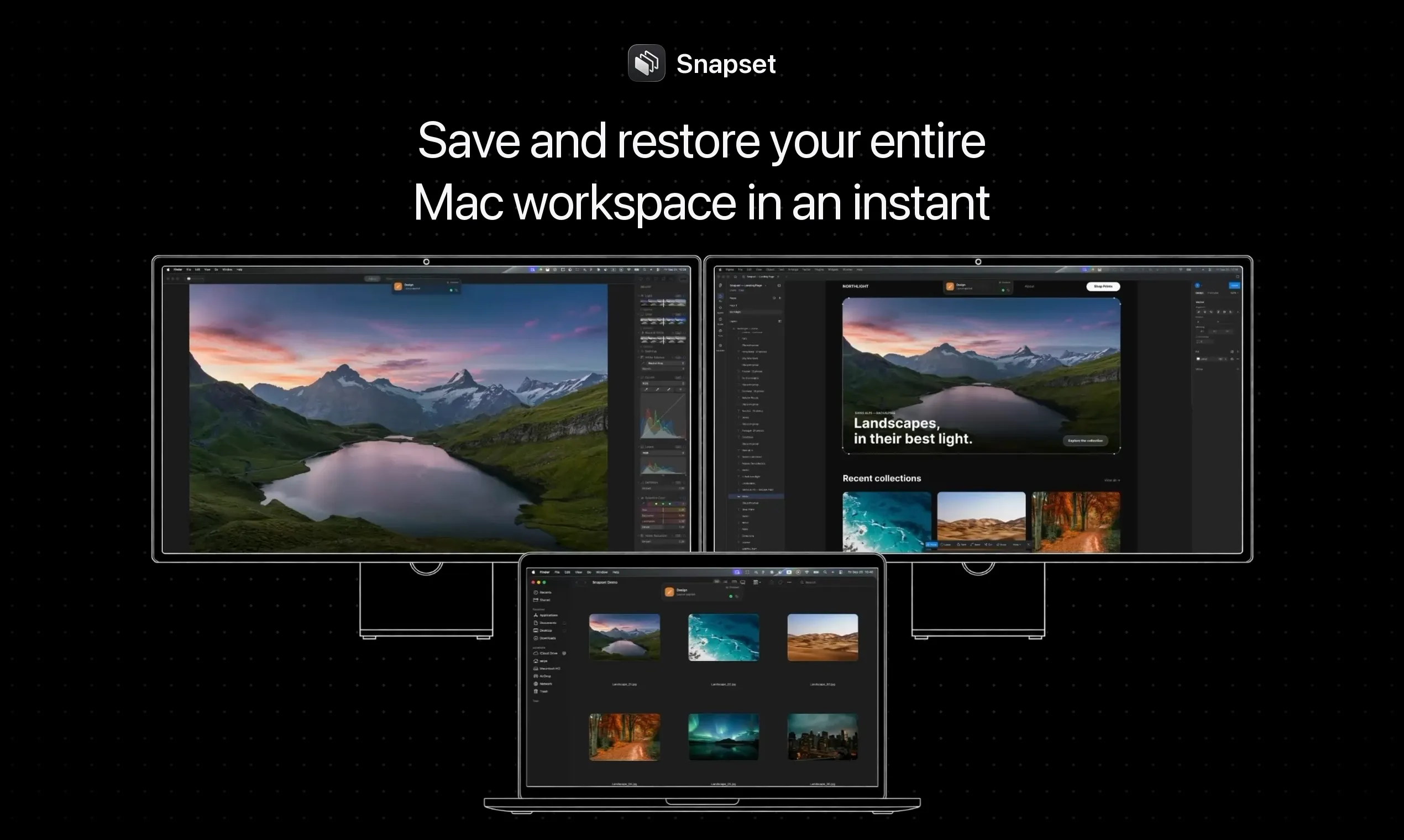
Save and restore your entire Mac workspace in an instant
About Snapset
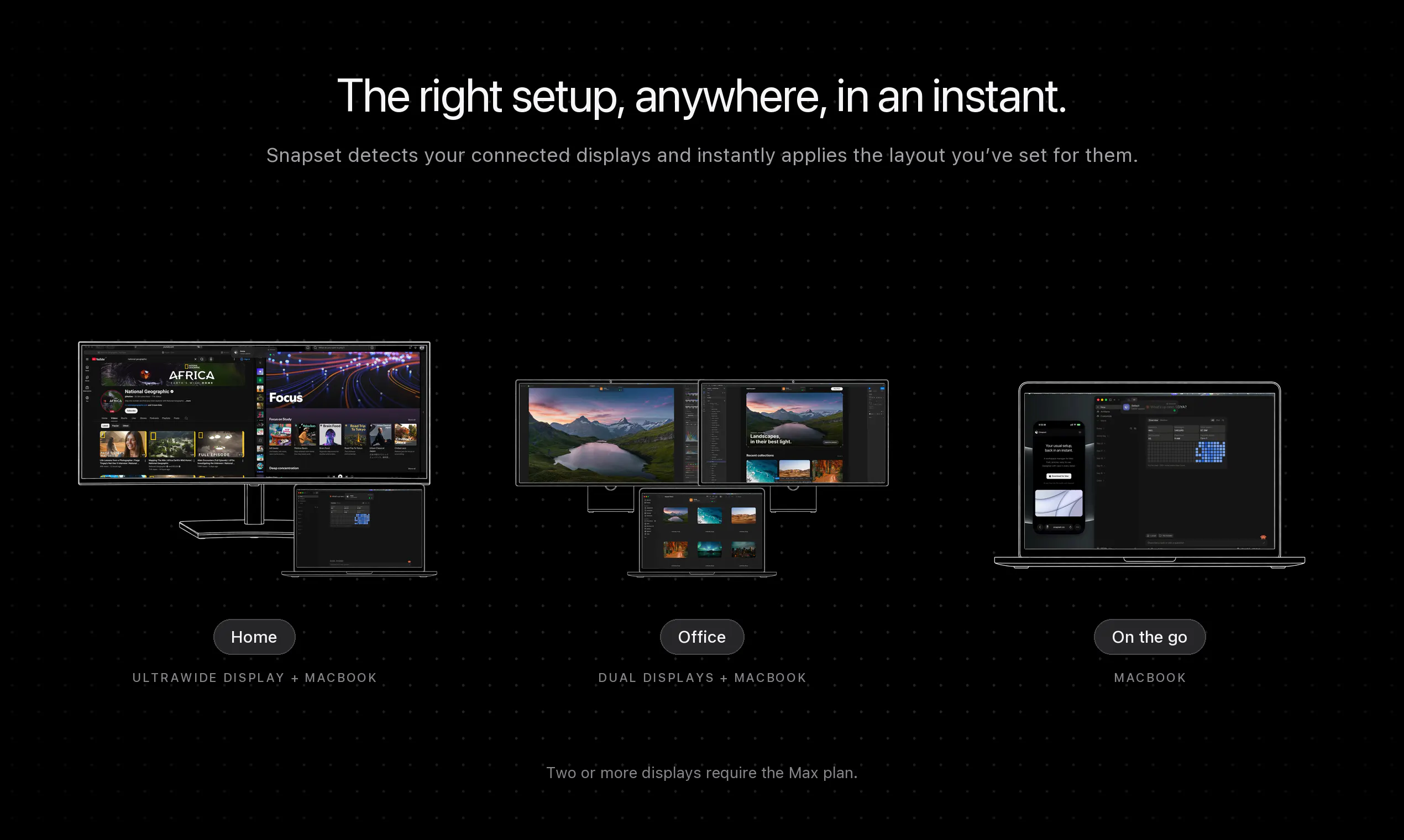
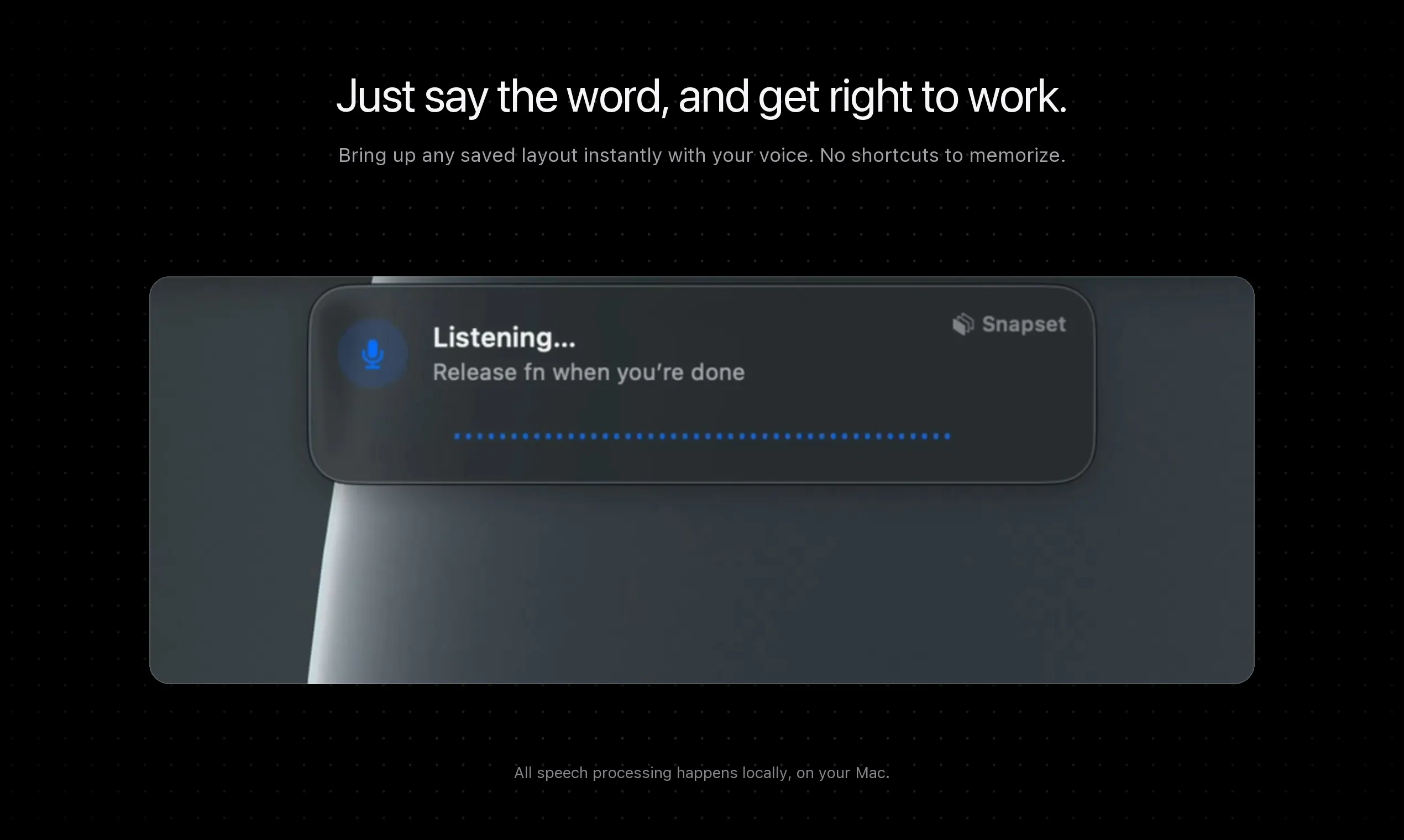
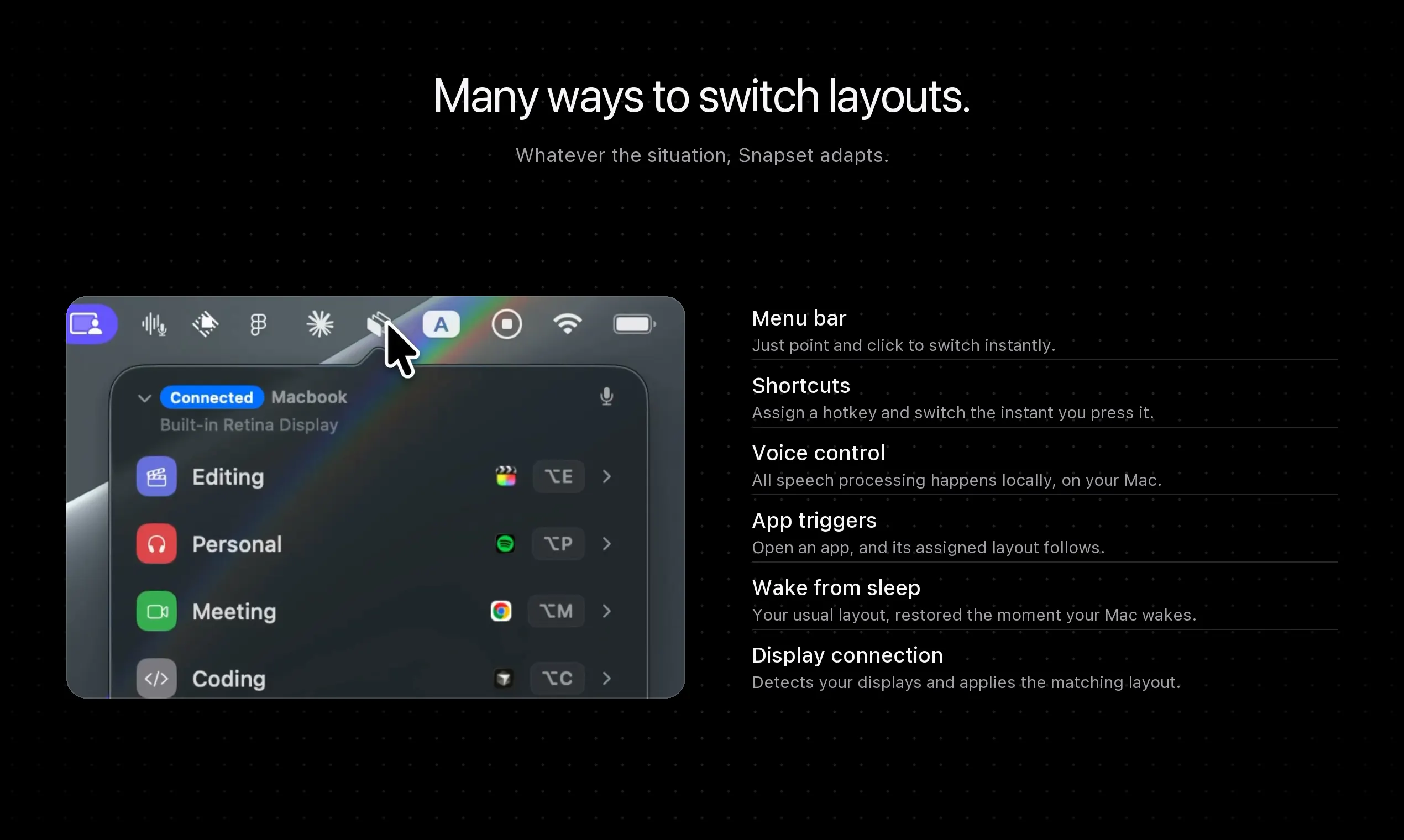
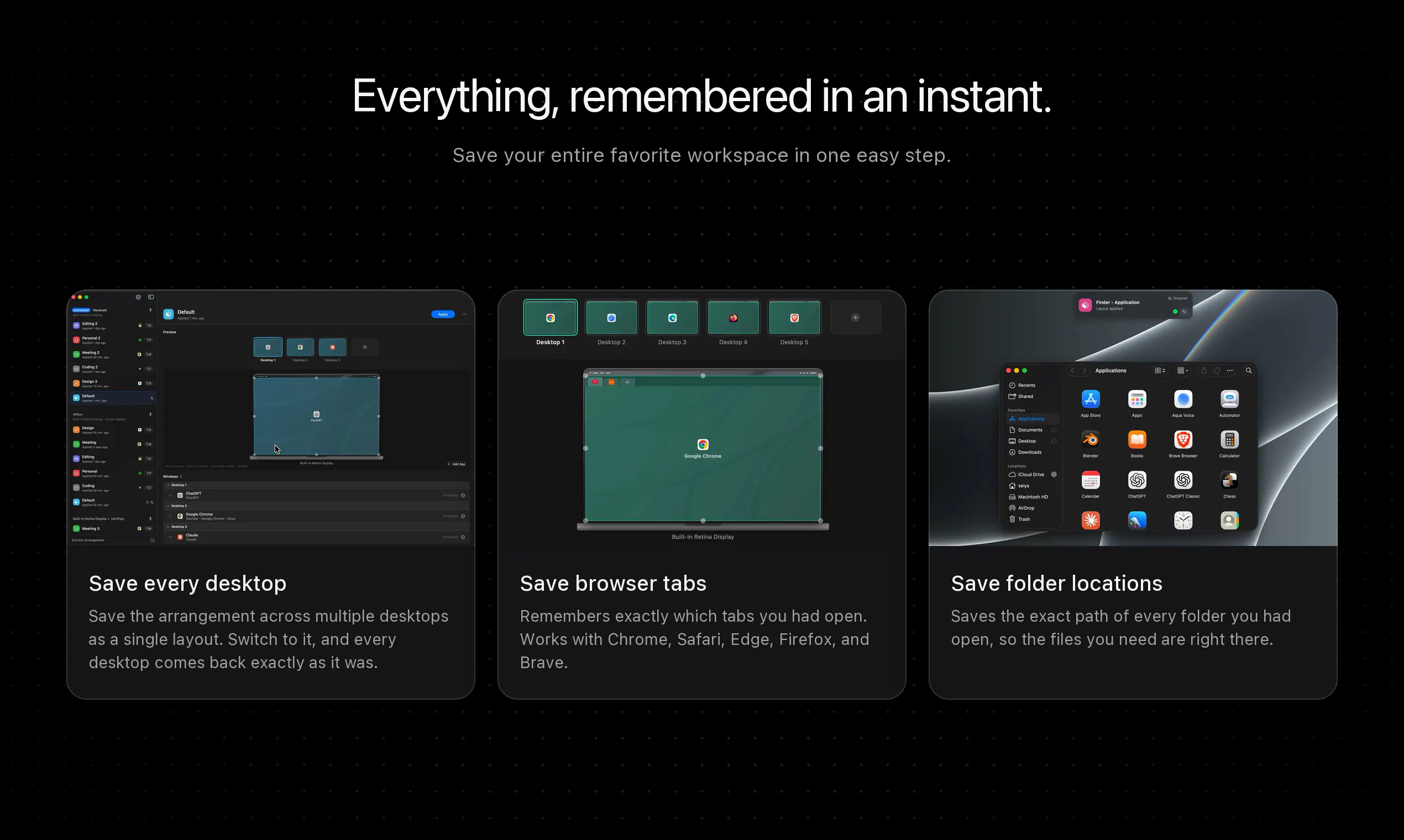
Snapset is a powerful Mac utility designed to streamline workspace management by saving and restoring your entire desktop setup with a single click. Whether you're working across multiple monitors or switching between different display configurations, Snapset automatically remembers your applications, window positions, browser tabs, and even open folders. This makes it ideal for professionals who frequently change work environments, such as developers, designers, and remote workers, enabling them to quickly resume their workflow without tedious rearranging. Its seamless integration into the Mac menu bar ensures easy access and swift workspace restoration, enhancing overall productivity. What sets Snapset apart is its ability to intelligently manage complex workspace states, saving time and reducing frustration when transitioning between different work setups.
Screenshots
Pros
- ✓Automatic workspace saving and restoration
- ✓Seamless menu bar integration
- ✓Supports multiple elements like apps, window positions, tabs, and folders
- ✓Helps maintain productivity during multi-display setups
- ✓Simple to use with minimal setup required
Cons
- ✗Limited information on advanced customization options
- ✗Potential compatibility issues with certain apps or macOS versions
- ✗No details on free trial or pricing structure
Use Cases
Pricing
Pricing not verified
Quick Info
Topics
Makers

Seiya Nishi
Similar Tools in E-commerce




Embed Badge
Add this badge to your website to show that Snapset is featured on Visalytica.
<a href="https://www.visalytica.com/tool/snapset" target="_blank" rel="noopener noreferrer" style="display:inline-flex;align-items:center;gap:6px;padding:6px 14px;background:#7c3aed;color:#fff;border-radius:8px;font-family:-apple-system,system-ui,sans-serif;font-size:13px;font-weight:600;text-decoration:none;transition:background .2s" onmouseover="this.style.background='#6d28d9'" onmouseout="this.style.background='#7c3aed'"><svg width="14" height="14" viewBox="0 0 24 24" fill="none" stroke="currentColor" stroke-width="2.5" stroke-linecap="round" stroke-linejoin="round"><path d="M12 20V10"/><path d="M18 20V4"/><path d="M6 20v-4"/></svg>Featured on Visalytica</a>