
Snaply
Free & Private AI meeting notes for you Mac
About Snaply
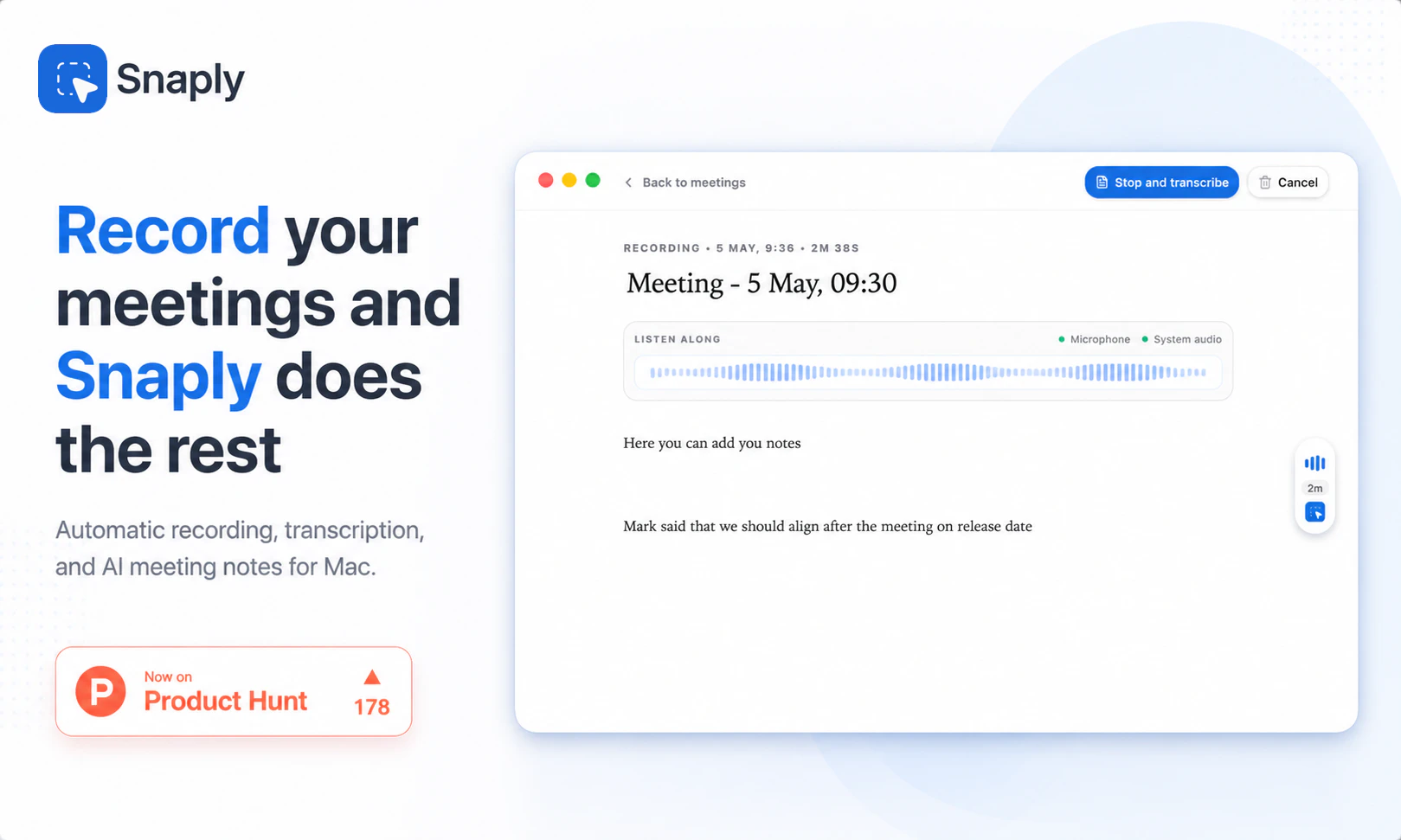
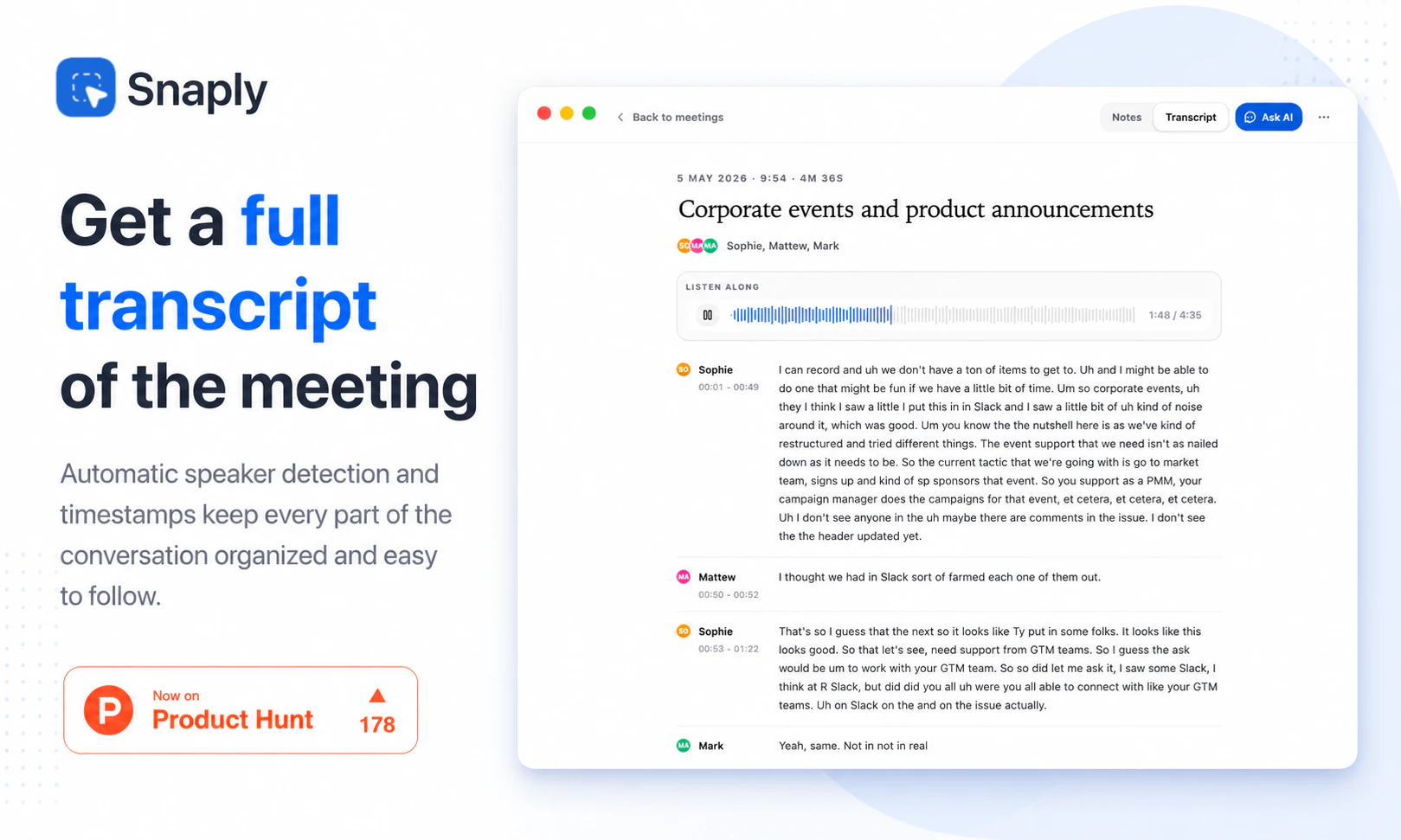
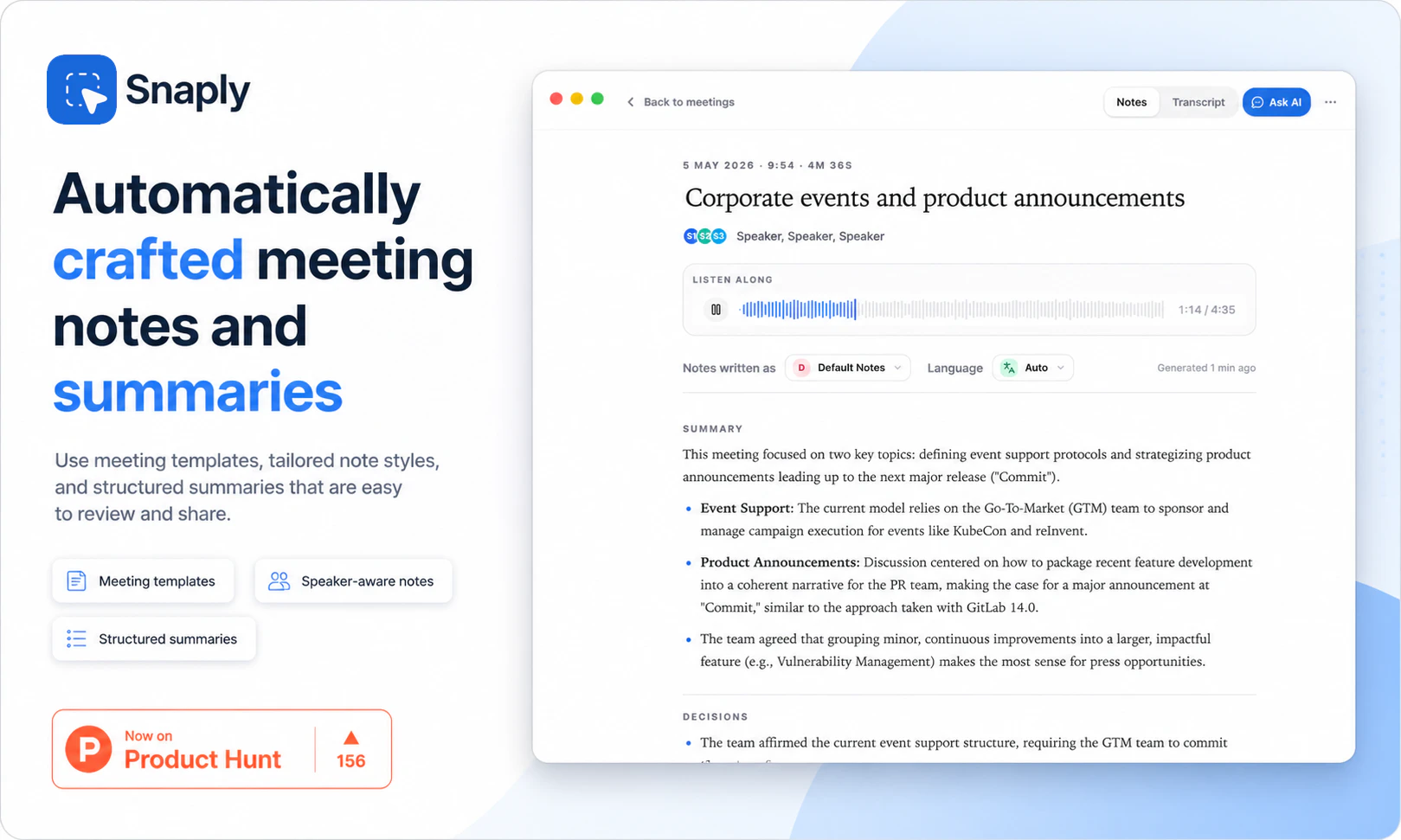
Snaply is a privacy-focused AI meeting notes tool designed exclusively for Mac users. It seamlessly records meetings locally on your device, generating accurate transcripts, concise summaries, and actionable items without relying on cloud servers or third-party bots. Beyond note-taking, Snaply allows users to interact with their notes through chat, facilitating quick follow-up email drafts and clarifications, all while ensuring data privacy and security. Its no-account, no-data-leak approach appeals to professionals who prioritize confidentiality and simplicity in their workflow. The tool's local processing capability makes it ideal for users who need reliable, private meeting documentation without sacrificing convenience or AI-powered insights.
Screenshots


Pros
- ✓Ensures complete data privacy with local processing
- ✓No account or sign-in required, simple to use
- ✓Offers transcription, summaries, and action items automatically
- ✓Enables chatting with notes and drafting follow-up emails
- ✓Free to use, with no subscription or hidden fees
Cons
- ✗Limited to Mac platform, not available for other OS
- ✗Potentially fewer integrations compared to cloud-based solutions
- ✗Features may be basic compared to paid, enterprise-grade tools
Use Cases
Pricing
Likely free as it emphasizes privacy and local processing, with no mention of paid plans or subscriptions. It may be a free standalone app with optional premium features in future updates, but currently appears to be free and open to all Mac users.
Quick Info
Topics
Alternatives
Similar Tools in AI Assistants




Embed Badge
Add this badge to your website to show that Snaply is featured on Visalytica.
<a href="https://www.visalytica.com/tool/snaply" target="_blank" rel="noopener noreferrer" style="display:inline-flex;align-items:center;gap:6px;padding:6px 14px;background:#7c3aed;color:#fff;border-radius:8px;font-family:-apple-system,system-ui,sans-serif;font-size:13px;font-weight:600;text-decoration:none;transition:background .2s" onmouseover="this.style.background='#6d28d9'" onmouseout="this.style.background='#7c3aed'"><svg width="14" height="14" viewBox="0 0 24 24" fill="none" stroke="currentColor" stroke-width="2.5" stroke-linecap="round" stroke-linejoin="round"><path d="M12 20V10"/><path d="M18 20V4"/><path d="M6 20v-4"/></svg>Featured on Visalytica</a>