
Snapdraft
Auto-redact PII from screenshots
About Snapdraft
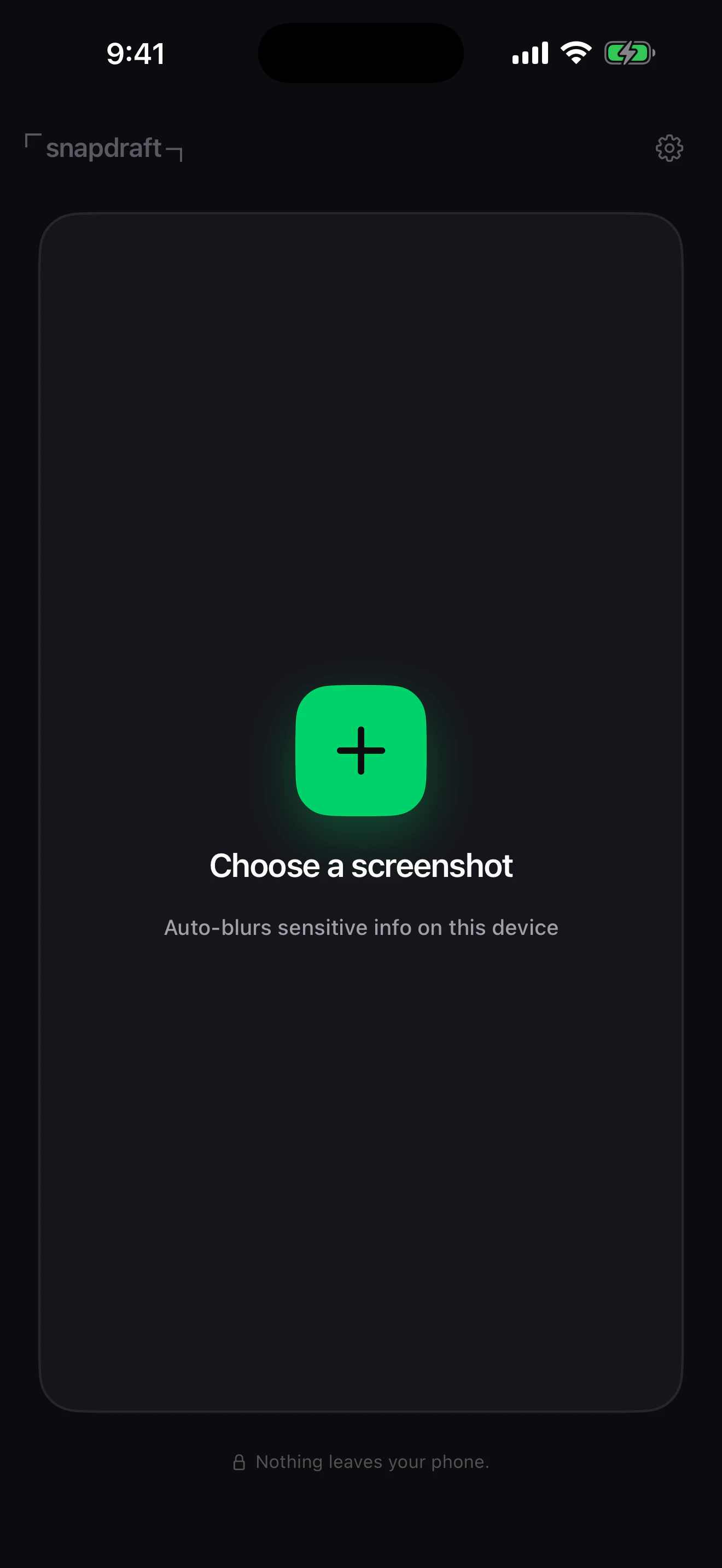
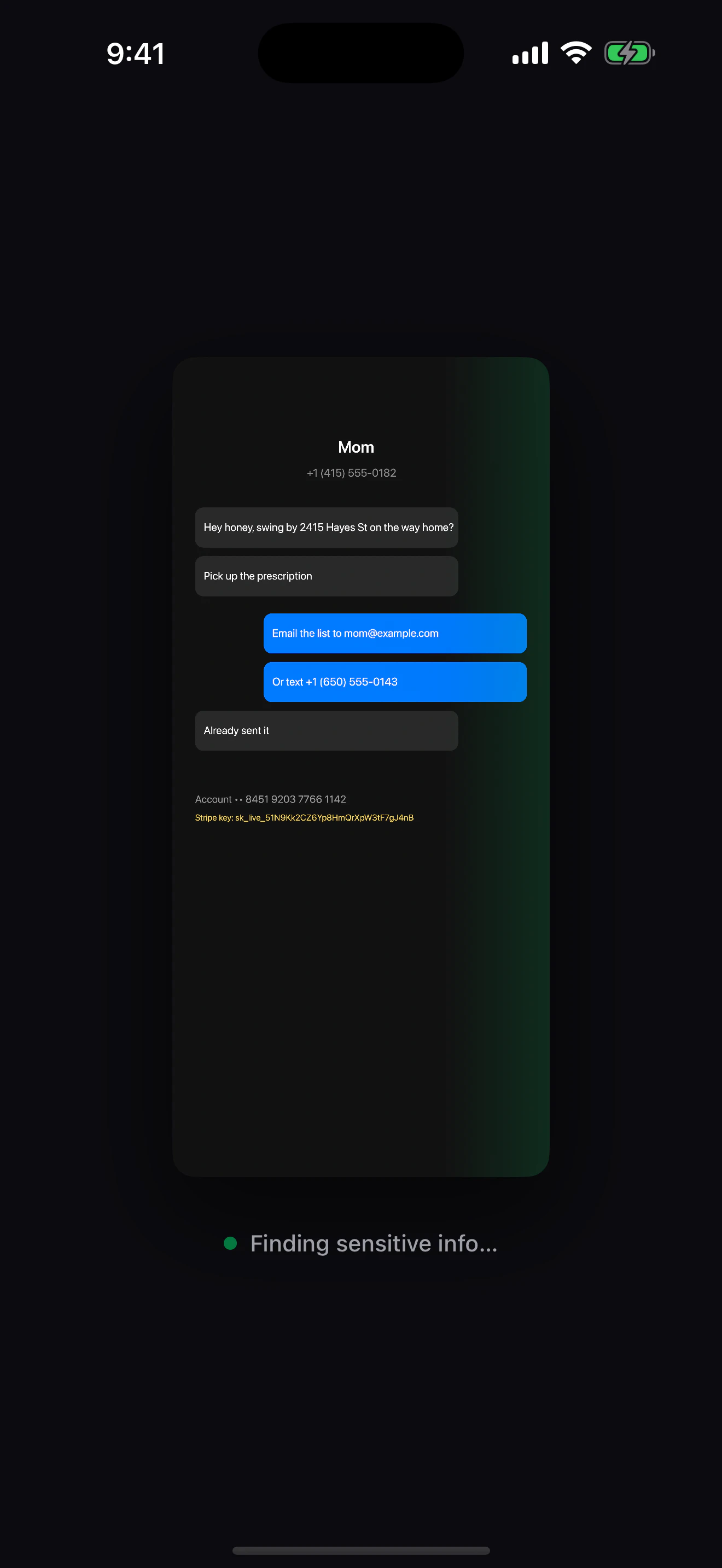
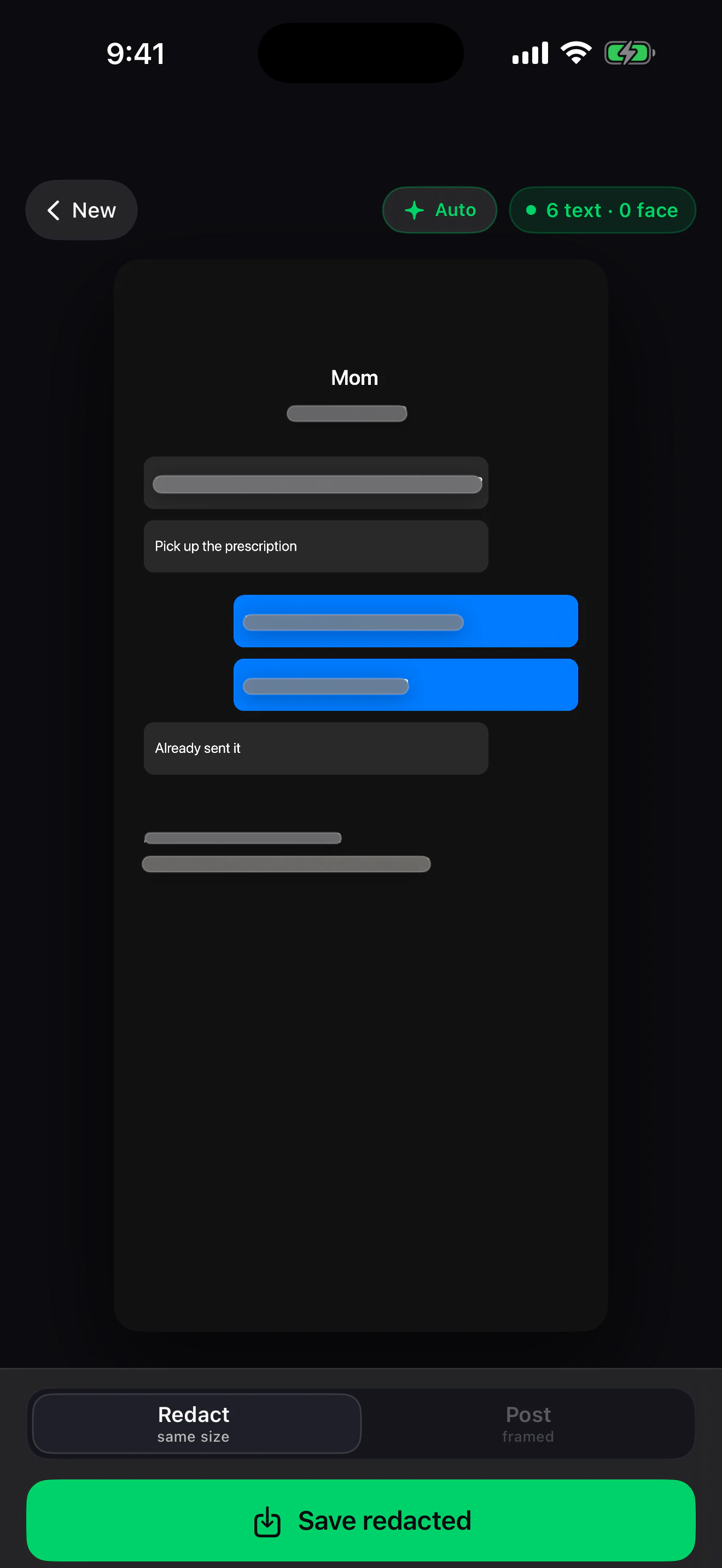
Snapdraft is a privacy-focused tool designed for quick and effortless redaction of sensitive information from screenshots. By simply dropping a screenshot into the app, users can automatically blur or mask PII such as phone numbers, emails, API keys, faces, and credit card details, all using Apple's robust Vision framework. This on-device processing ensures complete privacy, as no data is uploaded or stored remotely, making it ideal for professionals handling confidential information. Additionally, Snapdraft offers a 'Post mode' that allows users to add a stylish iPhone frame and designer backgrounds, transforming raw screenshots into polished social media posts. Built by the creator of PhotoDrift, it combines privacy, convenience, and creative presentation in a seamless package. Its free, ad-free, and unlimited approach makes it accessible for a wide range of users, from developers and marketers to everyday users concerned about privacy.
Screenshots
Pros
- ✓On-device processing ensures maximum privacy and security
- ✓Automatic redaction of various sensitive data types
- ✓User-friendly with quick drag-and-drop functionality
- ✓Additional 'Post mode' for stylish presentation
- ✓Free, no ads, and unlimited usage
Cons
- ✗Limited to iOS devices, not available cross-platform
- ✗Dependent on Apple's Vision framework, which may have limitations
- ✗May not support complex redaction scenarios or custom data types
Use Cases
Pricing
Likely free with no restrictions, as it is described as free and unlimited, emphasizing its accessibility without subscription or purchase requirements.
Quick Info
Topics
Makers

Vadym Suprun
Similar Tools in AI Image & Design




Embed Badge
Add this badge to your website to show that Snapdraft is featured on Visalytica.
<a href="https://www.visalytica.com/tool/snapdraft" target="_blank" rel="noopener noreferrer" style="display:inline-flex;align-items:center;gap:6px;padding:6px 14px;background:#7c3aed;color:#fff;border-radius:8px;font-family:-apple-system,system-ui,sans-serif;font-size:13px;font-weight:600;text-decoration:none;transition:background .2s" onmouseover="this.style.background='#6d28d9'" onmouseout="this.style.background='#7c3aed'"><svg width="14" height="14" viewBox="0 0 24 24" fill="none" stroke="currentColor" stroke-width="2.5" stroke-linecap="round" stroke-linejoin="round"><path d="M12 20V10"/><path d="M18 20V4"/><path d="M6 20v-4"/></svg>Featured on Visalytica</a>