
SnapDo
Turn screenshots and photos into useful actions
About SnapDo
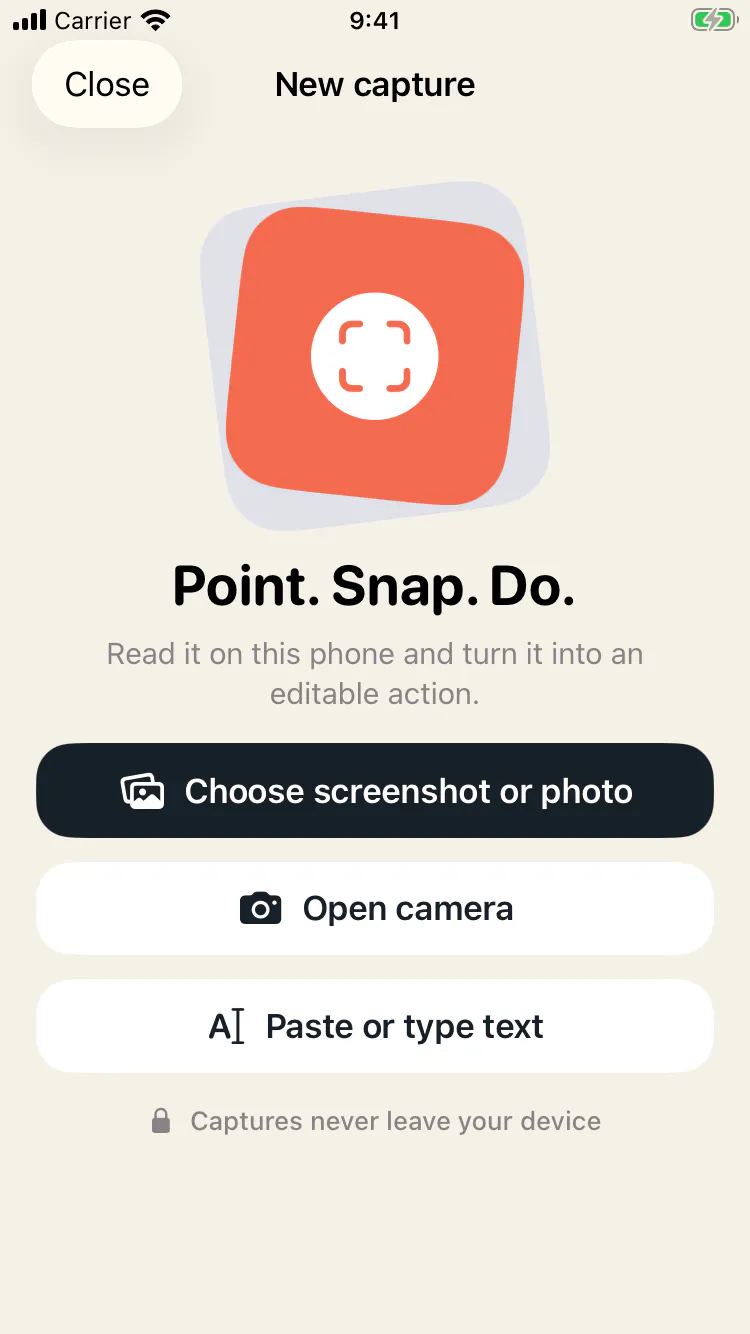
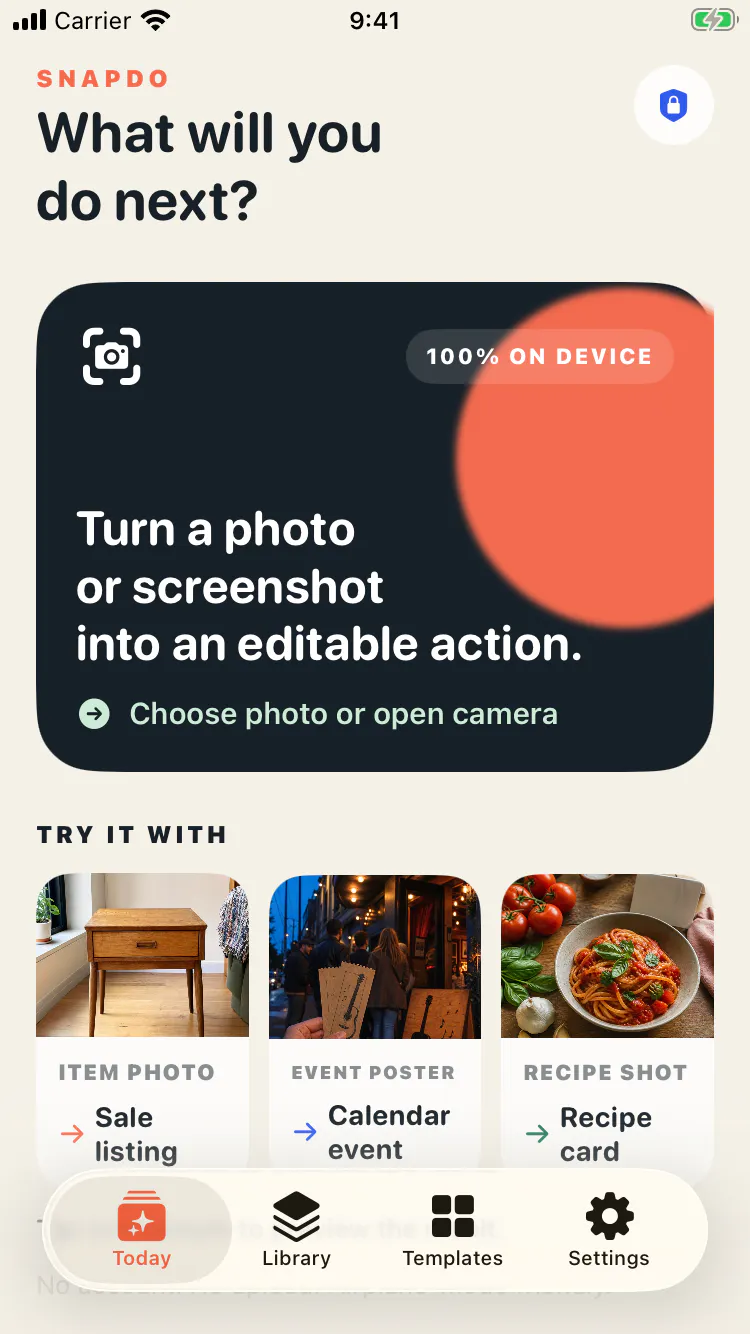
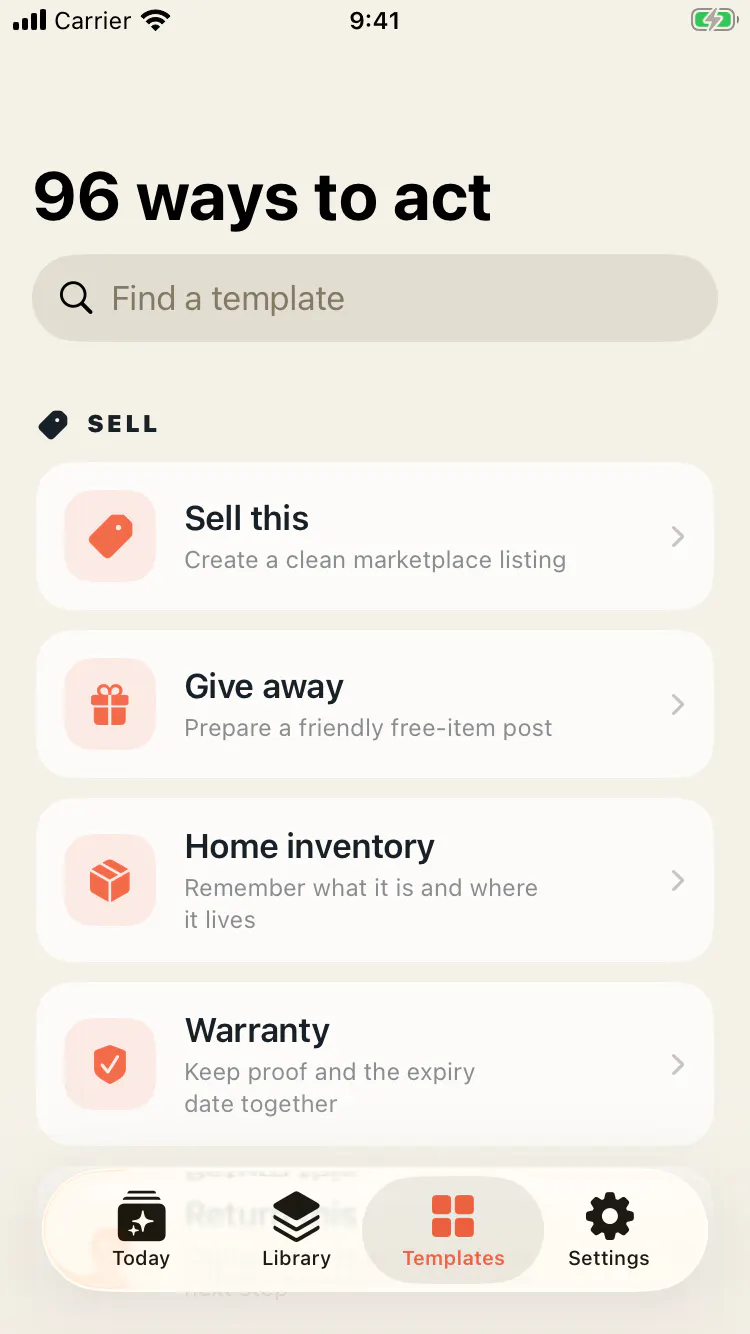
SnapDo is a productivity tool designed for iPhone users who want to transform their photos, screenshots, receipts, and pasted text into actionable, editable tasks. Its core appeal lies in its ability to keep workflows private and offline, making it ideal for users concerned about data security. With a straightforward interface and practical templates, SnapDo allows users to quickly convert visual information into useful actions without the need for an account or cloud dependence. The one-time lifetime unlock offers a cost-effective solution for those looking for a permanent, hassle-free tool to streamline their digital tasks. Whether capturing a receipt for expense tracking or extracting text from an image, SnapDo simplifies the process, making it accessible for both casual users and busy professionals seeking efficiency.
Screenshots

Pros
- ✓Offline functionality ensures privacy and security
- ✓No account or subscription needed, one-time payment
- ✓User-friendly with practical templates for quick use
- ✓Transforms photos and screenshots into editable actions easily
Cons
- ✗Limited to iPhone, not available on other platforms
- ✗Features may be basic compared to more comprehensive OCR tools
- ✗Votes on Product Hunt are currently low, indicating limited user feedback
Use Cases
Pricing
Pricing not verified
Quick Info
Topics
Makers

Michael Frankland
Similar Tools in AI Image & Design




Embed Badge
Add this badge to your website to show that SnapDo is featured on Visalytica.
<a href="https://www.visalytica.com/tool/snapdo" target="_blank" rel="noopener noreferrer" style="display:inline-flex;align-items:center;gap:6px;padding:6px 14px;background:#7c3aed;color:#fff;border-radius:8px;font-family:-apple-system,system-ui,sans-serif;font-size:13px;font-weight:600;text-decoration:none;transition:background .2s" onmouseover="this.style.background='#6d28d9'" onmouseout="this.style.background='#7c3aed'"><svg width="14" height="14" viewBox="0 0 24 24" fill="none" stroke="currentColor" stroke-width="2.5" stroke-linecap="round" stroke-linejoin="round"><path d="M12 20V10"/><path d="M18 20V4"/><path d="M6 20v-4"/></svg>Featured on Visalytica</a>