
Snap
The floating dock for developers
About Snap
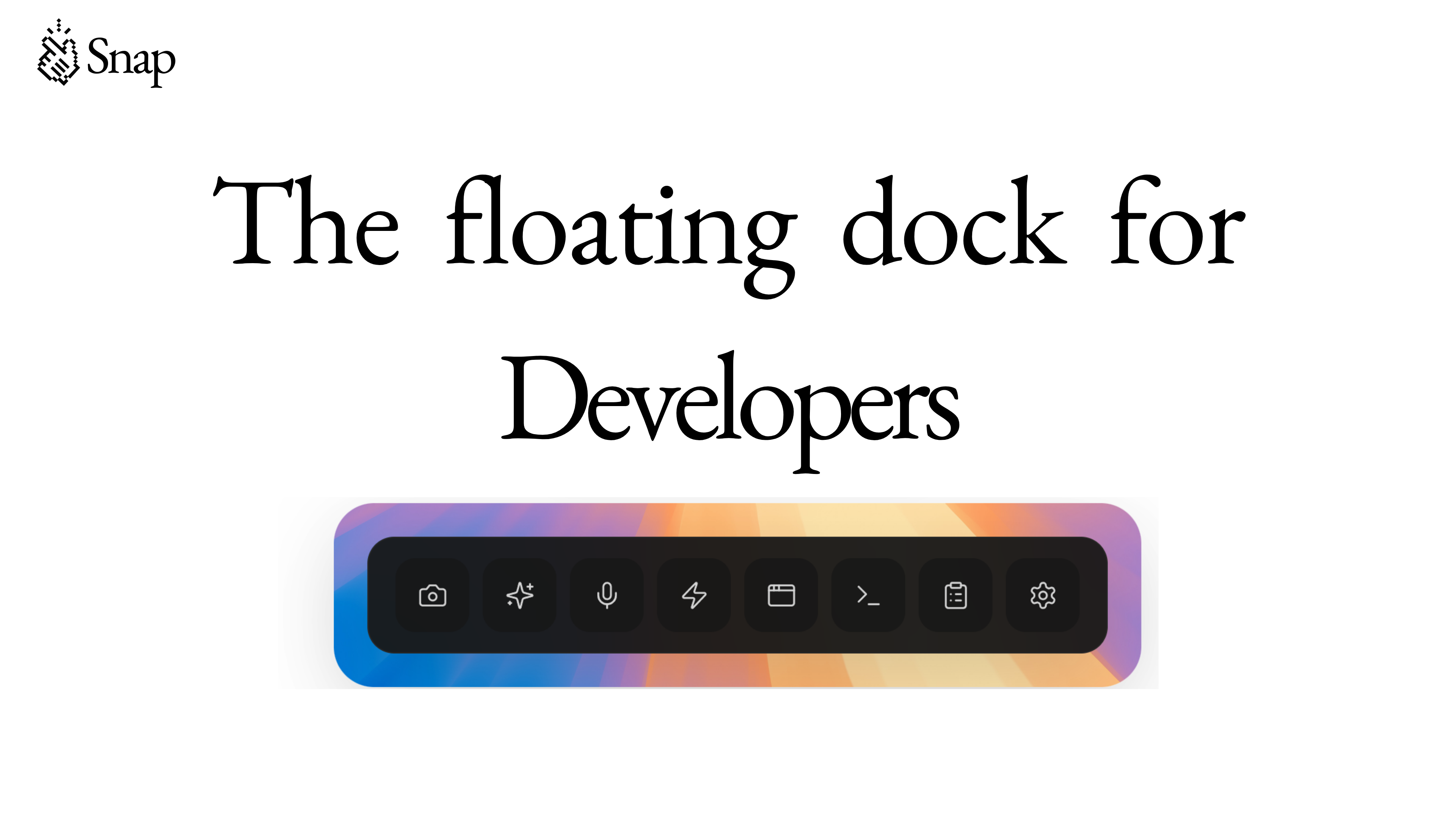
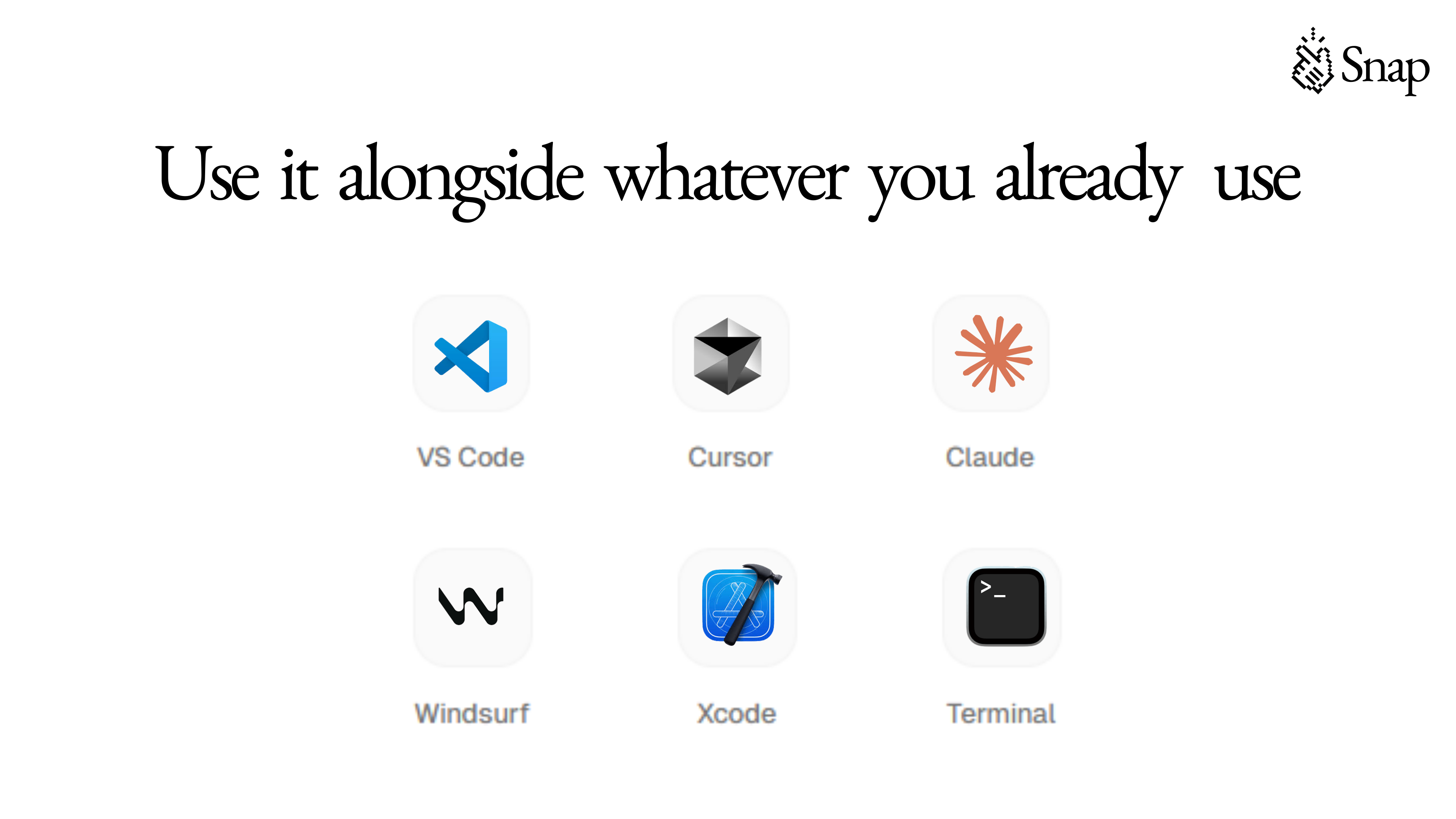
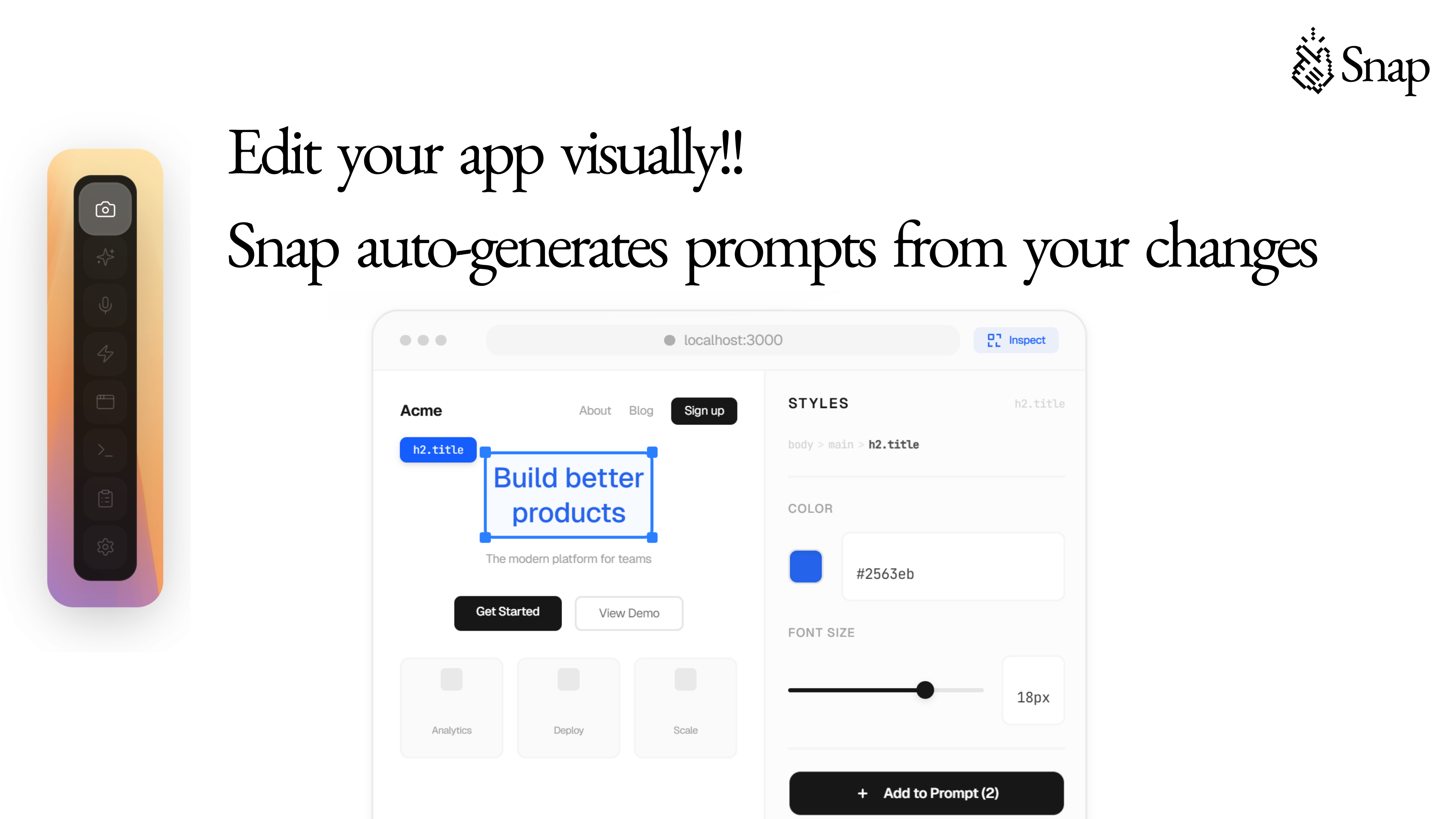
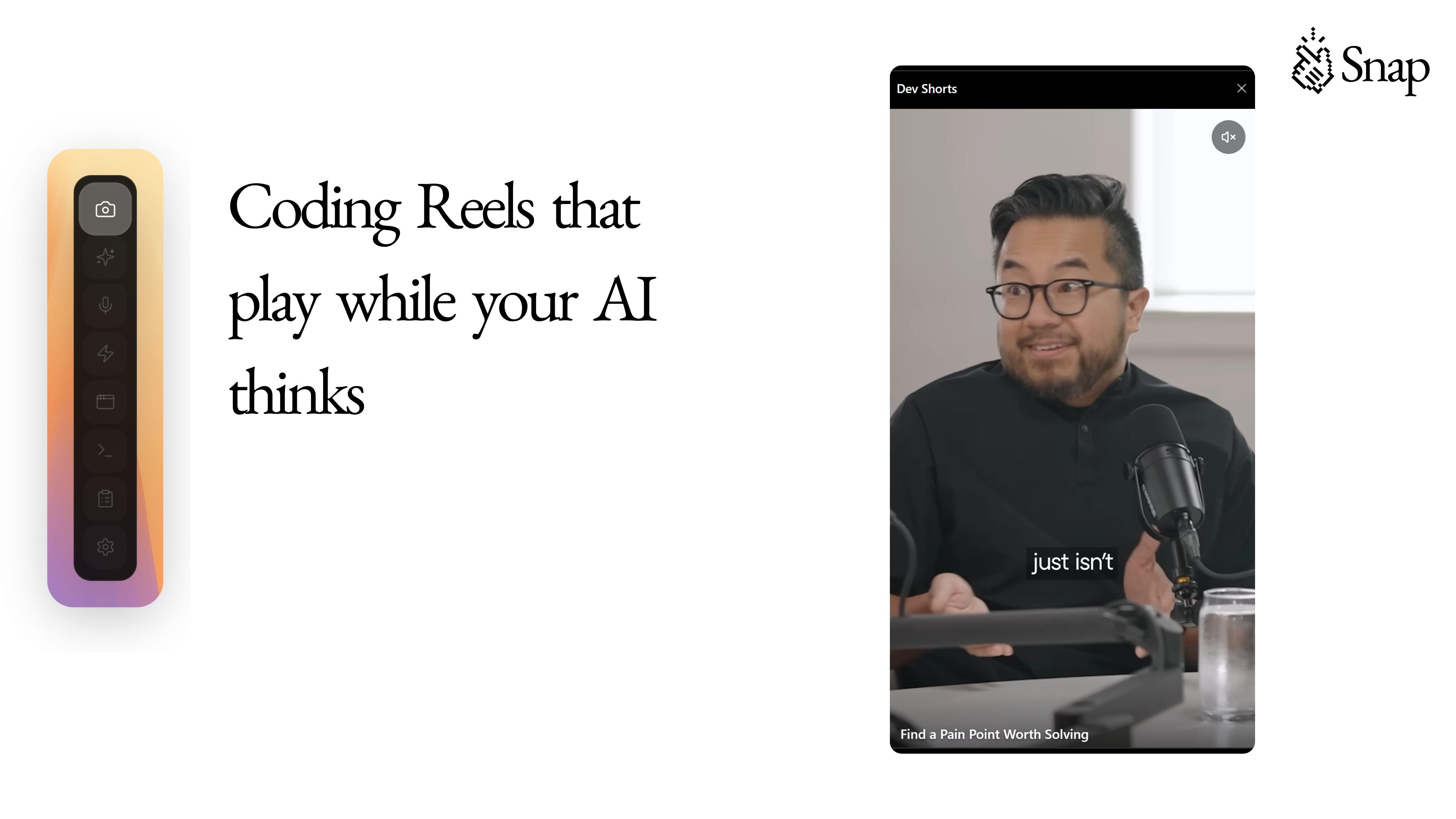
Snap is an innovative floating dock designed specifically for developers working with Cursor and Claude Code, offering a centralized hub to boost productivity and streamline workflows. It provides quick access to a suite of powerful features including watching productivity reels, taking screenshots, speech-to-text conversion, prompt generation and optimization, copying console errors, visual editing, web preview, and custom action buttons. By integrating these tools into a floating overlay, Snap allows developers to multitask seamlessly without disrupting their coding environment. Its user-friendly interface and customizable options make it a unique asset for developers seeking to enhance efficiency and creativity in their daily tasks. Whether debugging, designing, or brainstorming, Snap enhances the development process with versatile, on-demand tools in one accessible place.
Screenshots
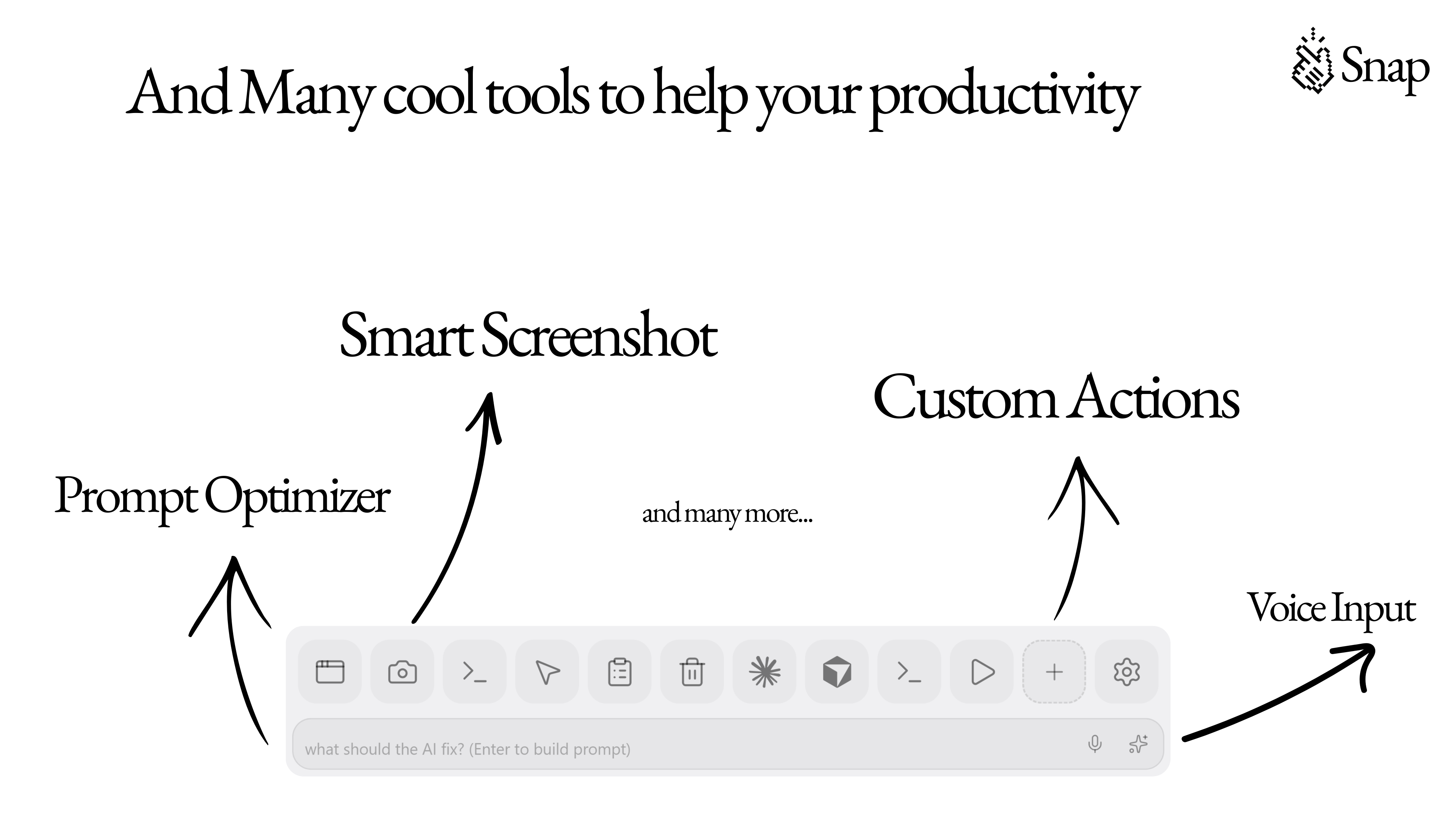
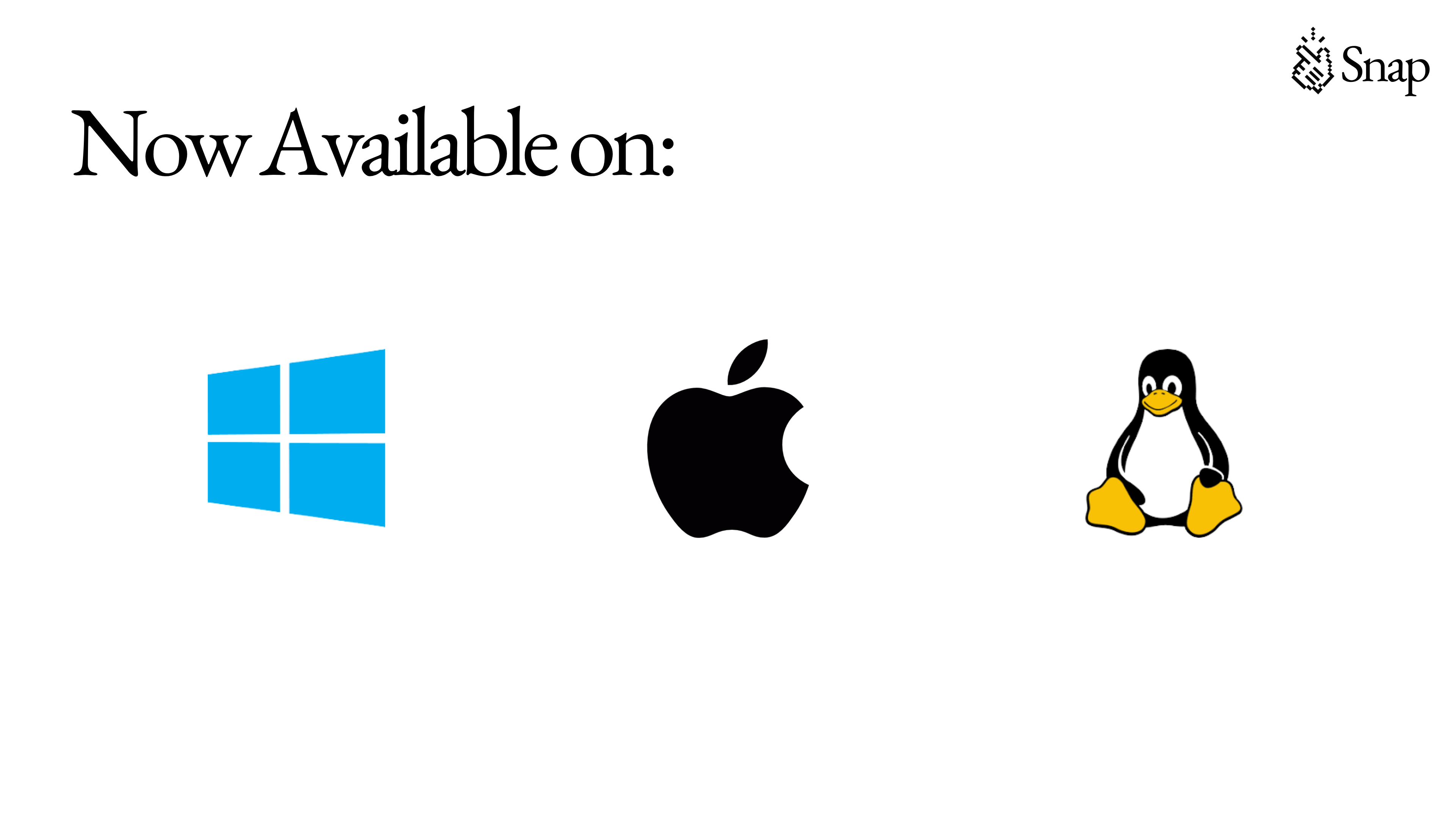
+1 more screenshots
Pros
- ✓Centralized floating dock enhances multitasking and workflow efficiency
- ✓Wide range of features including screenshots, speech-to-text, and prompt optimization
- ✓Customizable action buttons for tailored user experience
- ✓Integrates smoothly with Cursor and Claude Code environments
- ✓Helps save time by reducing context switching
Cons
- ✗Limited information on pricing and free tier options
- ✗Potential learning curve for new users unfamiliar with all features
- ✗Primarily designed for specific AI coding environments, which may limit versatility
Use Cases
Pricing
Likely follows a freemium model with a free tier offering basic features and paid plans starting around $10-20/month for advanced functionalities, though exact details are not specified.
Quick Info
Topics
Similar Tools in Developer Tools




Embed Badge
Add this badge to your website to show that Snap is featured on Visalytica.
<a href="https://www.visalytica.com/tool/snap" target="_blank" rel="noopener noreferrer" style="display:inline-flex;align-items:center;gap:6px;padding:6px 14px;background:#7c3aed;color:#fff;border-radius:8px;font-family:-apple-system,system-ui,sans-serif;font-size:13px;font-weight:600;text-decoration:none;transition:background .2s" onmouseover="this.style.background='#6d28d9'" onmouseout="this.style.background='#7c3aed'"><svg width="14" height="14" viewBox="0 0 24 24" fill="none" stroke="currentColor" stroke-width="2.5" stroke-linecap="round" stroke-linejoin="round"><path d="M12 20V10"/><path d="M18 20V4"/><path d="M6 20v-4"/></svg>Featured on Visalytica</a>