
Smooth Recorder
Mac screen recordings that look edited when you hit stop
About Smooth Recorder
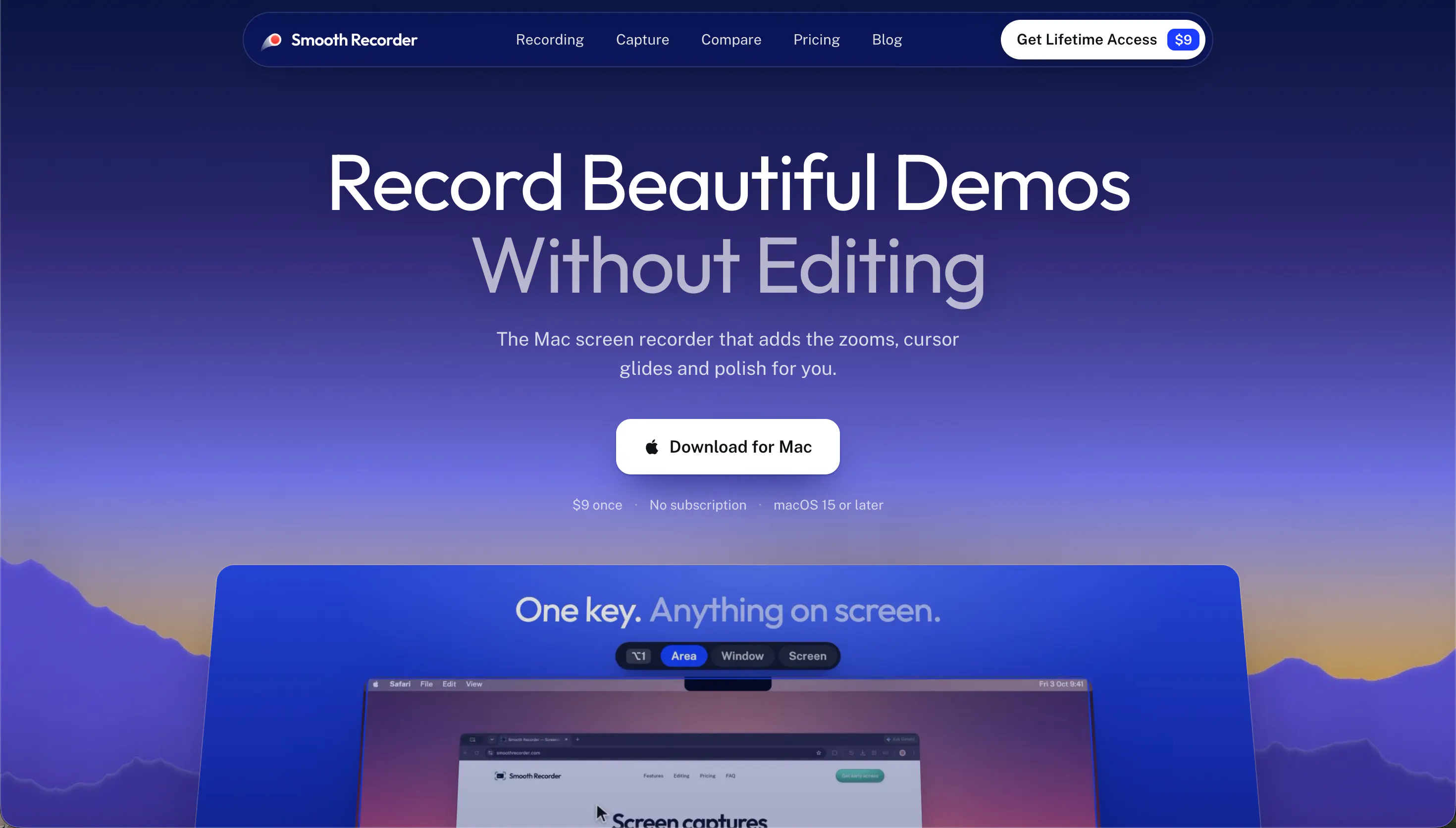
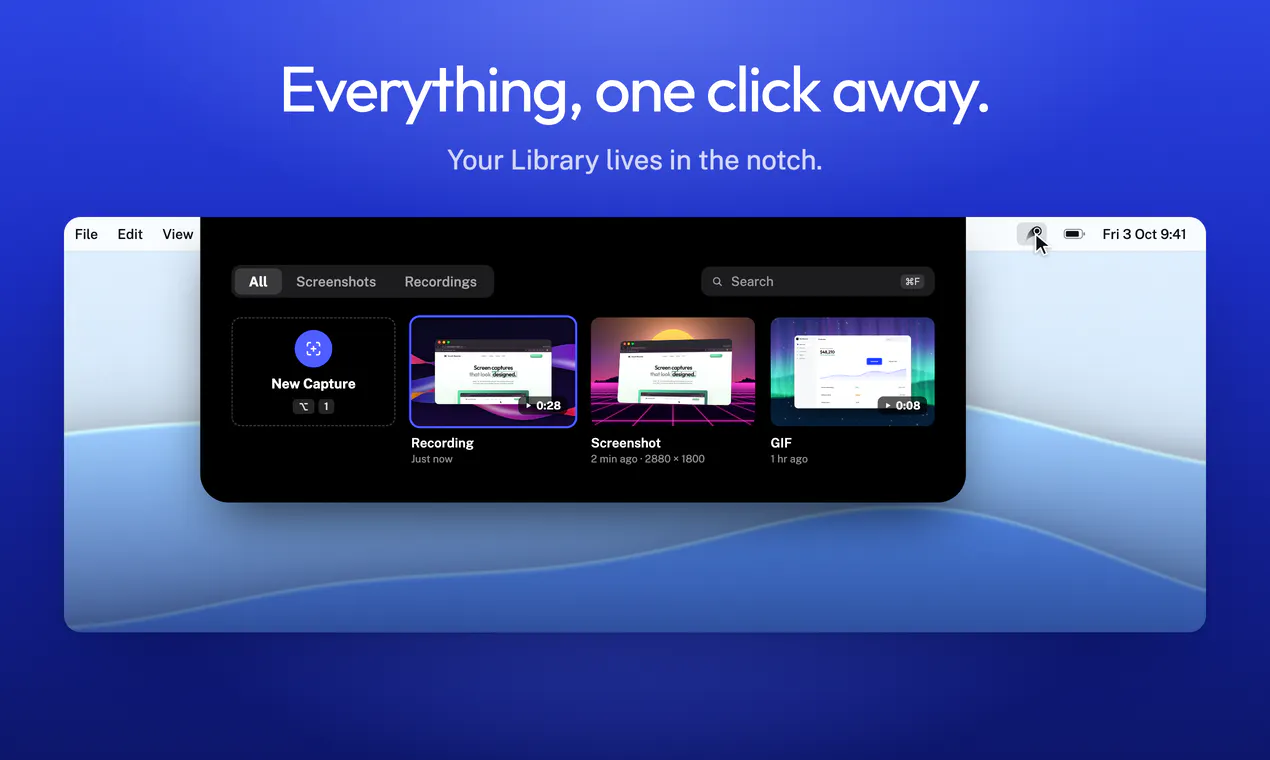
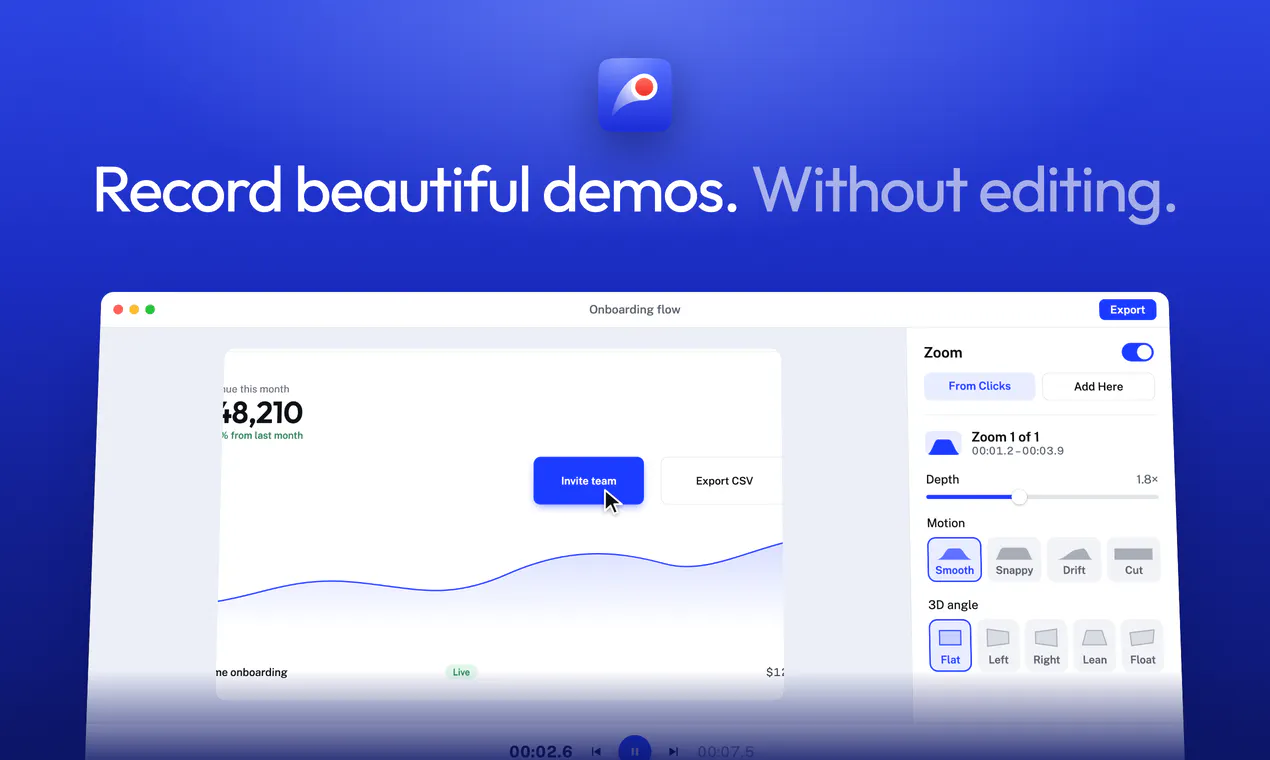
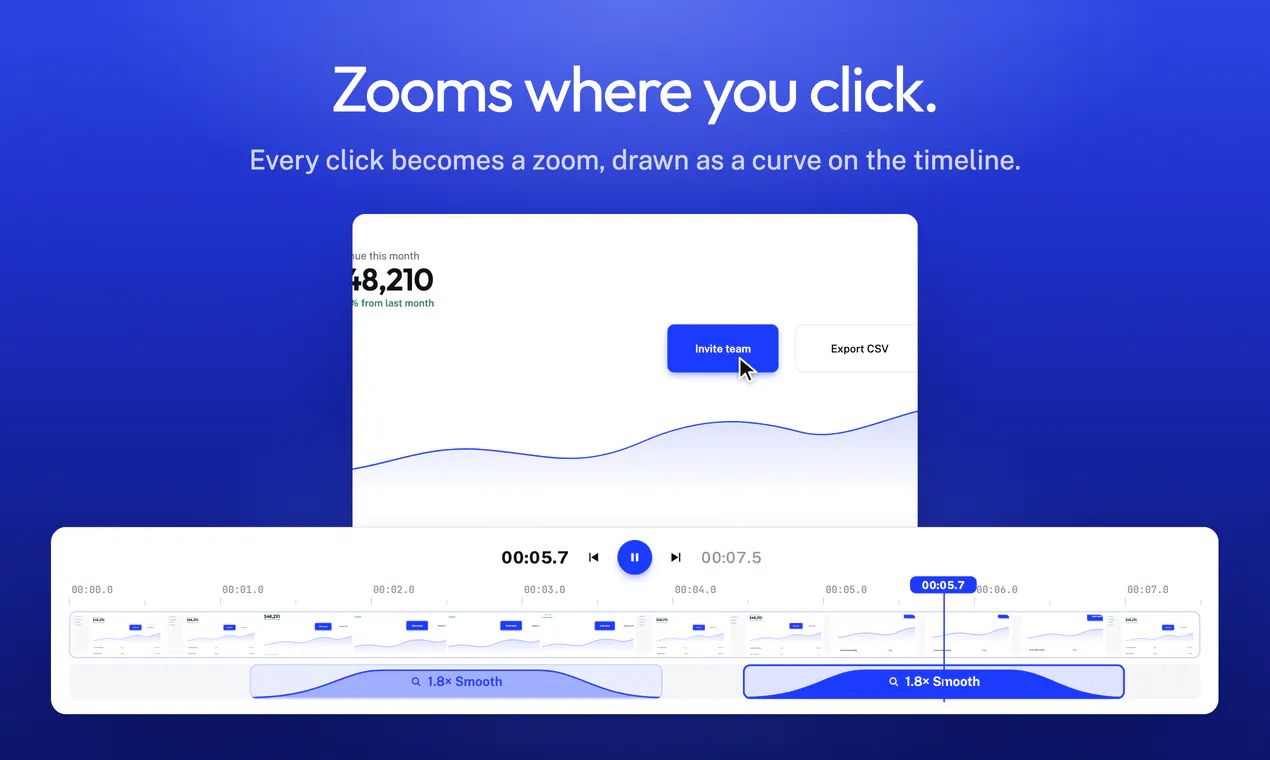
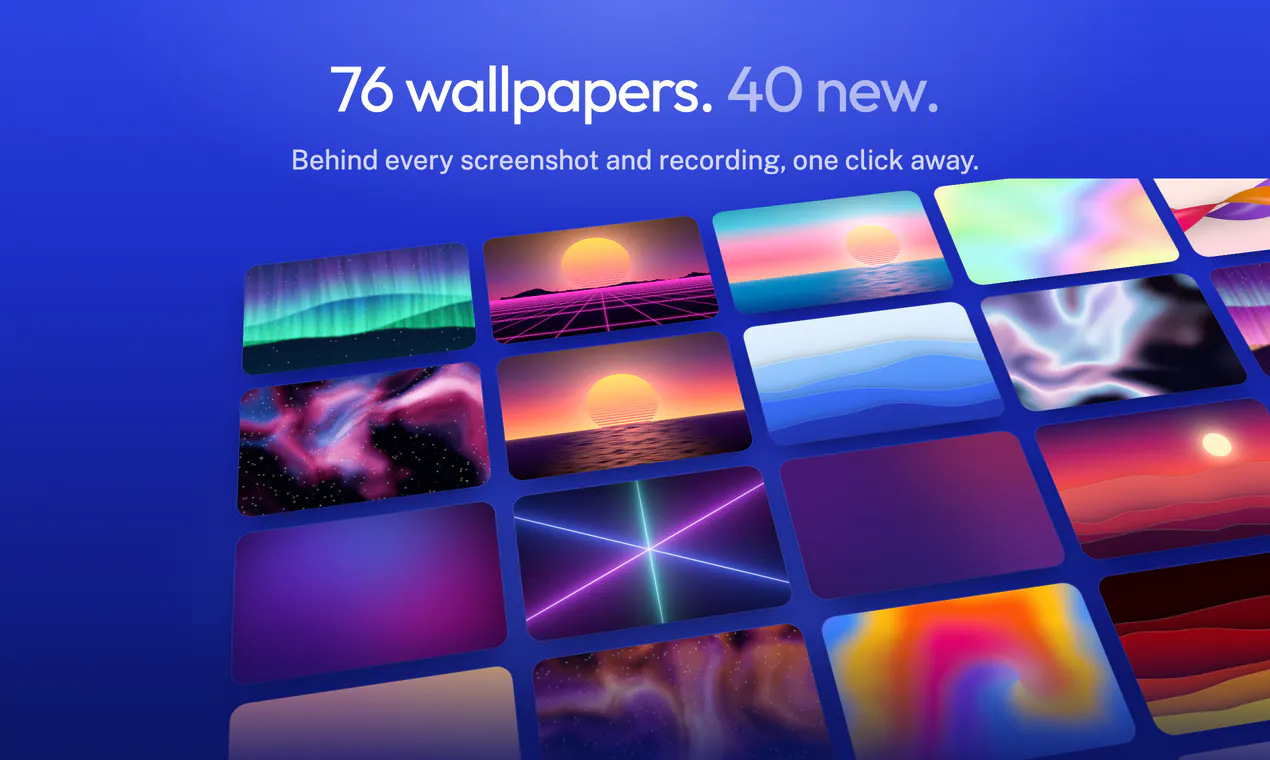
Smooth Recorder is a native Mac application designed to elevate the quality of screen recordings, making them look professionally edited with minimal effort. Ideal for creators producing demos, tutorials, or walkthroughs, it offers features like zooming in on clicks, smoothing cursor movements, adding captions, and overlaying recordings on attractive backgrounds. Its ability to enhance both screen captures and screenshots makes it versatile for various content creation needs. What sets Smooth Recorder apart is its focus on delivering polished, engaging videos that appear meticulously edited, even if recorded live. This simplifies the post-production process, saving creators time while ensuring their content looks visually appealing and professional.
Screenshots
Pros
- ✓Transforms raw recordings into polished videos with minimal effort
- ✓Includes useful features like cursor smoothing, zooming, and captions
- ✓Supports both screen recordings and screenshots
- ✓Creates visually engaging content with background overlays
- ✓Native Mac app optimized for performance and usability
Cons
- ✗Limited information on pricing and subscription plans
- ✗User base and community support details are not provided
- ✗Potential learning curve for new users unfamiliar with advanced editing features
Use Cases
Pricing
Pricing not verified
Quick Info
Topics
Makers

Mohd Anas
@mdanassaifAlternatives
Similar Tools in AI Image & Design




Embed Badge
Add this badge to your website to show that Smooth Recorder is featured on Visalytica.
<a href="https://www.visalytica.com/tool/smooth-recorder" target="_blank" rel="noopener noreferrer" style="display:inline-flex;align-items:center;gap:6px;padding:6px 14px;background:#7c3aed;color:#fff;border-radius:8px;font-family:-apple-system,system-ui,sans-serif;font-size:13px;font-weight:600;text-decoration:none;transition:background .2s" onmouseover="this.style.background='#6d28d9'" onmouseout="this.style.background='#7c3aed'"><svg width="14" height="14" viewBox="0 0 24 24" fill="none" stroke="currentColor" stroke-width="2.5" stroke-linecap="round" stroke-linejoin="round"><path d="M12 20V10"/><path d="M18 20V4"/><path d="M6 20v-4"/></svg>Featured on Visalytica</a>