
Smmall Cloud for iOS
Simple file sharing on your iPad or iPhone
About Smmall Cloud for iOS
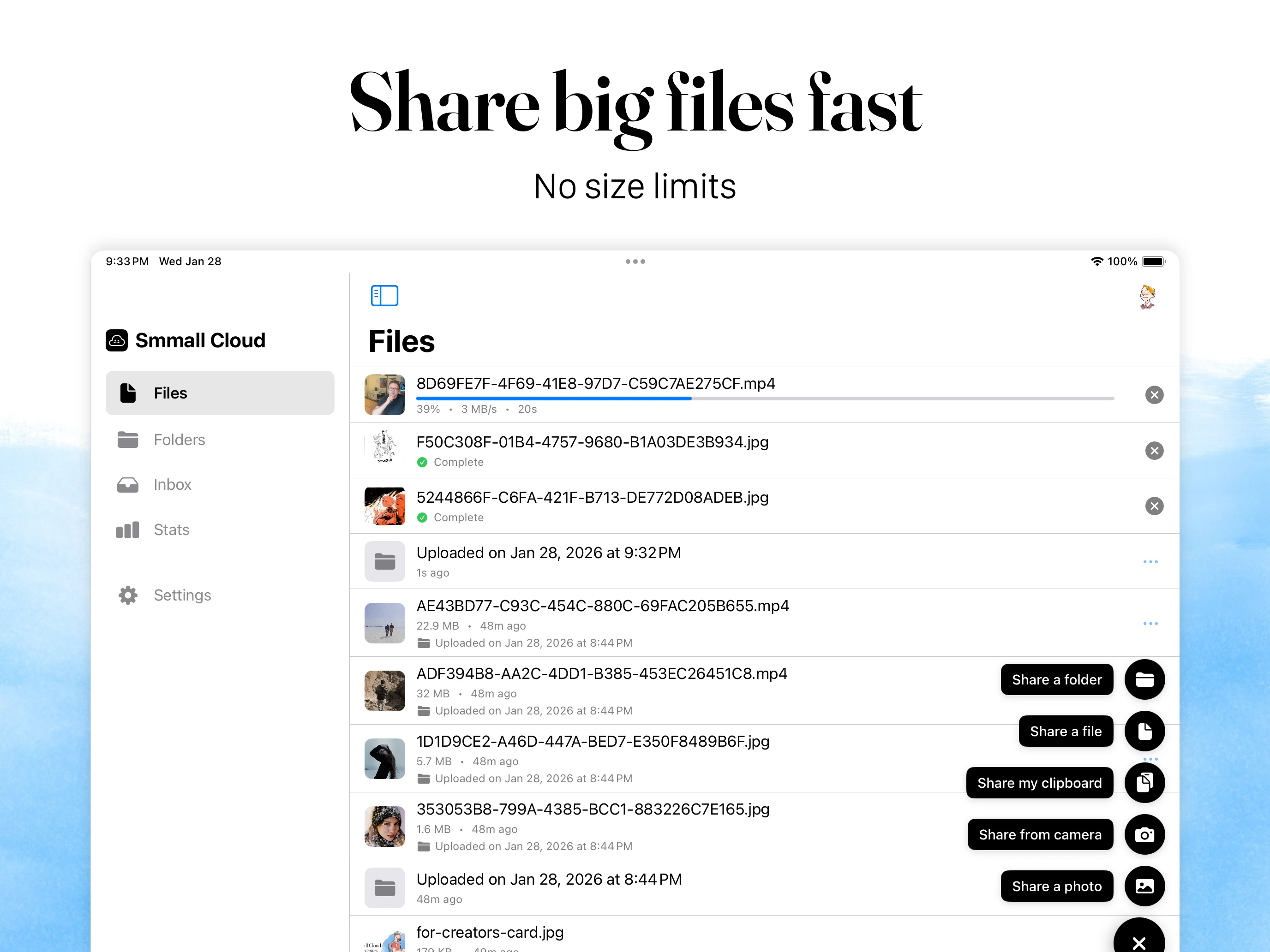
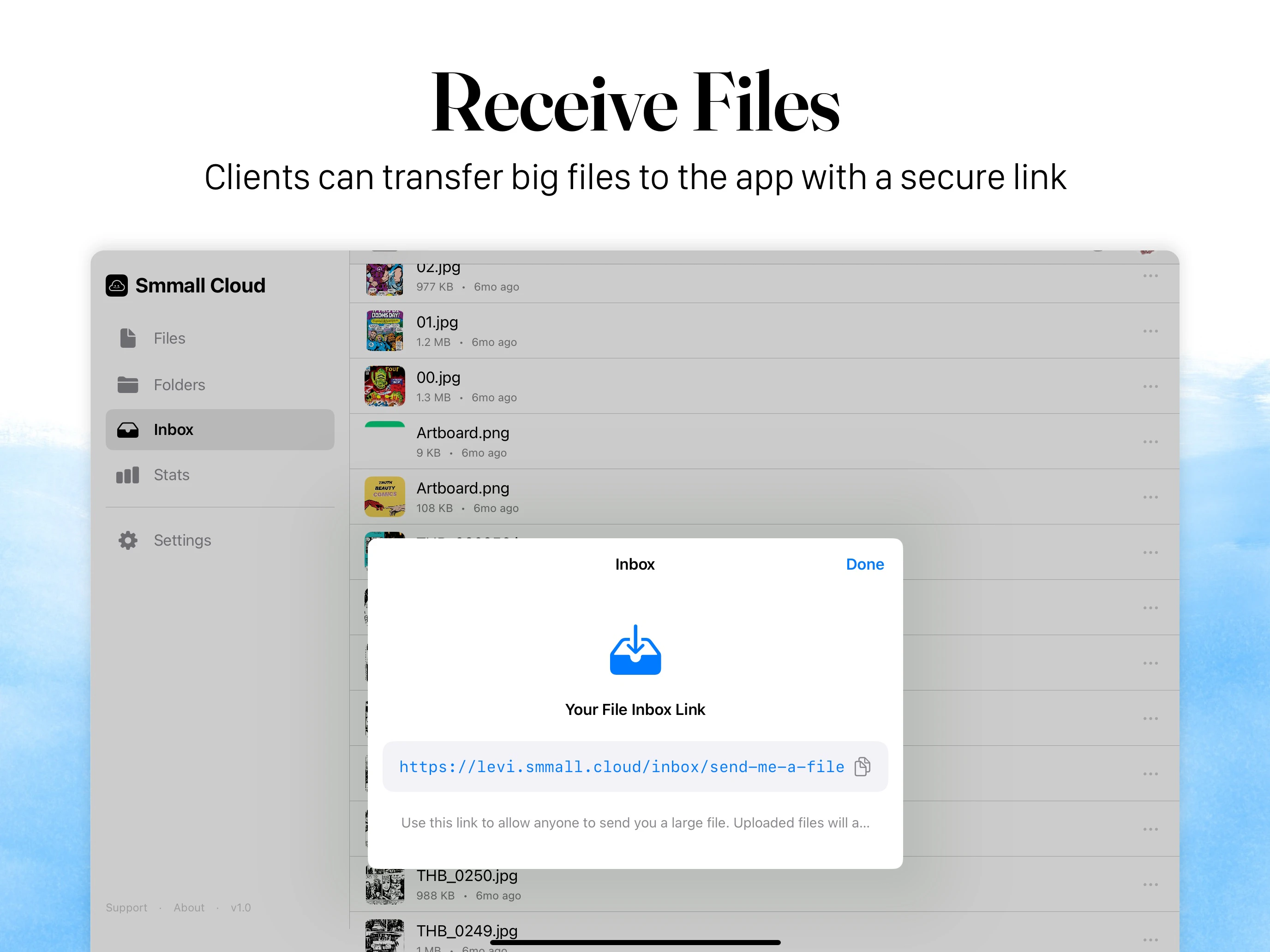
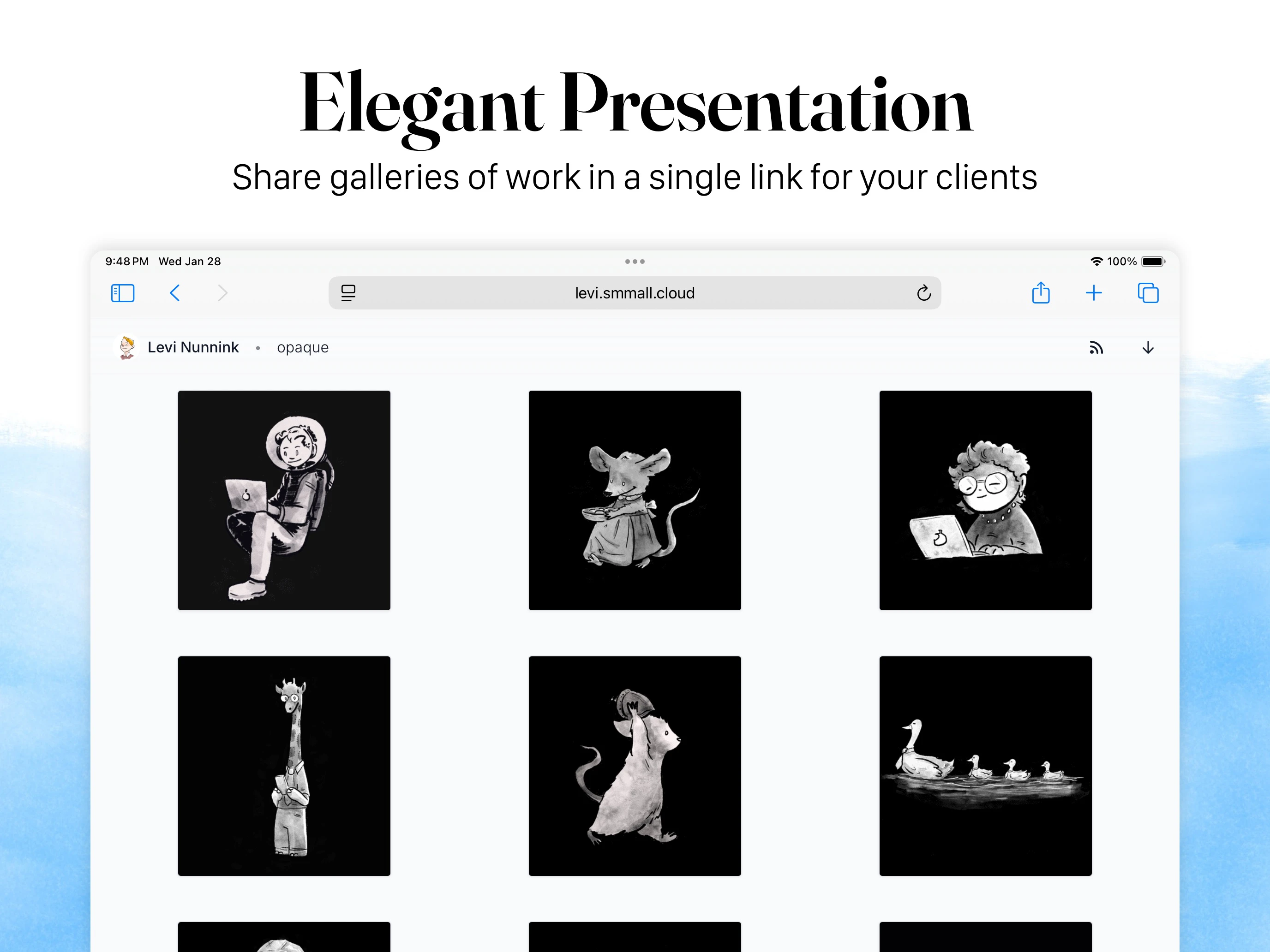
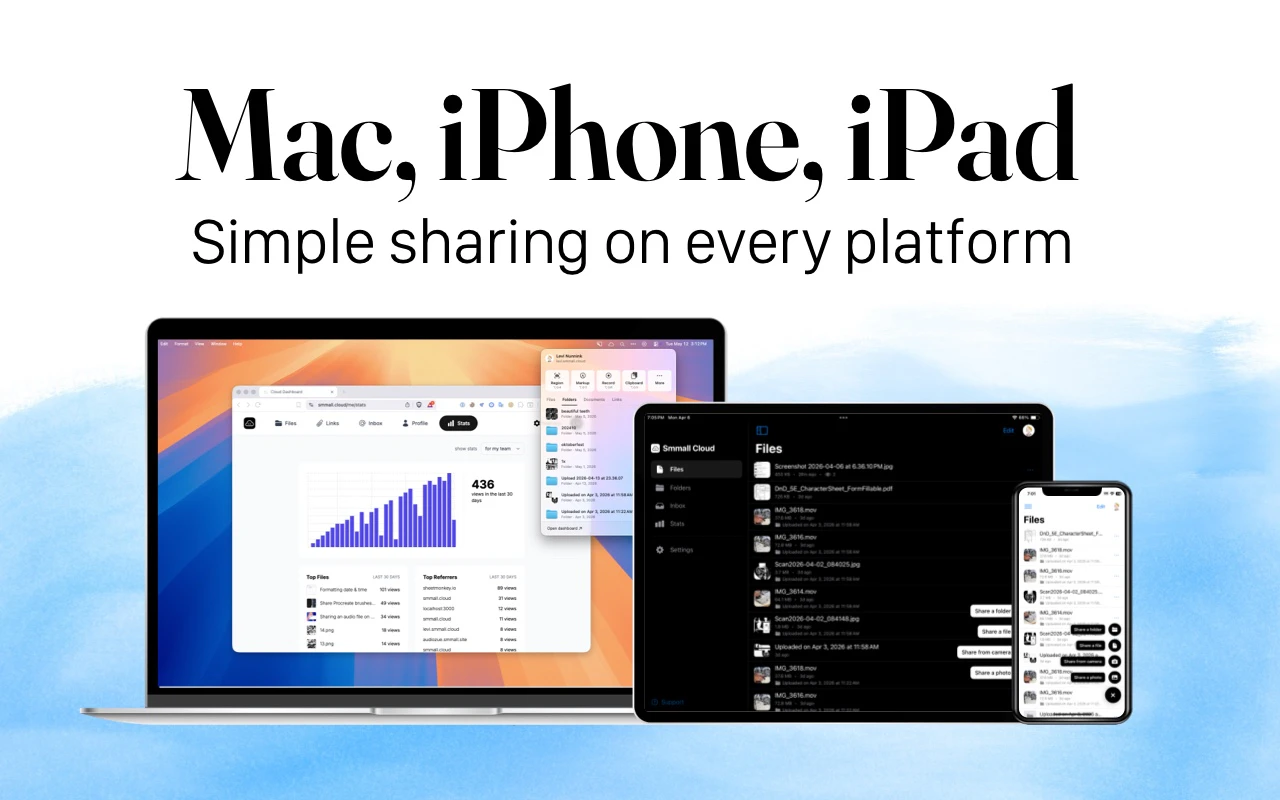
Smmall Cloud for iOS is a streamlined file sharing application designed specifically for iPhone and iPad users. It offers a simple yet powerful way to upload and distribute various file types such as photos, videos, and documents, all from a mobile device. Users can generate clean links, QR codes, or custom short URLs to share files effortlessly, making it ideal for quick sharing needs on the go. Its focus on minimalism and customization allows users to brand their shares, organize files into ordered folders, and collect uploads via a dedicated File Inbox. Unlike complex enterprise solutions, Smmall Cloud emphasizes straightforward, clutter-free sharing without unnecessary features or costs, making it perfect for individuals, small teams, or small businesses seeking an easy-to-use sharing tool with branding options.
Screenshots

Pros
- ✓Intuitive and easy-to-use interface tailored for iOS devices
- ✓Customizable sharing options including links, QR codes, and branded short URLs
- ✓Organized file management with folder hierarchy
- ✓Branding features to personalize share links and pages
- ✓Secure file collection via File Inbox
Cons
- ✗Limited to iOS devices, not available on Android or desktop
- ✗Potentially fewer advanced collaboration features compared to larger enterprise tools
- ✗Unclear pricing model, possibly limited free functionality
Use Cases
Pricing
Likely operates on a freemium model with basic features available for free and premium options offering additional branding, storage, or customization. Exact pricing details are uncertain but typically such tools charge modest monthly fees for enhanced features.
Quick Info
Topics
Makers

Levi Nunnink
@LeviNunninkAlternatives
Similar Tools in AI Image & Design




Embed Badge
Add this badge to your website to show that Smmall Cloud for iOS is featured on Visalytica.
<a href="https://www.visalytica.com/tool/smmall-cloud-for-ios" target="_blank" rel="noopener noreferrer" style="display:inline-flex;align-items:center;gap:6px;padding:6px 14px;background:#7c3aed;color:#fff;border-radius:8px;font-family:-apple-system,system-ui,sans-serif;font-size:13px;font-weight:600;text-decoration:none;transition:background .2s" onmouseover="this.style.background='#6d28d9'" onmouseout="this.style.background='#7c3aed'"><svg width="14" height="14" viewBox="0 0 24 24" fill="none" stroke="currentColor" stroke-width="2.5" stroke-linecap="round" stroke-linejoin="round"><path d="M12 20V10"/><path d="M18 20V4"/><path d="M6 20v-4"/></svg>Featured on Visalytica</a>