
SmartPause
The play/pause key, finally aimed at what's playing
About SmartPause
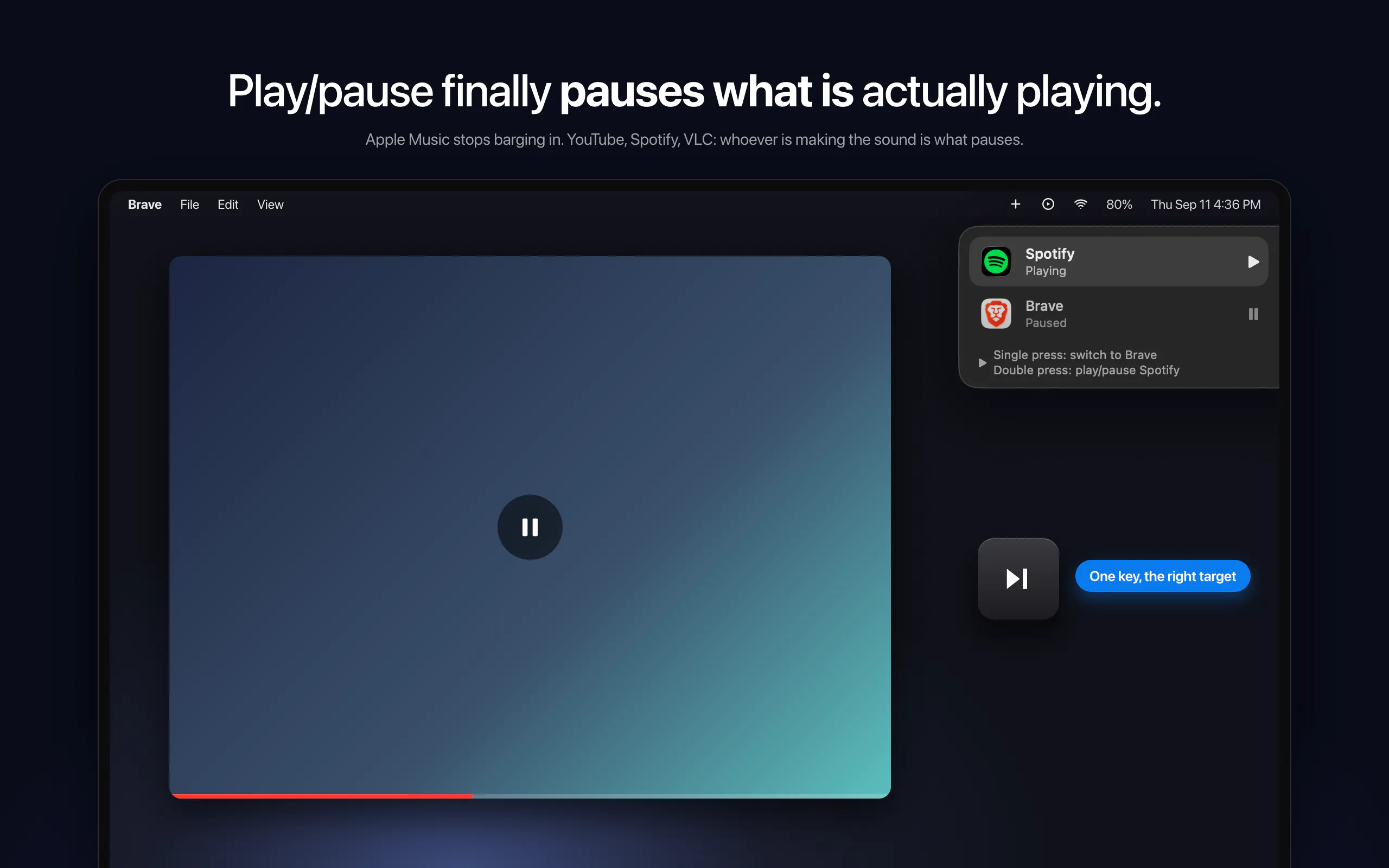
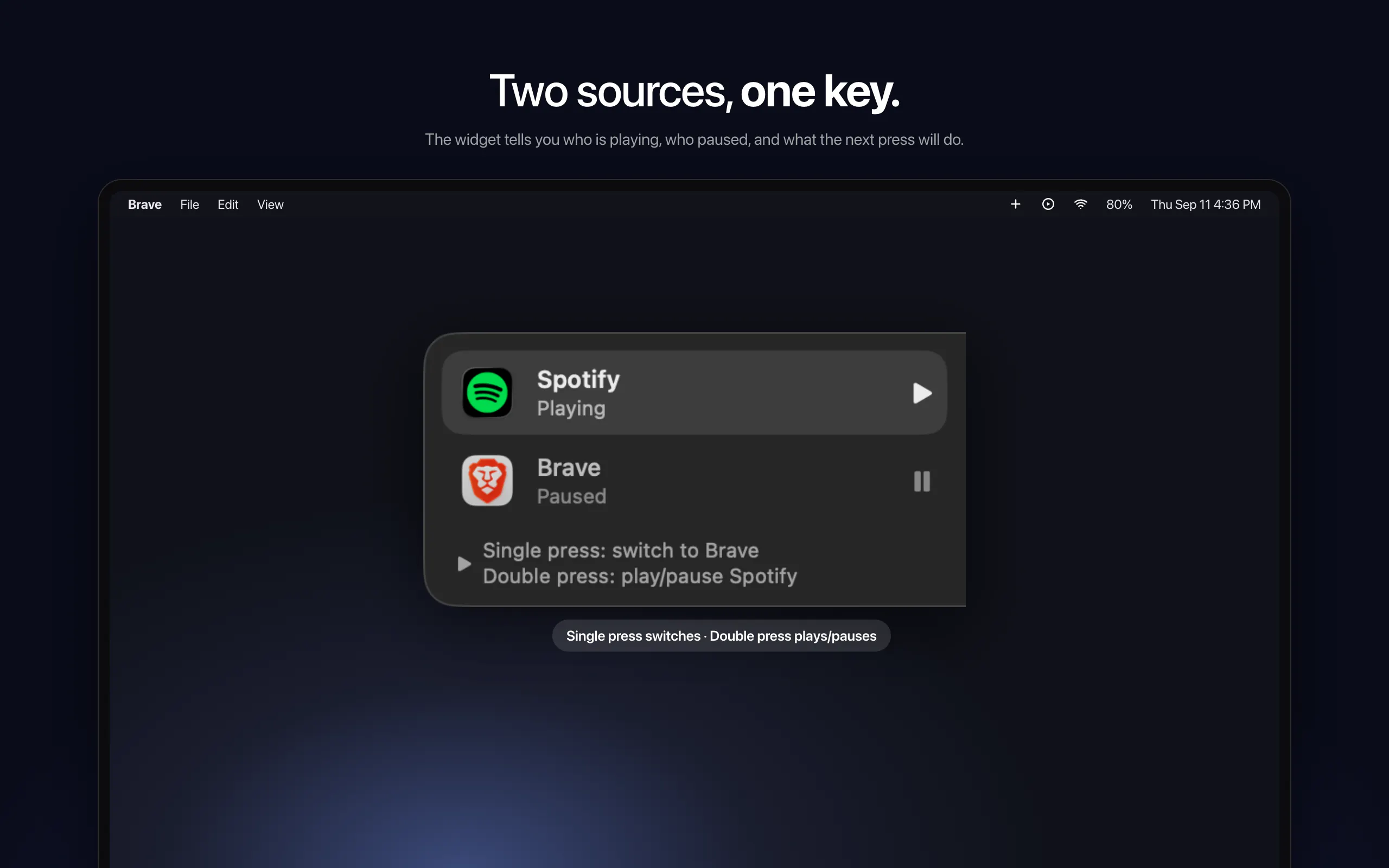
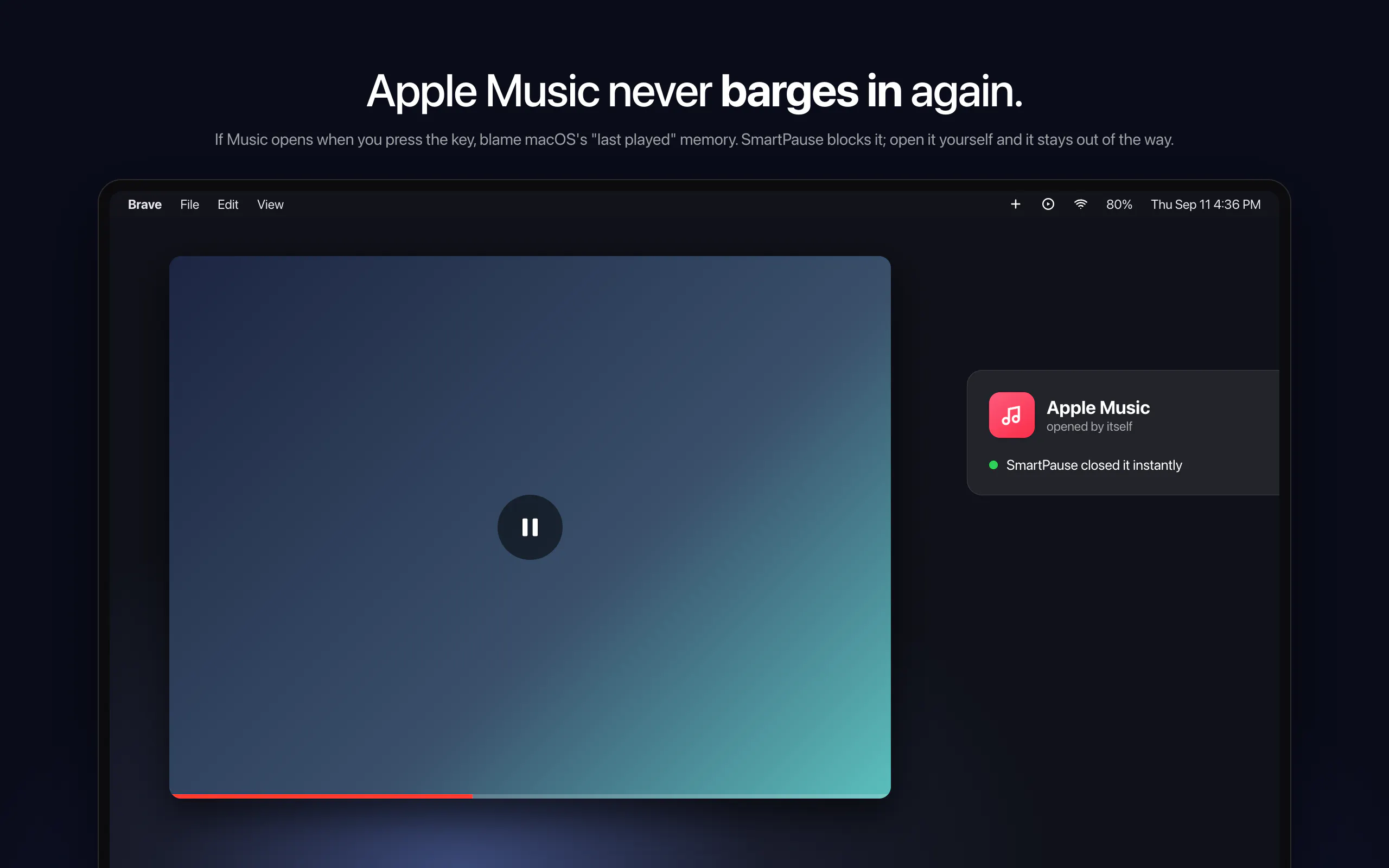

SmartPause is a innovative macOS utility designed to enhance media control by intelligently managing the system's media keys. Unlike the default behavior where media keys trigger the last active app, SmartPause detects which application is actually producing audio and pauses it accordingly. This ensures that a single press of the play/pause key pauses the media you're currently listening to, whether it’s YouTube in a browser or Apple Music. Its unique ability to switch between multiple audio sources with double presses makes media management more intuitive and seamless. As a free, open-source tool that lives in the menu bar, SmartPause offers a lightweight yet powerful solution for users who want precise control over their media playback, especially those juggling multiple audio sources on macOS.
Screenshots
Pros
- ✓Accurately detects and controls the app currently producing audio
- ✓Supports switching between multiple audio sources with ease
- ✓Open source and free to use
- ✓Lightweight, menu bar only design keeps the interface uncluttered
- ✓Enhances media control precision on macOS
Cons
- ✗Limited to macOS, not available for other platforms
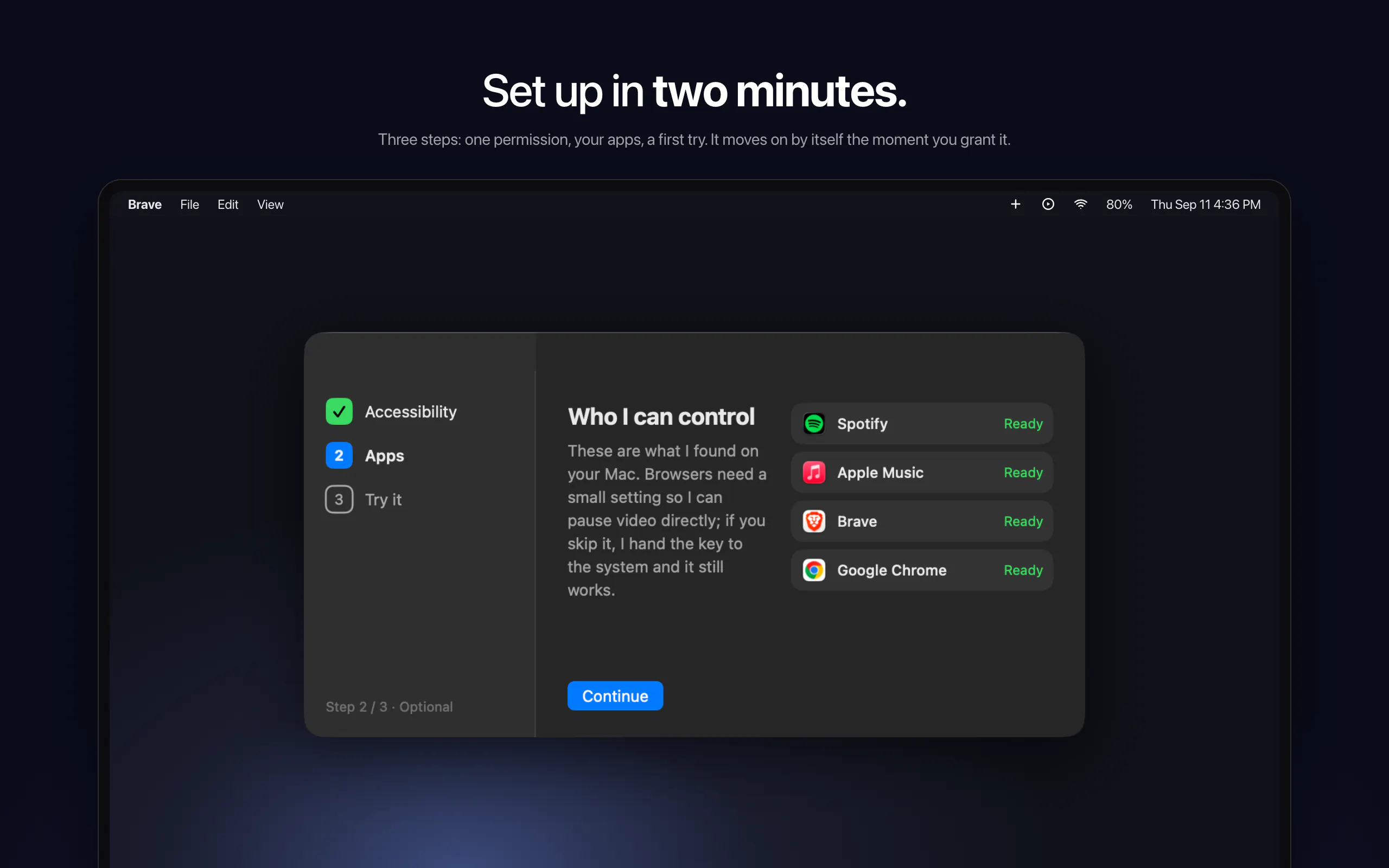
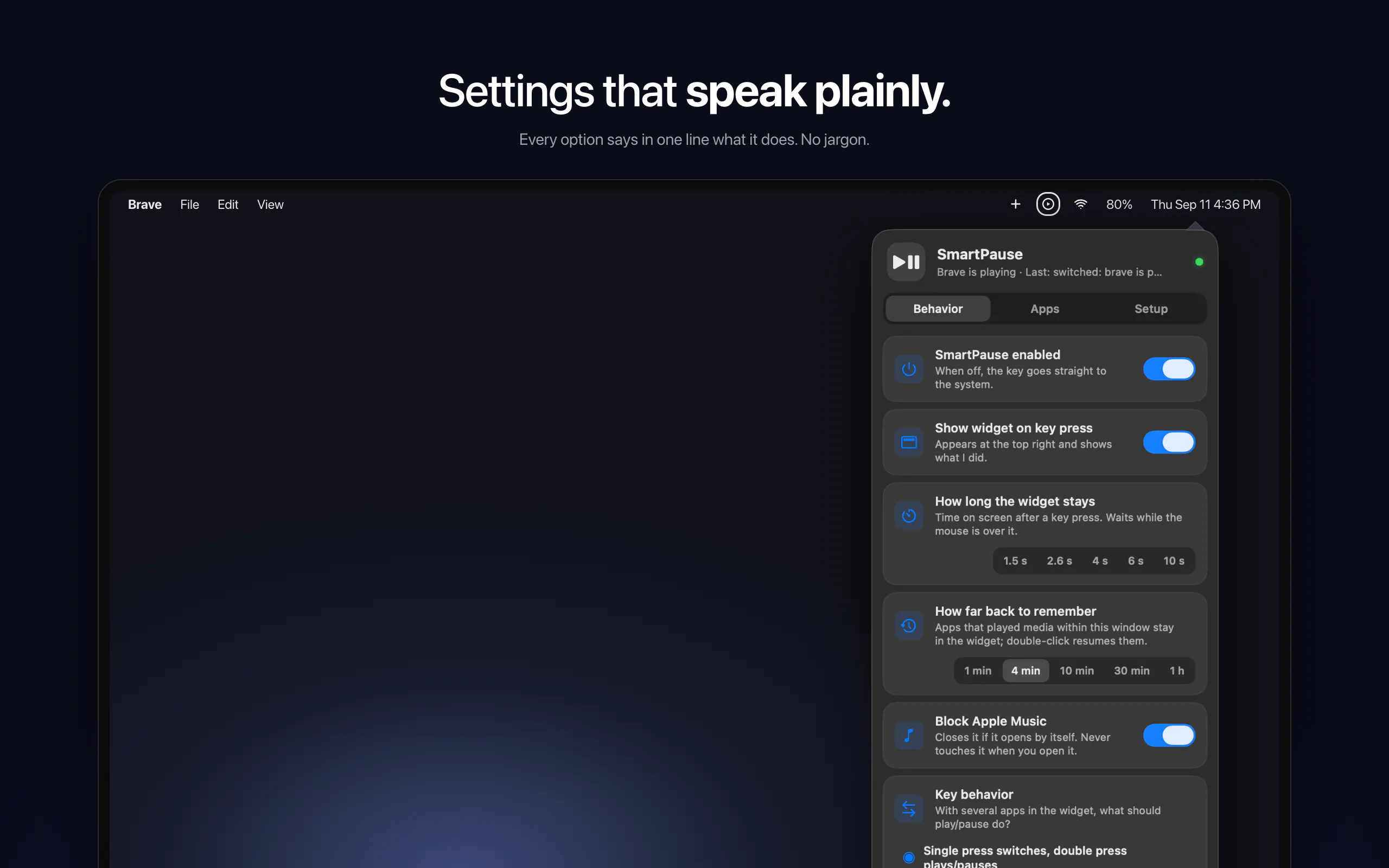
- ✗Requires user setup and permissions for audio detection
- ✗May have limited features compared to paid media control apps
Use Cases
Pricing
Pricing not verified
Quick Info
Topics
Makers

Yasin Özmen
Alternatives
Similar Tools in AI Assistants




Embed Badge
Add this badge to your website to show that SmartPause is featured on Visalytica.
<a href="https://www.visalytica.com/tool/smartpause" target="_blank" rel="noopener noreferrer" style="display:inline-flex;align-items:center;gap:6px;padding:6px 14px;background:#7c3aed;color:#fff;border-radius:8px;font-family:-apple-system,system-ui,sans-serif;font-size:13px;font-weight:600;text-decoration:none;transition:background .2s" onmouseover="this.style.background='#6d28d9'" onmouseout="this.style.background='#7c3aed'"><svg width="14" height="14" viewBox="0 0 24 24" fill="none" stroke="currentColor" stroke-width="2.5" stroke-linecap="round" stroke-linejoin="round"><path d="M12 20V10"/><path d="M18 20V4"/><path d="M6 20v-4"/></svg>Featured on Visalytica</a>